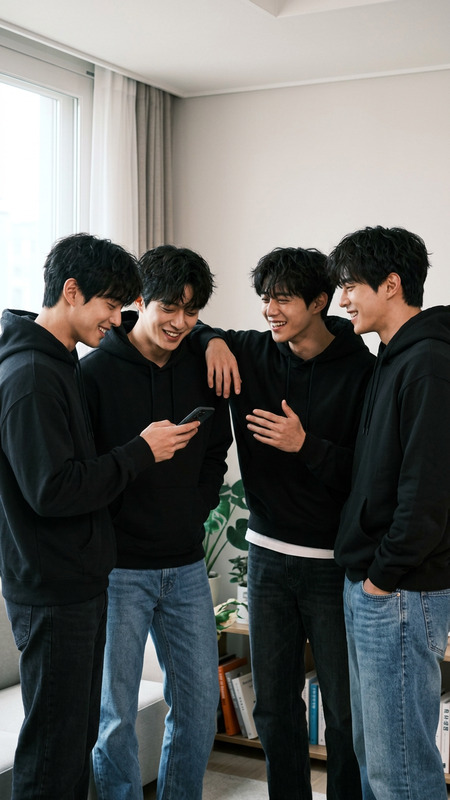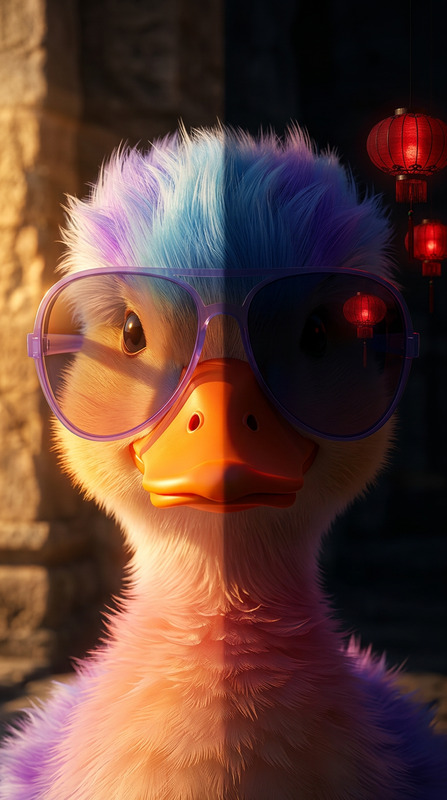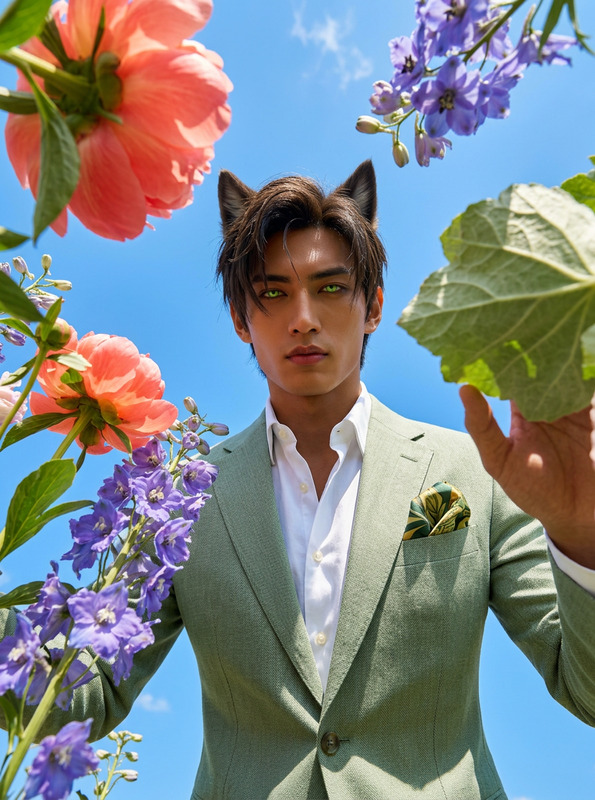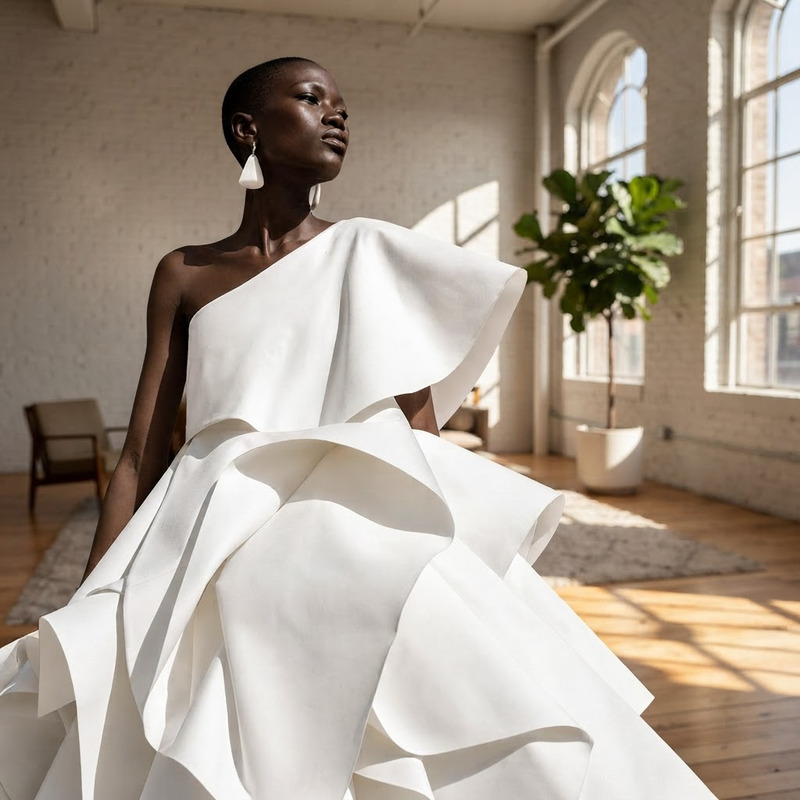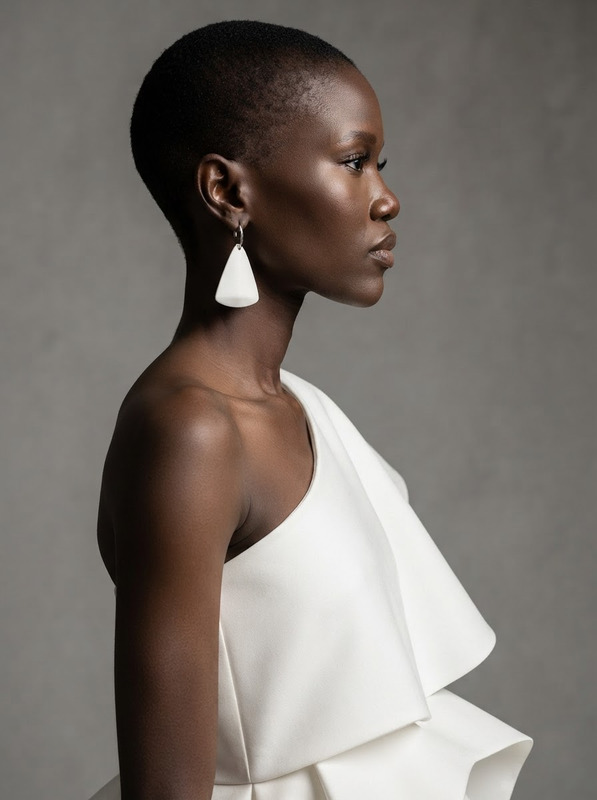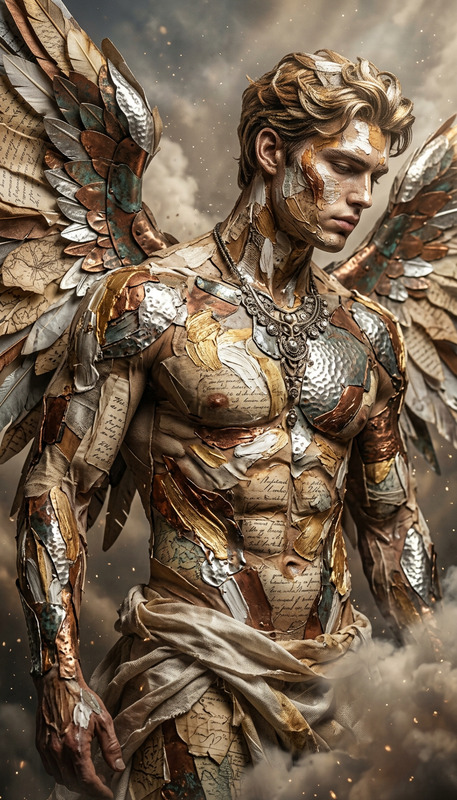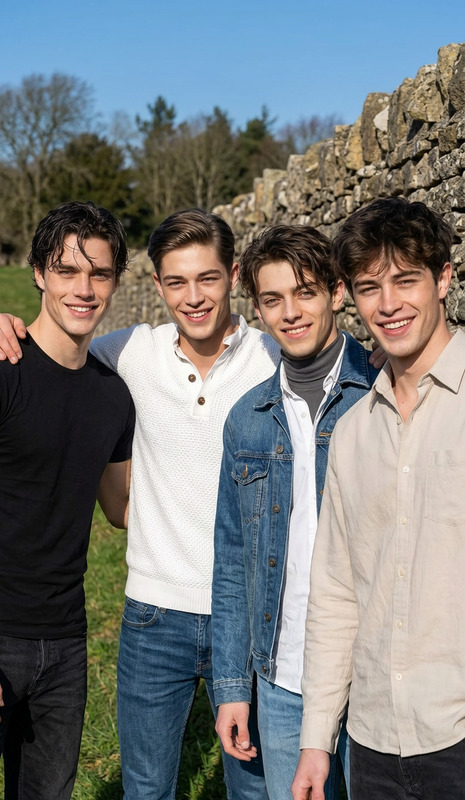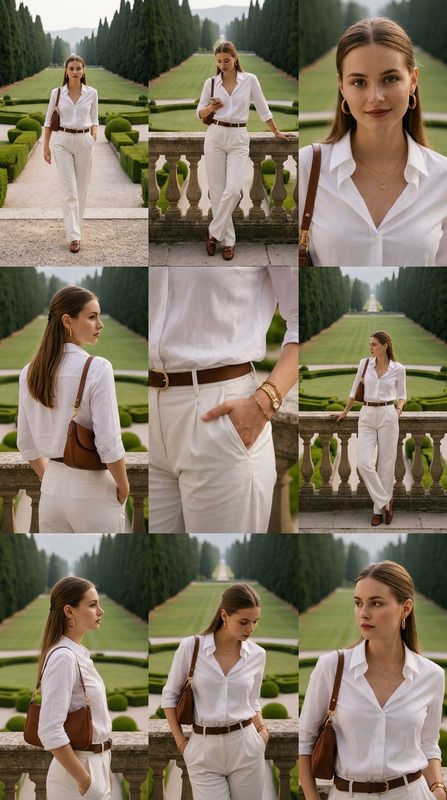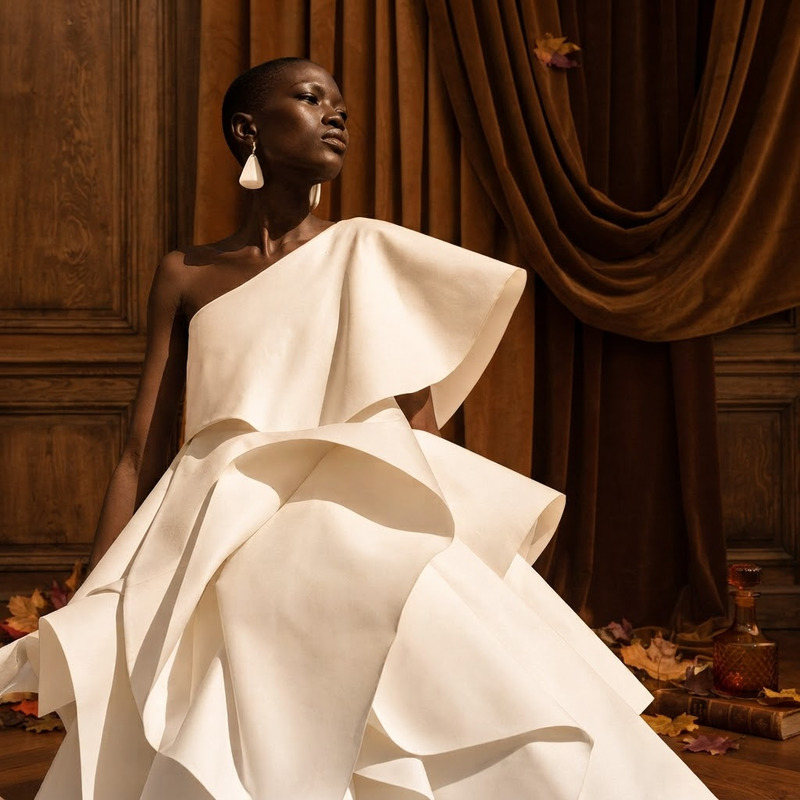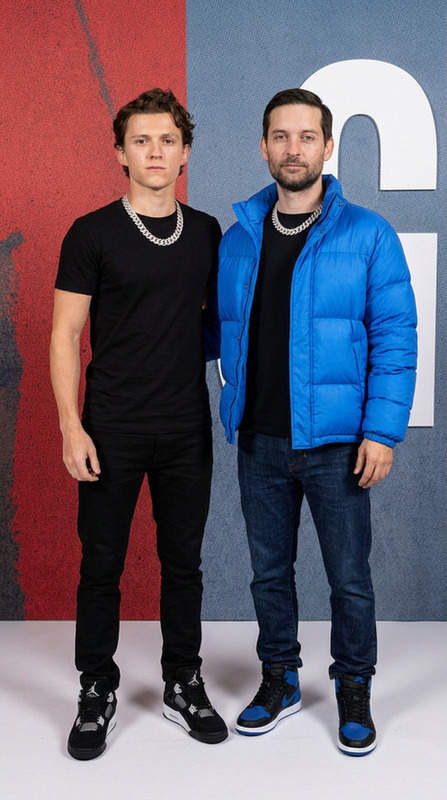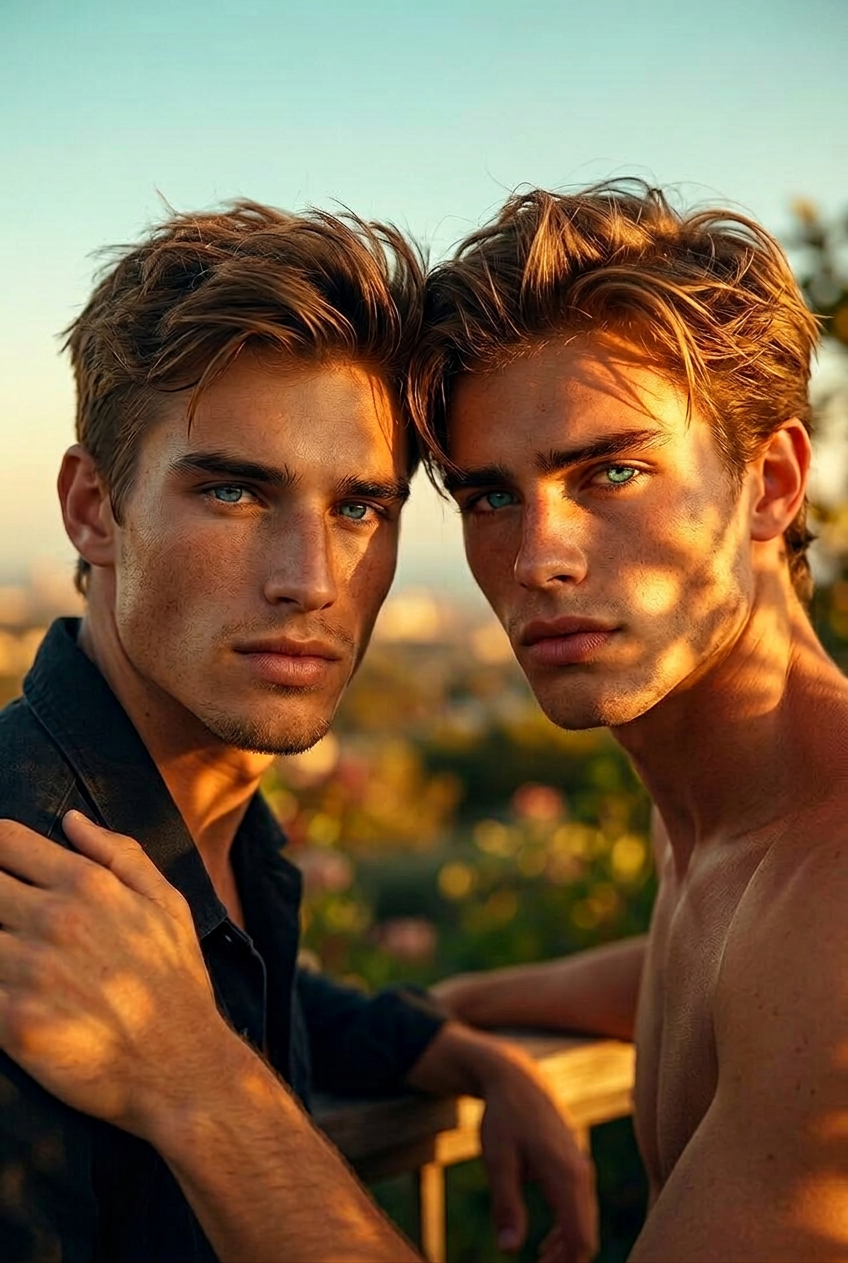
Seamless social blend
- Model
- Nano Banana 2
- Image
- 848 × 1263 px
Prompt
Blend these two photos into one natural social scene. Match shadows, background depth, and lighting so everyone looks like they belong.
Any aspect ratio
Overview
The Seamless Social Blend template in our AI Image Editor suite is tailored for those looking to merge multiple photos into cohesive images. Utilizing the nano-banana-2 model, this template ensures accurate blending of lighting, shadows, and background elements to create realistic social scenes from distinct images.
What It Does
This template excels at integrating two separate photos into a single, harmonious image. By matching shadows, aligning background perspectives, and balancing lighting, it delivers a unified result that looks native and authentic. The AI Photo Relighting tool, part of this package, supports fine-tuning to achieve even greater realism.
Who It's For
Perfect for content creators, marketers, and social media managers aiming to elevate their visual storytelling. Whether you're compiling images for a campaign or enhancing your personal brand's appeal, this template provides the tools needed for engaging social media ads and posts.
Summary
Seamlessly combine photos into one credible scene to captivate your audience. This template offers a straightforward approach to producing professional-quality imagery suitable for various ecommerce ads and personal portfolios.
How to Use
Choose Your Template

Customize Your Inputs

Generate Your Image

Use Cases
Social Media Posts
- Blend influencer images for collaborations
- Generate lifestyle images for product promotions
Marketing Campaigns
- Combine product images with lifestyle backgrounds
- Develop cohesive ad visuals
Personal Projects
- Create family portraits from separate photos
- Develop unique artistic projects
Best Practices
Select High-Quality Images
To ensure the best results, use high-resolution images that have good lighting and clear subjects.Align Perspectives Carefully
When adjusting elements within the template, ensure that the perspectives of both images align closely for a natural blend.Adjust Lighting and Shadows
Take advantage of the AI Photo Relighting capabilities to match lighting and shadows perfectly across images.