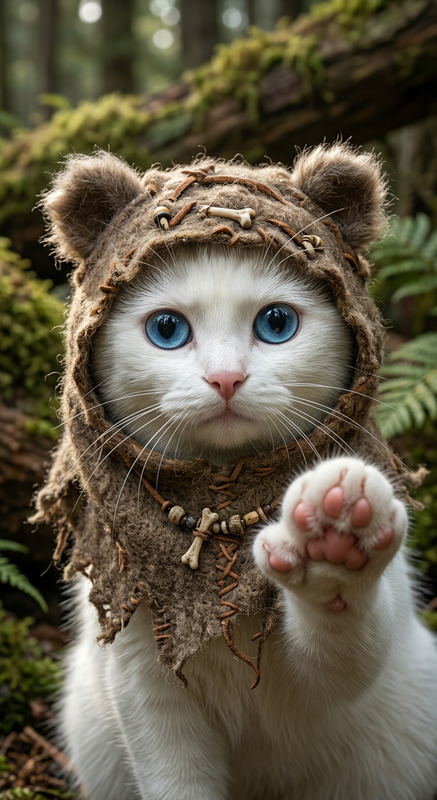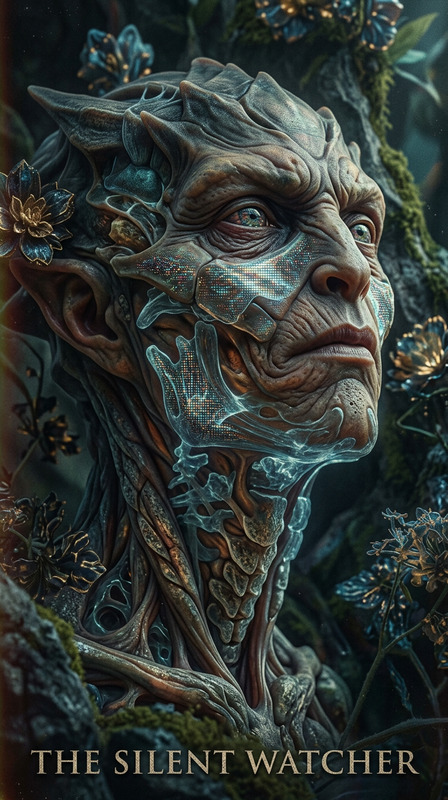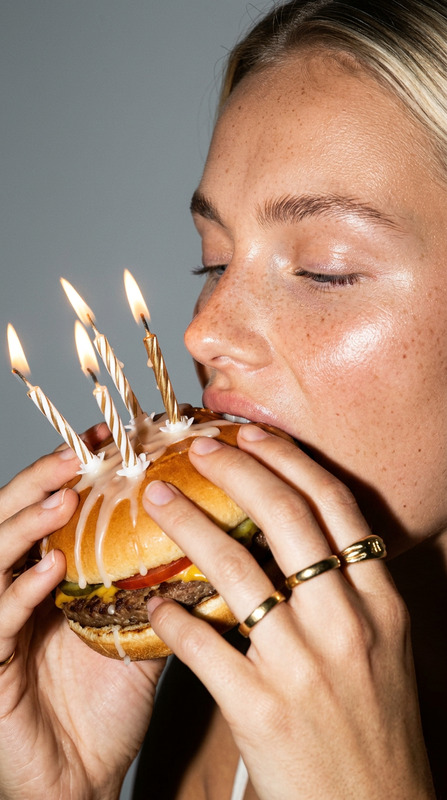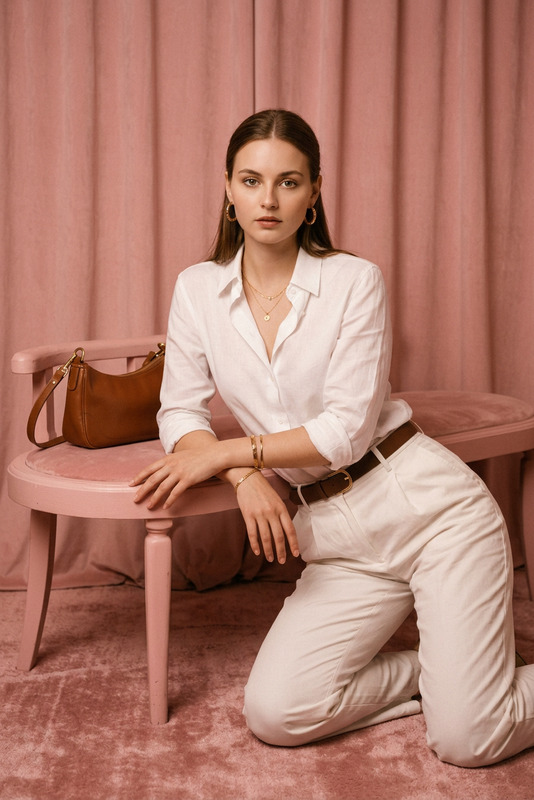
Ronald McDonald
- Model
- Nano Banana 2
- Image
- 843 × 1264 px
Prompt
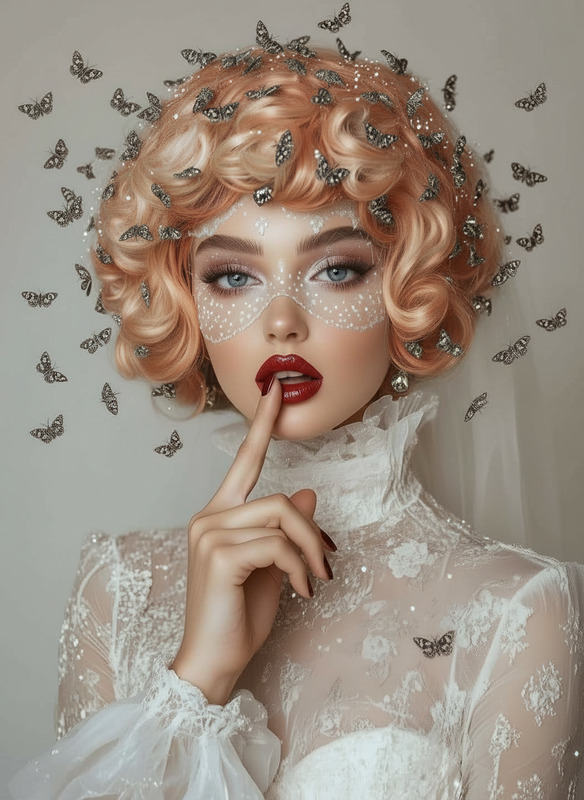
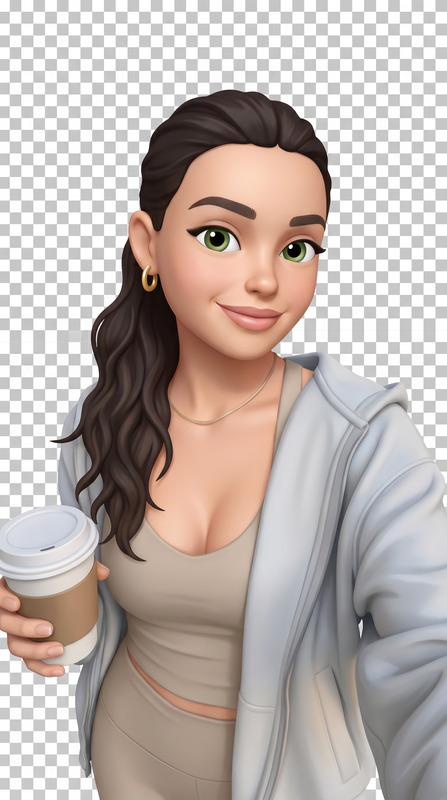
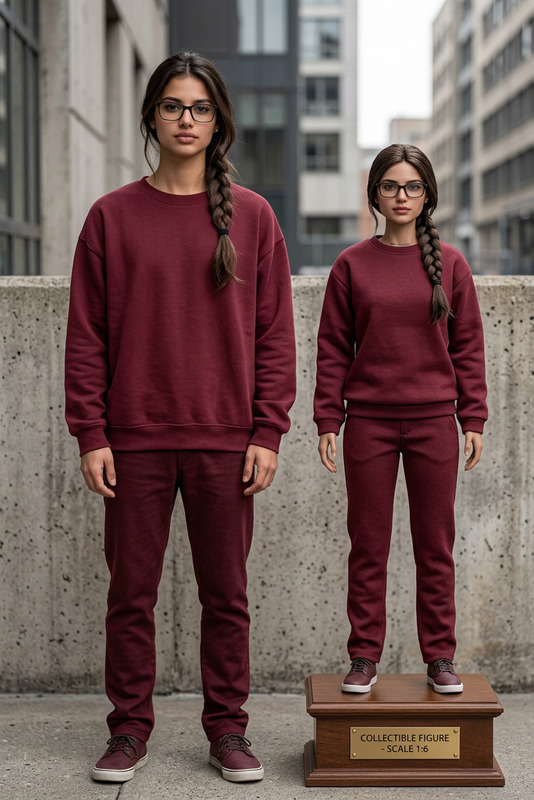
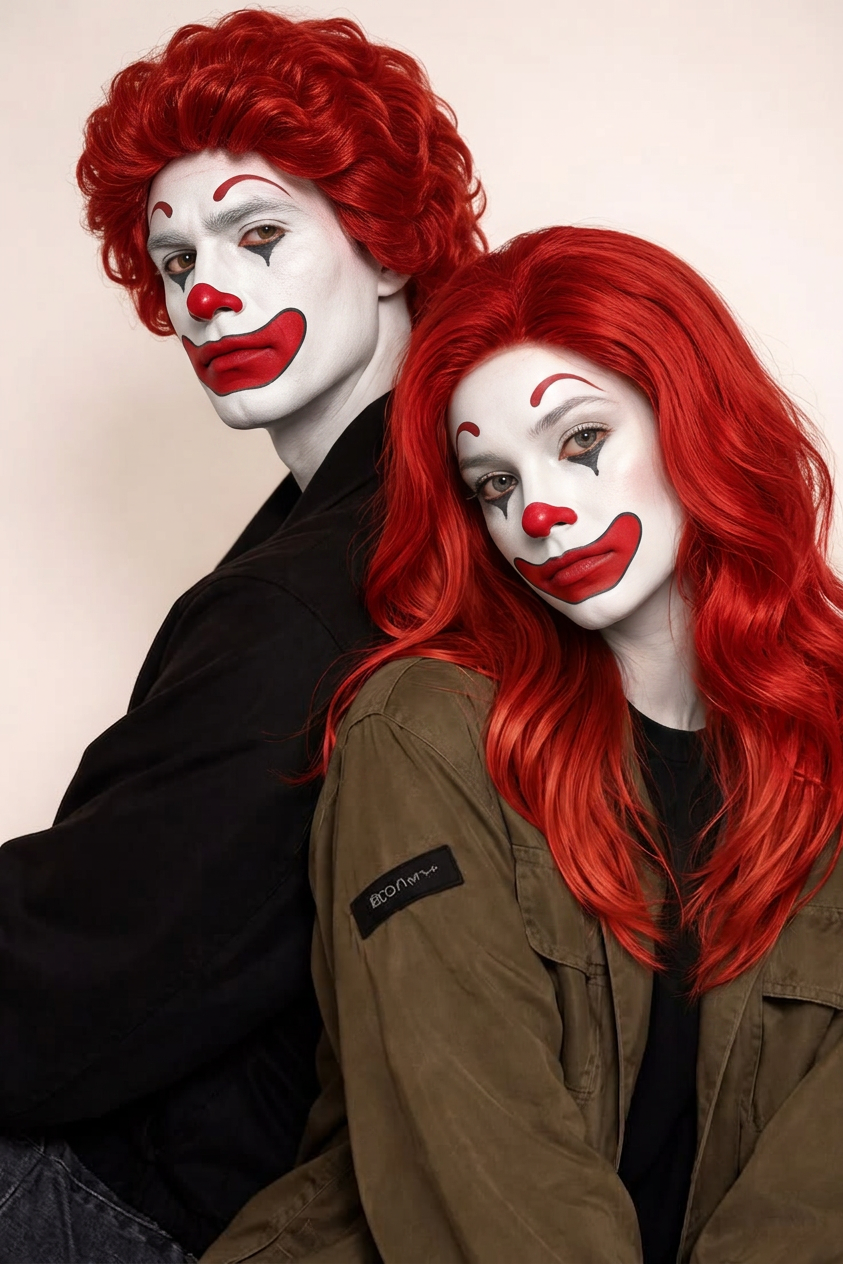
Replace the subject with Ronald McDonald while keeping the original pose, composition, and lighting unchanged. Ensure realistic blending with the environment, matching shadows, colors, and perspective for a seamless, photorealistic result.
Any aspect ratio
Overview
Step into a world where creativity meets fun with the Ronald McDonald AI Image Editor. This template allows you to transform any image by replacing the subject with the iconic Ronald McDonald, maintaining the original scene's essence intact. From matching shadows to ensuring the photorealistic merge of elements, this tool perfects visual storytelling.
What It Does
The Ronald McDonald template leverages the AI Image Editor capabilities to creatively replace image subjects while retaining essential scene details like lighting and perspective. This makes it an ideal choice for creating whimsical and engaging content that still looks polished and professional.
Who It's For
This template is perfect for marketers, social media managers, and content creators aiming to infuse an element of surprise and joy into their visuals. It's also suitable for brand promotions needing a creative twist, such as for campaigns featuring fast food nostalgia or playful themes.
Summary
Using this template, creators can easily integrate Ronald McDonald into their images, ensuring a smooth and realistic blend. Whether it's for a personal project or a promotional piece, this tool ensures consistency of tones and textures for a natural-looking final output. Explore how this connects with other tools like the Image-to-Video which can take your newly edited images into dynamic video formats.
How to Use
Choose Template

Customize Your Image

Generate and Download

Use Cases
Social Media Engagements
- Create visually compelling and share-worthy posts
- Engage followers with creative visuals
Marketing Campaigns
- Design eye-catching ad visuals
- Leverage nostalgia in advertising
Creative Projects
- Include in digital art collections
- Feature in online portfolios
Best Practices
Maintain Visual Integrity
Ensure that the lighting and shadows of Ronald McDonald match the original subject for the most realistic effect.Focus on Composition
Keep the original composition intact to preserve the visual narrative of the image.Use High-Quality Source Images
Opt for high-resolution images to achieve the best results with your final edit.