Super Burger
- Model
- Nano Banana 2
- Image
- 768 × 1375 px
Prompt
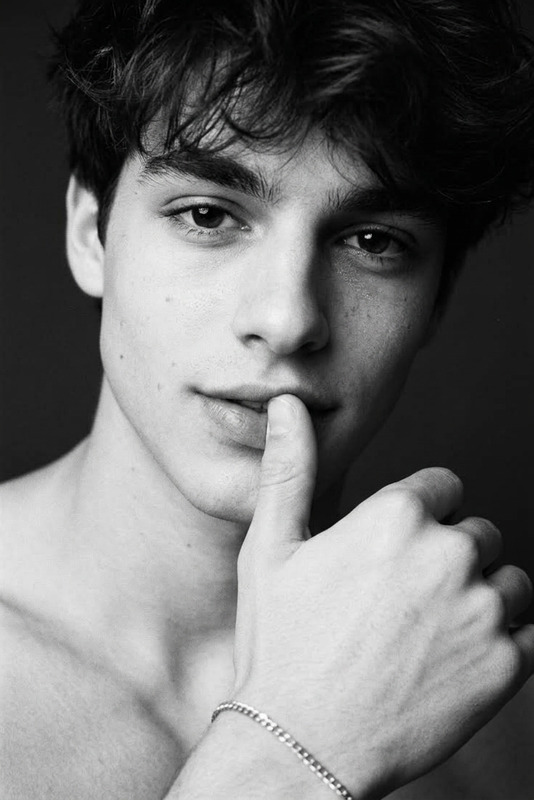
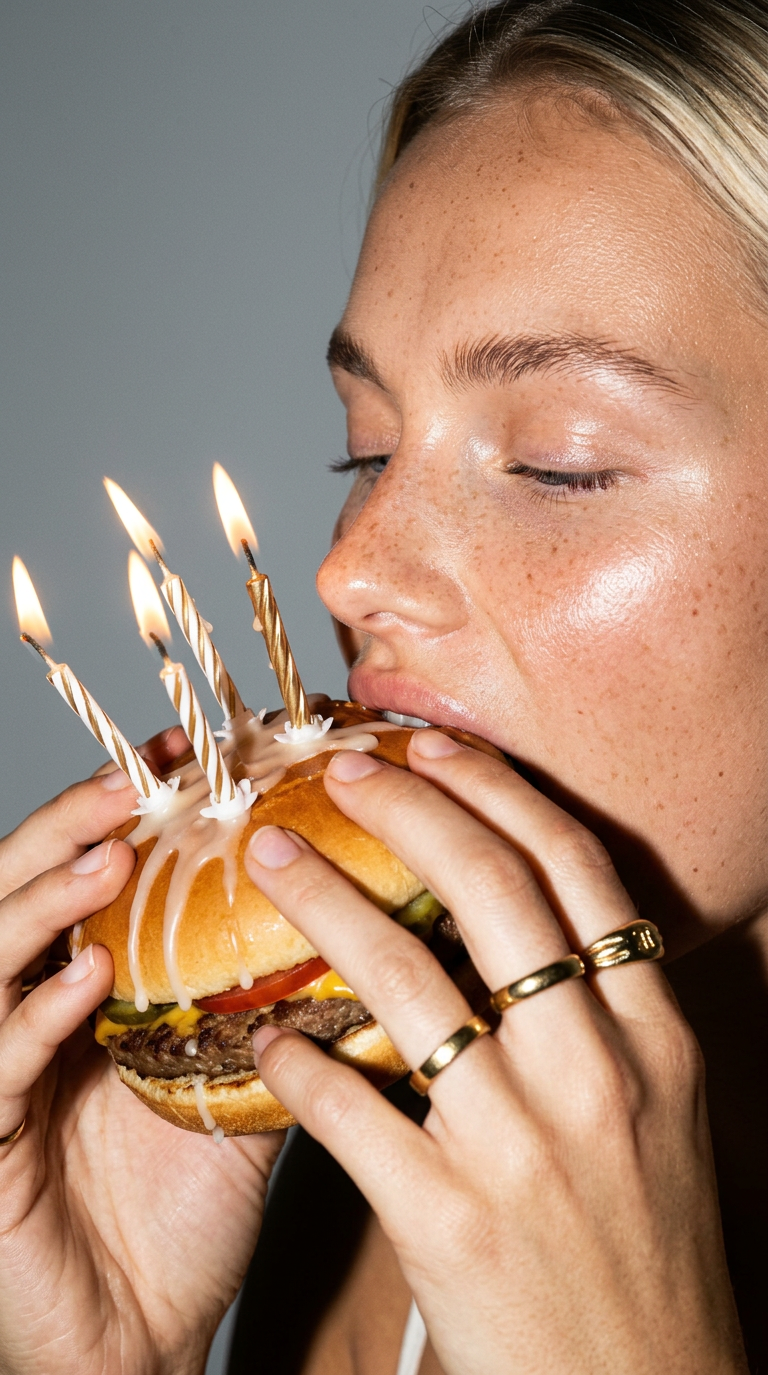
Use the uploaded photo as the only identity reference, preserving exact facial features, proportions, skin tone, and all unique details. Extreme close-up side portrait: face, hands, and burger fill the entire frame edge-to-edge, with the subject taking a bite, eyes softly relaxed. The burger is styled like a birthday cake with lit elegant candles, highly realistic textures, slight wax melting. Clean gray background, direct flash lighting with sharp highlights and subtle shadows, shallow depth of field, minimalistic fashion editorial mood.
Any aspect ratio
Overview
The "Super Burger" template is a creative application of the AI Image Editor, developed using the advanced capabilities of the nano-banana-2 model. It allows you to create striking close-up portraits that combine hyper-realistic human expressions with a fun twist: a burger styled like a birthday cake. This tool is perfect for projects that demand high visual impact with an artistic touch.
What It Does
Utilizing your uploaded photo, this template focuses on capturing identity-accurate features and proportions against a clean, minimalistic backdrop. The tool emphasizes creating an editorial quality image where the face, hands, and creatively styled burger fill the frame. It's designed to highlight textures and details under direct lighting, producing a sophisticated yet playful result perfect for fashion-driven creatives.
Who It's For
This template is ideal for photography professionals, digital content creators, and advertisers in the food and fashion industries. It's particularly suited for those seeking to add an artistic, editorial vibe to their marketing visuals or social media content. Whether you're a brand focusing on innovative imagery or a designer integrating unique visual storytelling into your projects, this tool lets you experiment without compromising on realism.
Summary
"Super Burger" offers users a specific and reliable AI editing solution with integrated tools for creating visually arresting images. Its clear emphasis on preserving realistic detail while integrating fun, imaginative elements makes it an excellent choice for those looking to innovate within the realms of editorial photography and visually striking advertisements. Enhancing this creative output could be complemented by using the AI Profile Picture Generator to further explore face-based renderings.
How-To
Choose

Customize

Generate

Use Cases
Editorial Fashion Shoots
Creative Advertisements
Social Media Content
Best Practices
Choose the Right Photo
Ensure the uploaded image is high-resolution and captures the subject clearly for optimal identity preservation.Focus on Lighting
Adjust the lighting settings to achieve the desired mood, balancing direct flash highlights with subtle shadows for editorial effect.Experiment with Angles
Play with different angles and compositions to find the most compelling arrangement of facial features and burger details.