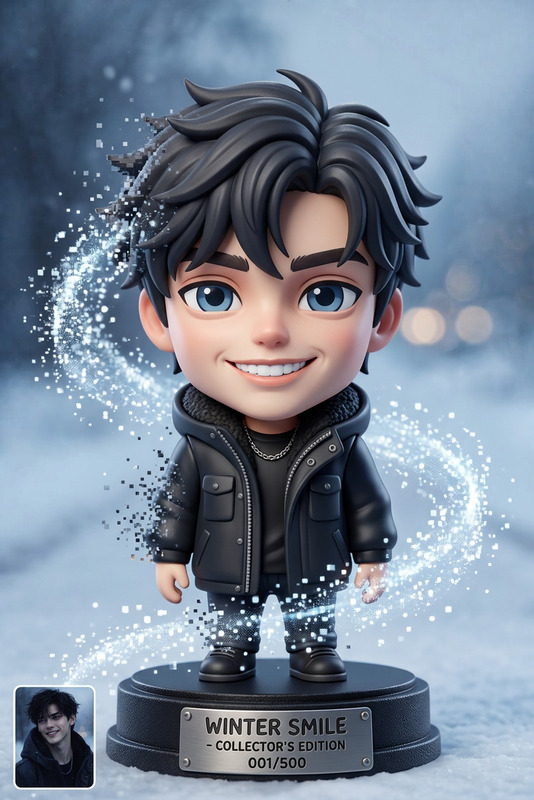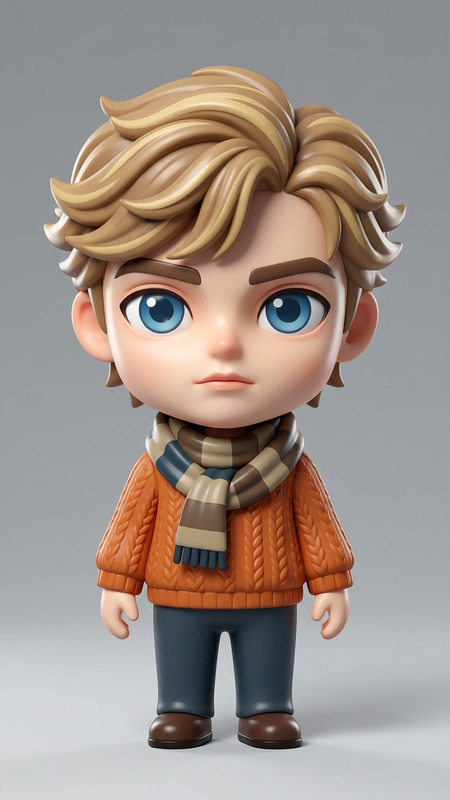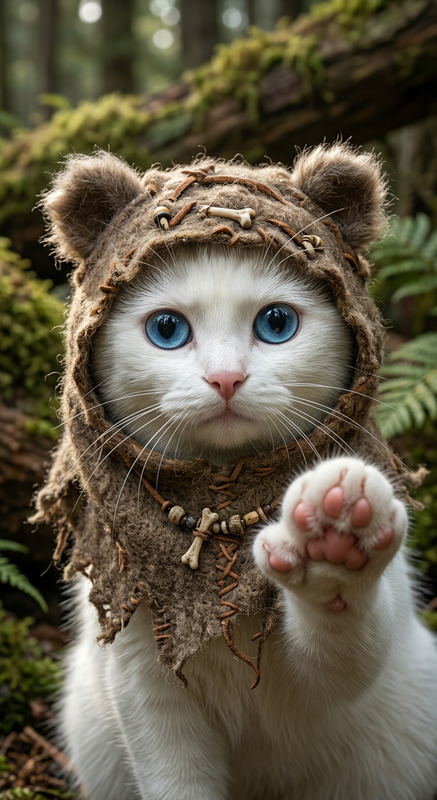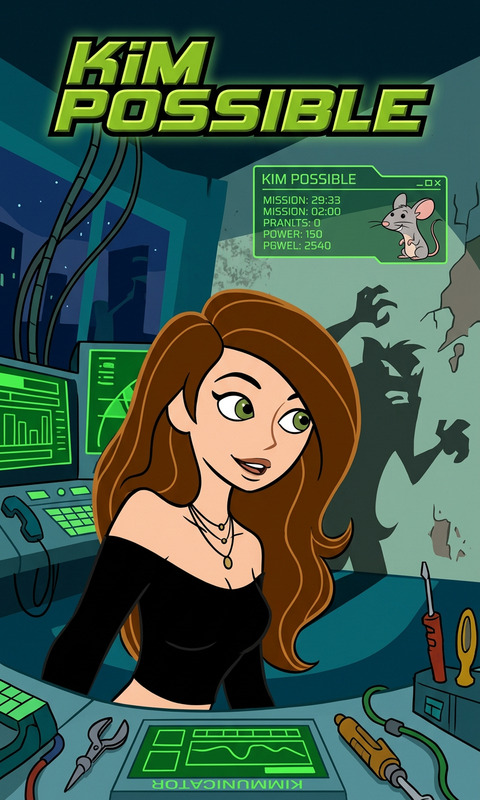
Turn into merch
- Model
- Nano Banana 2
- Image
- 768 × 1375 px
Prompt
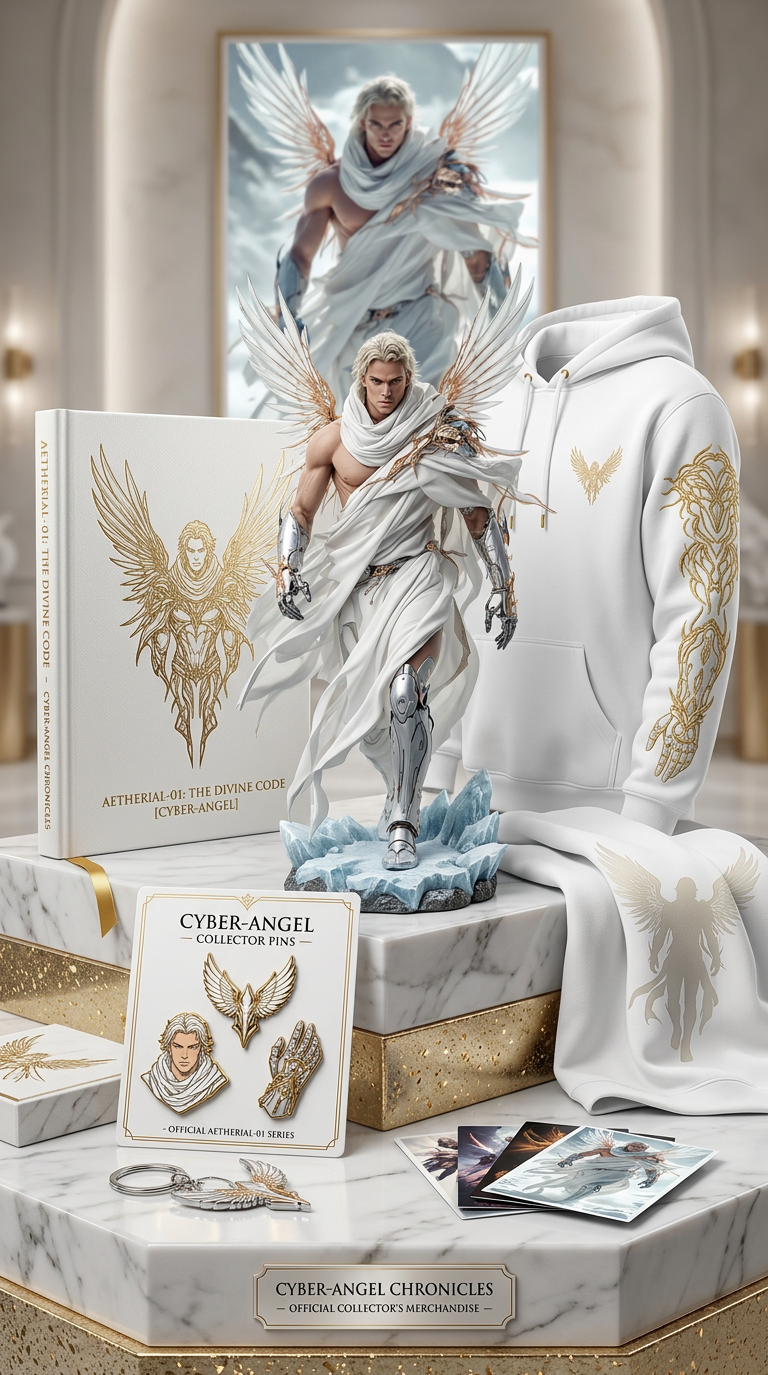
Create merchandise using this character image.
Any aspect ratio
Overview
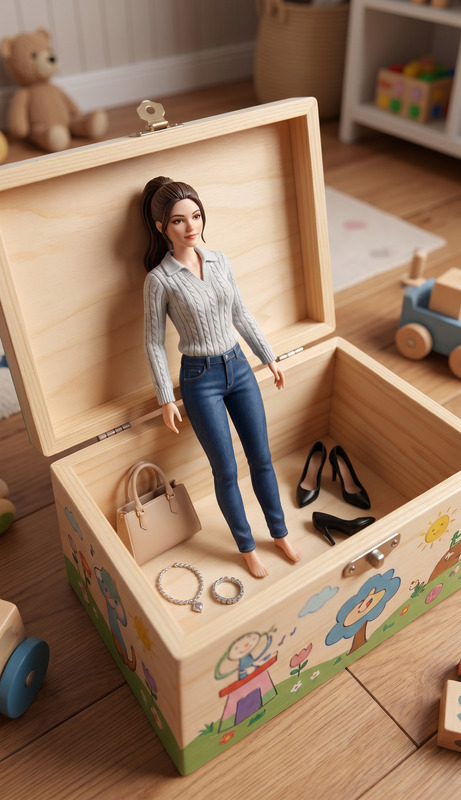
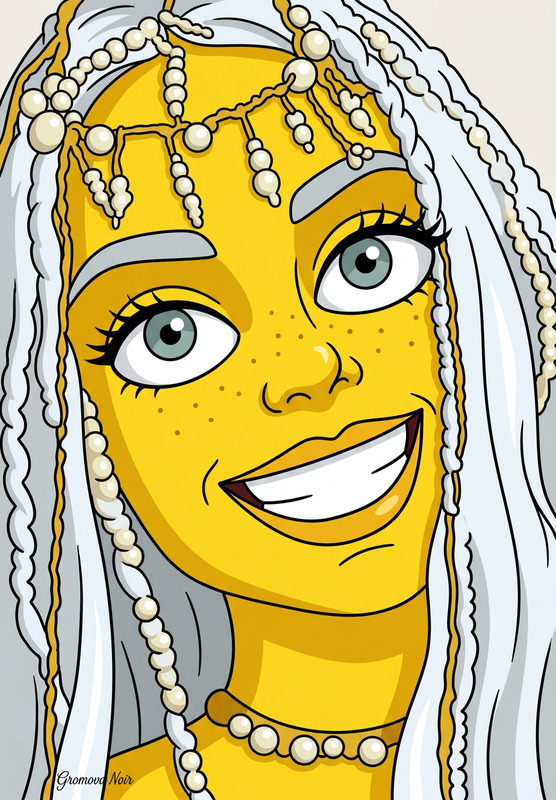
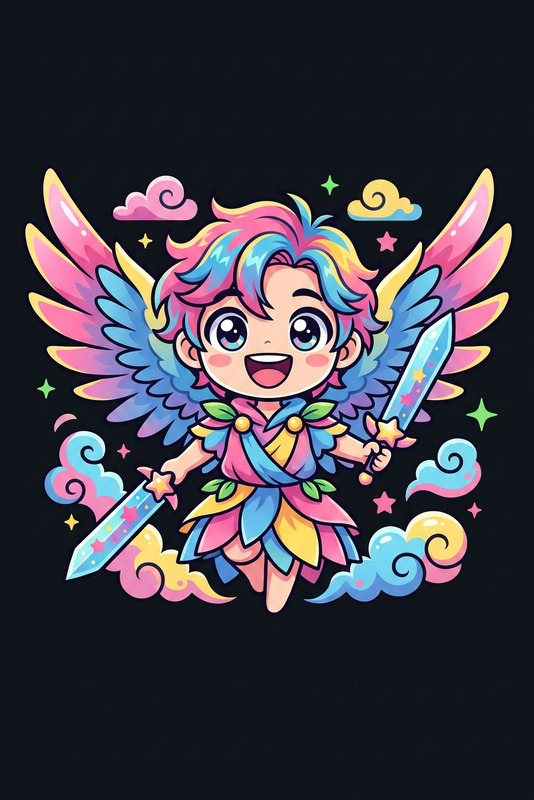
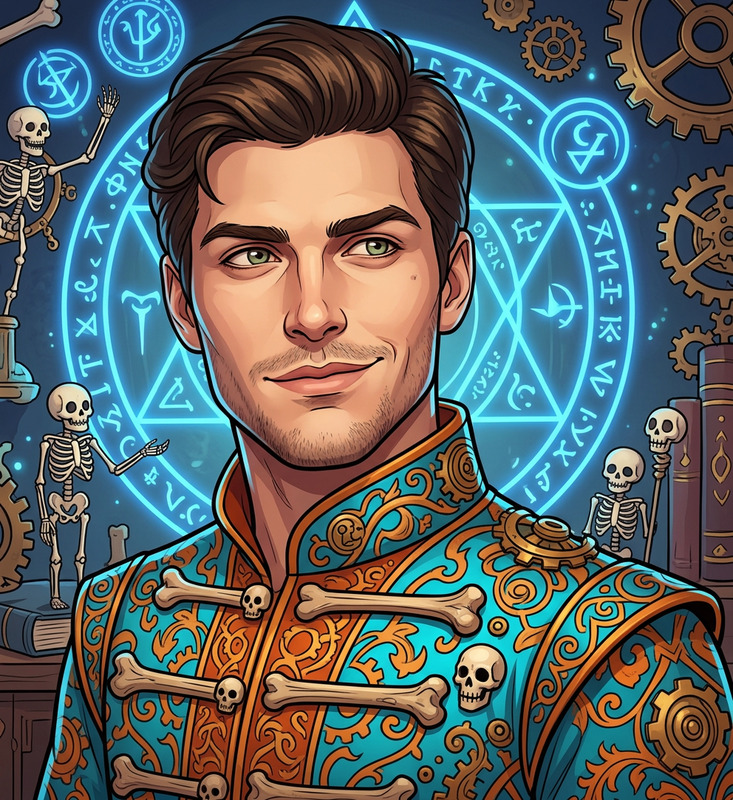
The "Turn into Merch" template utilizes the powerful AI Image Editor and the innovative nano-banana-2 model to transform character images into potential merchandise designs. This tool streamlines the creation process, making it accessible and efficient for everyone from beginners to seasoned designers.
What It Does
This template allows users to upload a character image and generate unique merchandise designs, perfect for print on t-shirts, mugs, stickers, and more. It combines your input image with clever AI techniques to produce high-quality, aesthetically pleasing merch ideas. Learn more about enhancing your designs with the AI Image Generator.
Who It's For
This template is ideal for entrepreneurs who want to expand their product lines without hiring a professional designer. It's also perfect for graphic designers looking for inspiration, or for avid fans eager to see their beloved characters on everyday products. If you're interested in diverse AI applications, consider using the AI Product Photography tool.
Summary
By transforming character images into merchandise-ready designs, the "Turn into Merch" template offers an innovative approach to product customization. It harnesses advanced AI technology, delivering a seamless and creative experience tailored to meet your merchandising needs.
How to Use
Choose Your Template

Customize Your Design

Generate Your Merchandise Design

Use Cases
E-commerce Product Expansion
- Increase sales options without new design investments
- Test market new designs quickly
Fan Merchandise
- Create a personal connection with fans
- Offer limited-edition items
Brand Collaborations
- Enhance brand synergy
- Reach wider audiences
Best Practices
Select High-Quality Images
Ensure your character images are clear and high-resolution. This will improve the final output quality.Experiment with Design Styles
Try different design styles within the AI settings to discover unique and appealing merchandise variations.Consider Your Target Audience
Tailor your merchandise designs to match the preferences and interests of your target customer base for better engagement.