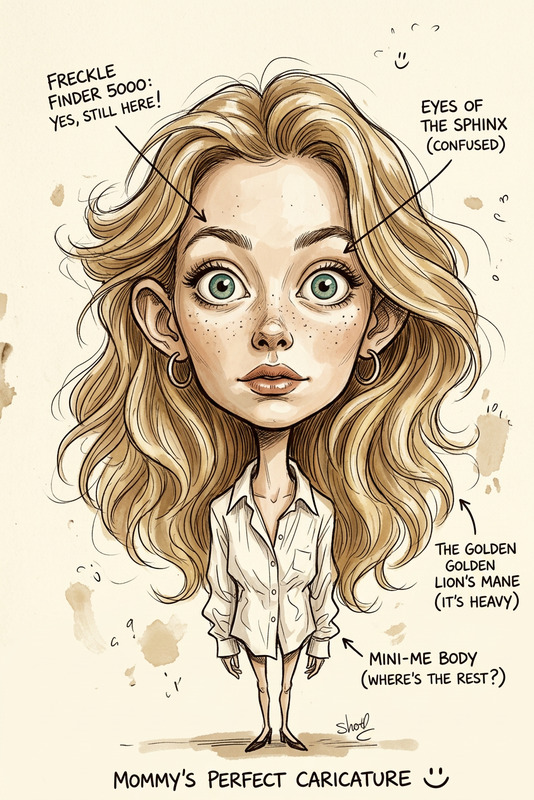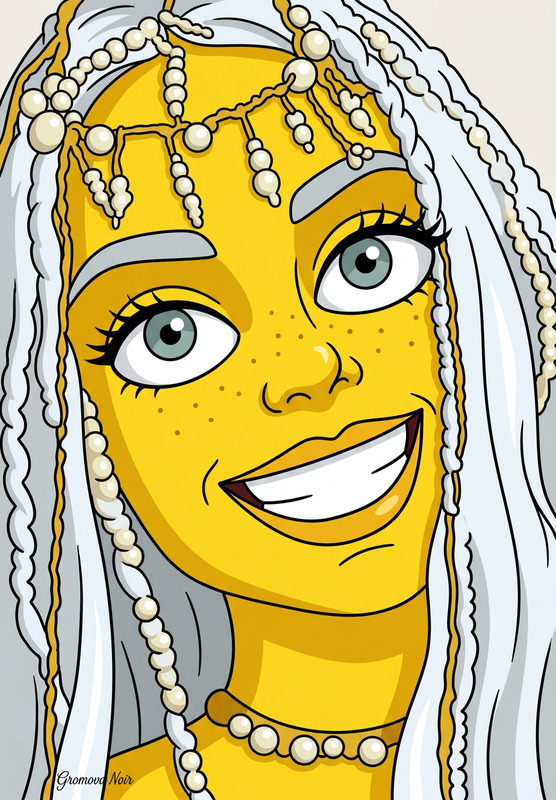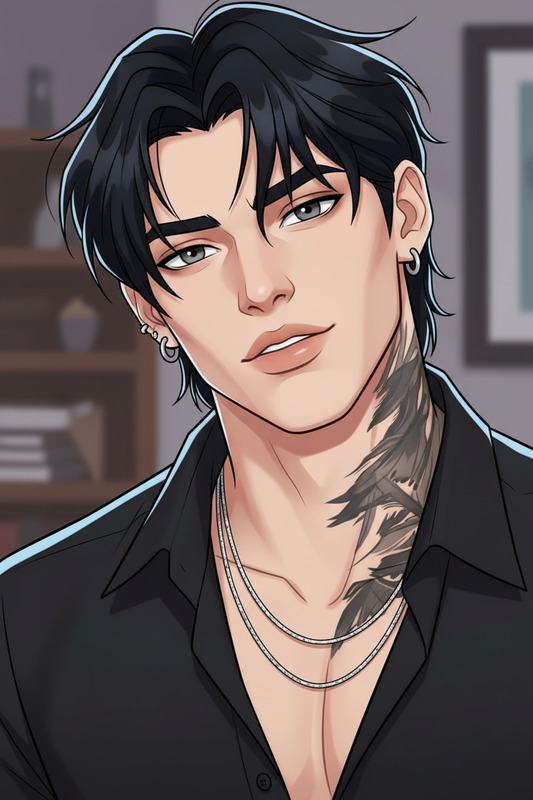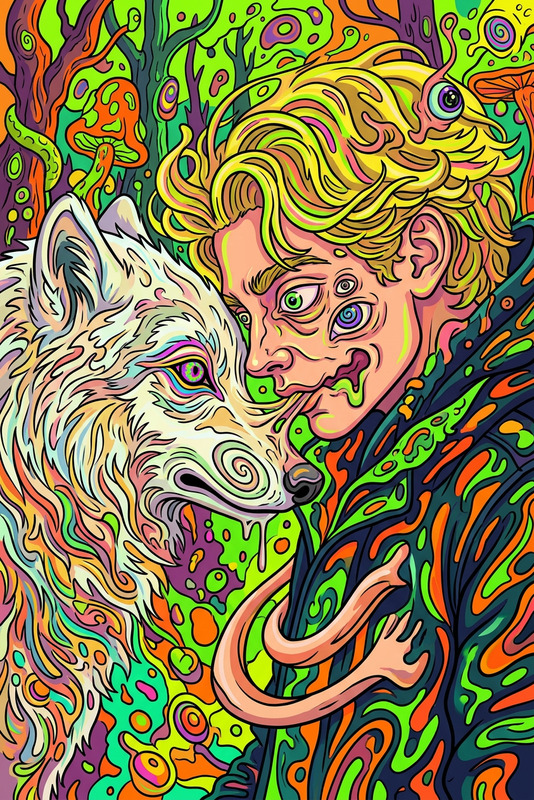
Cartoon Network Self-Insert
- Model
- Nano Banana 2
- Image
- 800 × 1333 px
Prompt
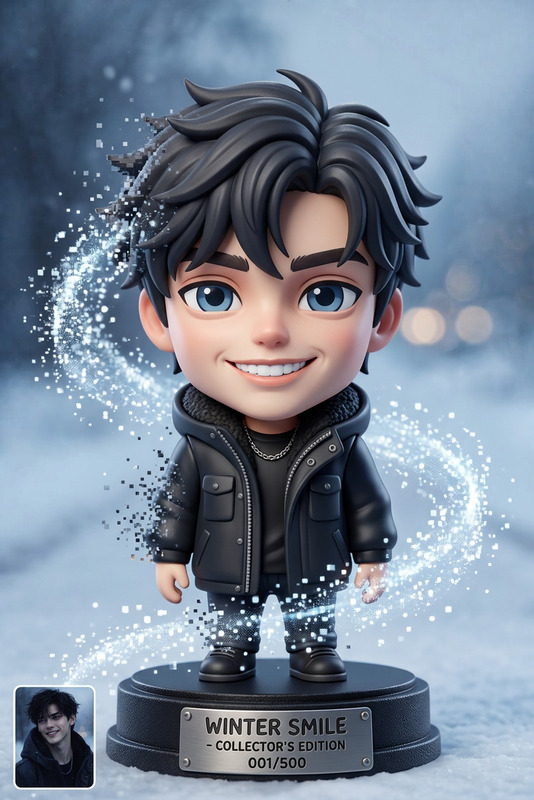
Make me into a cartoon character and put me in a cartoon you think I would fit right into from Cartoon Network or Nickelodeon
Any aspect ratio
Overview
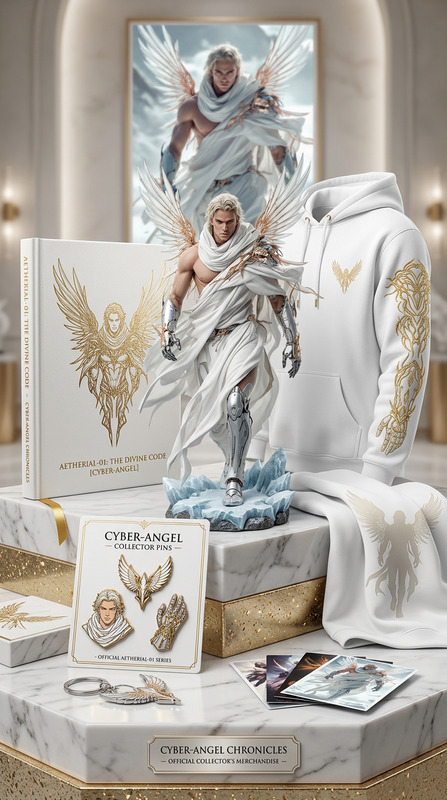
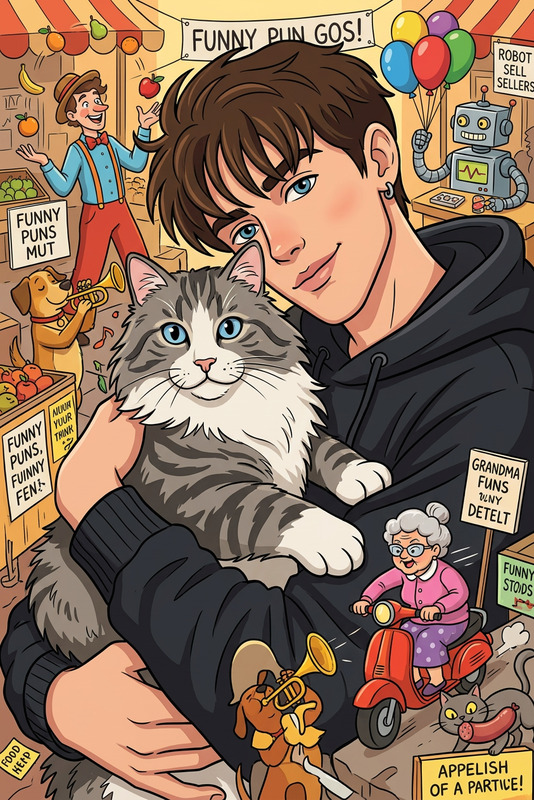
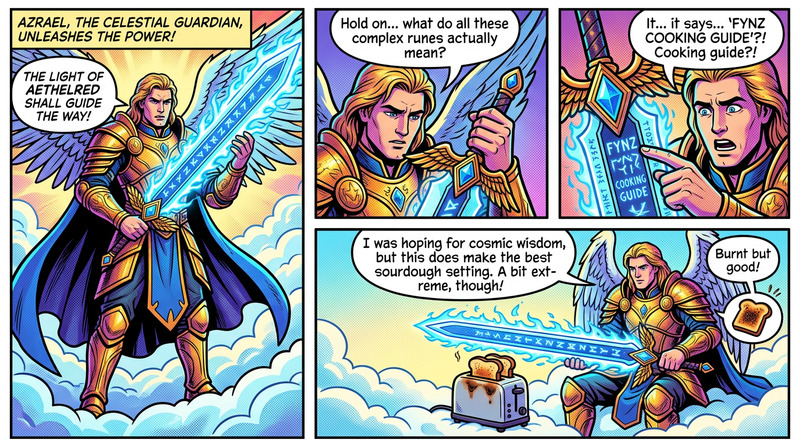
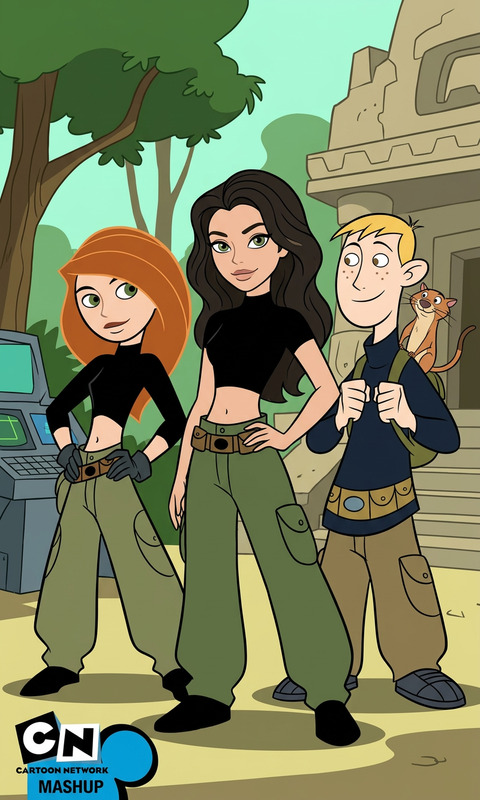
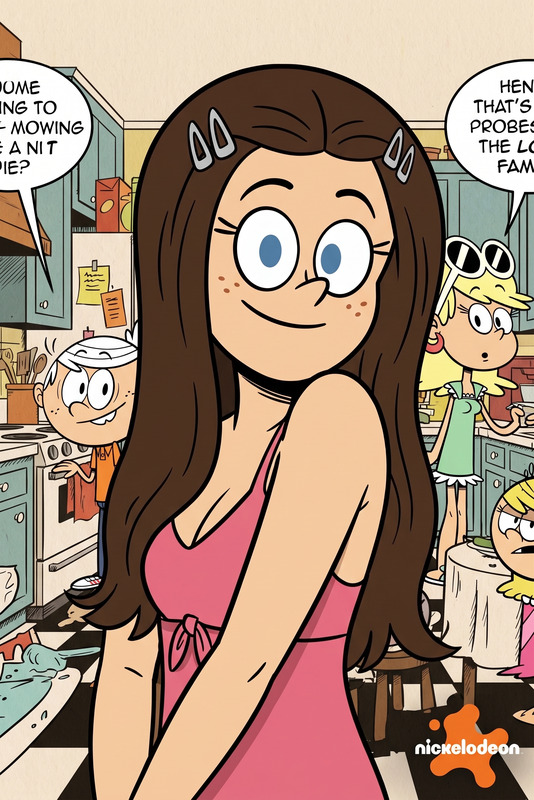
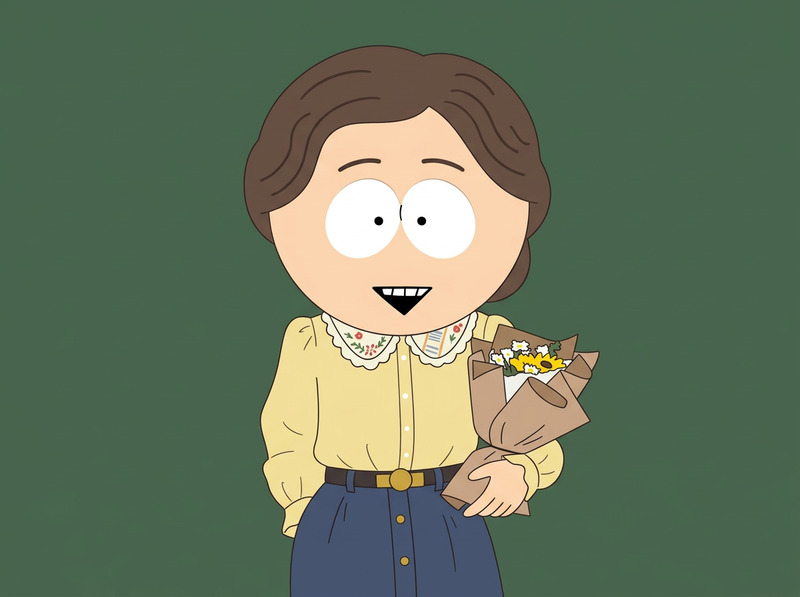
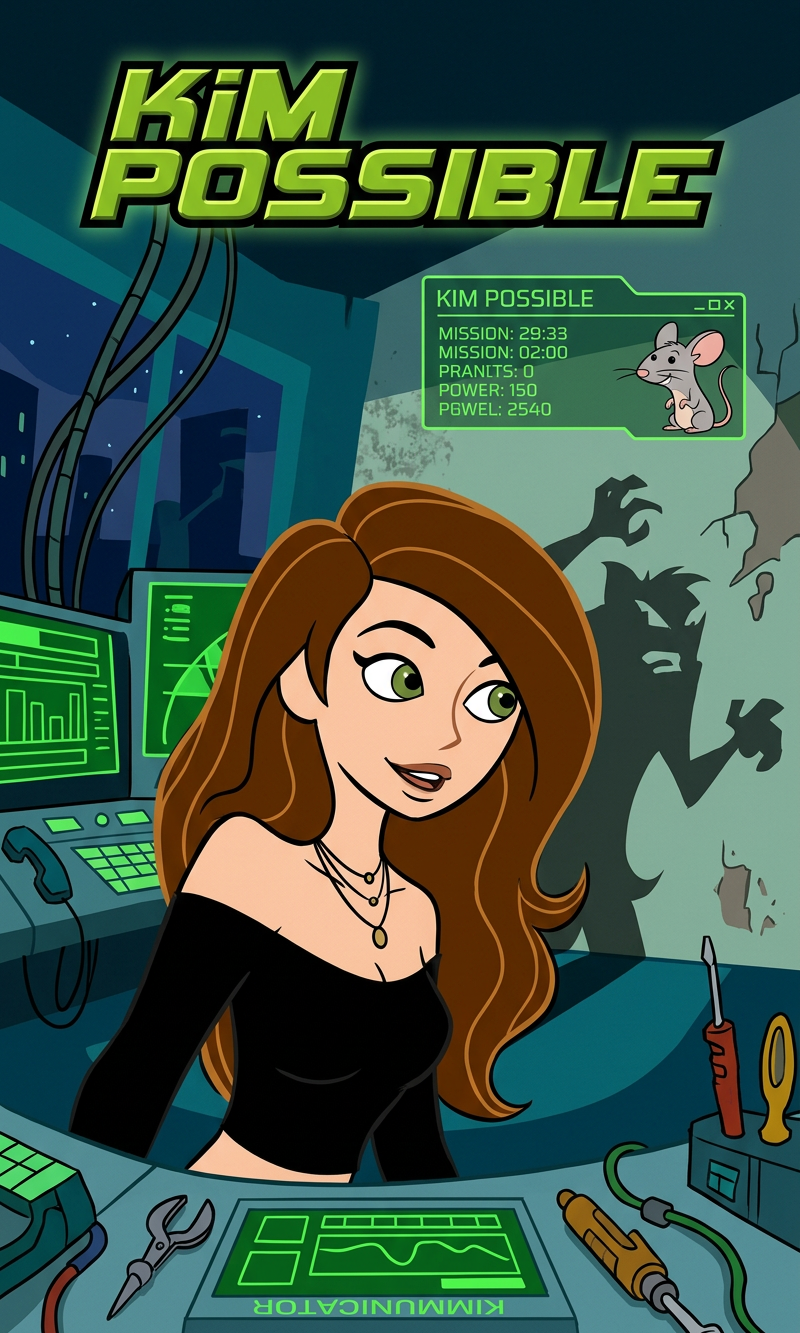
Transform yourself into a cartoon character and dive into your favorite animated worlds with the Cartoon Network Self-Insert template. This AI Image Editor uses the nano-banana-2 model to bring your cartoon dreams to life. From iconic shows on Cartoon Network and Nickelodeon, find the perfect setting for your animated persona.
What It Does
This template utilizes the powerful capabilities of the AI Image Editor to convert your photo into a cartoon style and seamlessly insert your character into popular cartoon environments. Whether it's the chaotic world of "The Amazing World of Gumball" or the mysterious town of "Gravity Falls," you'll fit right in.
Who It's For
This tool is perfect for fans longing to see themselves animated in beloved TV shows, content creators seeking personalized cartoon characters for their projects, and anyone interested in exploring creative AI possibilities. If you're into Image to Video transformations as well, this offers an exciting step into the world of animation.
Summary
With the Cartoon Network Self-Insert template, you can access a fun and engaging way to personalize your cartoon experiences. Connect with fellow animation enthusiasts and share your unique creations. It bridges the gap between reality and animation, offering you a chance to be a part of the narrative.
How to Use
Choose Your Template

Customize with Your Photo

Generate and Share

Use Cases
Fan Art Creation
- Join "Adventure Time" adventures.
- Solve mysteries in "Scooby-Doo."
Content Creation
- Make YouTube video thumbnails.
- Create unique Instagram posts.
Customized Merchandise
- Print on t-shirts.
- Use for custom mugs.
Best Practices
Choose High-Quality Photos
For the best results, ensure your uploaded photo is high-resolution and well-lit. This ensures the AI accurately captures your features for the cartoon conversion.Experiment with Styles
Don't hesitate to experiment with different settings and styles available in the template. See how you fit into various cartoon universes.Review the Outcome
Once your cartoon is generated, review the results to ensure satisfaction. Adjust settings if needed and re-generate for the perfect output.