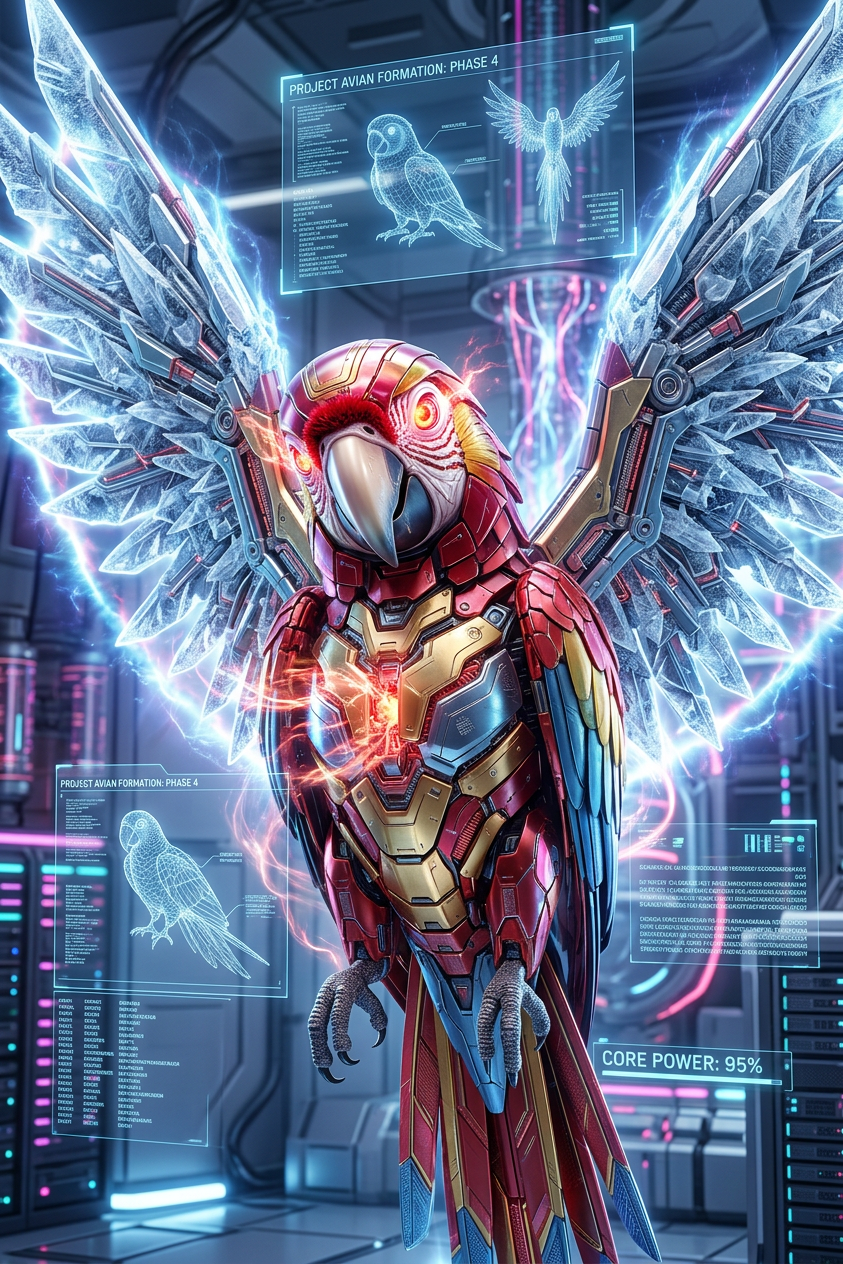
Cyber Ascension Entity
ai-image-editor
Any aspect ratio
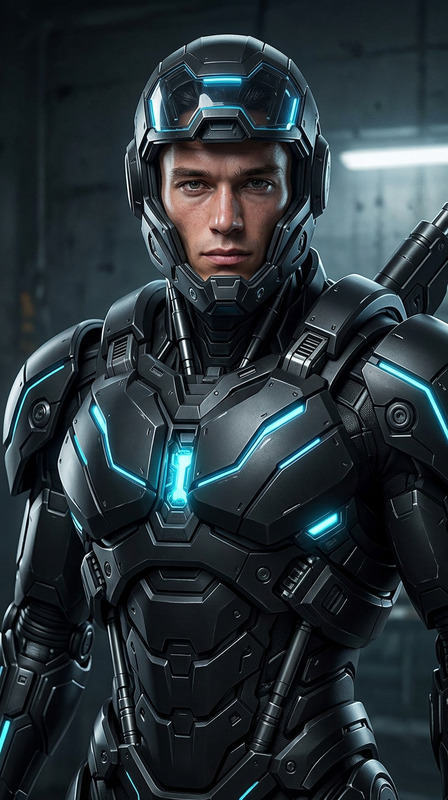
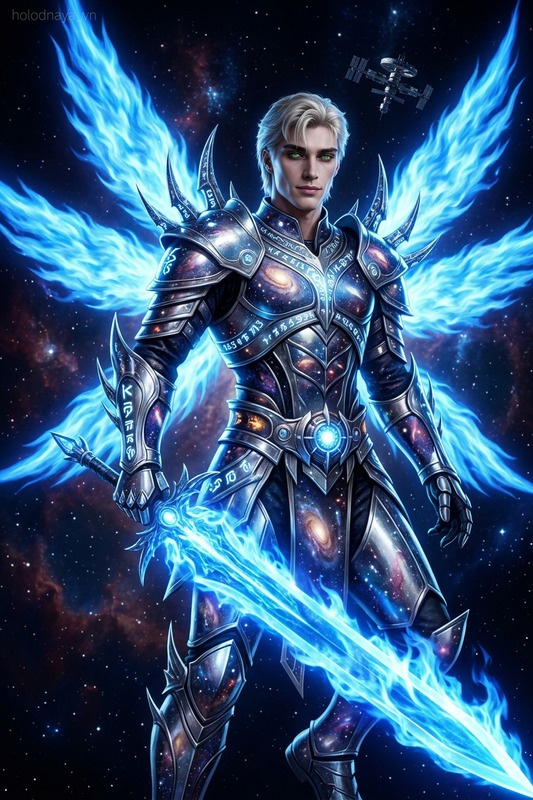
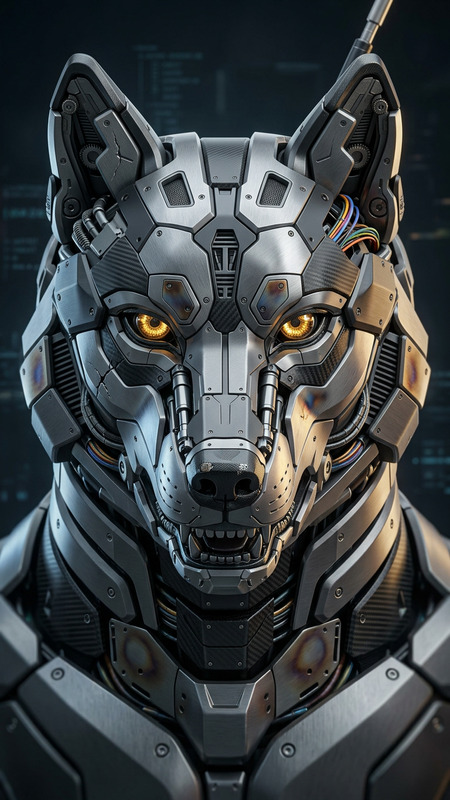
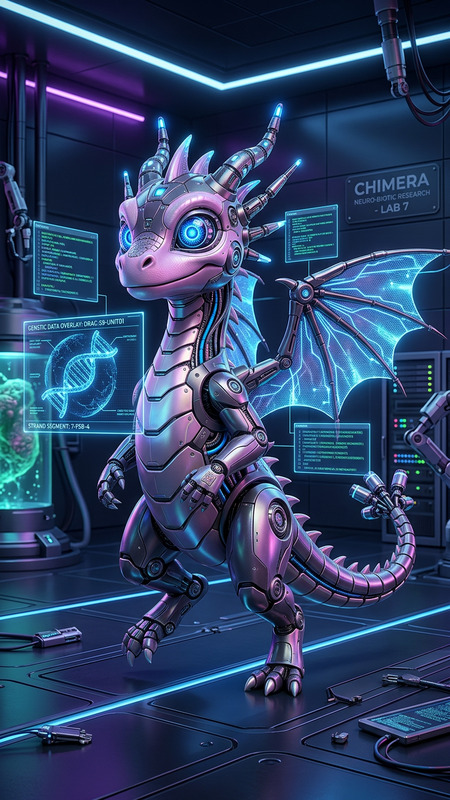
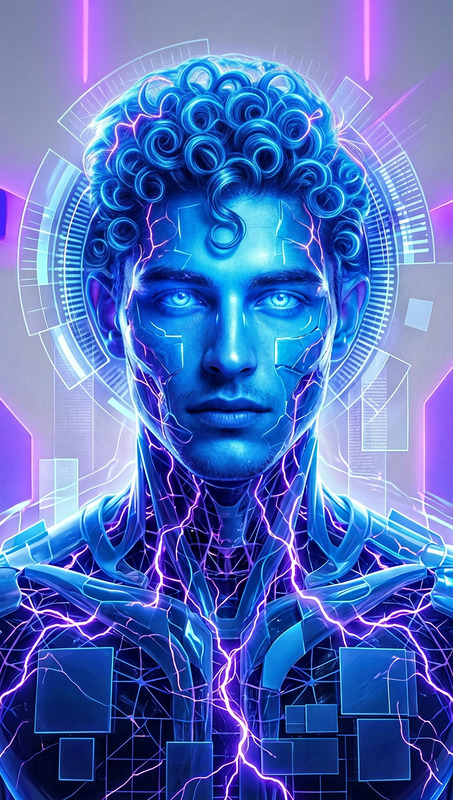
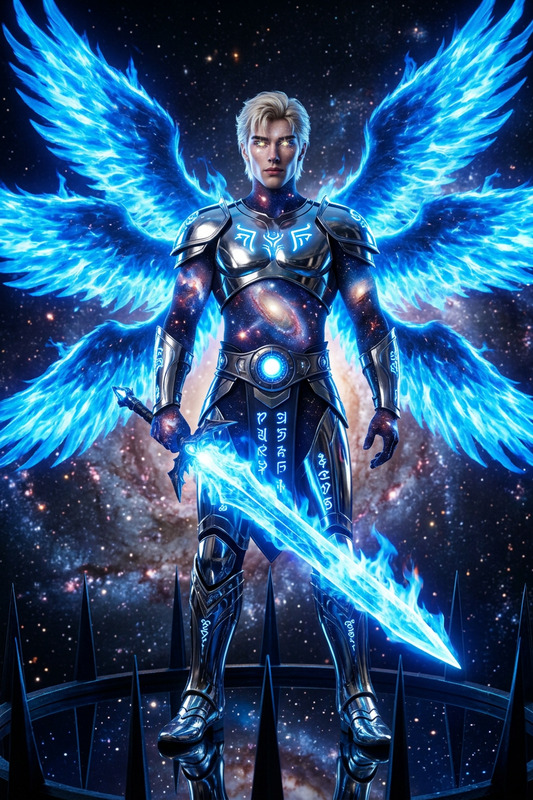
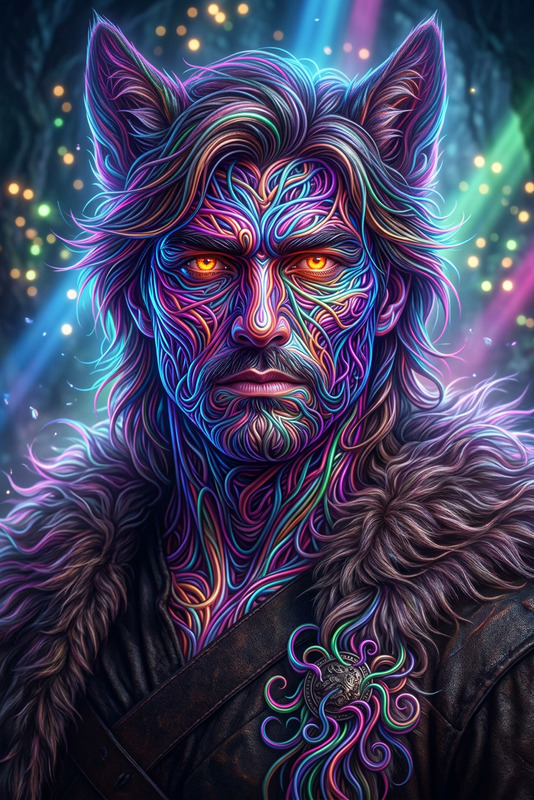
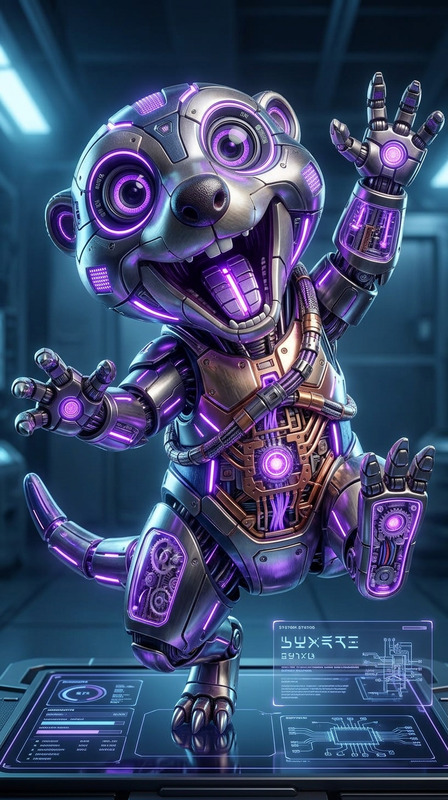
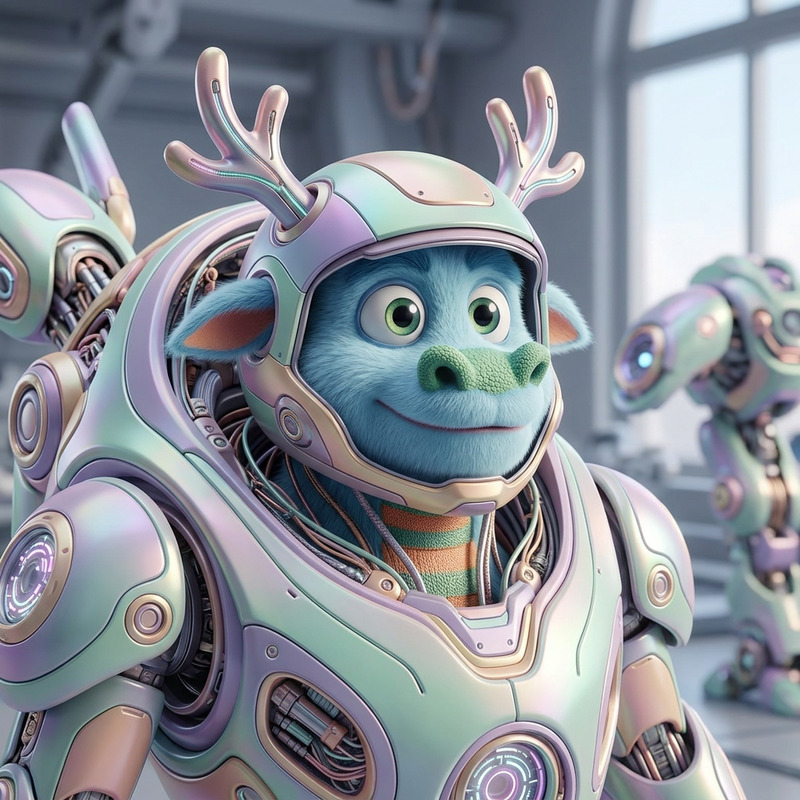
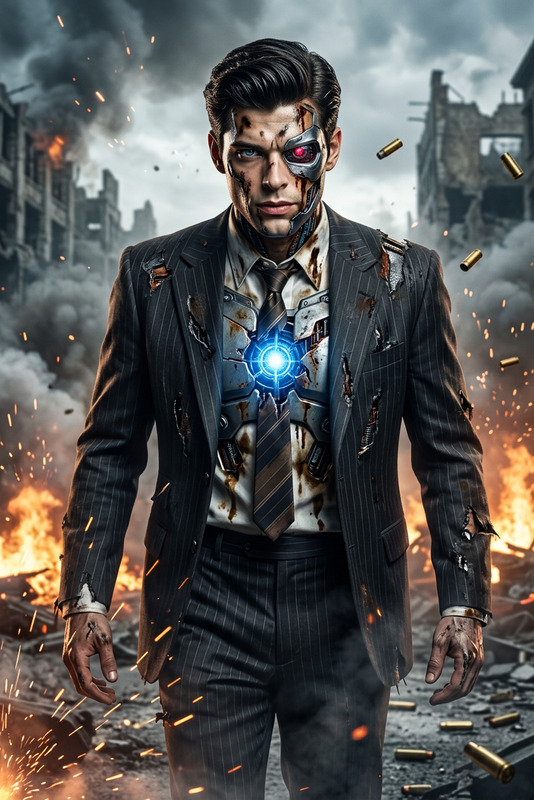
A subject transformation: a futuristic metallic entity forming mid-emergence in a high-tech sci-fi environment. Hyper-detailed reflective surface with neon light reflections, glowing fury-filled eyes. Expansive wing-like structures fuse ice and metal, emitting a radiant laser aura. Surrounded by holographic elements and energy fields, evoking advanced technology and innovation. Full-body composition, ultra-realistic textures, cinematic lighting, high contrast, 4K, super resolution
AI Image Editor Template: Turn Any Photo Into A Polished, On‑Brand Visual in Minutes
Use this AI Image Editor–powered template as a starting point to transform rough images into clean, on-brand, ready-to-publish visuals. Whether you’re a marketer refining ad creatives, a founder polishing pitch deck assets, or a creator cleaning up thumbnails, this template shows how to turn a single image into multiple high‑quality variations—fast.
This template is built with the AI Image Editor, and you can remix it to fit your own use case in a few clicks.
What You Can Do With This Template
Remix this template to:
Clean up product photos
- Remove clutter, adjust framing, and generate alternative backgrounds for ecommerce, landing pages, or pitch decks.
- Combine with AI Background Generator to quickly test different scenes (studio, lifestyle, seasonal campaigns).
Refine portraits and headshots
- Subtly retouch faces, adjust lighting, or adapt the style (e.g., LinkedIn, conference speaker, team page).
- Pair with AI Headshot Generator to create consistent, professional headshots for your whole team.
Create social & ad variations
- Adapt the same base image into multiple formats: Instagram post, LinkedIn banner, YouTube thumbnail, or ad creative.
- Use with Thumbnail Maker for YouTube, product launches, or campaign tests.
Rebrand existing assets
- Take a legacy visual and update colors, backgrounds, or style to match a new brand system—no reshoot required.
- Combine with AI Logo Generator and AI Art Generator to build a full brand kit around the updated imagery.
Rapid mockups for product, UX, or pitch decks
- Convert rough photos or wireframes into polished visuals for demos, investor decks, and product pages.
- Use with AI Illustration Generator or Comic Book Generator when you need more stylized visuals.
How to Remix This Template in Magic Hour
You don’t need to start from scratch. Use this template as a pattern:
Open AI Image Editor
- Go to the AI Image Editor.
- Upload your base image (product shot, headshot, screenshot, illustration, etc.).
Define your goal clearly in the prompt
For best results, describe:- Subject: what should stay (e.g., “keep the person and laptop exactly as they are”)
- Changes: what should be edited (e.g., “replace background with a minimal white studio, add soft shadows, boost contrast”)
- Use case: where it will be used (e.g., “for a LinkedIn cover image, tech startup, modern and clean”)
Example prompt you can adapt:
“Clean up this product photo, remove distractions, place the product on a soft gradient background with natural shadows, keep realistic lighting, and make it suitable for a SaaS landing page hero section.”
Create multiple variants in one session
- Use the same base image and slightly adjust your prompts to explore different:
- Backgrounds (studio, lifestyle, abstract gradient)
- Moods (corporate, playful, cinematic)
- Color palettes (aligned with your brand)
- Save the strongest variants as a mini “image system” you can reuse across channels.
- Use the same base image and slightly adjust your prompts to explore different:
Chain tools for more advanced workflows (optional)
Depending on your project, you can extend this template with other Magic Hour tools:- For better quality & scale:
- Upscale outputs with AI Image Upscaler for print, presentation, or high‑res web assets.
- For object cleanup:
- Remove unwanted elements with AI Remover or Remove Object from Photo before fine‑tuning the final look.
- For background & composition changes:
- Pair with Image Background Remover or Watermark Remover when working with complex or legacy images.
- For better quality & scale:
Save your flow as your own reusable system
- Once you’ve dialed in a look (e.g., “SaaS gradient hero”, “DTC lifestyle product”, “Conference headshot”), reuse the same image + prompt structure across new assets for a consistent visual identity.
- Teams can standardize prompts as part of their design or brand guidelines.
Example Use Cases for Creators, Marketers & Builders
Startup founders & growth teams
- Refine pitch deck visuals and landing page hero images.
- A/B test different creative directions without design back‑and‑forth.
- Use with AI Image Generator to ideate concepts, then refine them with AI Image Editor into production‑ready images.
Ecommerce & DTC marketers
- Turn basic product shots into multiple campaign visuals with different backgrounds, seasons, or audiences.
- Test new concepts: pair with AI Fashion Generator or AI Outfit Generator when working with apparel.
- Use AI Clothes Changer to adapt model shots for new collections or regions.
Content creators & YouTubers
- Design attention‑grabbing thumbnails with consistent style using AI Image Editor + Thumbnail Maker.
- Create cover art for podcasts or content series with Album Cover Generator and then tweak details in AI Image Editor.
Developers & technical teams
- Generate UI mockups, diagrams, or architectural visuals using AI Illustration Generator or AI Art Generator, then refine with precise edits in AI Image Editor.
- Maintain consistent styling across documentation, release notes, and internal tools.
Going Beyond Static Images: Connect to Video & Animation
Once your image is polished with this AI Image Editor template, you can take it further:
Turn images into talking avatars or videos
- Use AI Talking Photo to animate portraits for explainers, onboarding flows, or landing pages.
- Go from image → motion with Image to Video or Text to Video.
Create consistent animated characters and worlds
- Design your characters with AI Character Generator, Animated Characters Generator, or AI Anime Generator, then refine frames using AI Image Editor.
- Bring them to life via templates like:
- Animation for general animated sequences
- Video to Video for stylistic transformations of existing footage
Create AI‑driven talking content at scale
- Convert polished headshots or character images into lip‑synced content with:
- Lip Sync for talking avatars
- Face Swap Video to adapt content across different faces or talent
- Pair with AI Voice Generator or AI Voice Cloner for complete, voice‑matched video assets.
- Convert polished headshots or character images into lip‑synced content with:
Best Practices for High‑Quality AI Image Editing
To get reliable, production‑ready results from this template pattern:
Start with the highest-quality input you have
- Clear, well‑lit images produce better outputs and fewer artifacts.
- If your source is low‑resolution or noisy, first improve it with Unblur Image or Old Photo Restoration (for legacy photos), then refine in AI Image Editor.
Be explicit about what must not change
- In your prompts, state what should remain untouched: product shape, logo, facial identity, specific UI elements, etc.
- This is especially important for brand assets and faces; combine with AI Face Editor when you need more targeted facial adjustments.
Describe style in reference to real‑world patterns
- Use familiar descriptors: “Apple‑style product shot,” “clean editorial fashion,” “flat illustration for SaaS,” “cinematic cyberpunk lighting.”
- You can also refer to genres and aesthetics supported by niche tools like Dark Fantasy AI, Disney AI Generator, or Manga Generator.
Iterate in small steps
- Make one type of change at a time (background first, then color, then minor retouching).
- Save strong intermediate versions, so you can branch variations without redoing work.
Ensure consistency across a set of images
- For teams or campaigns, reuse:
- The same base prompt language
- Similar angles, backgrounds, and lighting
- Consider generating base assets with AI Photo Generator or Avatar Generator, then standardizing them with AI Image Editor.
- For teams or campaigns, reuse:
Who This Template Is For
This AI Image Editor–based template is optimized for:
- Creators who need fast, high‑quality visuals across multiple channels.
- Marketers & growth teams who want to iterate on creative concepts rapidly without blocking on design resources.
- Founders & operators who need “good enough but polished” visuals for decks, landing pages, and campaigns.
- Developers & product teams who want a reproducible, prompt‑driven way to maintain visual consistency at scale.
Remix this template, adapt the prompts to your own brand and use case, and connect it with other Magic Hour tools when you’re ready to move from static images to dynamic, fully AI‑generated content.