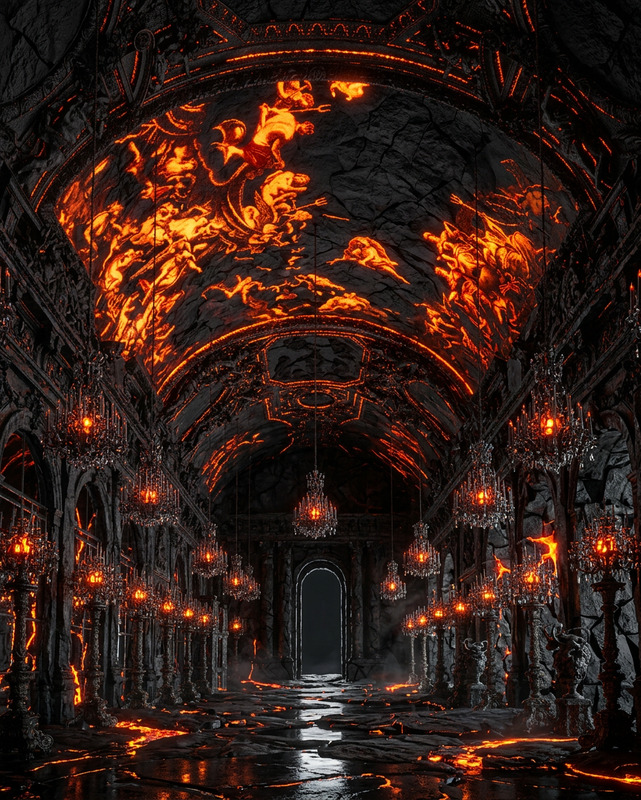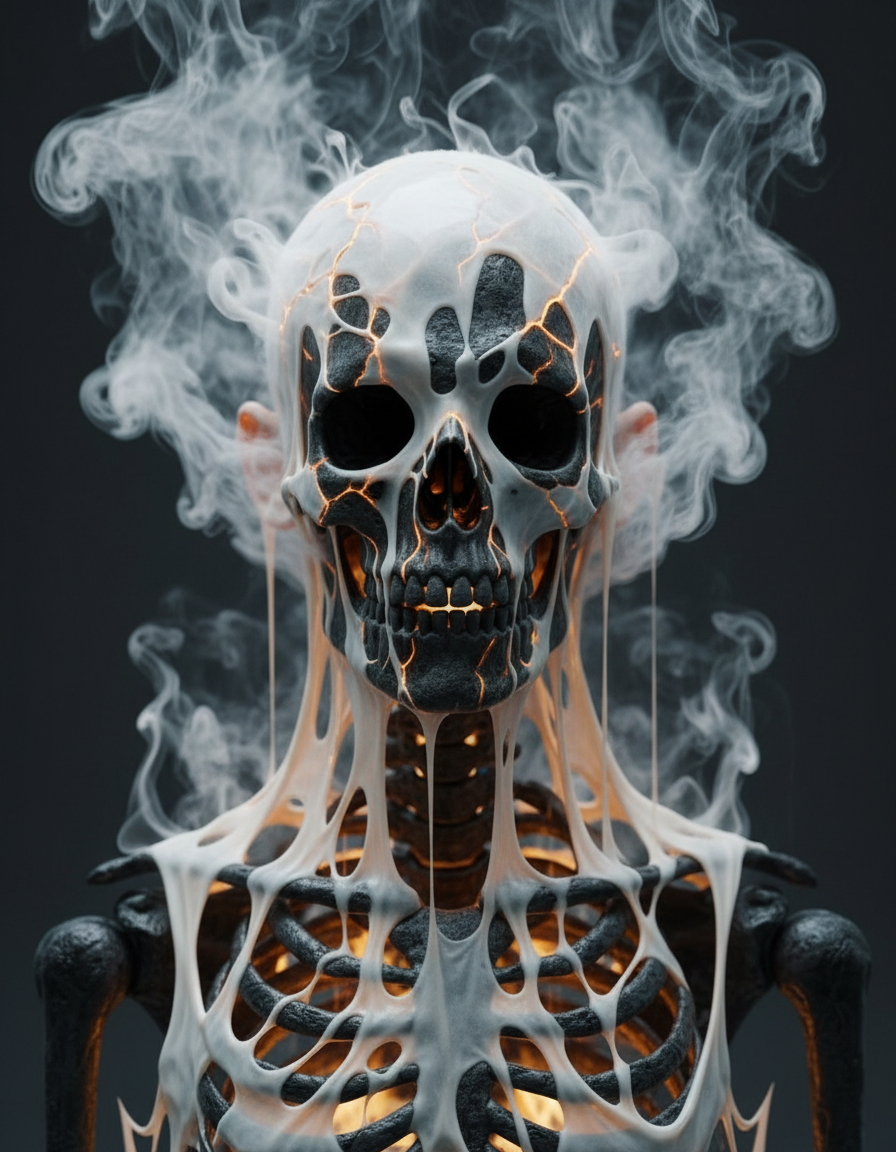
Molten Skeleton Reveal
- Model
- Nano Banana
- Image
- 896 × 1152 px
Prompt
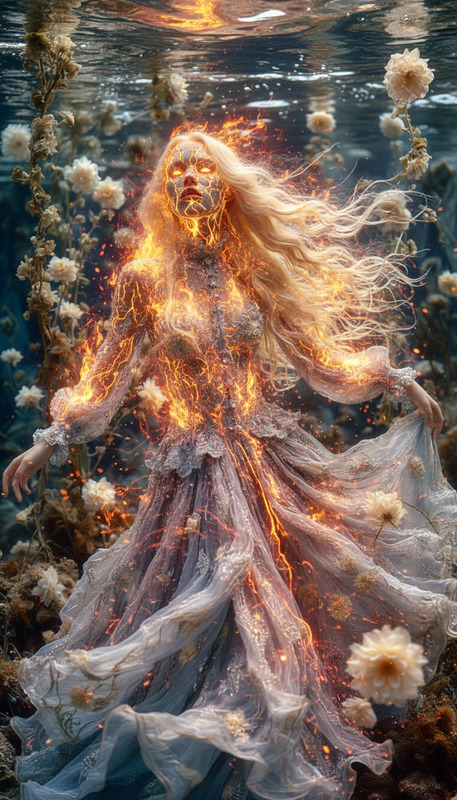
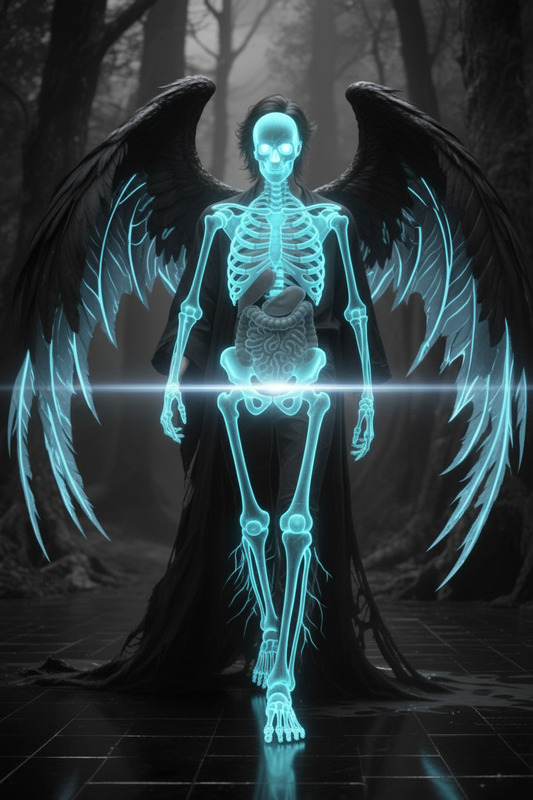
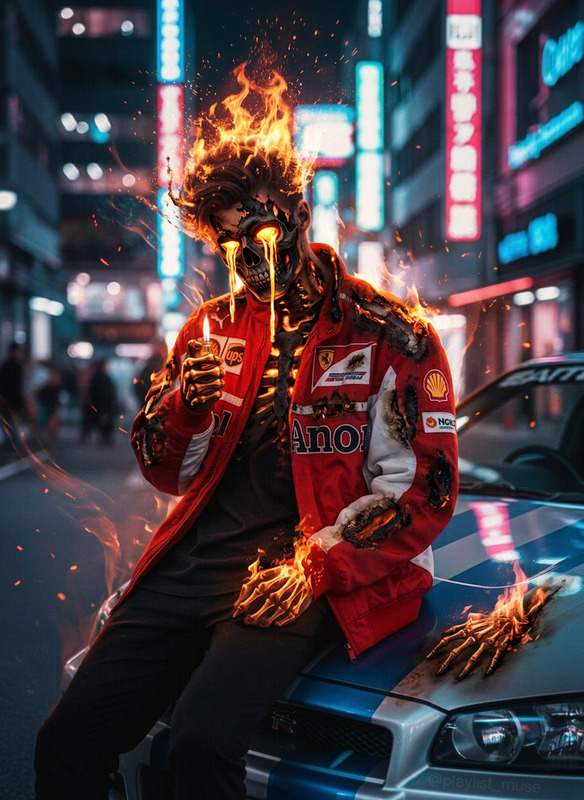
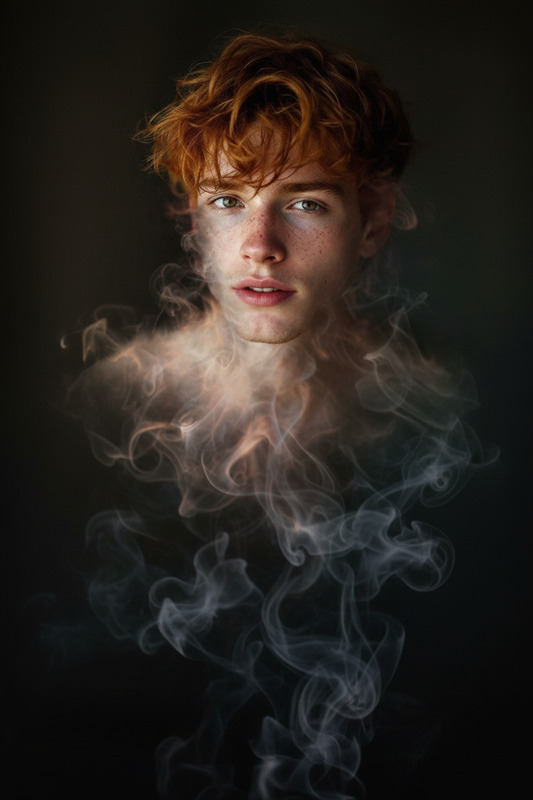
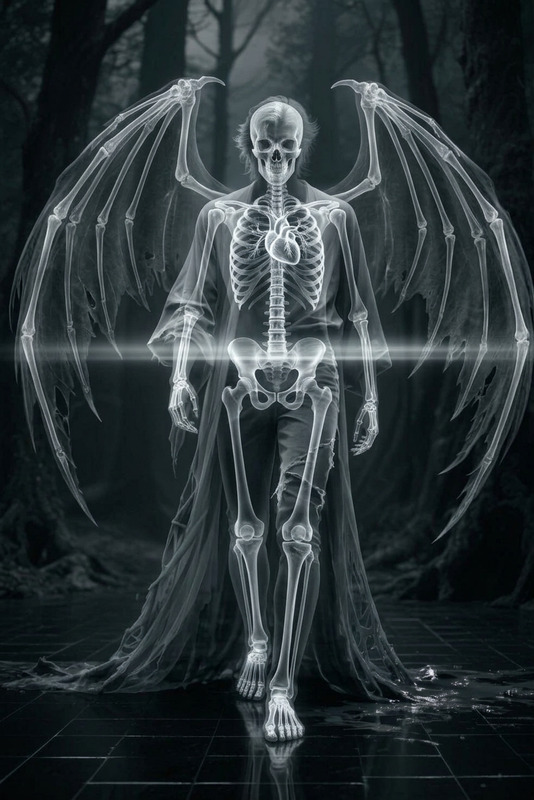
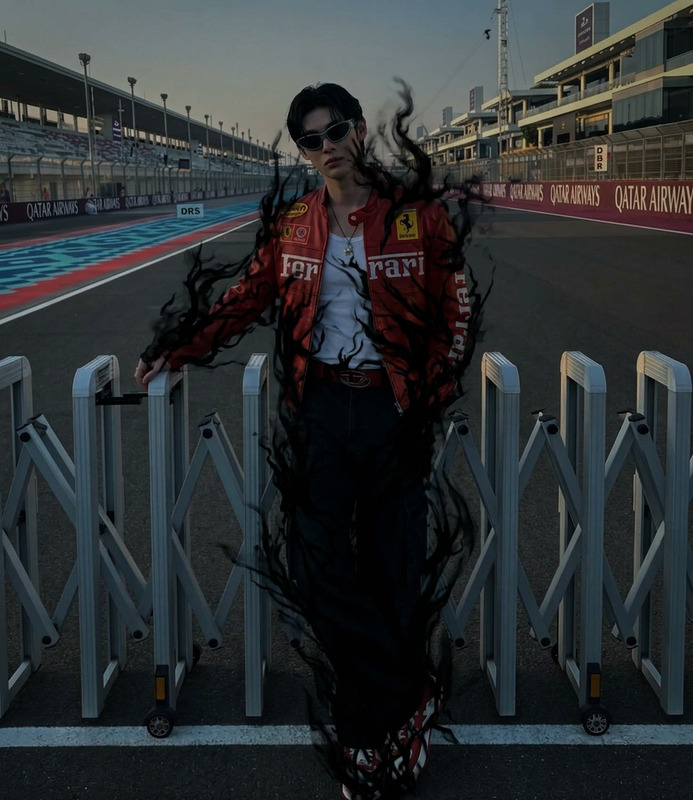
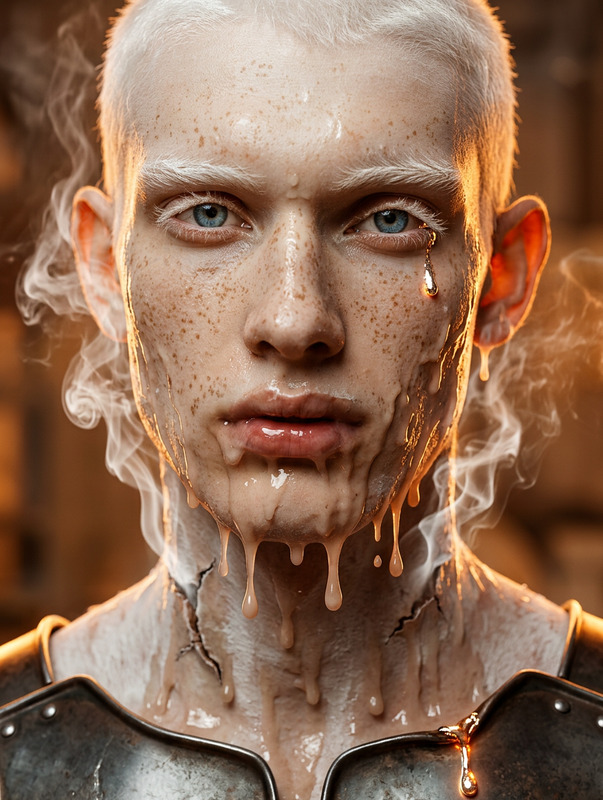
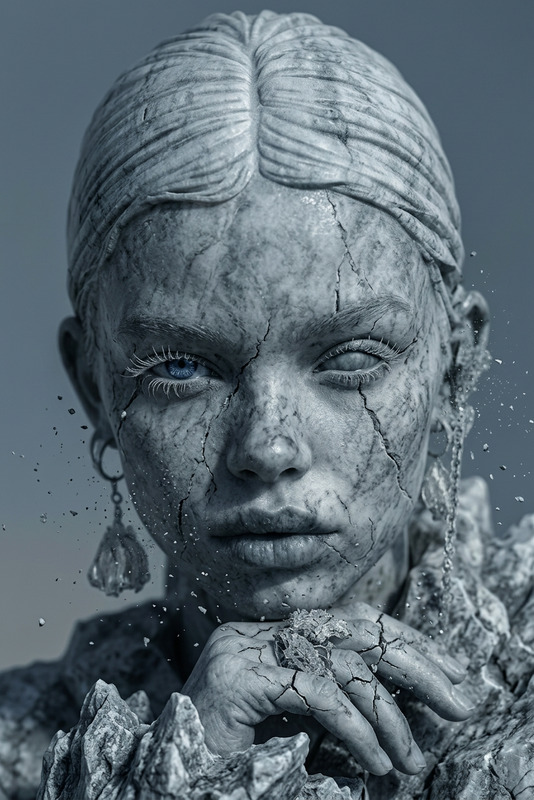
A subject melting under extreme heat, skin and clothing dripping away to reveal a dark skeletal structure beneath, flesh peeling and dissolving in slow fluid motion, glowing cracks spreading across the body as thick white smoke hisses out and coils upward, fragments sliding off like liquid, exposing the skeleton inside, eerie and surreal atmosphere, cinematic lighting, ultra-detailed, 4K.
Any aspect ratio
Overview
The Molten Skeleton Reveal template offers a unique and dramatic experience for creators. If you're looking to create eerie, visually compelling content, this AI Image Editor template brings ultra-detailed, surreal effects to your fingertips. Render a haunting transformation that peels the layers of reality.
What It Does
Using the power of the nano-banana model, this template captures the intensity of a subject melting under extreme heat. As skin and layers dissolve, a dark skeletal structure emerges. The cinematic lighting and 4K resolution enhance every element, from the glowing cracks to the coiling smoke, providing an ultra-realistic, surreal atmosphere.
Who It's For
This template is ideal for visual creators aiming to develop dynamic intros, particularly for horror or science fiction genres. It suits artists and filmmakers focusing on spine-chilling content. Educators and enthusiasts can also leverage it in multimedia presentations that require visually arresting imagery.
Summary
Transform your multimedia projects with the Molten Skeleton Reveal template, specifically crafted for detailed and atmospheric edits. Whether you're creating a video intro or crafting a themed content piece, this tool is poised to add depth and intrigue to your projects. Dive into a world of cinematic horror and see creativity in its rawest form!
How-To
Choose Molten Skeleton Reveal

Customize Your Vision

Generate Your Content

Use Cases
Dynamic Intros
- Horror-themed presentations
- Sci-fi film projects
Horror Themes
- Short horror videos
- Promotional materials for events
Artistic Expressions
- Digital canvas projects
- Themed art exhibitions
Best Practices
Optimize Lighting Conditions
Leverage the cinematic lighting options to highlight details like cracks and smoke. It enhances the horror atmosphere and realism.Focus on Detail
Adjust settings to emphasize ultra-detail in skeletal formations and melting effects for maximum impact.Use With Complementary Tools
Combine with other creative tools like the Face Swap or AI Voice Changer to produce integrated multimedia presentations.