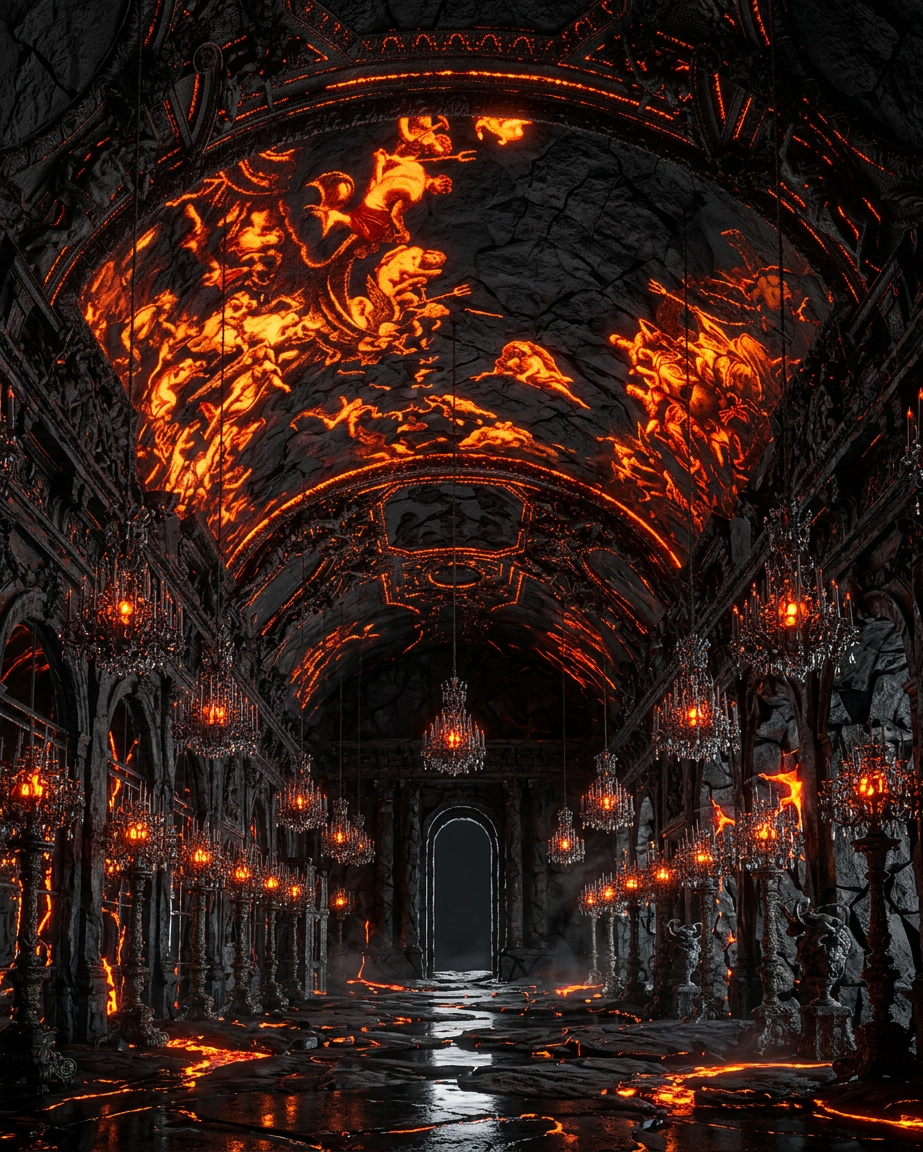
Molten Materials
- Model
- Nano Banana 2
- Image
- 923 × 1152 px
Prompt
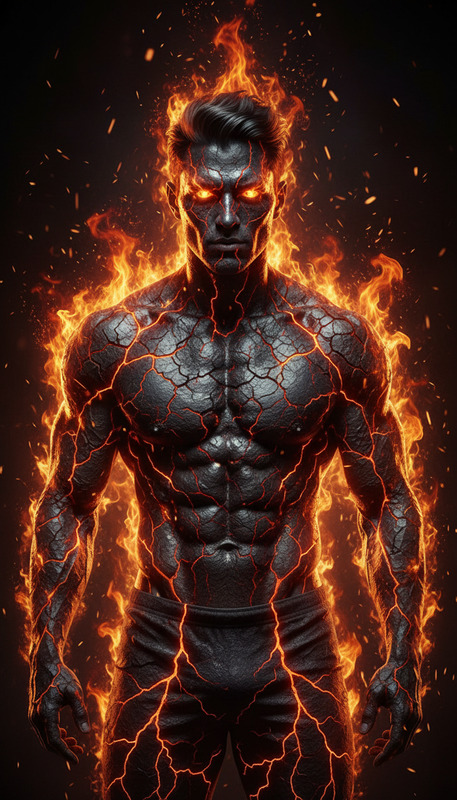
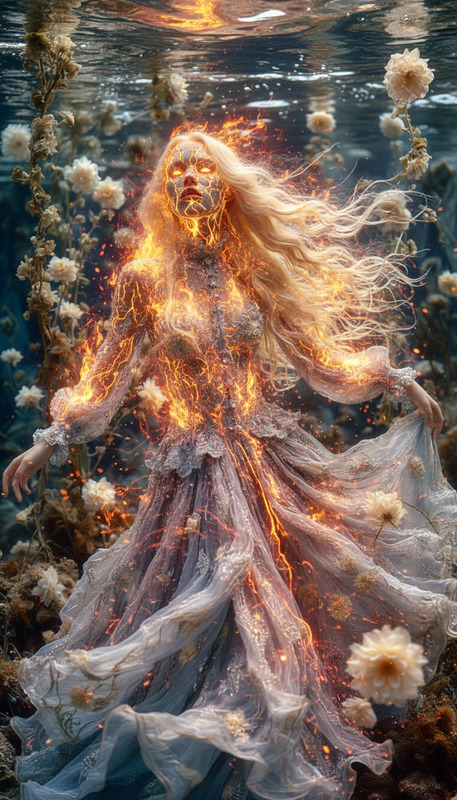
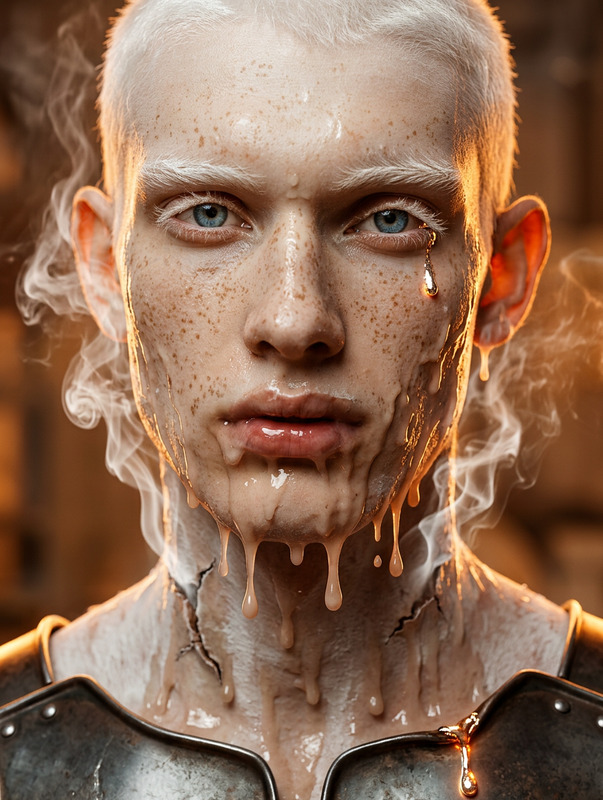
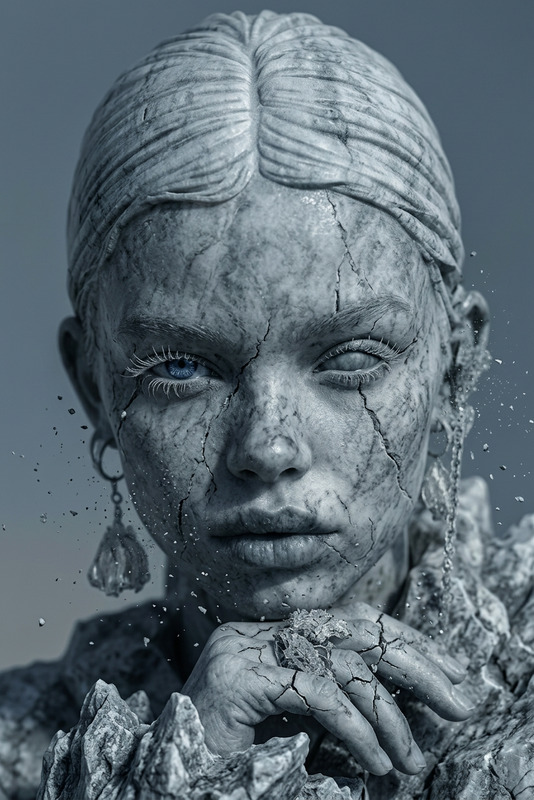
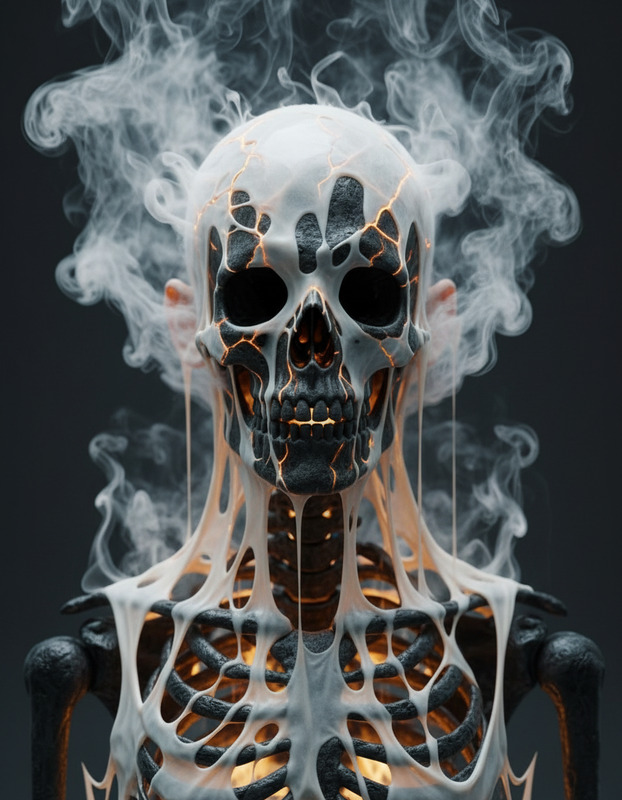
Subject rendered as a 3D cube made of black lava material, featuring a cracked surface with glowing molten lava breaking through; detailed bump mapping emphasizes rough, jagged texture and depth; high contrast between dark stone and bright internal glow; cinematic lighting highlights edges and surface relief; minimal background to focus on material detail and form.
Any aspect ratio
Overview
The Molten Materials template is a specialized AI Image Editor crafted to transform any subject into a striking 3D cube composed of black lava with glowing molten highlights. Using the Nano-Banana-2 model, it simulates intricate textures and lighting effects, creating a cinematic portrayal that emphasizes contrast and detail.
What It Does
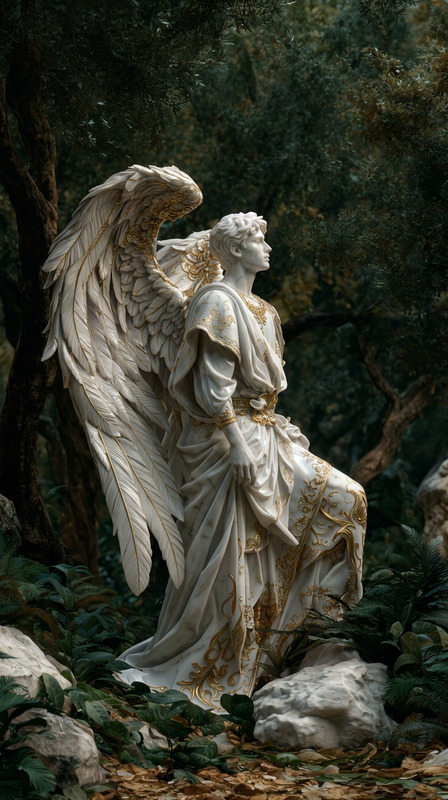
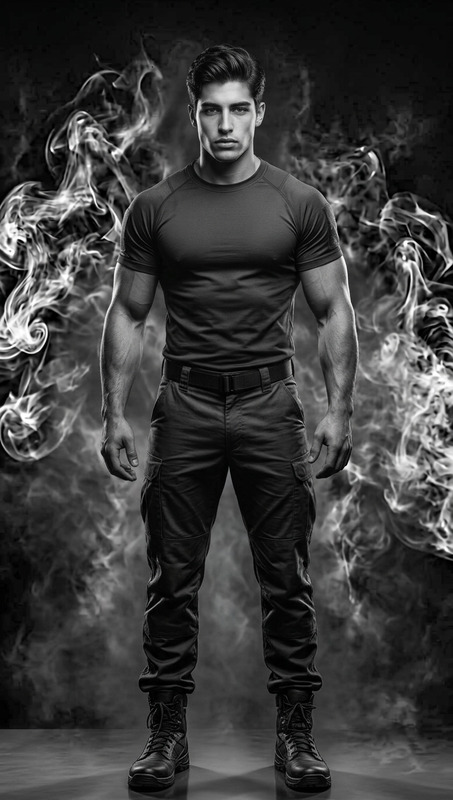
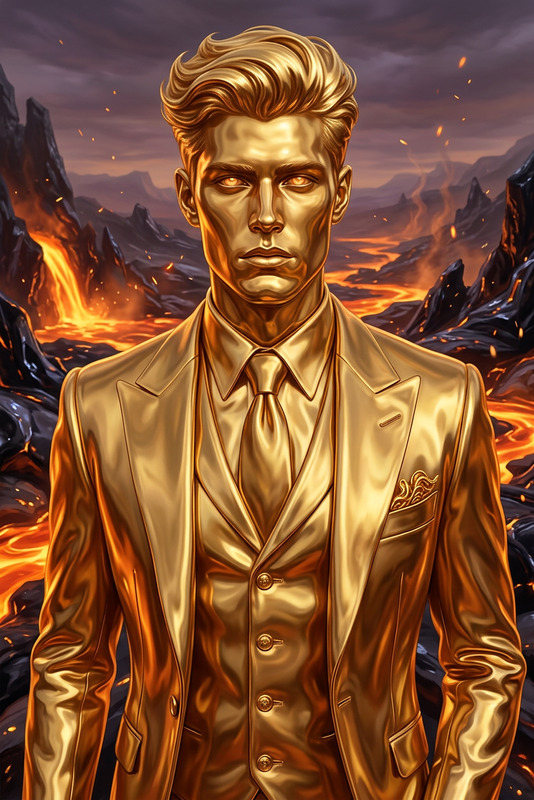
The Molten Materials template transforms an image into an art piece that highlights the contrast between dark stone and internal glow. It uses advanced bump mapping to create a rough, jagged texture, bringing depth to the subject. Its cinematic lighting enhances the surfaces, drawing attention to the detailed form and material.
Who It's For
This tool is designed for creators and artists who wish to add dramatic fiery effects to their visual content. Whether you're crafting visuals for a high-energy project or looking to integrate volcanic aesthetics into your work, this template, part of the AI Image Editor suite, provides the precision and flair needed.
Summary
Ideal for artistic projects that require a touch of dramatic flair, the Molten Materials template is your go-to choice for vivid, fiery details. It works seamlessly with the AI Image Generator to enhance visual storytelling with compelling, material-rich effects.
How-To

Customize

Generate

Use Cases
Cinematic Visuals
- High-energy movie scenes
- Dramatic trailers
Marketing Materials
- Ads for energy drinks or tech products
Art Installations
- Gallery shows
- Digital art collections
Social Media Content
- Short promotional videos
- Unique visual posts
Best Practices
Match Subject and Theme
Select subjects that naturally suit transformation into 3D cube forms, enhancing the overall aesthetic.Consider Lighting
Make use of the cinematic lighting feature to emphasize the 3D effects; dark environments with spot lighting are ideal.Focus on Texture
Take advantage of the bump mapping feature by choosing subjects where texture will be visually impactful.