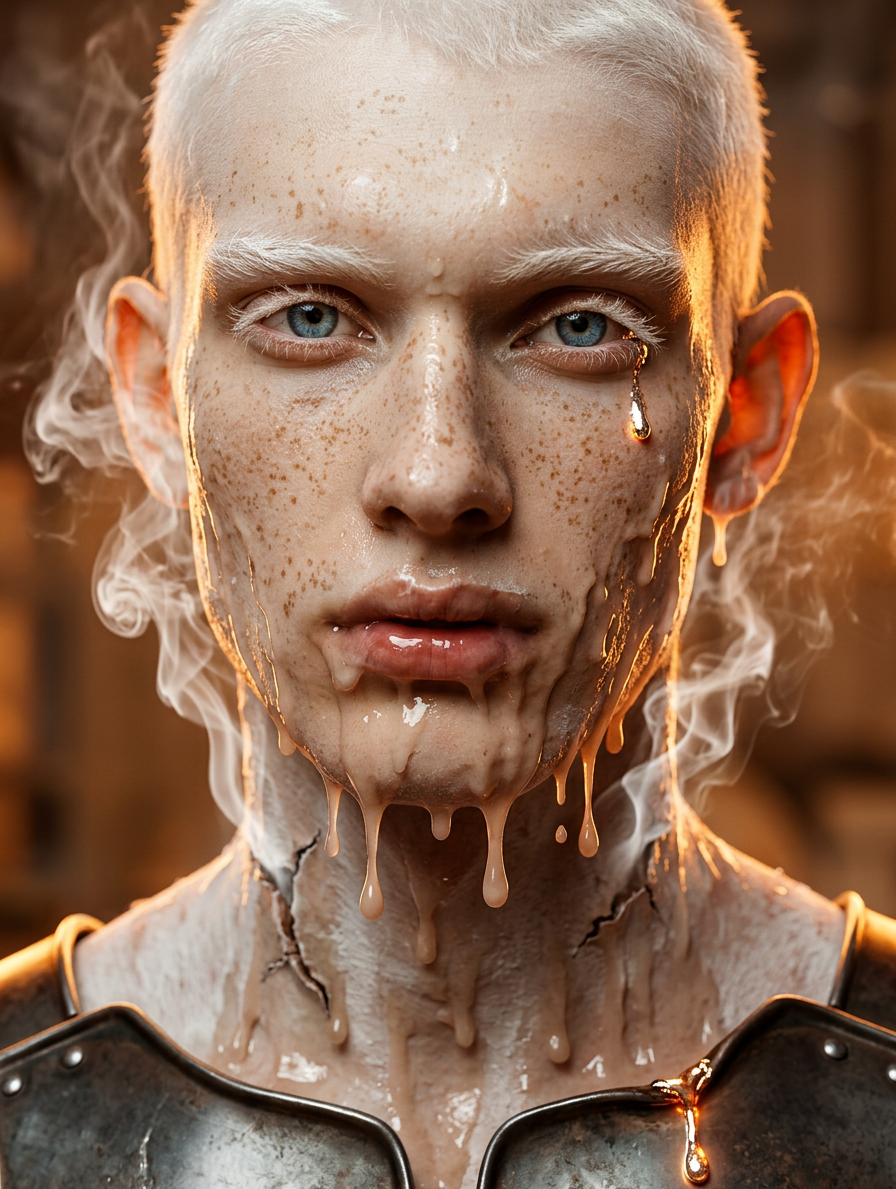
Melting
- Model
- Nano Banana 2
- Image
- 896 × 1189 px
Prompt
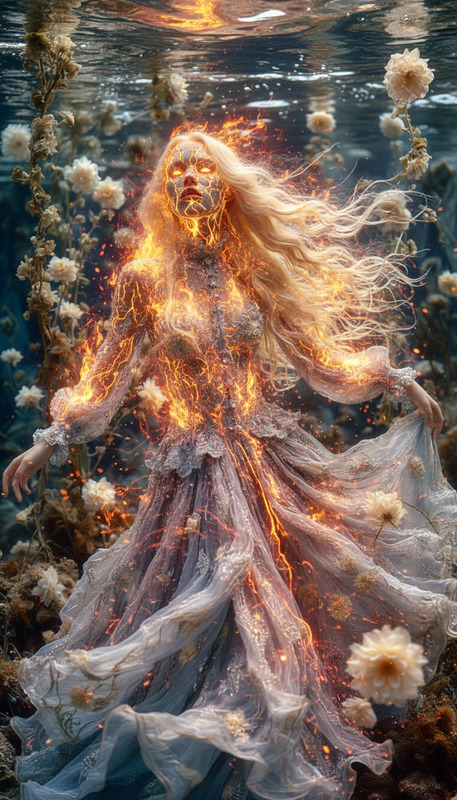
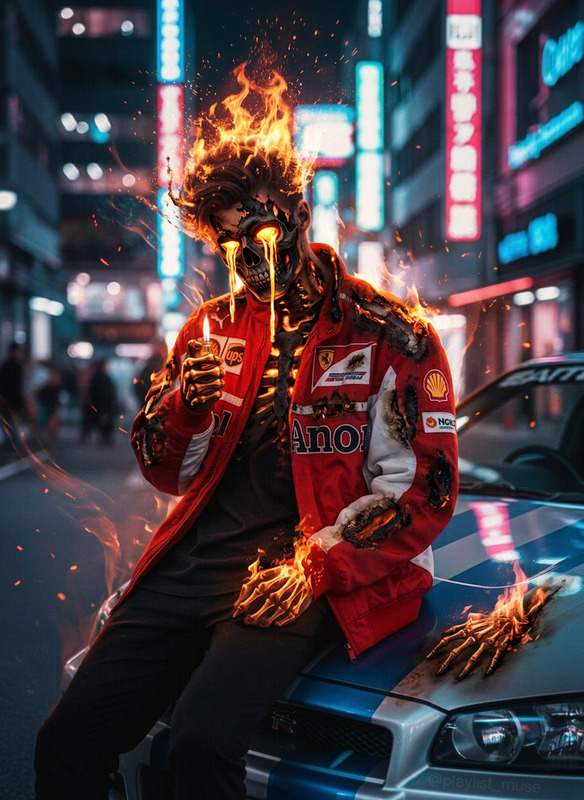
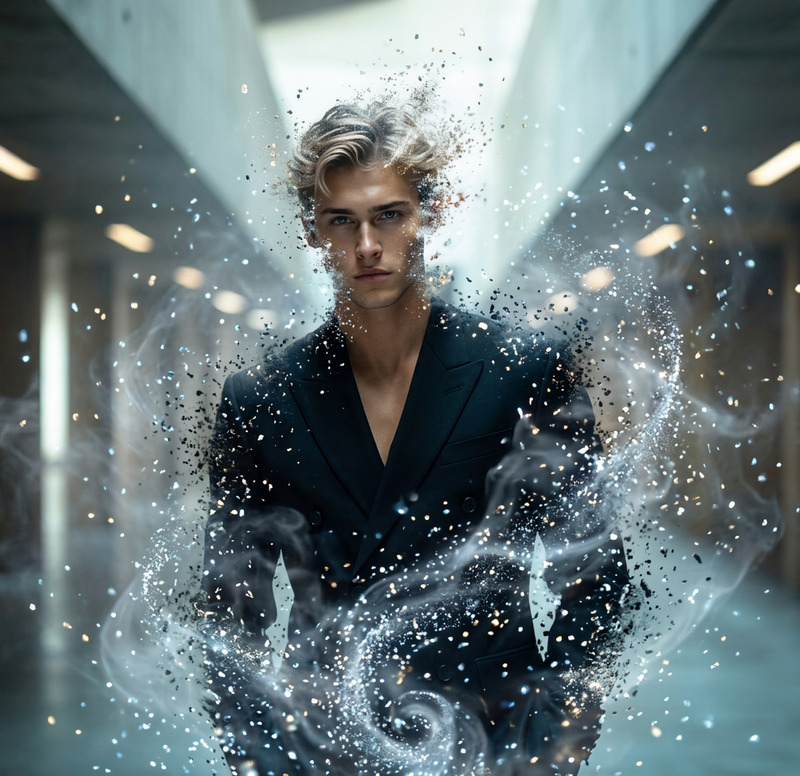
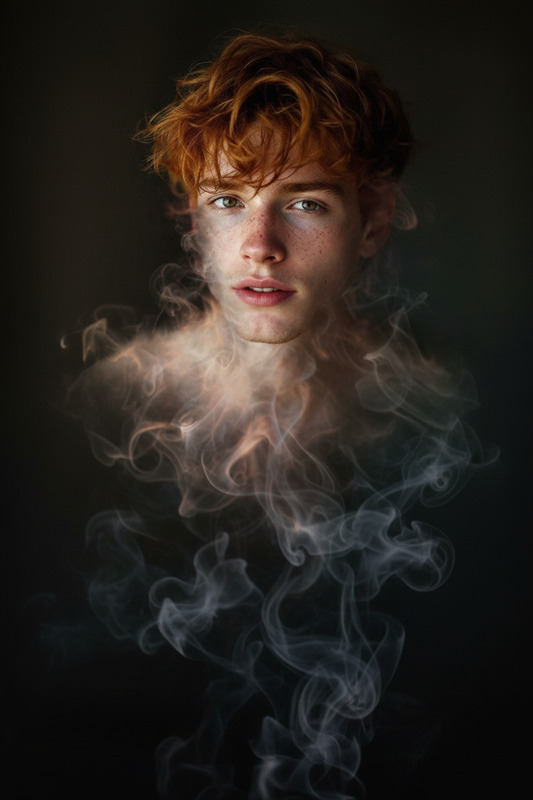
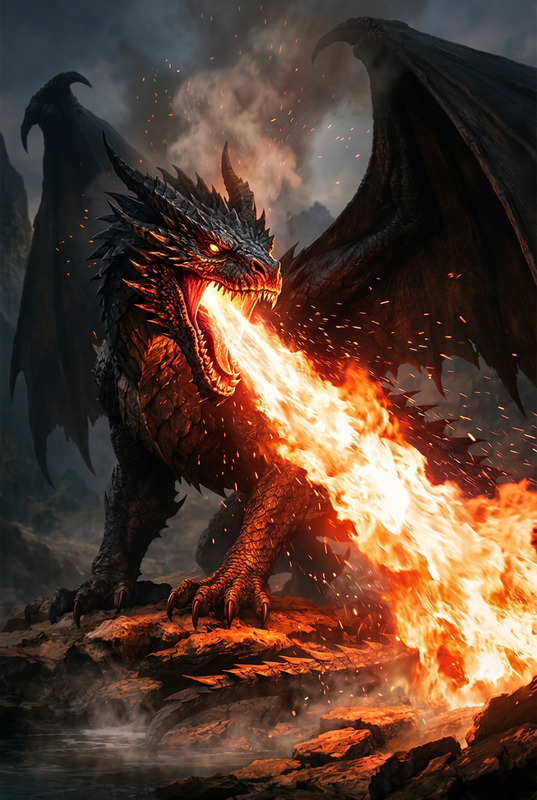
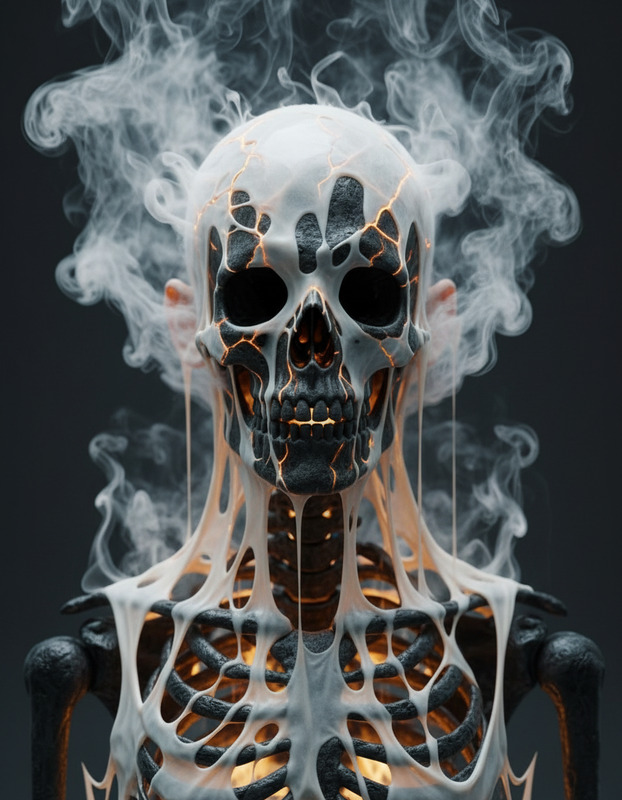
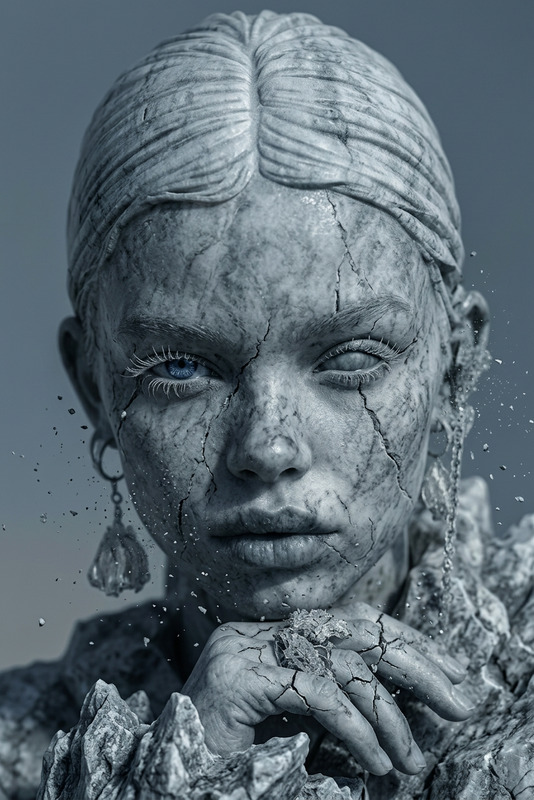
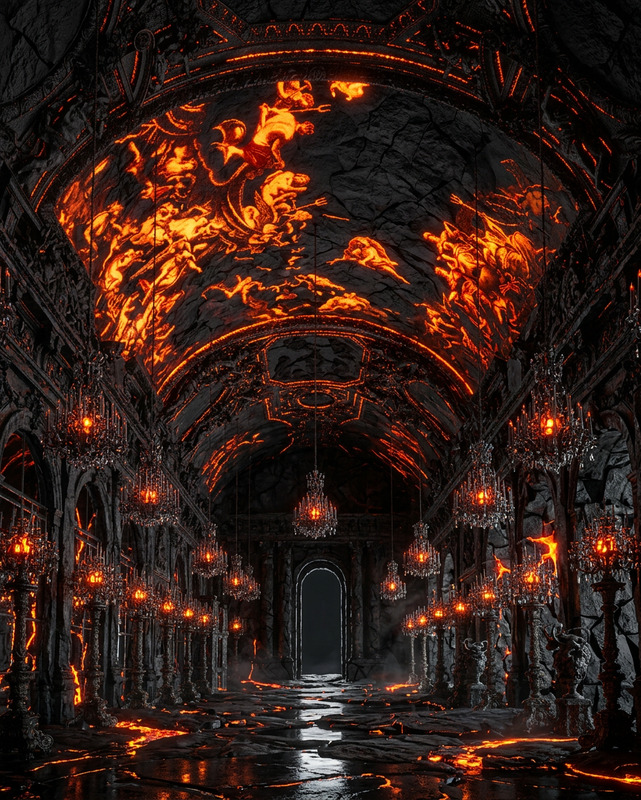
A subject softening and melting under intense heat, skin and clothing dripping and warping into distorted forms, surfaces sagging as if liquefying, from cracks and seams thick white smoke hissing out and coiling upward in ghostly tendrils, chest plates buckling inward as glowing liquid metal drips down like tears, surreal tension and extreme temperature, cinematic lighting, ultra-detailed, 4K.
Any aspect ratio
Overview
Welcome to the Melting template, powered by the advanced nano-banana-2 model. This AI Image Editor template lets you create visually stunning images that capture the essence of intense heat and transformation.
What It Does
With the Melting template, images are artistically transformed by simulating a melting effect. The template allows you to morph subjects into flowy, surreal visuals complete with details like sagging surfaces and coiling smoke tendrils. Ideal for projects requiring an atmospheric touch, it features ultra-detailed, high-resolution renders perfect for any creative brief.
Who It's For
This template is perfect for artists, digital content creators, and filmmakers looking to add unique visual effects to their work. Whether you're creating a dramatic scene or experimenting with artistic styles, the Melting template offers exceptional detail and flexibility. It's a great companion to other creative tools such as the AI Image Editor and AI Talking Photo.
Summary
Engage audiences with the dramatic and cinematic effects of the Melting template. With its focus on transformation and surreal details, it enhances creative projects by introducing dynamic, melting effects. For those seeking more hands-on tools, explore our AI Meme Generator for playful yet sophisticated creations.
How To
Choose Your Template

Customize Your Image

Generate and Download

Use Cases
Cinematic Film Projects
- Visual effects
- Film trailers
- Sci-fi and horror genres
Digital Artistry
- Concept art
- Illustrations
- Gallery pieces
Creative Advertising
- Billboards
- Social media ads
- Product promotions
Best Practices
Balance Detail and Focus
Ensure the melting effects don’t overshadow the subject of the image. Highlight essential elements by carefully controlling detail intensity.Use Lighting to Enhance Effects
Adjust cinematic lighting settings to accentuate the melting look, adding depth and atmosphere to the image.Combine with Other Templates
For versatile projects, consider pairing effects with templates from Image to Video to create animation sequences.