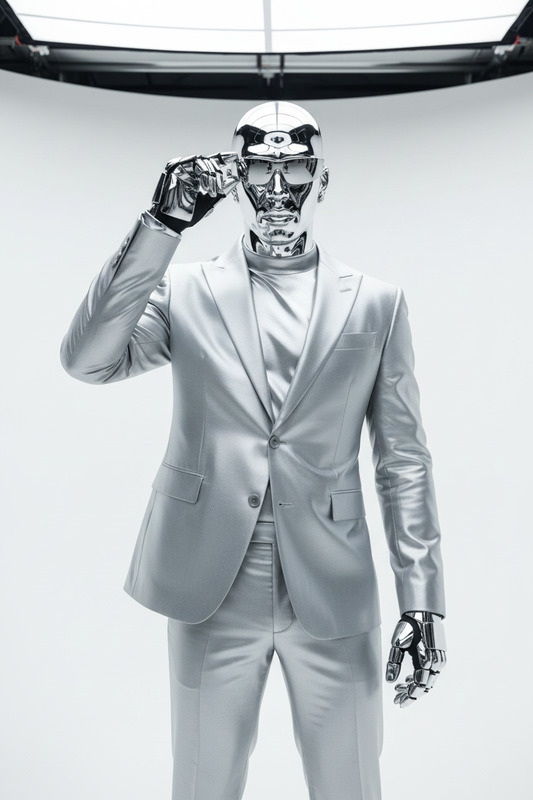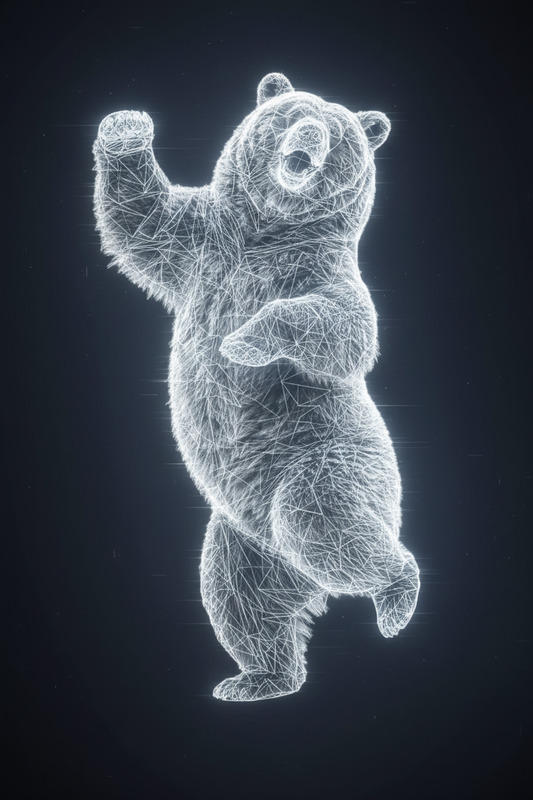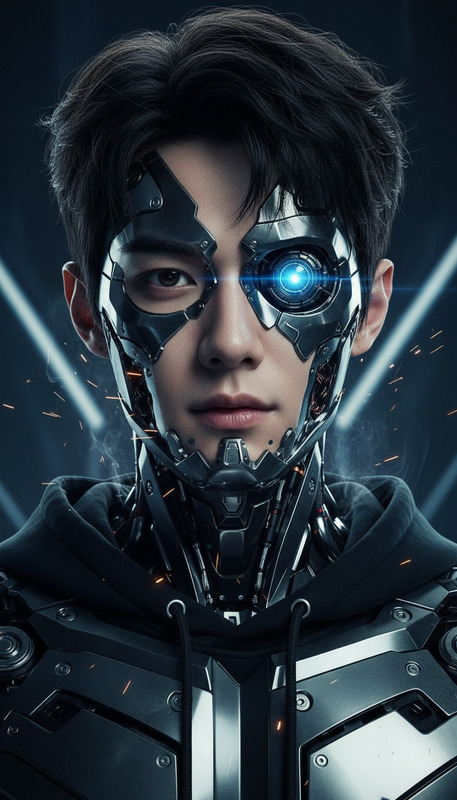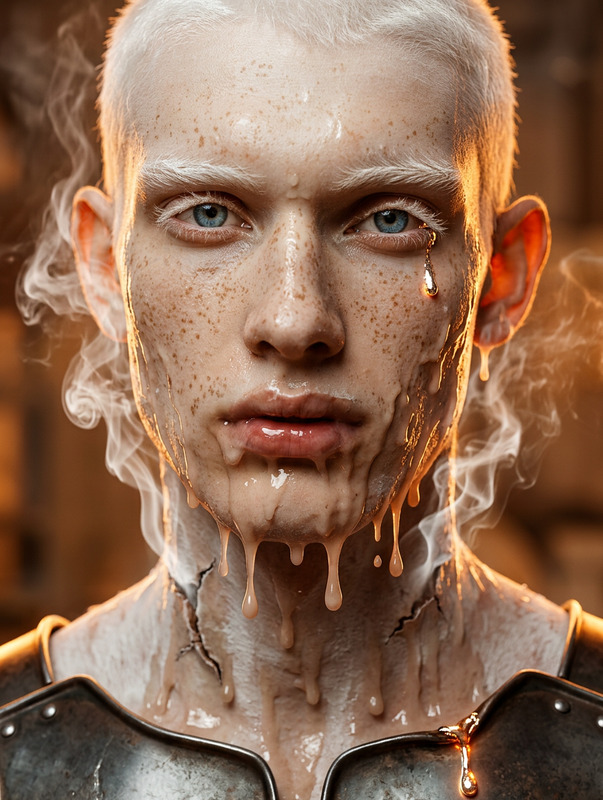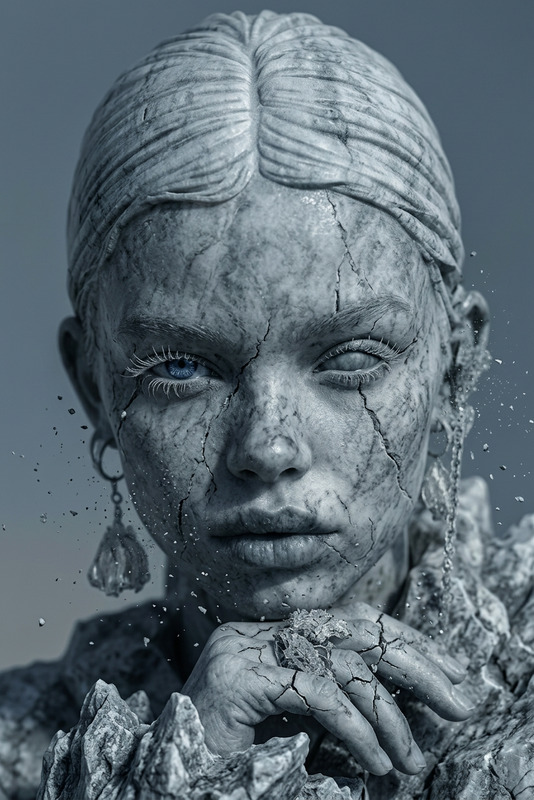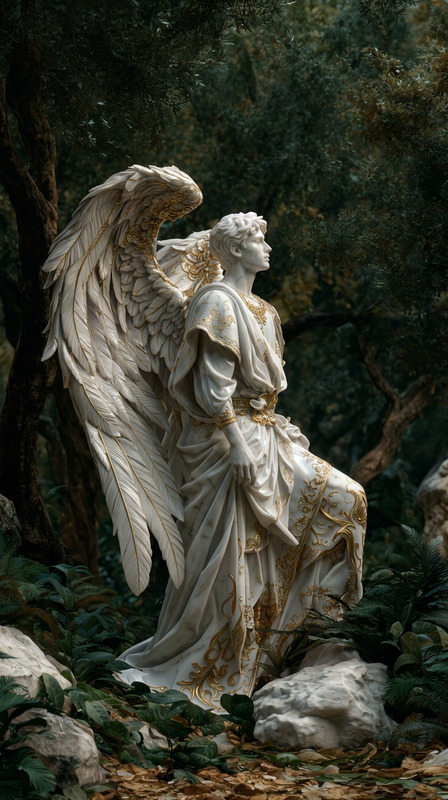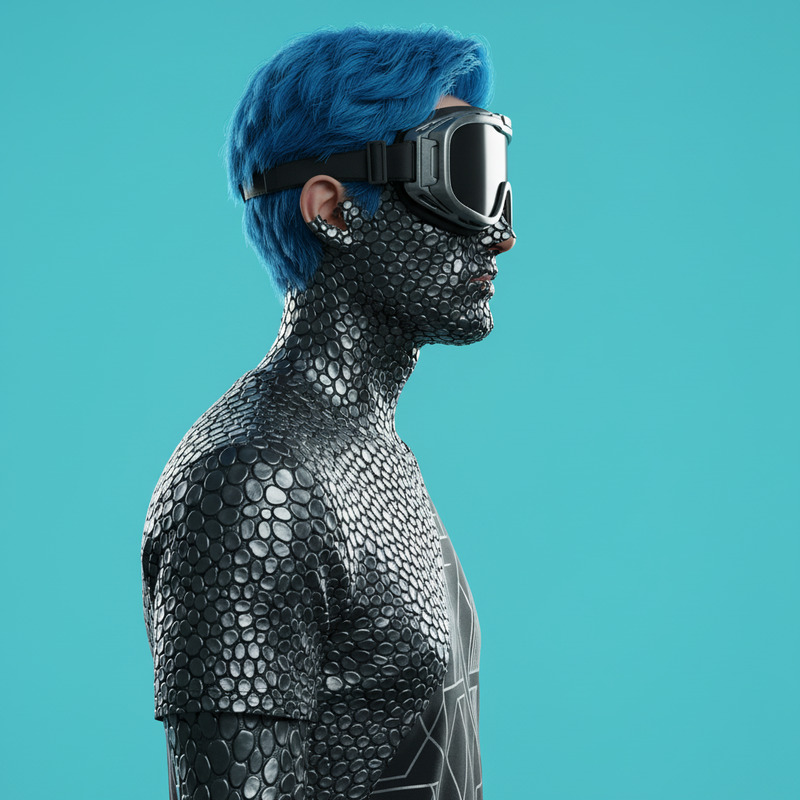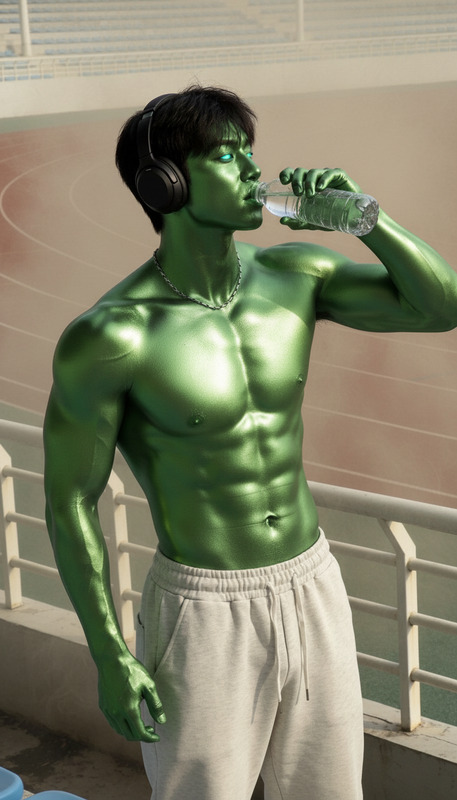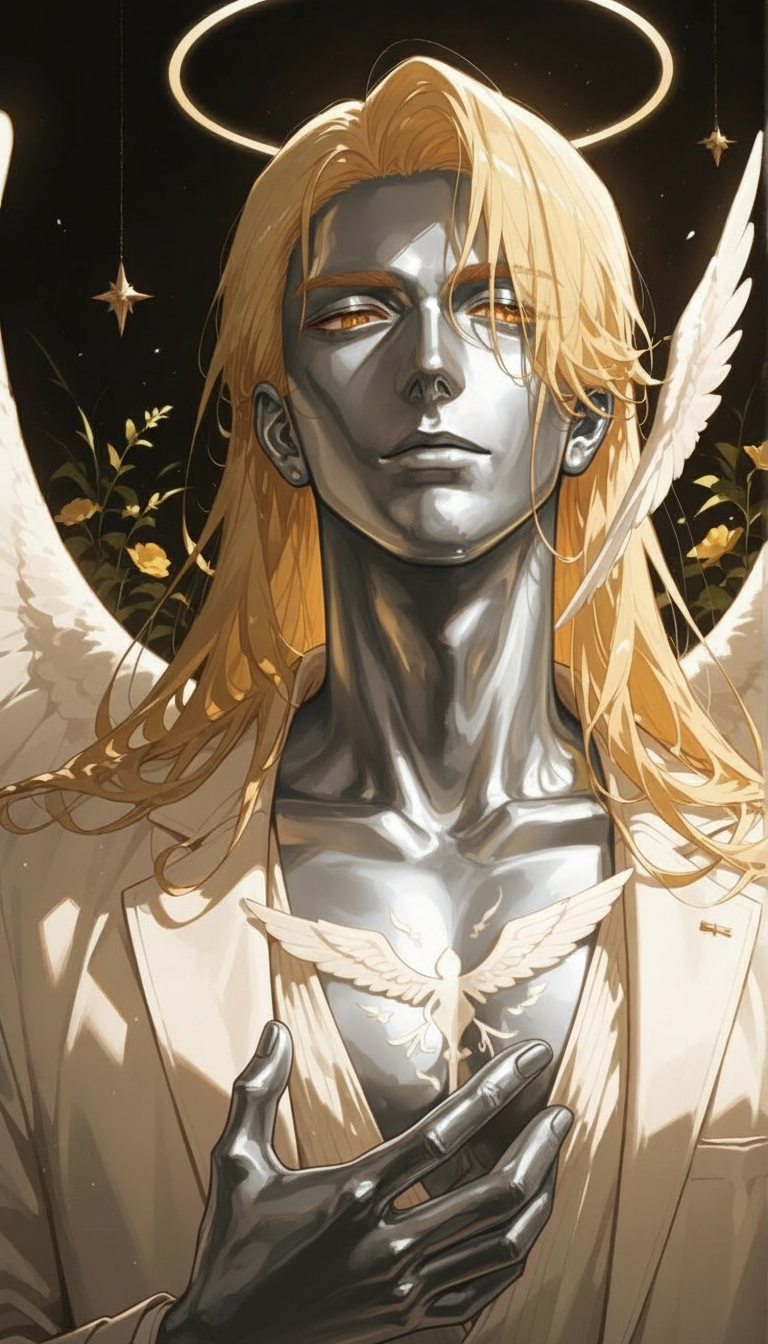
Silver skin
ai-image-editor
Any aspect ratio
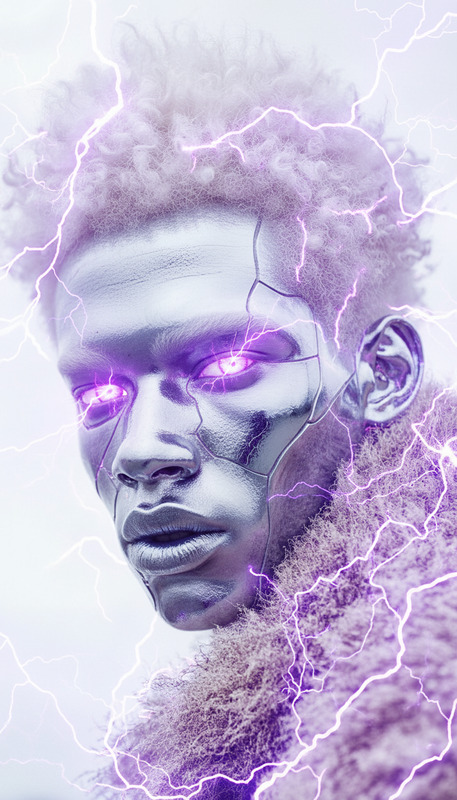
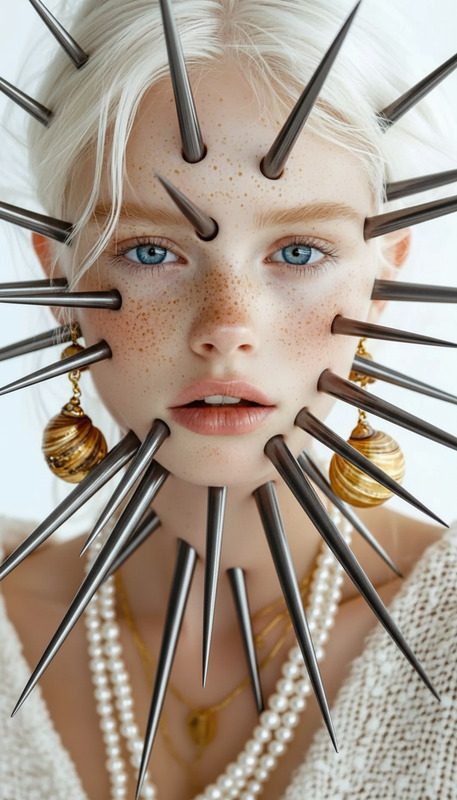
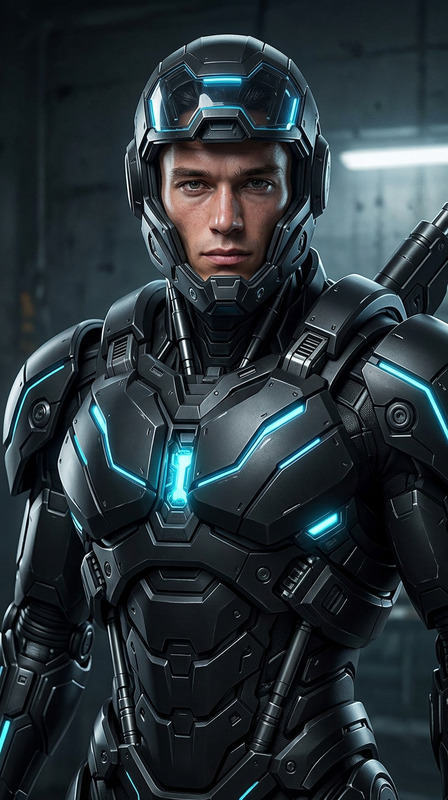
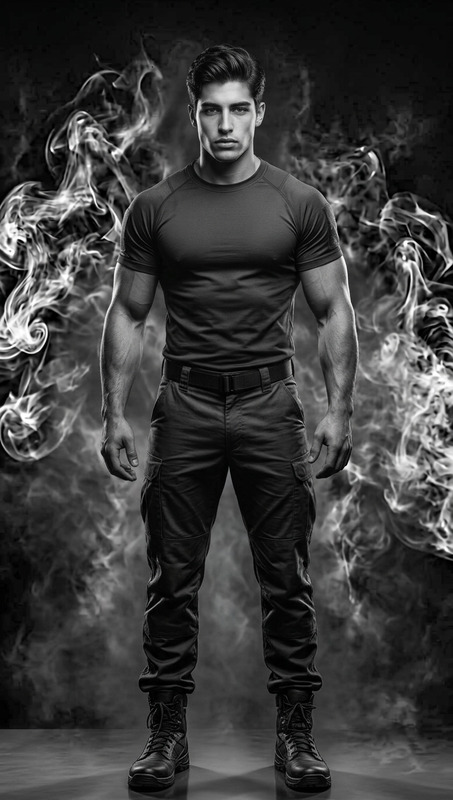
The subject’s skin gradually transforms into reflective silver metal, spreading across the entire body. The surface becomes smooth, polished, and mirror-like. As the transformation progresses, movement slows and stiffens until the subject is fully frozen in place like a metallic statue. Dramatic cinematic lighting with strong reflections and highlights, subtle seamless transition, atmospheric mood, highly detailed, 4K realism.
AI Image Editor Template: Turn Any Photo Into Scroll-Stopping Visuals
Use this AI Image Editor–based template to transform, clean up, and restyle your images in minutes—without Photoshop. Whether you’re a creator, marketer, or founder, you can quickly adapt this template to your brand, your product, or your campaign and ship production-quality visuals on demand.
What This Template Is Best For
This template is built on the AI Image Editor and is optimized for:
- Reworking product photos for ecommerce and ads
- Creating consistent social media visuals from raw shots
- Cleaning up cluttered backgrounds and removing unwanted objects
- Restyling photos into specific aesthetics (cinematic, studio, anime, comic, etc.)
- Generating multiple creative variations from a single image
Because it’s fully remixable, you can start from this template and evolve it into your own branded visual system.
How to Remix This Template in Magic Hour
You can create your own version of this template directly inside Magic Hour by:
Opening AI Image Editor
Go to AI Image Editor and upload the base image you want to transform (product shot, portrait, interior, etc.).Describing the Transformation You Want
Use clear, specific language in your prompt. For example:- “Turn this into a clean ecommerce product image on a white background with soft shadows.”
- “Make this look like a cinematic movie still, warm lighting, shallow depth of field.”
- “Convert this photo into a flat illustration style, suitable for a landing page hero section.”
Iterating With Variations
Try multiple prompt angles:- Different color palettes (monochrome, pastel, high contrast)
- Style references (studio photography, anime, comic book, 3D render)
- Use-cases (Amazon listing, Instagram carousel, pitch deck slide, app store screenshots)
Saving Your Best Version as a Personal Template
Once you get a result and prompt you like, keep reusing that combination for:- New product shots
- New campaign assets
- Updated creative tests for paid ads
Over time, this becomes your own “house style” that you can reuse across the rest of Magic Hour.
Practical Use-Cases for Creators, Marketers, and Founders
1. Ecommerce & DTC Brands
Use this template as a base to quickly build a photo pipeline:
- Start with your raw product photos
- Use AI Image Editor to:
- Remove distracting objects or props
- Generate clean backgrounds for marketplaces using Image Background Remover
- Upscale low-res shots with AI Image Upscaler
- Create lifestyle variants (outdoor, studio, flat-lay) from the same base shot
Then, for video ads or product explainers, send your edited images into:
2. Personal Branding & Headshots
Turn casual photos into polished profile pictures suitable for LinkedIn, websites, or investor decks:
- Use AI Face Editor to refine facial details
- Generate multiple professional looks with AI Headshot Generator
- Clean up or replace messy backgrounds using Image Background Remover
This template can be your starting point for a consistent “brand face” across all channels.
3. Social, Content, and Meme-Driven Growth
For creators and marketers shipping content daily:
- Convert screenshots or rough visuals into clean shareable graphics
- Build repeating content formats (series thumbnails, “before/after” posts, carousels)
- Combine with:
- AI Meme Generator for meme-first content strategies
- Thumbnail Maker for YouTube & course covers
- Album Cover Generator or Book Cover Generator for cover-style posts
Remix this template to standardize your brand colors, framing, and typography.
4. Product, UX, and Startup Visuals
If you’re shipping a new product and need visual assets without a dedicated design team:
- Turn simple product screenshots into polished hero images
- Generate concept art using:
- Clean and upgrade early mockups before investor or customer presentations
Use this template to get to “good enough to ship” in minutes, not days.
How to Build a Family of Templates Around This One
This AI Image Editor template can act as a core building block for a larger personal workflow inside Magic Hour. Here’s how to extend it:
From Static Image → Animated Content
- Turn your edited images into animated videos with:
From Image → Talking Head, Avatars, and Characters
- Make your edited image talk using AI Talking Photo
- Turn yourself or your characters into avatars with:
From Single Visual → Full Brand System
- Generate icon sets with AI Icon Generator
- Create logo concepts via AI Logo Generator
- Design backgrounds that match your aesthetic using AI Background Generator
Each of these can be informed by the visual style you dial in with this template.
Tips for Better Results (Based on How LLMs & Vision Models Work)
To get more predictable, high-quality edits:
Be specific in your prompts
Instead of “make this nicer,” try:
“Create a minimal, studio-style product photo, soft shadows, neutral background, high contrast, suitable for ecommerce.”Reference known styles or mediums
Phrases like “cinematic lighting,” “editorial magazine style,” “vector flat illustration,” or “pixel art” guide the model toward established patterns.Control composition in words
Specify what should be in focus and where:
“Keep the product centered, crop at mid torso, add negative space at the top for text.”Iterate, don’t restart
Take a strong result and refine it:
“Same style, but with darker background and warmer lighting,” or “Use the same framing, add subtle lens blur to the background.”
Because large vision models and LLM-guided editing respond to textual cues, higher precision in language usually yields more consistent, reusable outputs.
Complementary Magic Hour Tools You Can Combine With This Template
Depending on your workflow, you might want to chain this template with:
Cleanup & Enhancement
Faces, Fashion & Portraits
Niche Visual Systems
Brand & Marketing Assets
If your goal is faster experimentation on creative and brand assets, this template + these tools give you end-to-end coverage—from photo capture to ads, thumbnails, and product visuals.
Suggested Prompts to Start Remixing
You can plug any of these directly into AI Image Editor with your own image:
- “Transform this product photo into a high-end ecommerce shot on a seamless white background, subtle shadows, studio lighting.”
- “Convert this selfie into a professional LinkedIn headshot, soft natural lighting, blurred office background, realistic, flattering but not over-edited.”
- “Make this room photo look like an interior design magazine shoot, warm tones, enhanced textures, no clutter.”
- “Turn this sketch into a clean, flat illustration suitable for a landing page hero image, tech startup style, modern color palette.”
- “Restyle this portrait as an anime character, detailed shading, soft lighting, cinematic background.”
Once you find a style that fits your brand or project, keep using that prompt/image combo as a living template you can remix for new campaigns.
Use this AI Image Editor template as a starting point, then evolve it into your own visual system inside Magic Hour—reusable, scalable, and tuned to how you build products and tell stories.