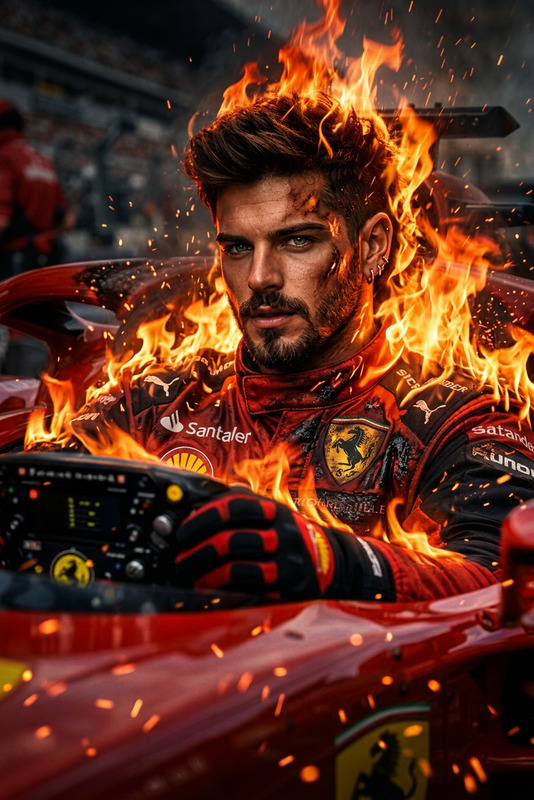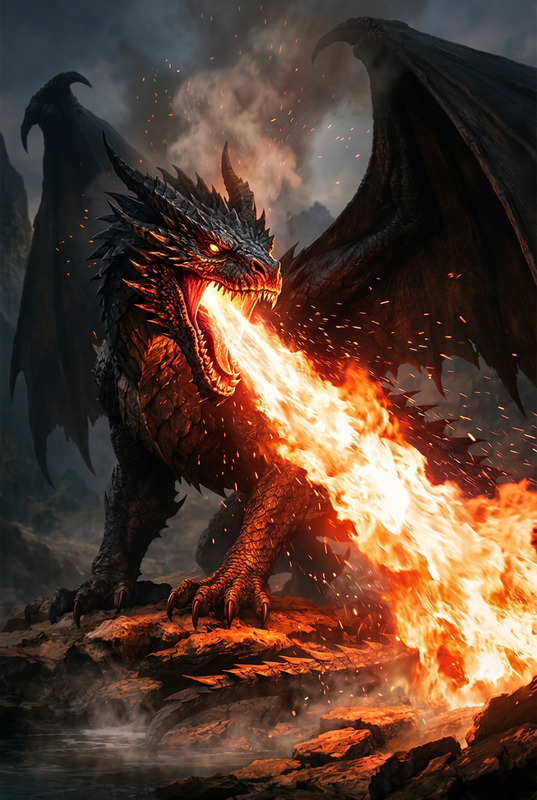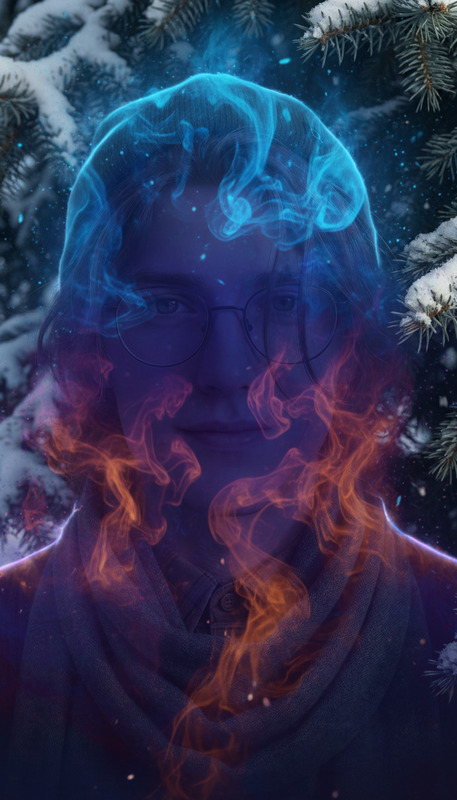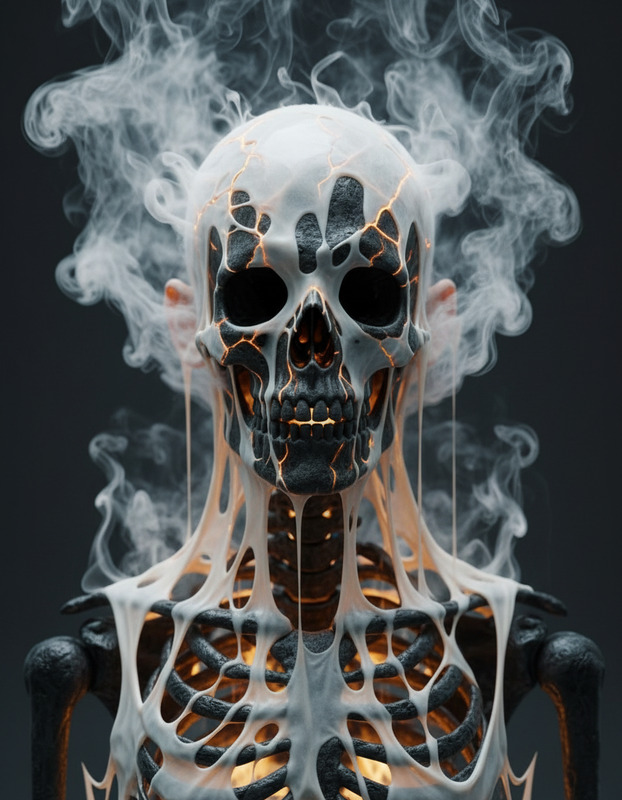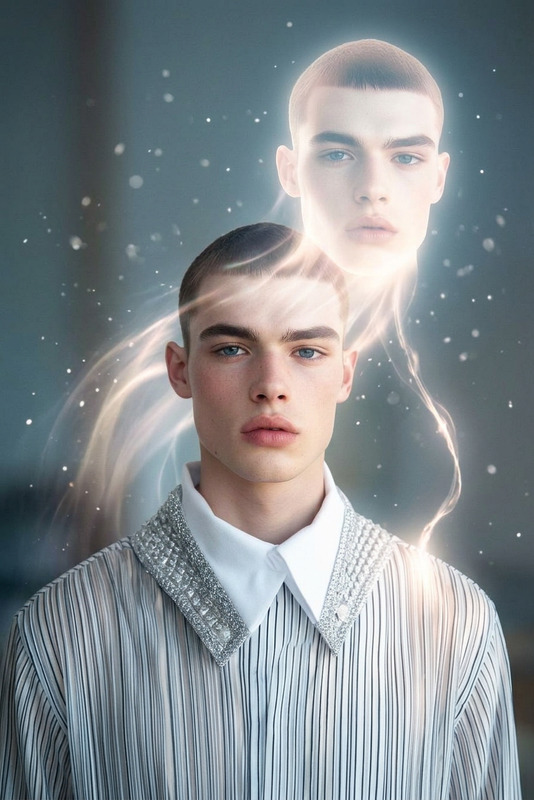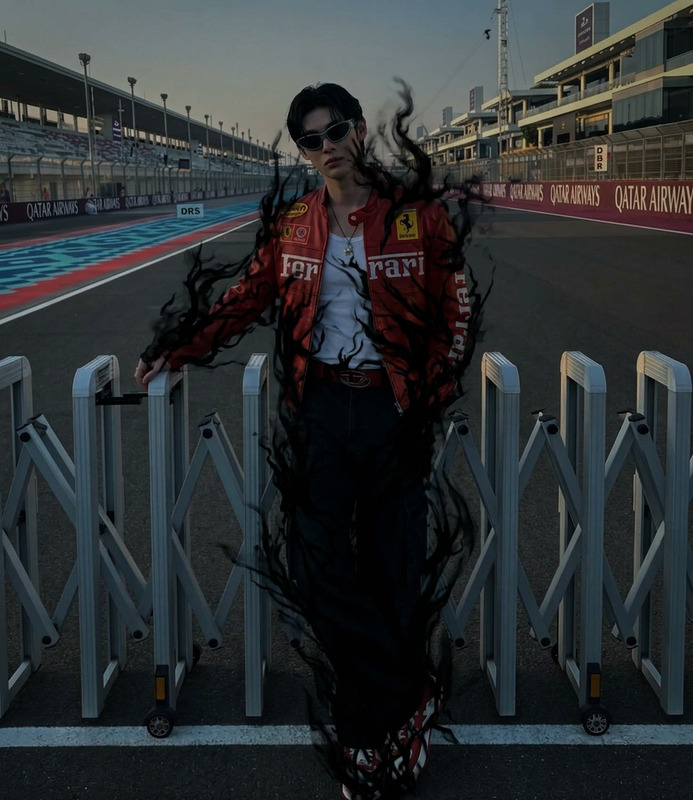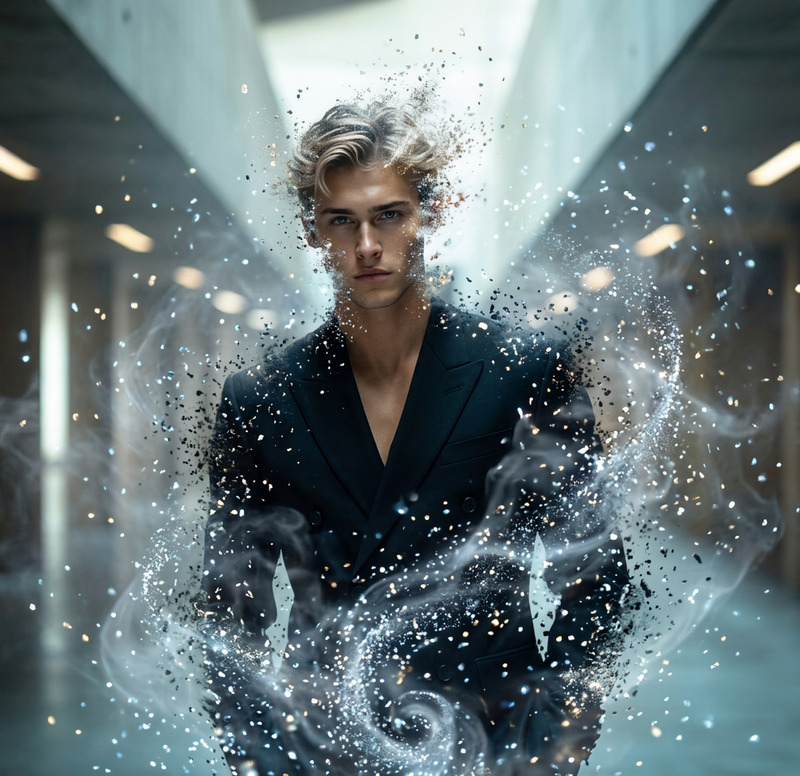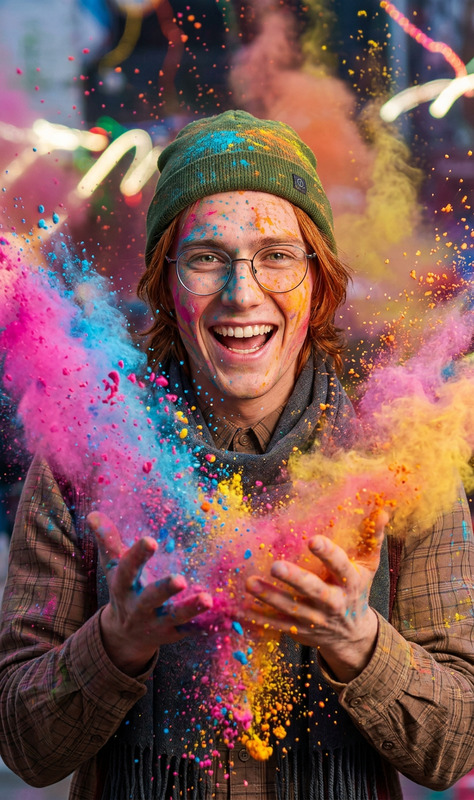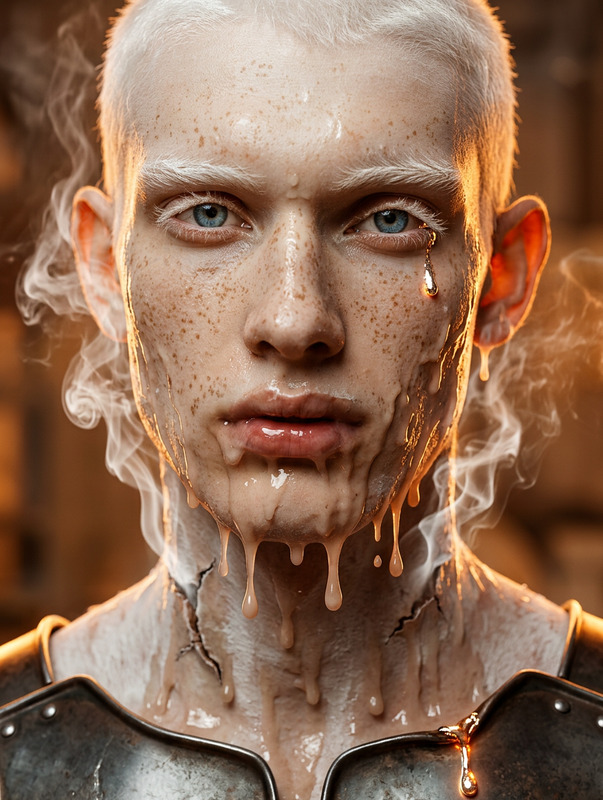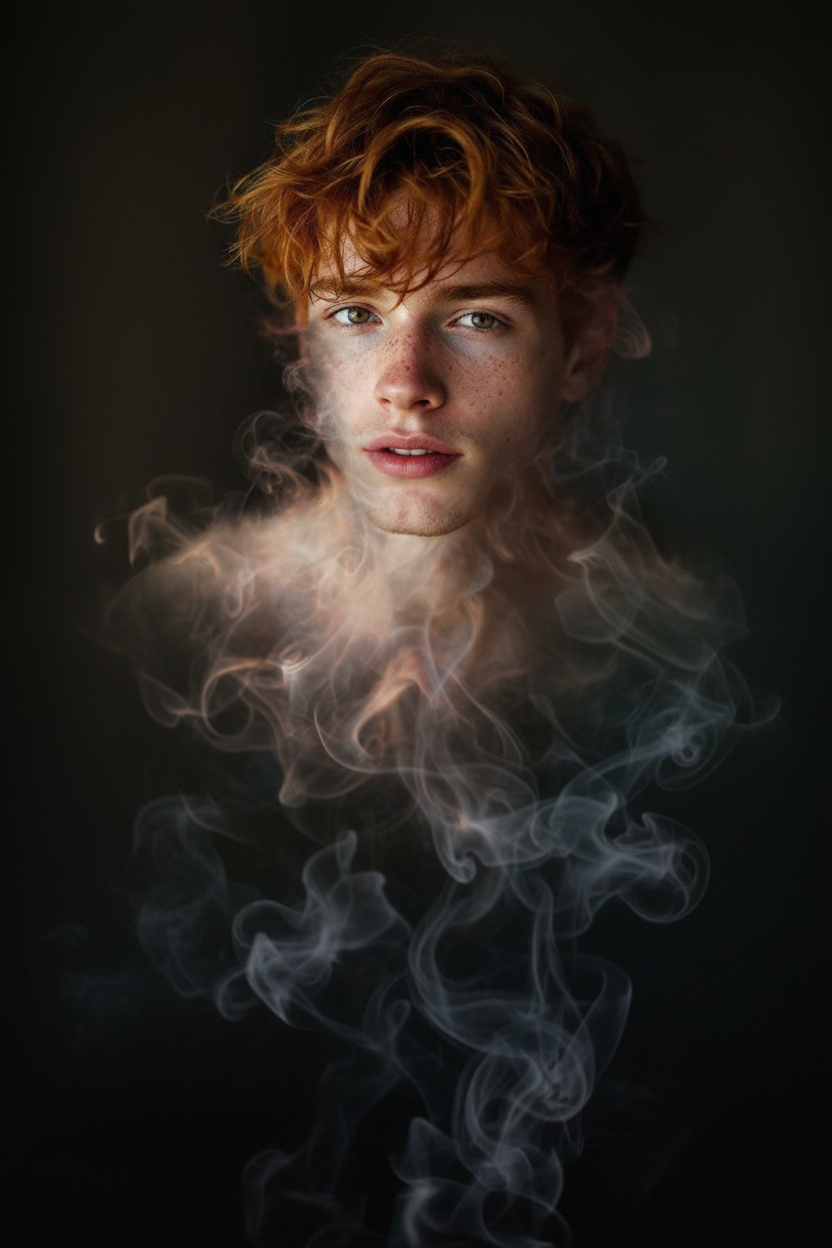
Smoke mid-transformation
- Model
- Nano Banana
- Image
- 832 × 1248 px
Prompt
A subject dissolving into swirling smoke, body breaking apart into soft drifting wisps that rise and fade into the air, edges blurring smoothly as the form vanishes, ethereal and fluid motion, dark minimal background, cinematic lighting, ultra-detailed, 4K.
Any aspect ratio
Overview
Welcome to the Smoke Mid-Transformation template, a tool designed to effortlessly morph your subject into a stunning visual display. Part of our AI Image Editor series, this template allows for striking graphical transformations by employing the nano-banana model. With precision, create scenes where figures dissolve into swirling smoke, surrounded by cinematic lighting.
What It Does
This template transforms an image of your choice, guiding your subject as they dissolve into ethereal smoke. The process involves enhancing fine details, ensuring the wisps of smoke appear ultra-realistic. It delivers images with smooth, blurred edges and a minimalistic dark background to maintain an artistic and focused presentation. Utilize this in conjunction with our AI Video Extender for a full cinematic sequence.
Who It's For
Ideal for digital creators, filmmakers, and marketers, the Smoke Mid-Transformation template is perfect for anyone looking to add a touch of magic to their visuals. Whether you're an independent filmmaker or part of a creative agency, this tool allows you to craft immersive effects that captivate audiences. It's also beneficial for educators and trainers involved in multimedia production, offering a dynamic method to enhance learning materials.
Summary
By transforming ordinary visuals into extraordinary experiences, this template is a must-have for those seeking innovative image editing solutions. Our product line, including the AI Gif Generator, provides a complementary suite of tools that amplify creativity. Utilize them together for stunning visual storytelling.
How-to
Choose

Customize

Generate

Use Cases
Filmmaker Visual Effects
- Add dramatic flair to fantasy sequences.
- Use for transitions in science fiction films.
Marketing Materials
- Develop engaging social media posts.
- Use in promotional videos to intrigue viewers.
Educational Content
- Explain diffusion processes in an engaging way.
- Use in multimedia presentations for dynamic learning.
Best Practices
Optimal Lighting
To achieve the best results, ensure that your original image has strong, clear lighting. This will enhance the effect's realism and maintain clarity in the smoke transformation.Background Contrast
For a striking effect, choose images with a contrasting background. This will help in highlighting the transformation and making the smoke appear more vivid.Detail Settings
Adjust the detailing settings according to the intended final use. Higher detailing is ideal for close-up shots, whereas slightly less detail can be perfect for wider images in motion graphics.