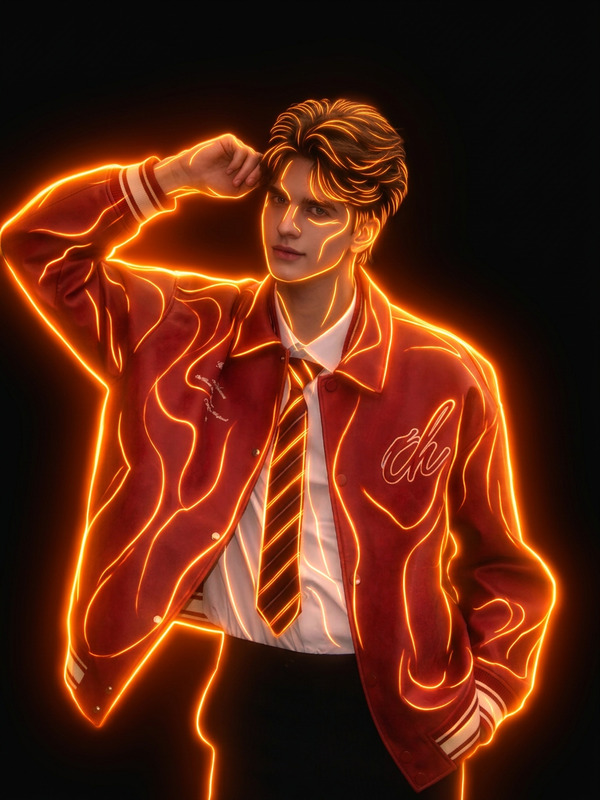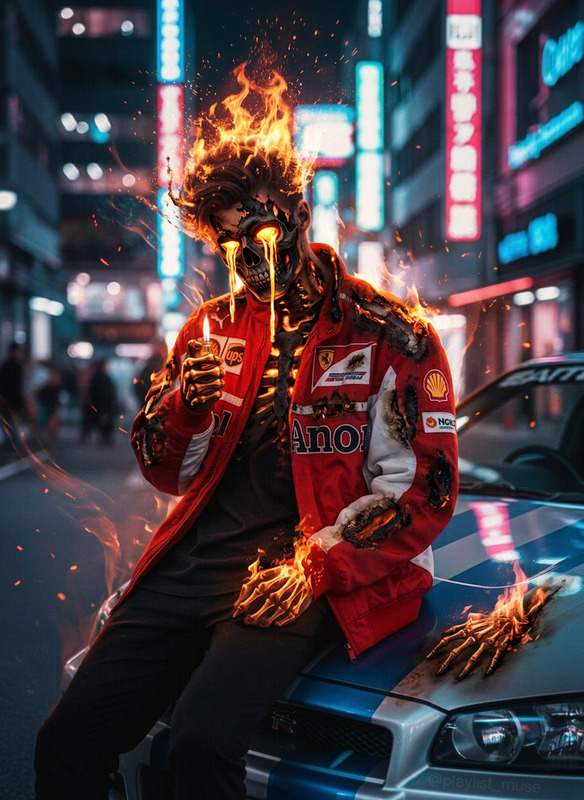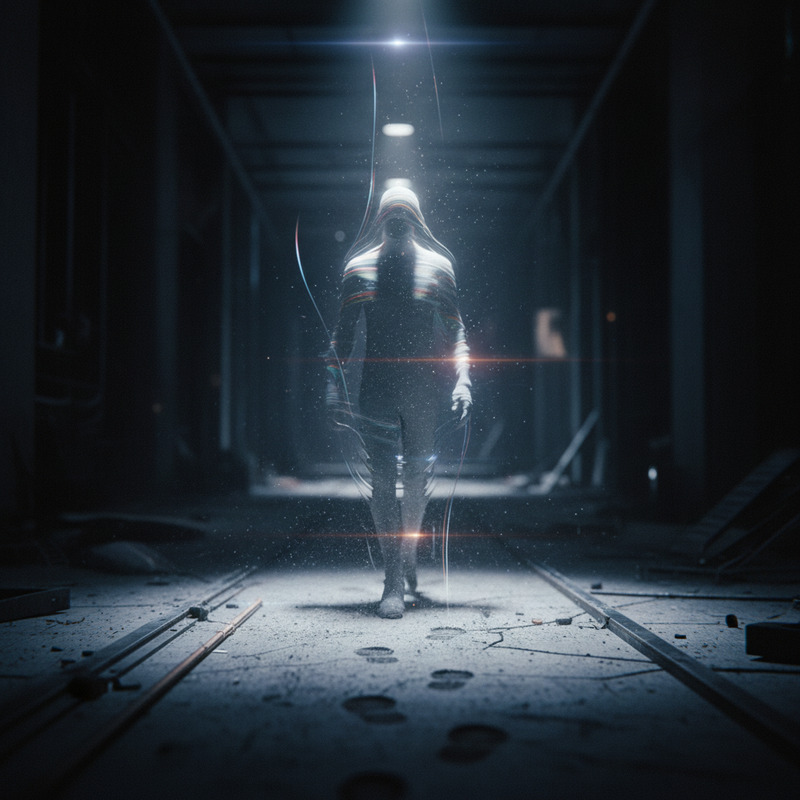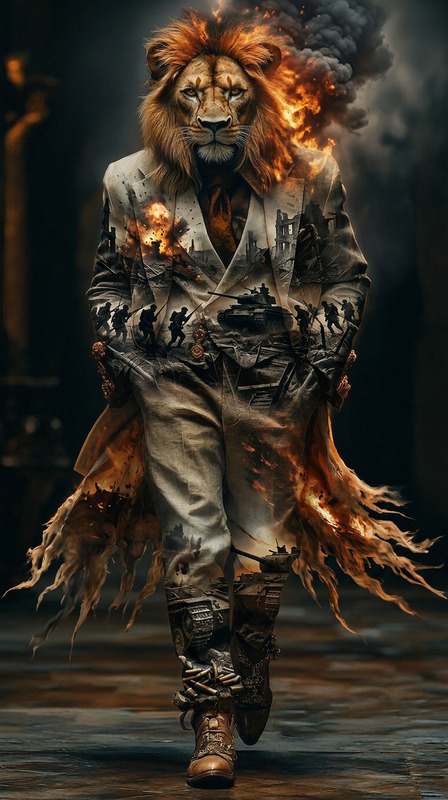
Venom Smoke
- Model
- Nano Banana 2
- Image
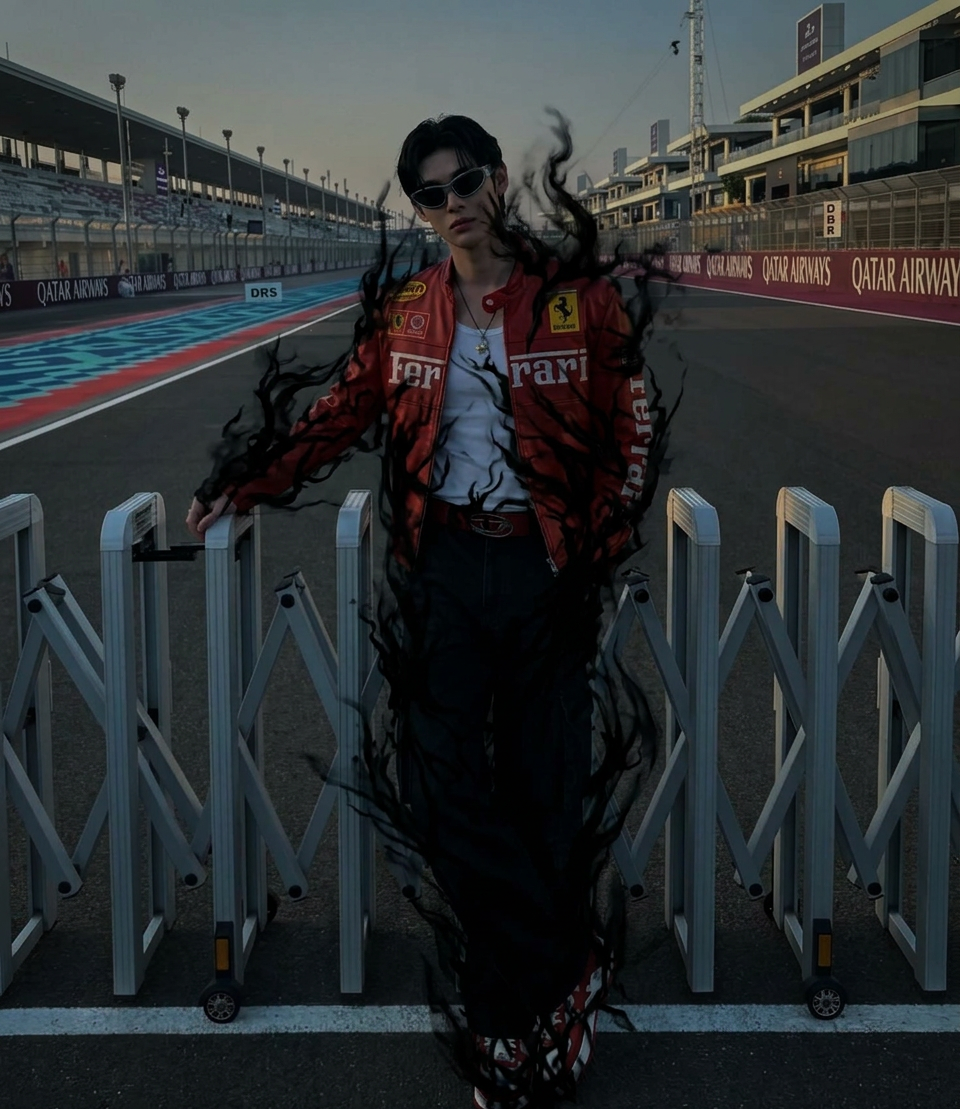
- 960 × 1109 px
Prompt
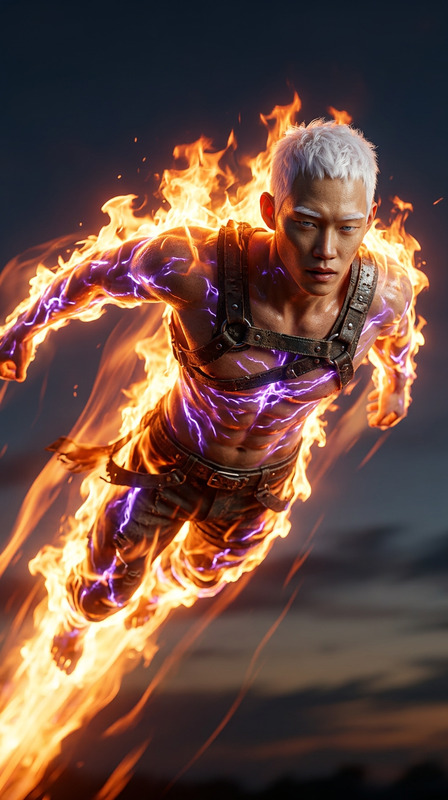
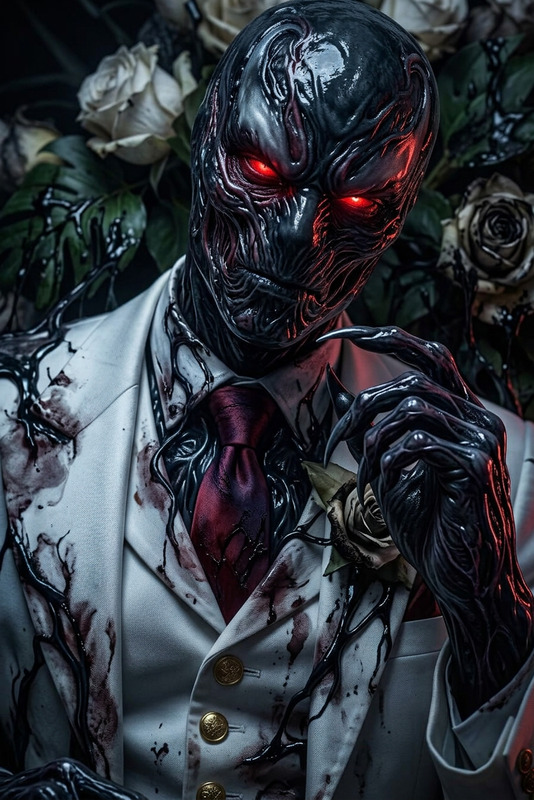
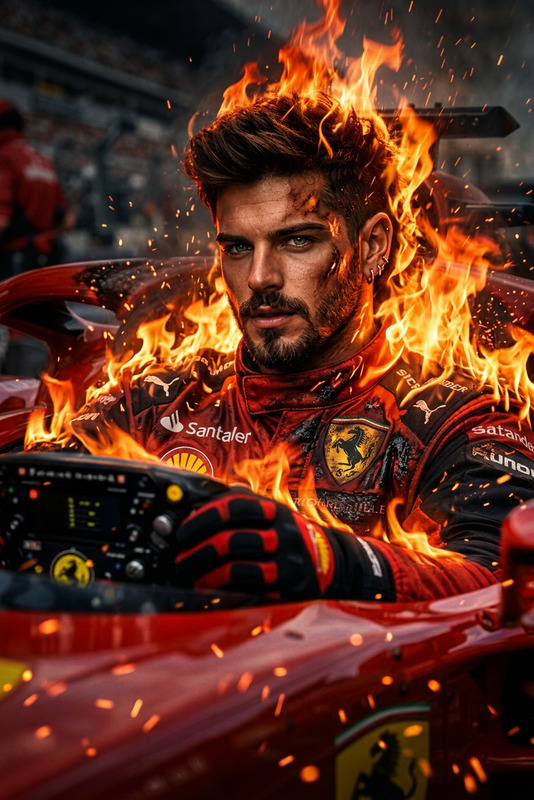
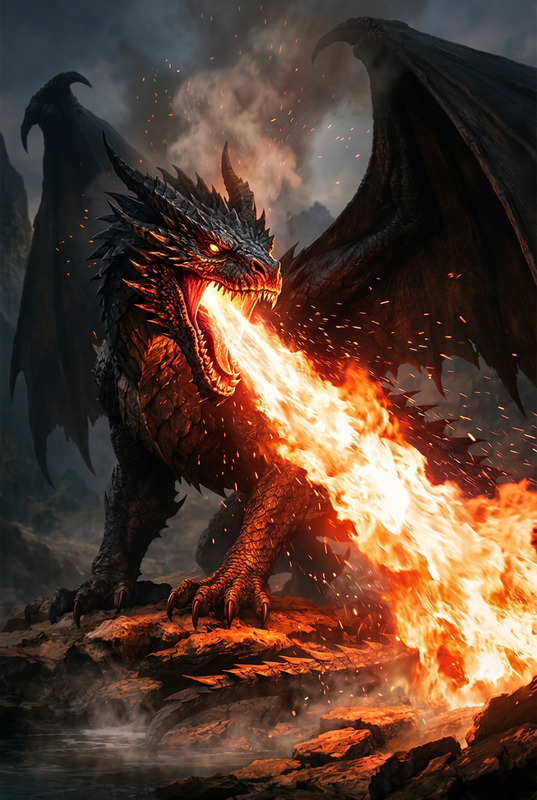
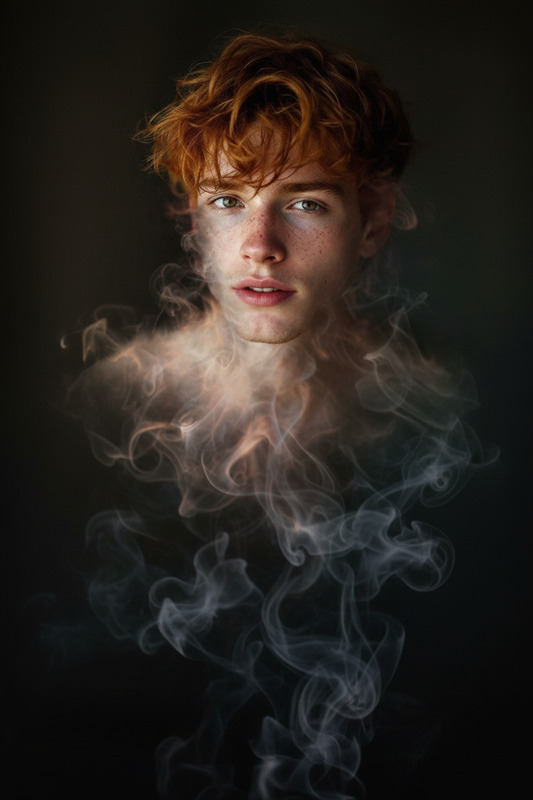
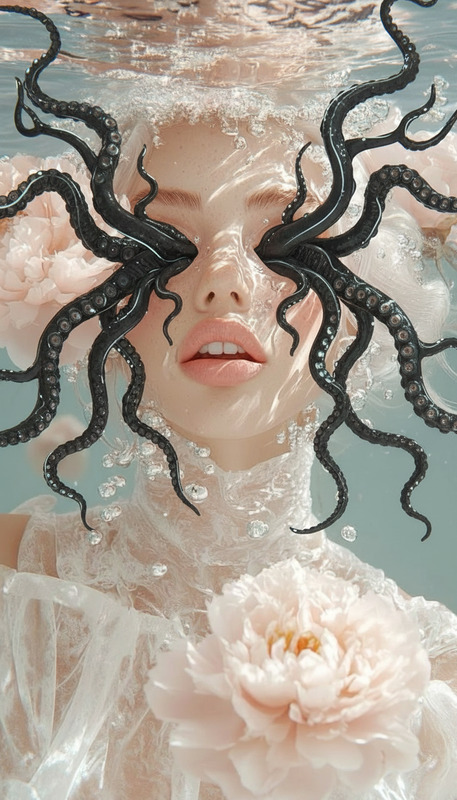
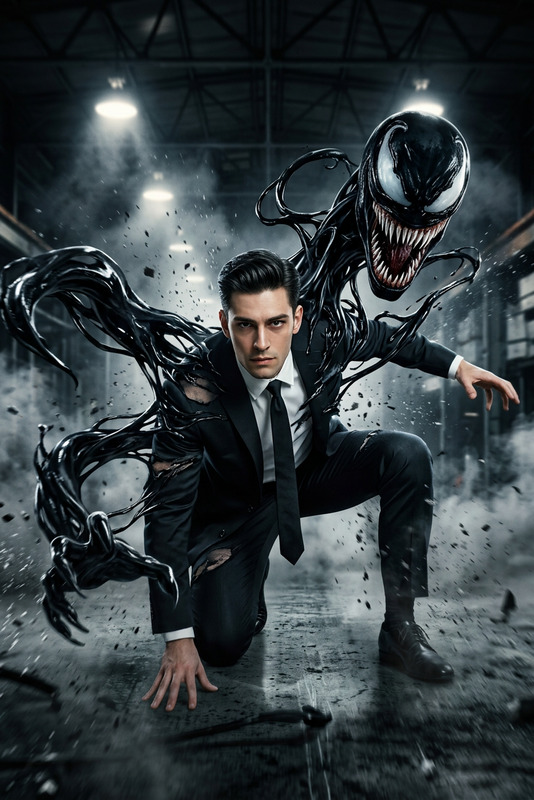
Subject being engulfed by creeping black shadows, dark tendrils wrapping around the body and spreading upward, consuming the all figure into complete darkness, subtle glow fading beneath the shadow, eerie and mysterious atmosphere, high contrast, cinematic lighting, smooth shadow textures, dark fantasy style, ultra-detailed, 4K.
Any aspect ratio
Overview
The Venom Smoke template elevates imagery with AI-driven enhancements, perfect for creating scenes filled with dark, cinematic tension. With the AI Image Editor capabilities, this template helps encapsulate subjects in a mysterious shroud of shadows, producing ultra-detailed, high-contrast visuals.
What It Does
This template transforms your images by engulfing subjects in creeping black shadows and dark tendrils. The design focuses on creating a dark fantasy style with cinematic lighting and ultra-smooth shadow textures. The Venom Smoke effect is perfect for adding a chilling atmosphere to your visuals.
Who It's For
The Venom Smoke template is designed for visual creators looking to enhance their projects with eerie, dramatic effects. It's ideal for filmmakers, photographers, and digital artists seeking to add a unique, high-impact visual element to their personal or commercial projects.
Summary
Specially crafted for those who work with AI image enhancements, the Venom Smoke template provides a thrilling upgrade to visual storytelling. This tool is perfect for creating compelling atmospheric scenes that are both visually arresting and artistically refined.
How To
Choose the Venom Smoke Template

Customize Your Inputs

Generate and Download

Use Cases
Dark Fantasy Art
- Enhance storytelling with visuals
- Create posters or album covers
Cinematic Projects
- Develop suspense and atmosphere
- Use in trailers or experimental films
Photography Enhancements
- Use for personal artistic projects
- Offer clients unique, stylized images
Best Practices
Balance Lighting and Shadows
Ensure proper lighting in your source images to allow the shadows to add depth without overwhelming the subject.Select Suitable Subjects
Use subjects that complement the dark, mysterious atmosphere, such as characters dressed in dramatic costumes or situated in moody environments.Experiment with Contrast
Adjust contrast levels to find the perfect balance between details and shadow, enhancing the overall eerie effect.