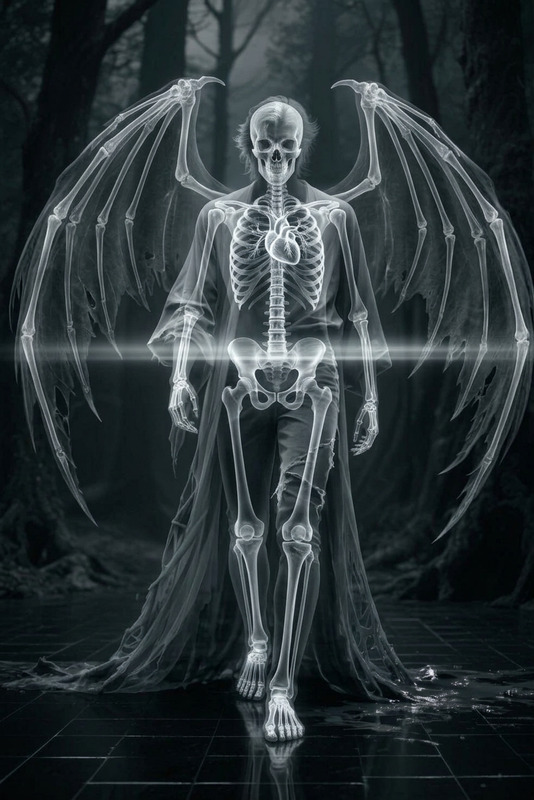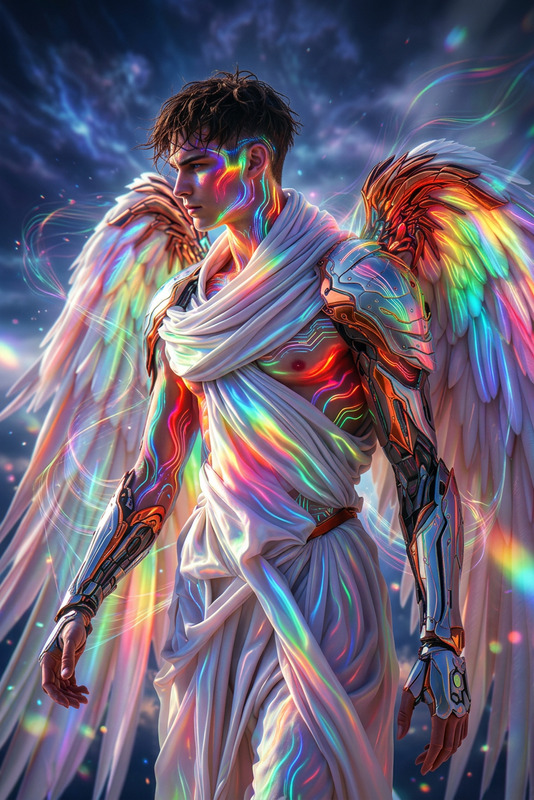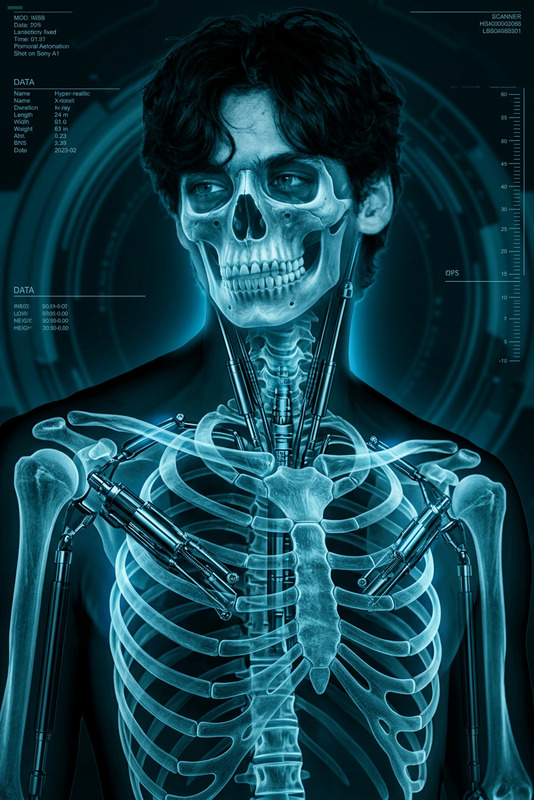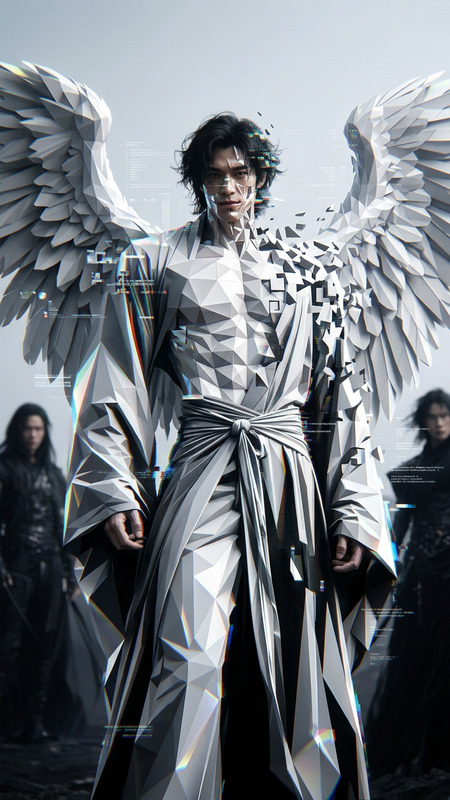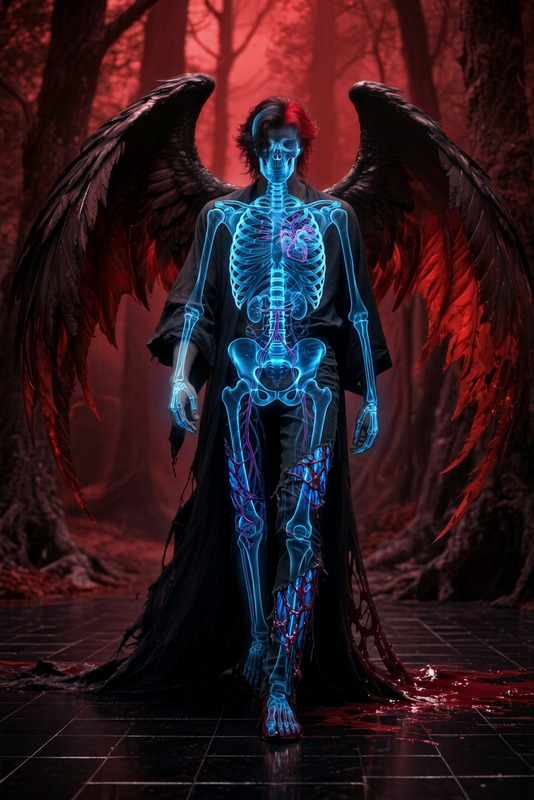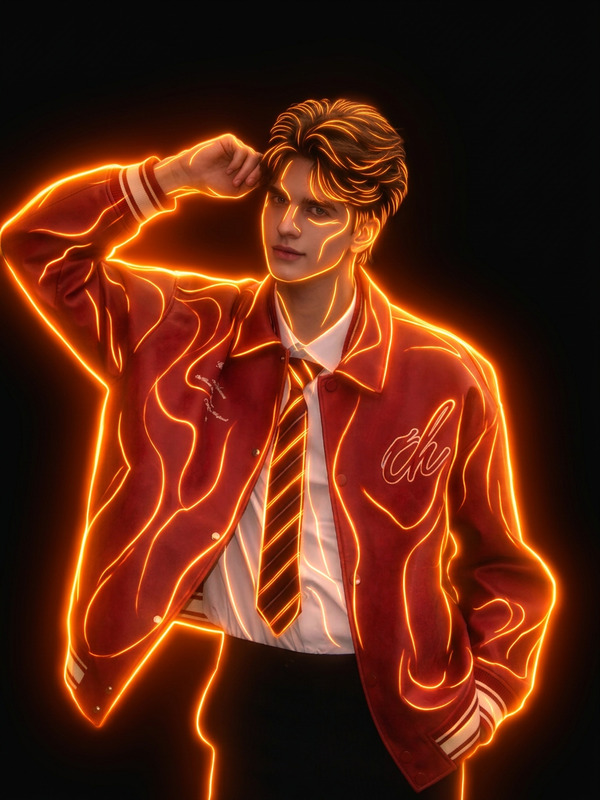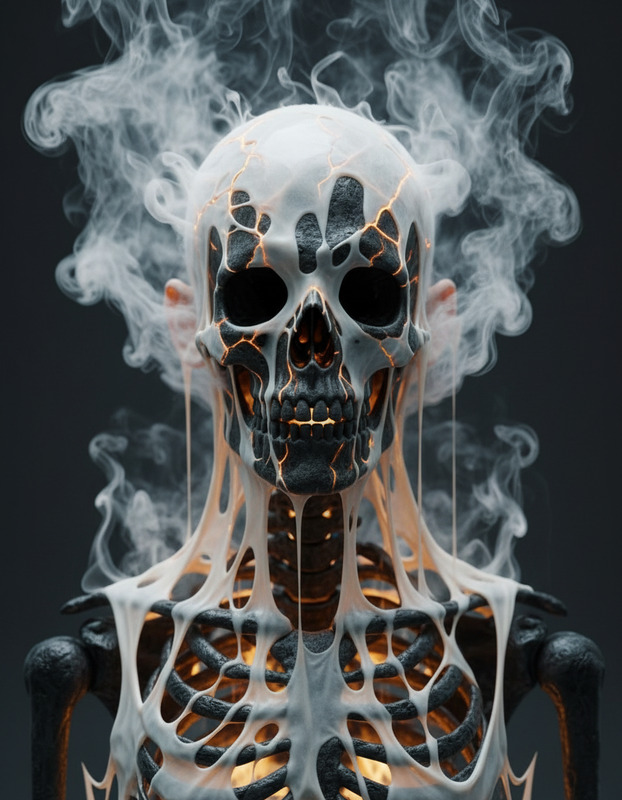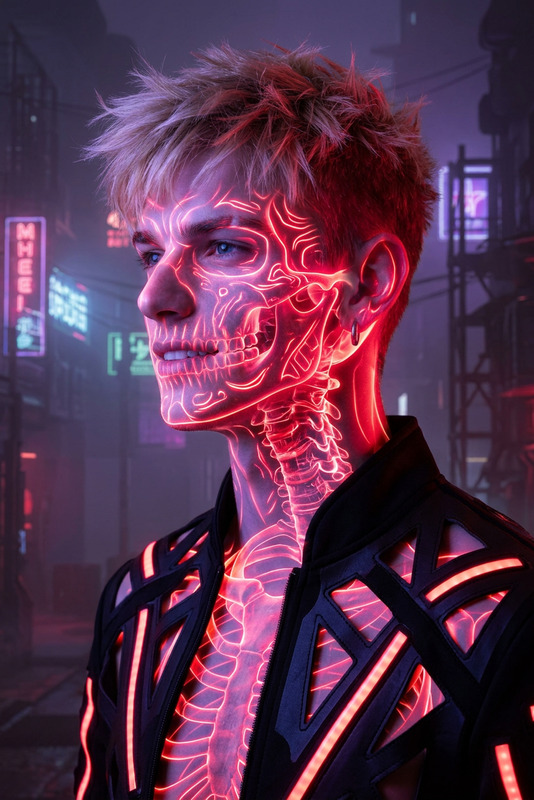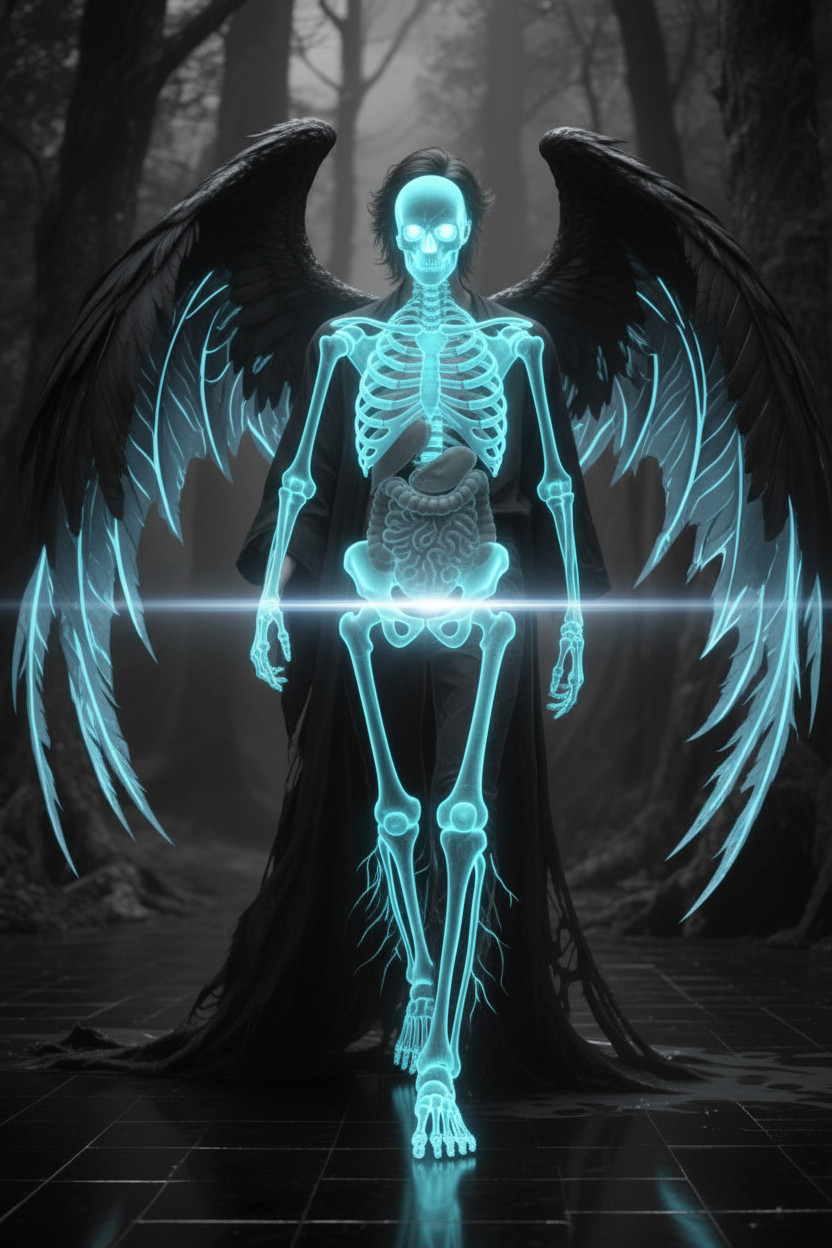
Glowing blue X-ray
- Model
- Nano Banana
- Image
- 832 × 1248 px
Prompt
Cinematic shot of a subject revealed in X-ray style, outer form semi-transparent as glowing blue bones and internal structure glow through. Subtle scan-like light passes across the body, creating a scientific yet eerie atmosphere. Monochrome tones with luminous highlights, surreal, ultra-realistic, HDR, high contrast, shallow depth of field
Any aspect ratio
Overview
The Glowing Blue X-ray template is a uniquely styled AI Image Editor tool that transforms images into captivating visuals with a sci-fi edge. By rendering subjects with semi-transparent outer forms, this template showcases an ethereal glimpse of glowing blue bones and internal structures. The result is a visually compelling and surreal presentation perfect for scientific visuals or creative media projects.
What It Does
This template applies an X-ray style filter to your images, emphasizing bones and internal structures using glowing blue hues. The built-in lights simulate a scan-like movement across the body, enhancing the scientific atmosphere. With monochrome tones and HDR finishing, the result is ultra-realistic, adding depth and contrast to each image. Adjustments can be fine-tuned using the powerful capabilities of the AI Image Editor.
Who It's For
This tool is ideal for creative professionals seeking unique visuals for projects involving science fiction, therapeutic presentations, or avant-garde art. Whether you're a filmmaker, artist, or educational content creator, the AI Image Editor equipped with this template offers expansive possibilities to express inventive ideas through image editing.
Summary
The Glowing Blue X-ray template within the AI Image Editor allows for powerful and imaginative transformations of images. By using the nano-banana model, this tool ensures your visuals have an intriguing and eerie quality, perfect for both entertainment and educational contexts.
How to Use
Choose

Customize

Generate

Use Cases
Sci-Fi Films and Media
- Create unique character presentations
- Develop eerie atmospheres for specific scenes
Medical and Educational Materials
- Visual enhancement of internal bodily structures
- Illustrative animations for science classes
Art Projects
- Design surrealistic displays
- Enhance thematic art exhibitions
Best Practices
Select Appropriate Subjects
Choose subjects with clear and defined external forms to maximize the X-ray effect's impact.Adjust Lighting Carefully
Consider altering the light and contrast settings to achieve a balanced yet striking visual outcome.Incorporate with Other Effects
Complement the template with other effects from the AI Image Editor to add depth and dynamic range.