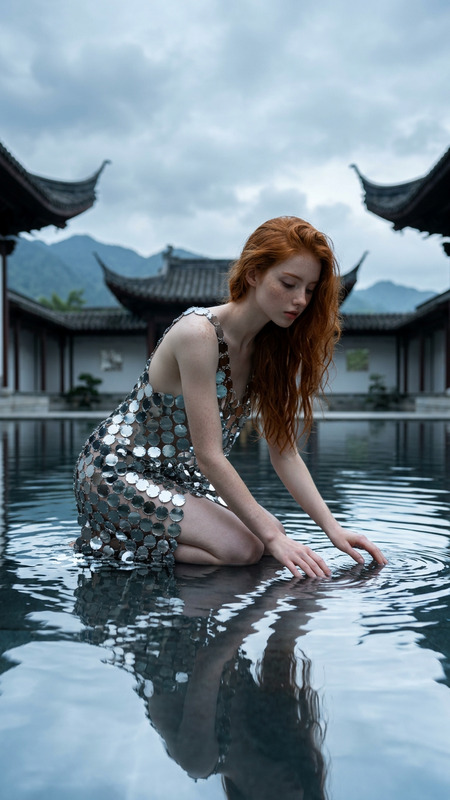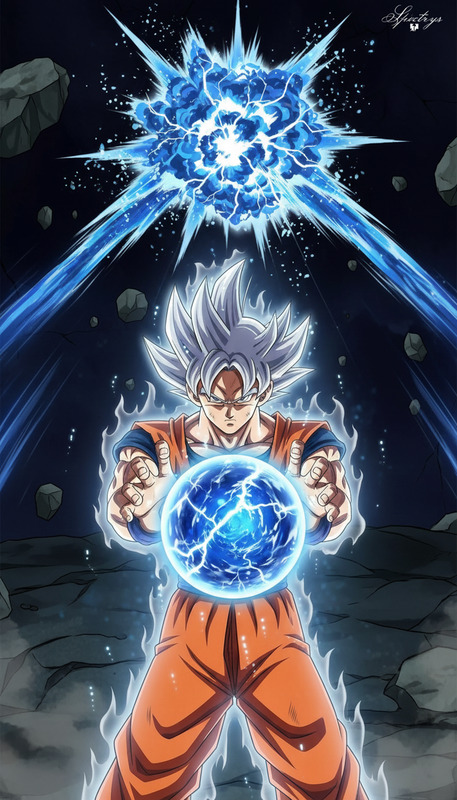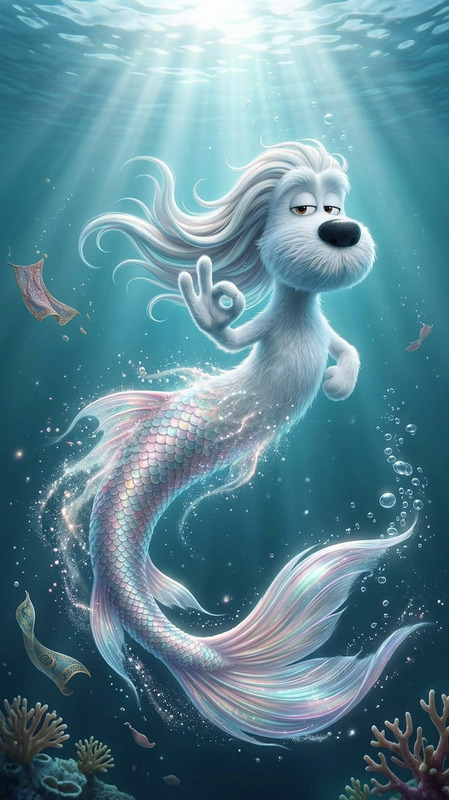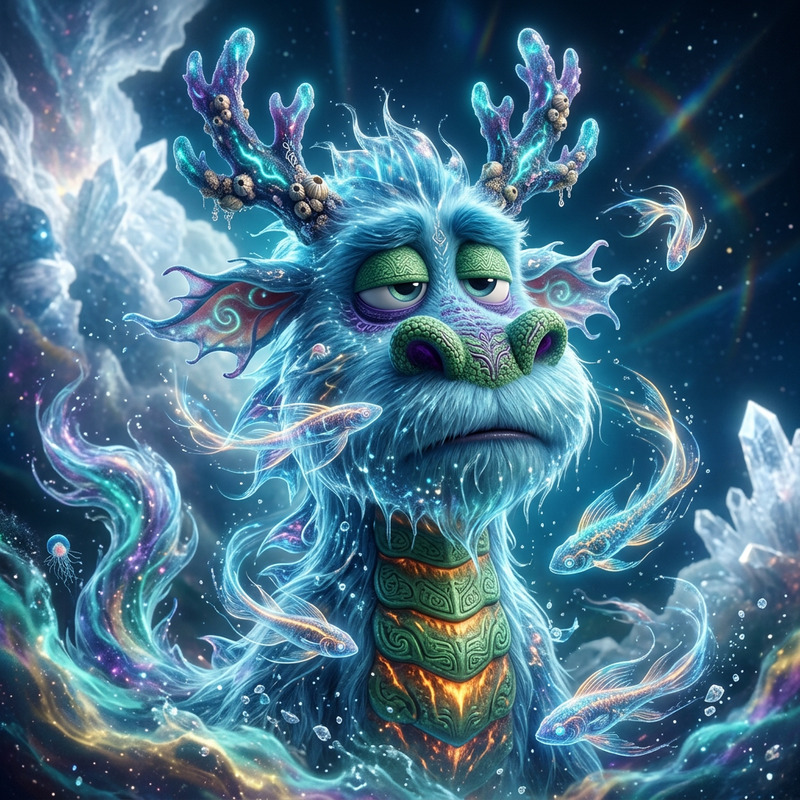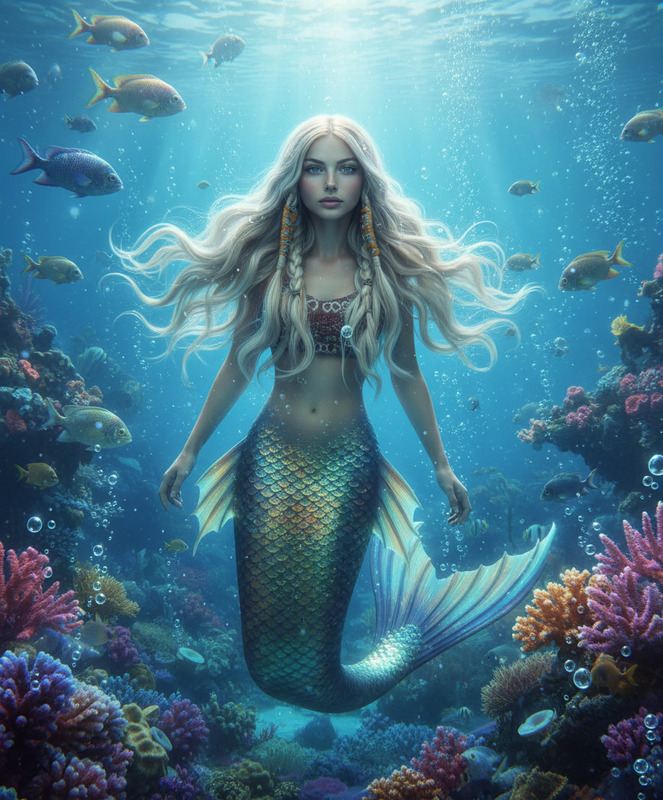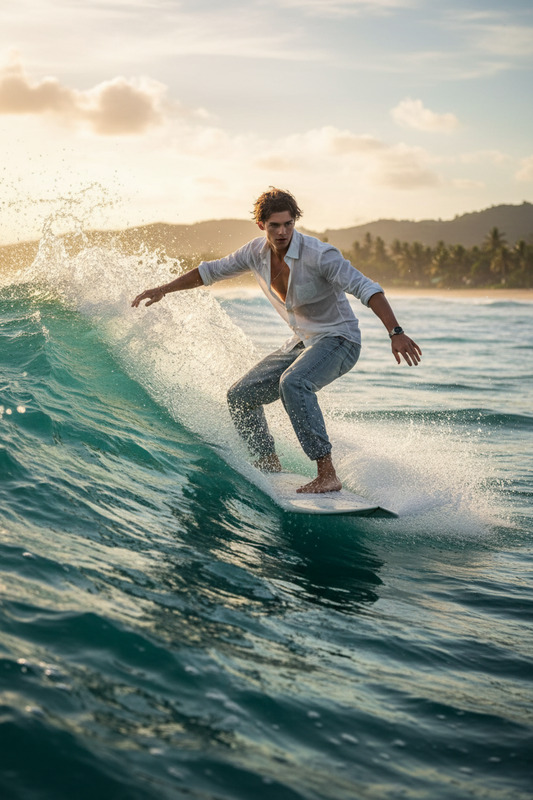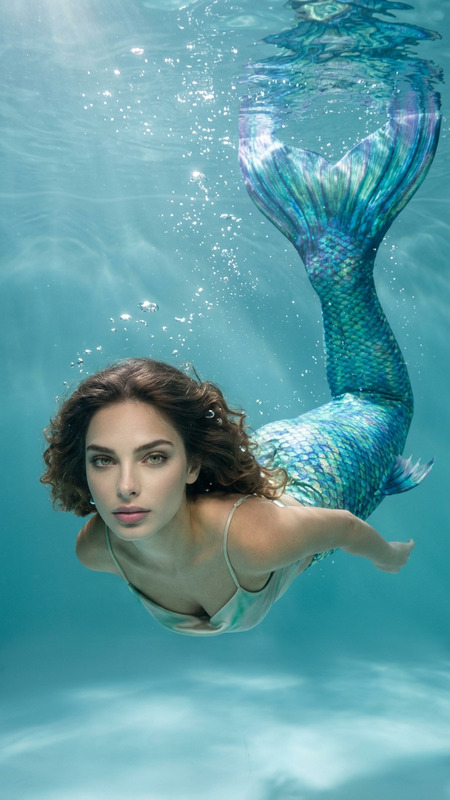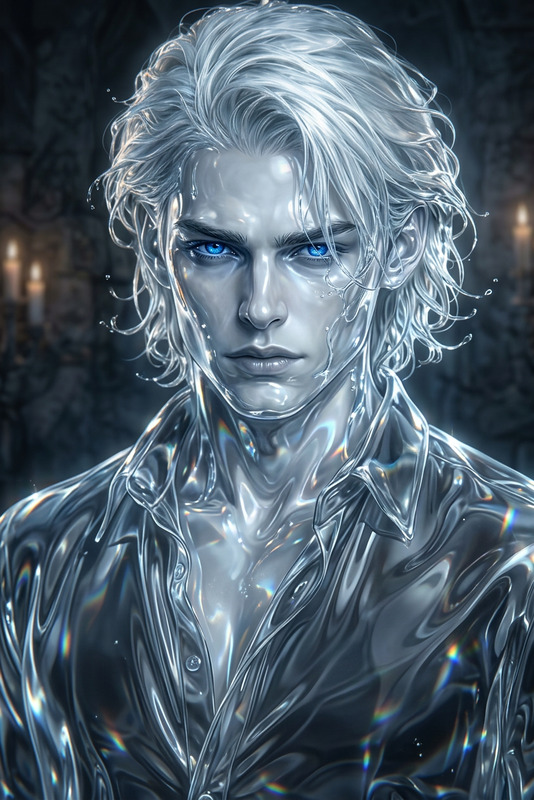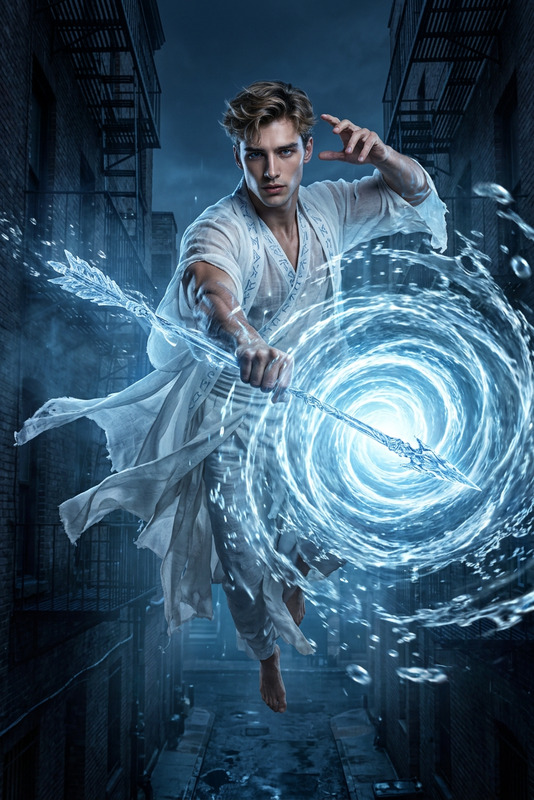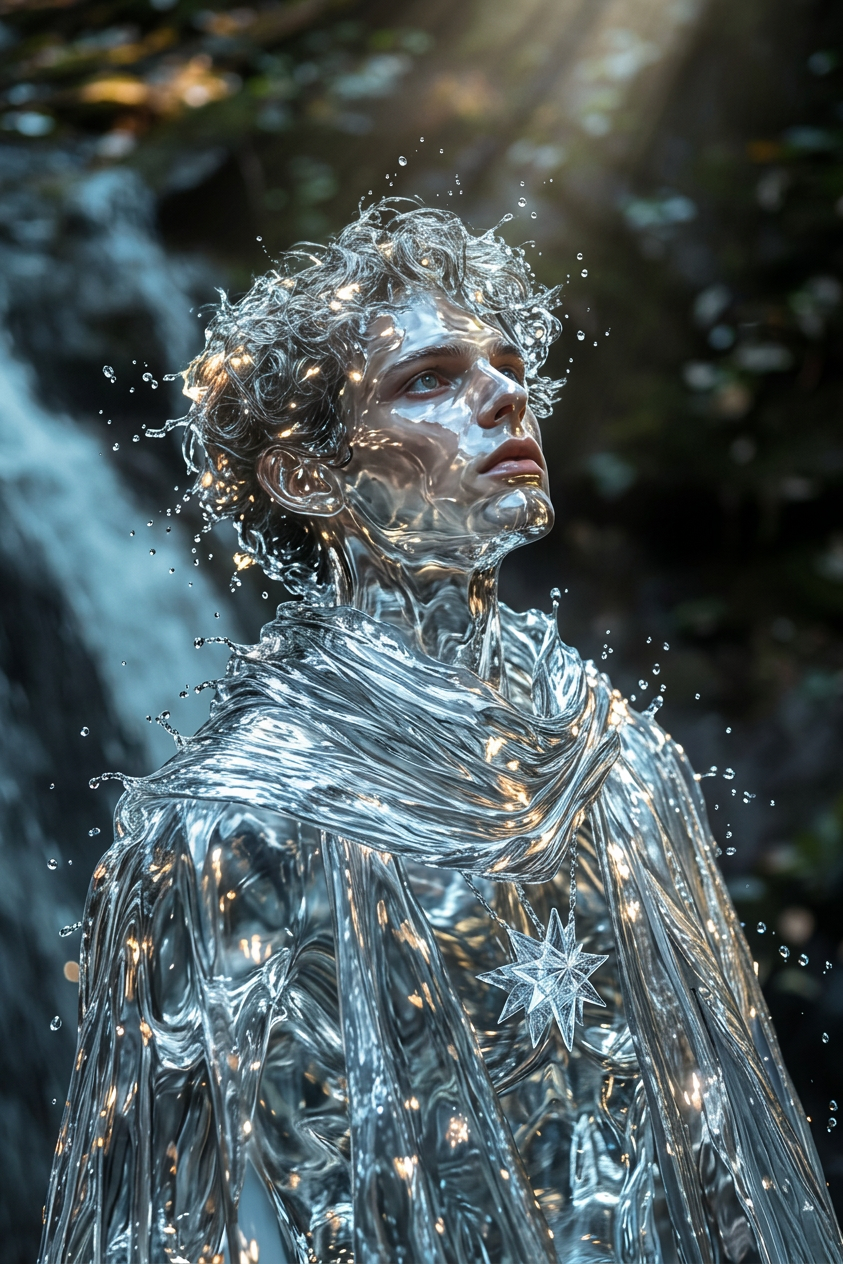
Water element
- Model
- Nano Banana 2
- Image
- 843 × 1264 px
Prompt
Cinematic shot of a subject fully transformed into a water element, entire body made of flowing liquid. Waves surge through their form as droplets cascade and splash outward, constantly shifting shape. Light refracts through the transparent body, creating shimmering highlights. Fluid, powerful, ultra-realistic, HDR, high contrast, shallow depth of field.
Any aspect ratio
Overview
Transform your creative vision with the Water Element template, a feature of the AI Image Editor. Built on the advanced nano-banana-2 model, this tool empowers you to craft vivid water-themed images where your subjects are completely reimagined as intricate, flowing water formations. Ideal for projects where an ethereal touch of the elements can elevate the narrative.
What It Does
The Water Element template allows users to generate images where subjects are depicted entirely as elements of water. This includes the transformation of body parts into flowing liquid, incorporating dynamic waves and droplets. The template tweaks parameters such as light refraction and contrast to enhance realism, yielding high-definition, ultra-realistic outputs suitable for professional use.
Who It's For
Designed for photographers, digital artists, and content creators aiming to include water-themed elements in their projects, this template serves those in need of high-quality cinematic images with a surreal twist. It's also a compelling choice for marketing professionals in industries like tourism or environmental advocacy, where visual storytelling plays a pivotal role.
Summary
Draw on the power of water to create stunning imagery with the Water Element template. From concept art to advertising campaigns requiring vivid, elemental transformations, this template offers endless possibilities. Pair it with other tools like the AI Image Upscaler to enhance your image quality, or explore Character Replace for versatile subject manipulation.
How to Use the Water Element Template
Choose the Template

Customize Your Input

Generate Your Image

Use Cases
Fantasy Illustration
- Character designs as elemental beings
- Storytelling through imaginative landscapes
Environmental Campaigns
- Raise awareness through impactful imagery
- Visual metaphors of conservation efforts
Advertising Imagery
- Eye-catching social media posts
- Unique brand visuals in eco-friendly campaigns
Best Practices
Master Light Effects
Experiment with light settings to highlight the water's transparency and movement, adding realism to the visual impact.Focus on Composition
Position your subject to enhance the flow and dynamics of the water transformation, maintaining visual balance.Combine with Other Tools
Use the AI Image Upscaler to boost fidelity, ensuring your images stay crisp and detailed even at large scales.