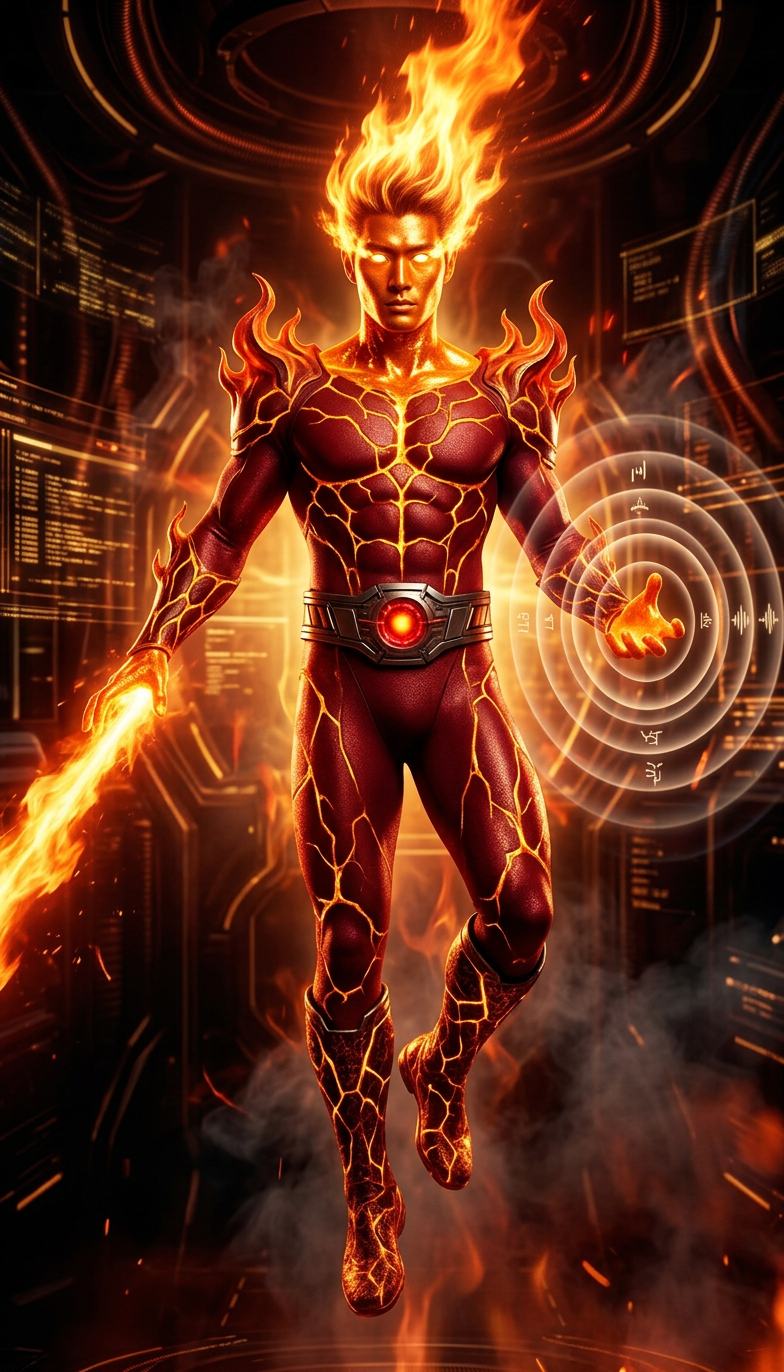
Volcanic Signal Entity
- Model
- Nano Banana 2
- Image
- 784 × 1372 px
Prompt
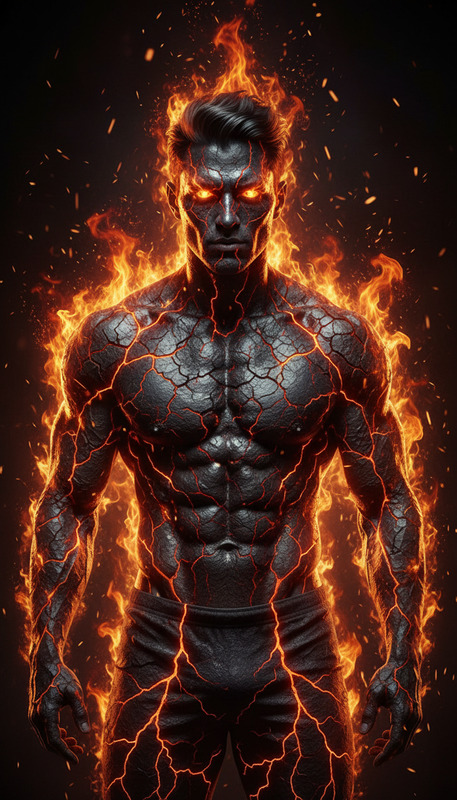
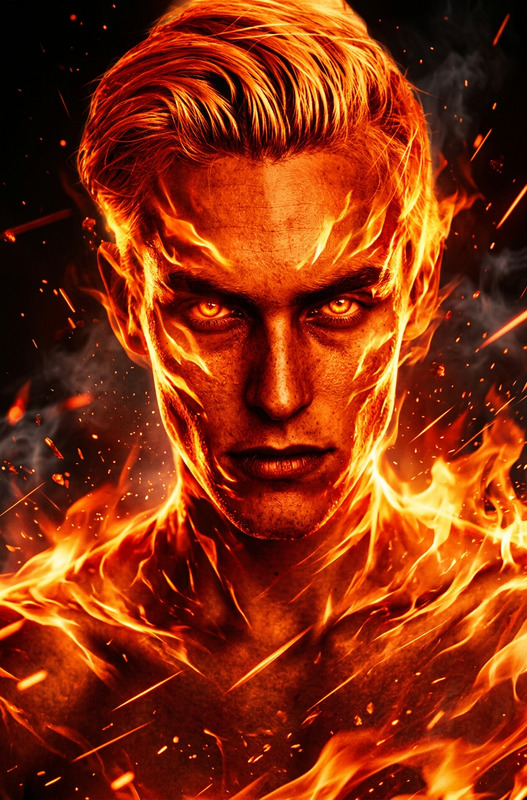
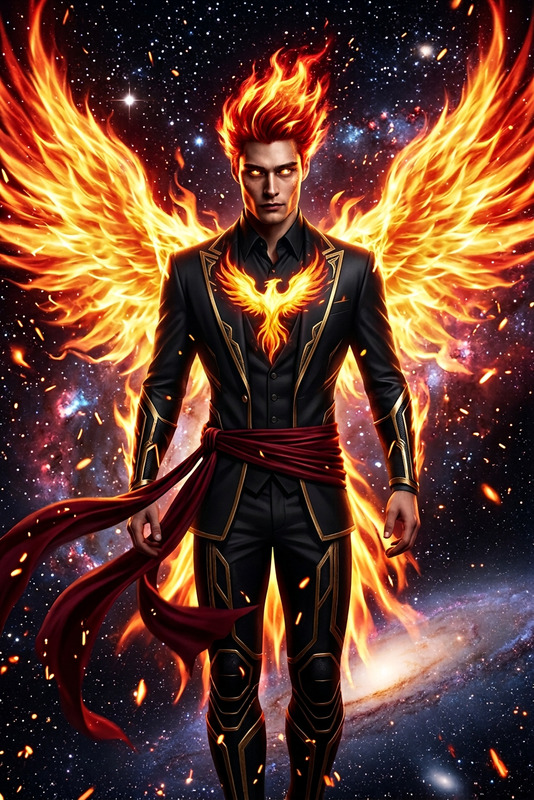
subject transform fire elemental form as full-body composition, bright orange surface, upward flaming emission from head, glowing gold eye elements, deep red bodysuit with volcanic crack patterns in gold, flame-shaped shoulder structures, metallic belt with central red glow, knee-high boots with matching crack patterns, energy emission through sound waves and flame projection, airborne pose, intense sci-fi atmosphere, high contrast lighting, fiery red and gold palette
Any aspect ratio
Overview
Transform your visuals with the Volcanic Signal Entity template, leveraging the capabilities of the AI Image Editor. This tool is designed to produce eye-catching graphics that embody the essence of volcanic elements. Channel the power of the nano-banana-2 model for stunning outputs.
What It Does
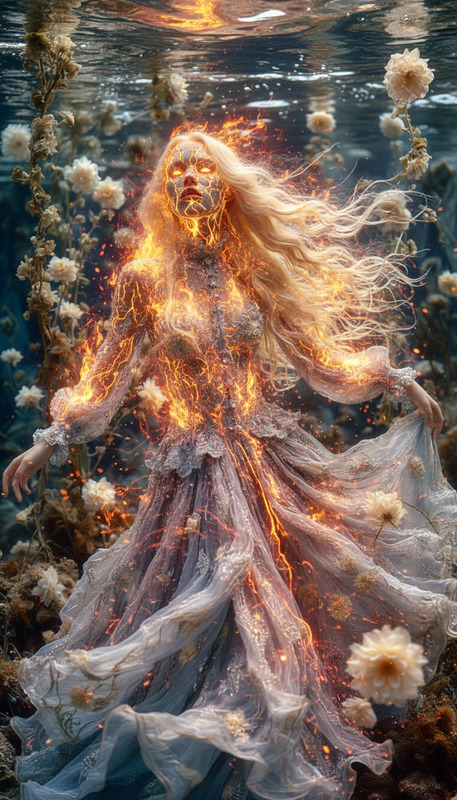
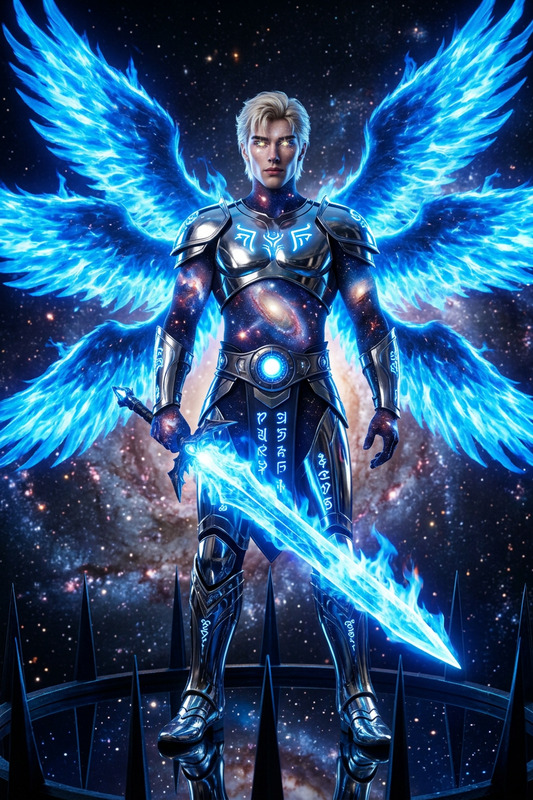
The Volcanic Signal Entity template allows you to alter your images into fiery art. By inputting specific descriptors, this template reshapes your original subject into a full-body fire elemental. Expect intricate details like glowing gold eyes, flame-shaped shoulder structures, and an intense sci-fi atmosphere—all with striking red and gold hues.
Who It's For
This template is perfect for creators such as digital artists, content creators, and sci-fi enthusiasts who wish to depict dynamic and intense fiery scenes. It's an excellent choice for those working on media projects requiring dramatic visual transformations, like gaming graphics or meme videos.
Summary
With the AI Image Editor's Volcanic Signal Entity template, users can transform simple images into spectacular visual spectacles with high contrast and sci-fi elements. Perfect for projects demanding unique, element-themed imagery, this template provides a seamless way to achieve professional-grade transformations.
How-To
Choose the Template

Customize Elements

Generate and Use

Use Cases
Gaming Graphics
- Dynamic battle visuals
- Character transformation animations
Sci-Fi Art Projects
- Fantasy book illustrations
- Digital art collections
Promotional Videos
- Teaser trailers
- Event promotions
Best Practices
Select High-Resolution Images
Ensure the subject image has a high resolution for better detail preservation during transformation.Adjust Lighting and Colors
Experiment with different lighting and color intensity in the prompt for varied visual effects.Integrate with Other Tools
Combine outputs with tools like the Face Swap for enhanced creative flexibility.