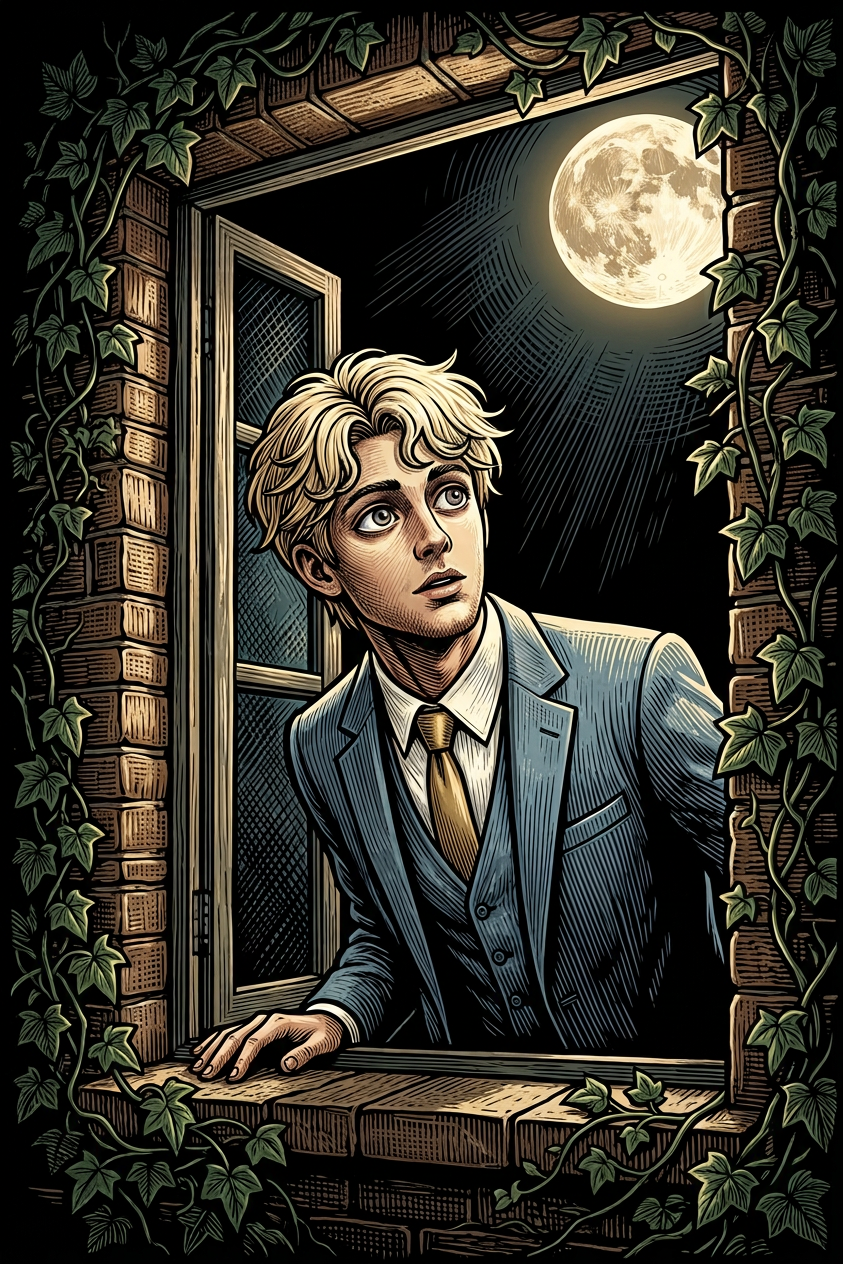
Moonlit Window Gaze
- Model
- Nano Banana 2
- Image
- 843 × 1264 px
Prompt
Digital illustration of a curious subject with wide, reflective eyes peering out of an open window at night, gazing up at a bright full moon; the window is framed with dark green ivy and textured brick; rendered in a woodcut/linocut style with bold outlines and cross-hatching; dramatic moonlight illuminates the subject and parts of the frame while the surroundings remain in deep shadow; warm highlights contrast with deep greens, earthy browns, and a black night sky; whimsical, slightly mysterious mood.
Any aspect ratio
Overview
The Moonlit Window Gaze template leverages the AI Image Editor with the nano-banana-2 model to create rich, illustrative scenes that evoke a whimsical, mysterious mood. This template is perfect for projects where you want to convey a narrative filled with wonder and tranquility. Experience the charm of a character peering through a moonlit window framed with ivy and brick.
What It Does
The Moonlit Window Gaze template enables you to transform digital images into intricate, woodcut-style illustrations. By applying bold outlines and cross-hatching, it simulates a traditional printmaking effect while preserving the dramatic impact of moonlight in exposed areas. The template adds a layer of atmospheric depth, making it ideal for AI GIF Generator workflows and AI Profile Picture Generator applications.
Who It's For
This template caters to creatives looking to enhance storytelling through visuals. It's a perfect fit for artists, content creators, and digital storytellers who aim to evoke emotion and curiosity through their work. Whether you're producing content for educational purposes, social media, or artistic exhibitions, the Moonlit Window Gaze template provides the tools to captivate your audience.
Summary
With its ability to transform scenes into captivating woodcut-style illustrations, the Moonlit Window Gaze template offers a unique visual experience. Suitable for a range of applications, it enhances both personal and professional projects, ensuring your images convey depth and narrative richness. Discover how you can integrate it into your creative workflow by exploring the AI Image Generator.
How To
Choose the Template

Customize Your Scene

Generate and Download

Use Cases
Storybook Illustrations
- Add atmospheric backgrounds to narrative scenes
- Enhance character expressions to fit storytelling context
Social Media Content
- Highlight narratives around personal brand stories
- Innovative themed visuals for event promotions
Digital Art Collections
- Provide distinct pieces for virtual galleries or exhibitions
- Utilize for themed art challenges or collaborations
Best Practices
Leverage Contrast Appropriately
Balance the contrast between moonlit areas and shadows to maintain depth and focus on key elements.Experiment with Colors
Modify color palettes to convey different moods or themes, ensuring they complement the woodcut style.Focus on Composition
Use the placement of elements like ivy and the moon to guide viewers' eyes and narrate your story.