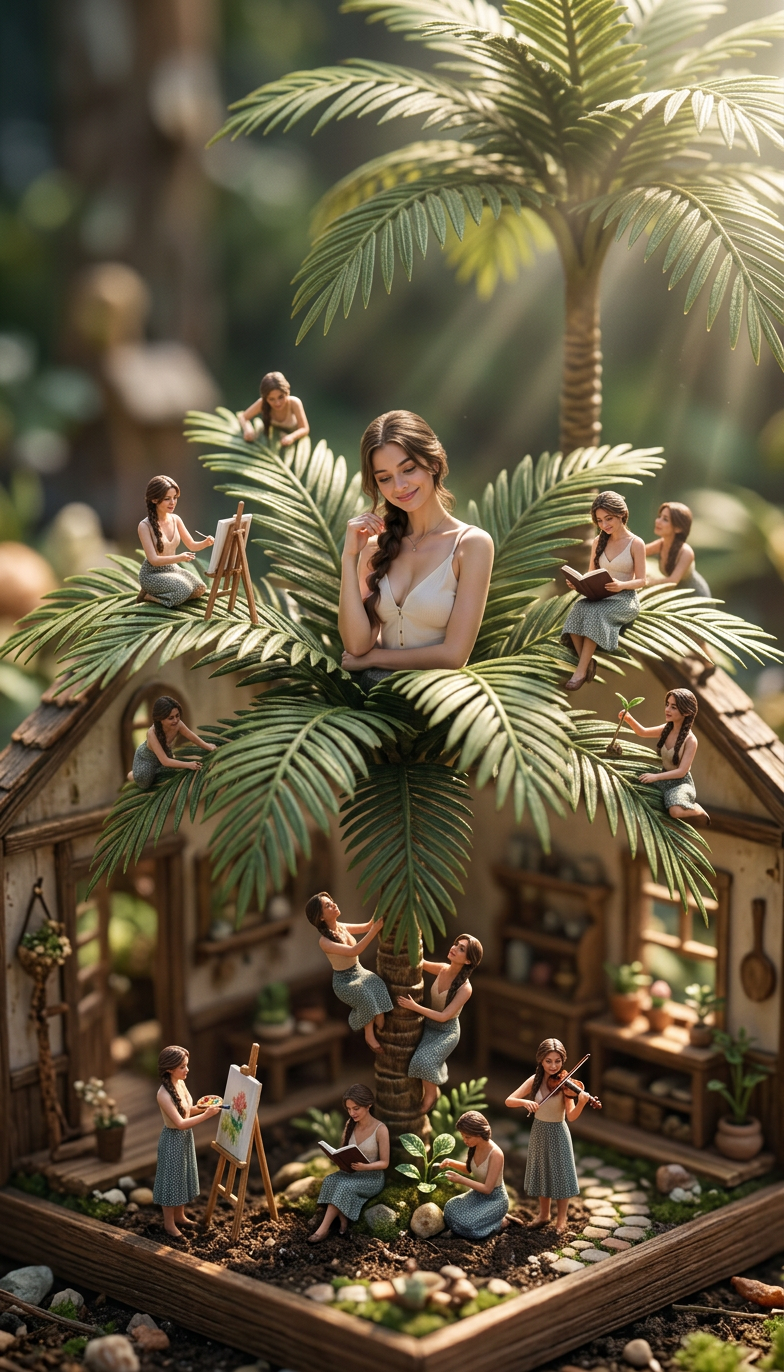
Tiny Girl
- Model
- Nano Banana 2
- Image
- 784 × 1372 px
Prompt
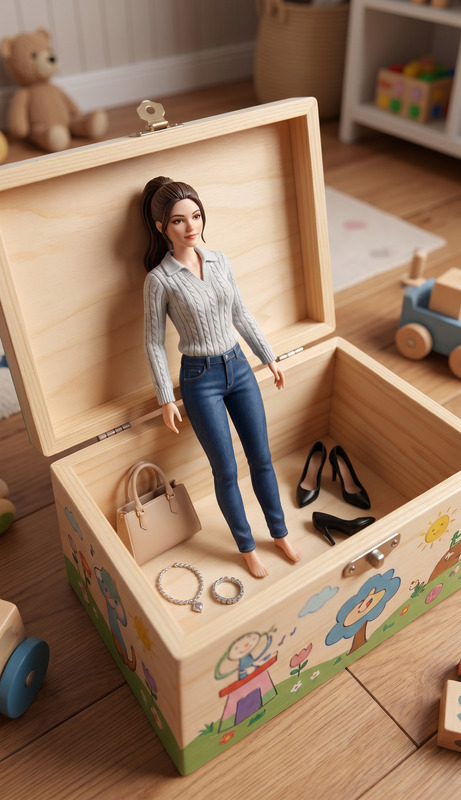
Create a surreal miniature scene with one main tiny girl sitting on a palm surrounded by multiple smaller clone versions of herself doing different activities, cinematic lighting, ultra realistic miniature world, dollhouse vibe, miniature ai photo editing prompts free style, highly detailed
Any aspect ratio
Overview
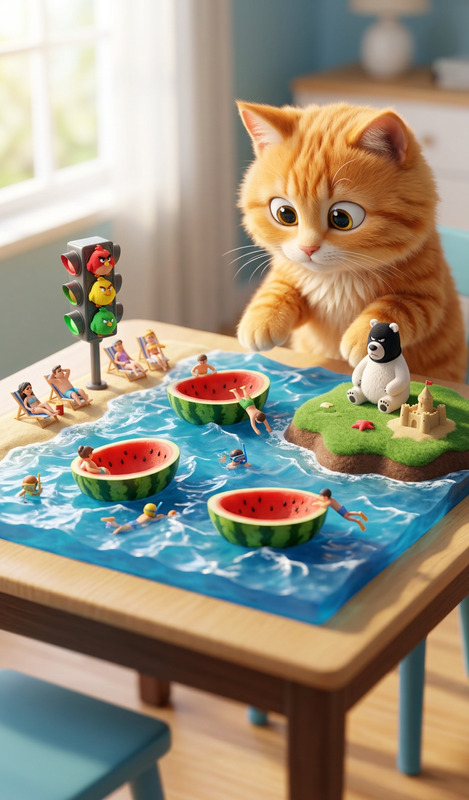
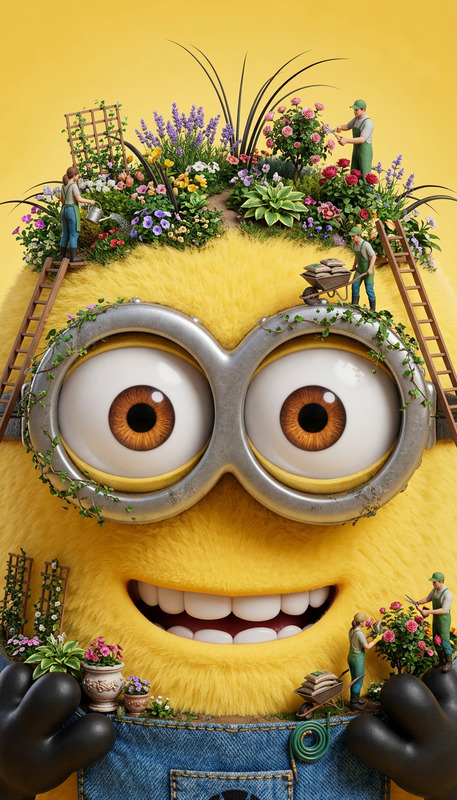
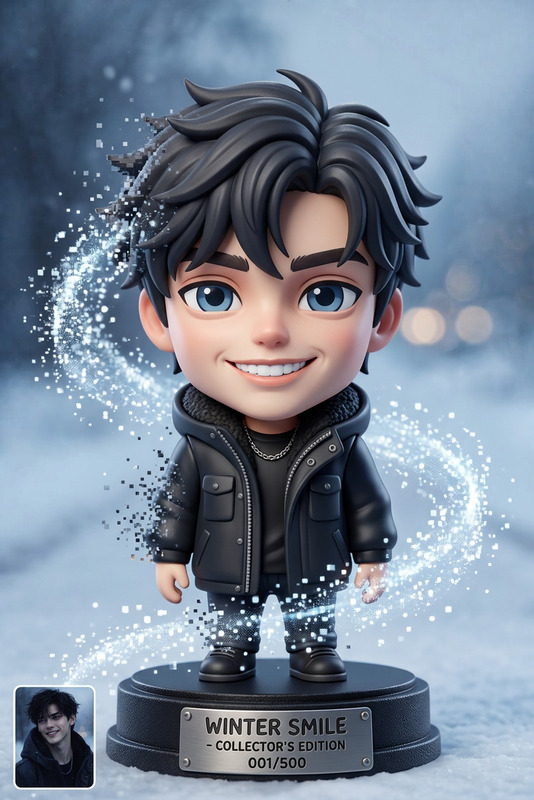
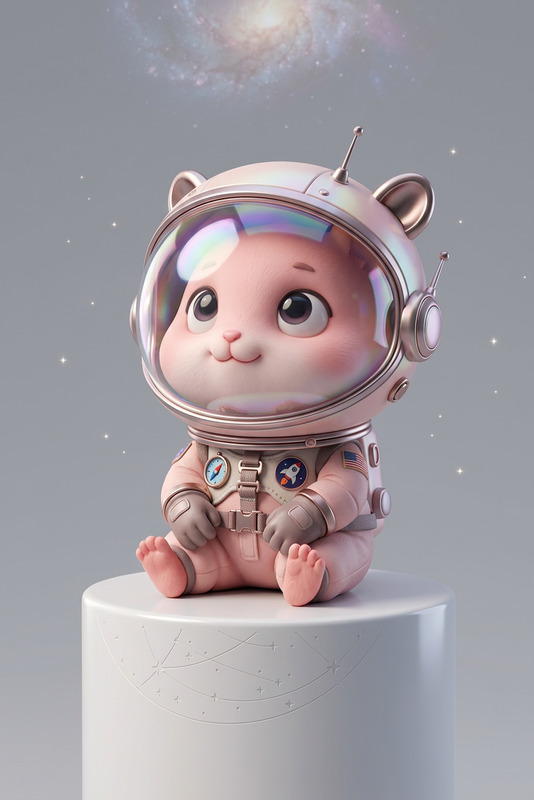
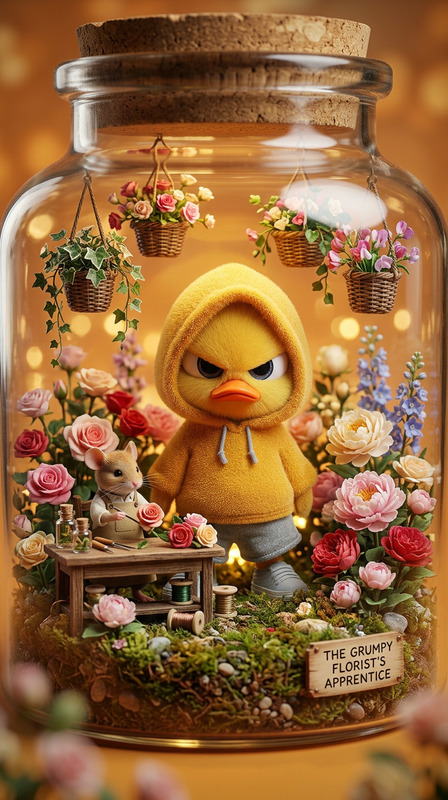
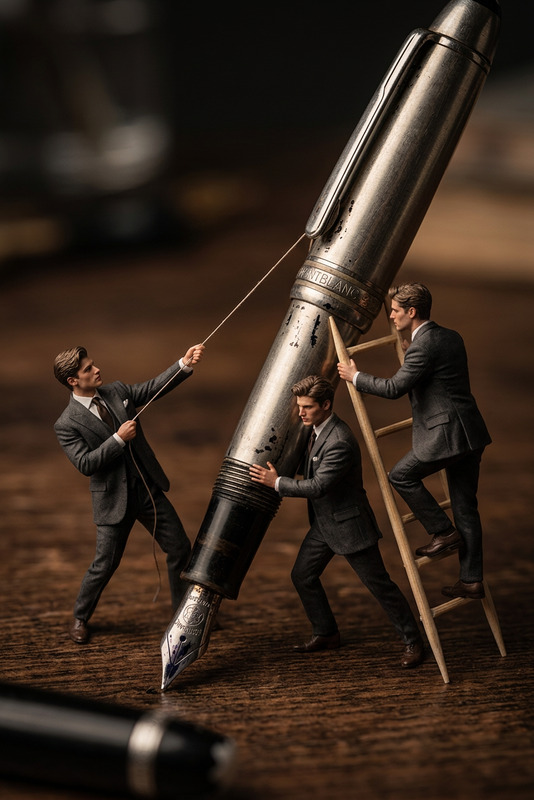
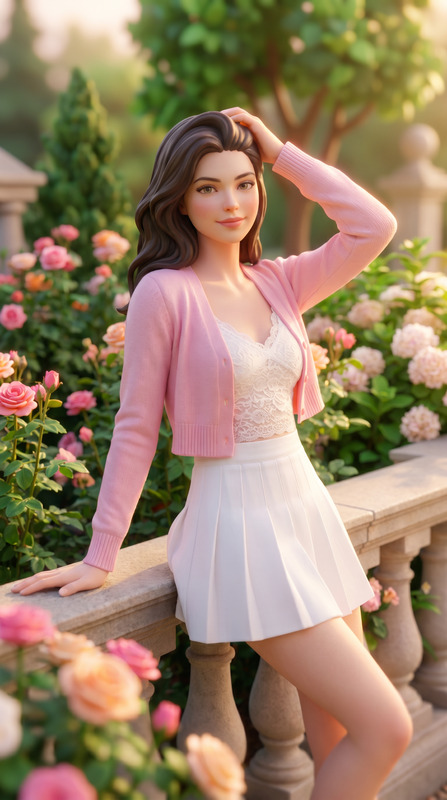
The "Tiny Girl" template leverages the AI Image Editor capabilities of the nano-banana-2 model to create surreal miniature scenes. It's designed for generating highly detailed, ultra-realistic imagery where a tiny girl, along with smaller clone versions of herself, performs various activities in a dollhouse-like setting.
What It Does
This template utilizes AI techniques to transform ordinary scenes into extraordinary miniature worlds. By focusing on one main tiny girl and her miniature clones, it creates a cinematic and visually engaging experience. The AI Talking Photo technology can further enrich these scenes by adding lifelike animations to the characters.
Who It's For
"Tiny Girl" is ideal for visual artists, photographers, and creative directors who specialize in visual effects and intricate scene compositions. It serves those looking to explore whimsical narratives, produce engaging content for social media, or enhance digital marketing campaigns with unique imagery.
Summary
By using the "Tiny Girl" template, creators can achieve outstanding visual effects with minimal effort. The template's intuitive setup within our AI Image Upscaler and image editing suite makes it a valuable tool for developing content that captivates audiences.
How To
Choose

Customize

Generate

Use Cases
Social Media Content
- Instagram posts
- Facebook ads
Marketing Campaigns
- Fashion brand promotions
- Product spotlight ads
Digital Storytelling
- Children's book illustrations
- Interactive web stories
Best Practices
Focus on Lighting
Achieving cinematic lighting is crucial for creating realistic miniature scenes. Experiment with different lighting settings to enhance the atmosphere of your image.Detail Orientation
Pay attention to small details such as textures and objects in the scene to increase the realism and engagement factor.Experiment with Perspectives
Try various angles and perspectives to find the most compelling composition. This can dramatically change the impact of your image.