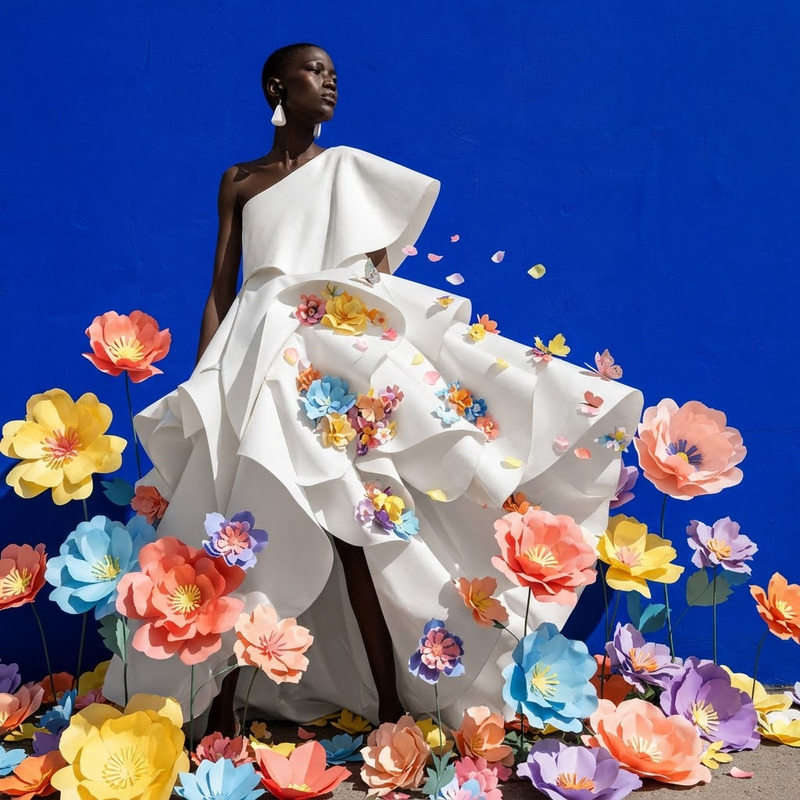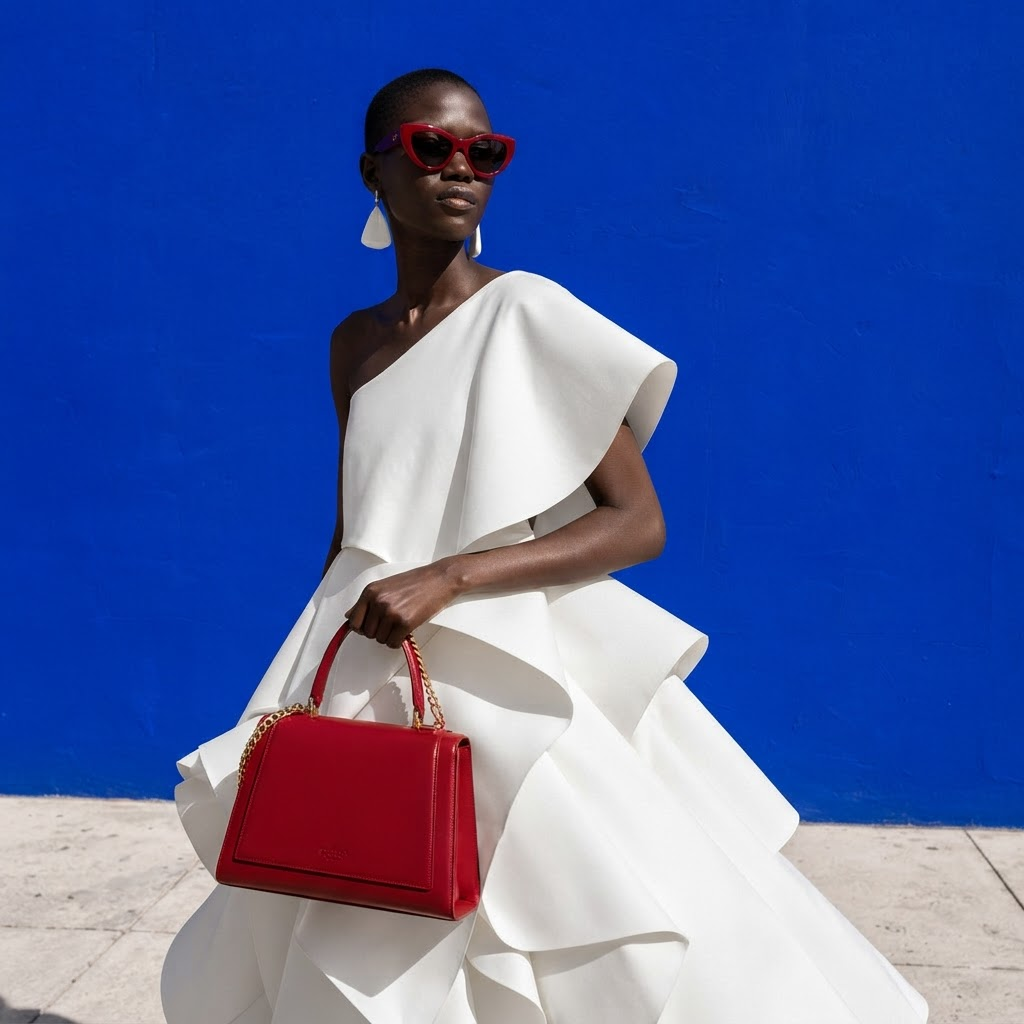
AI Image Editor · Add a bold red handbag and mat
- Model
- Nano Banana 2 Lite
- Image
- 1024 × 1024 px
Prompt
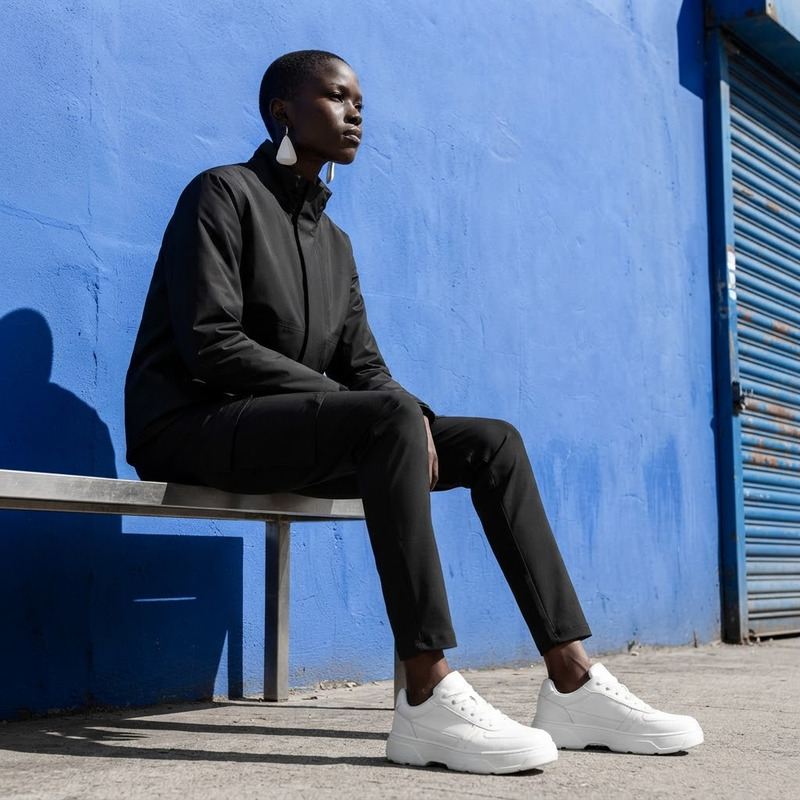
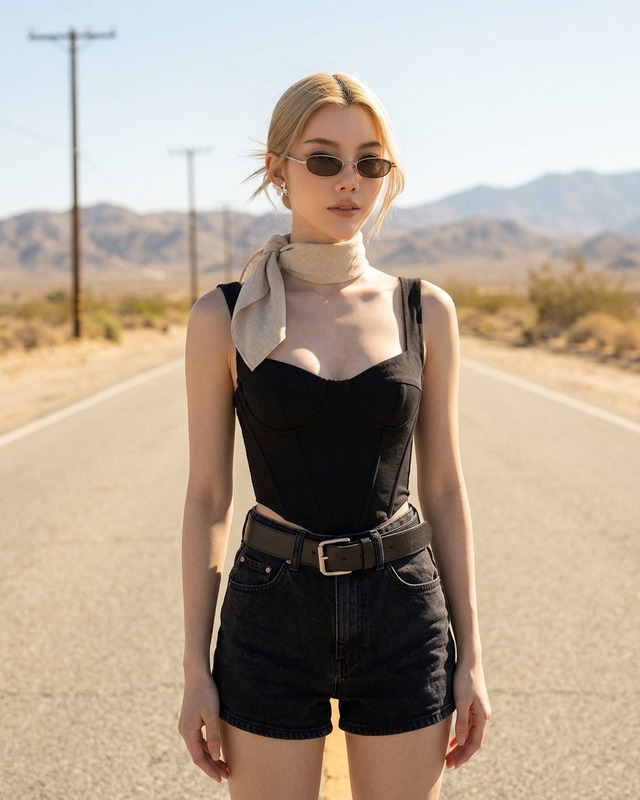
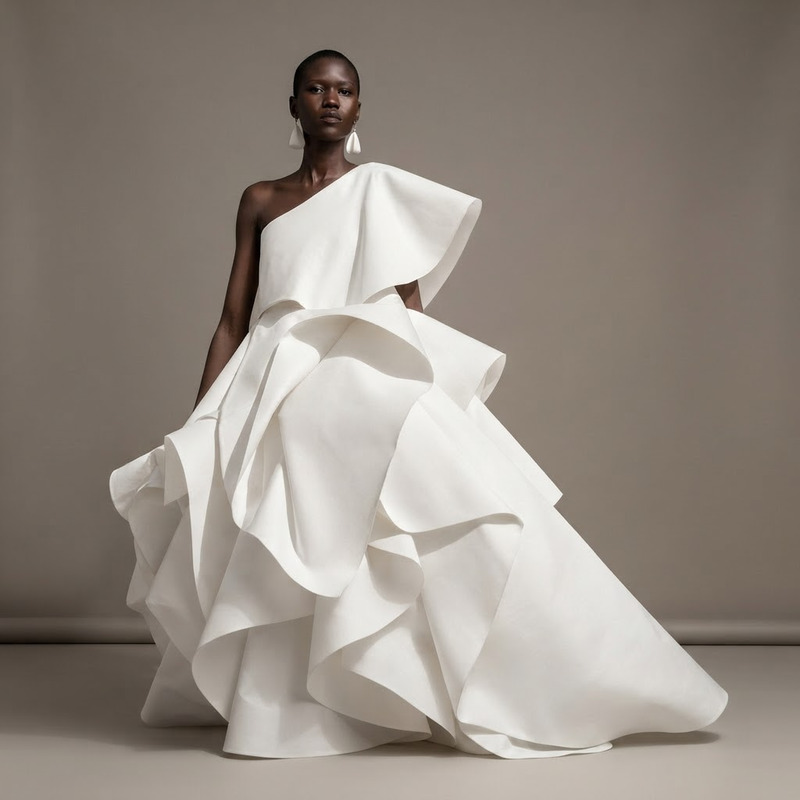
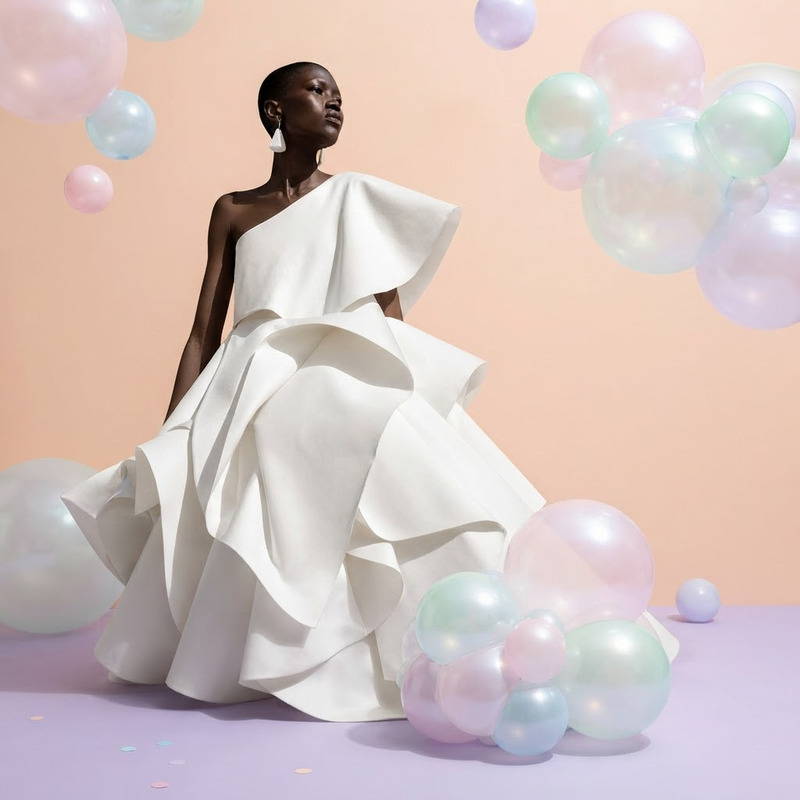
Add a bold red handbag and matching sunglasses, polished street-style campaign look
Any aspect ratio
Overview
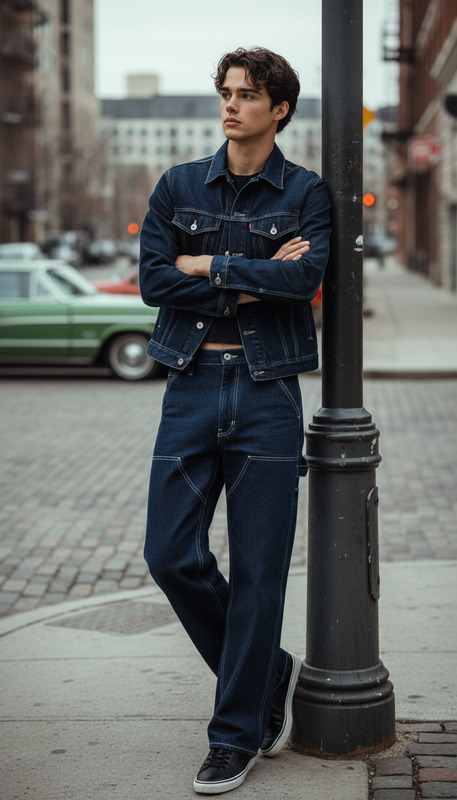
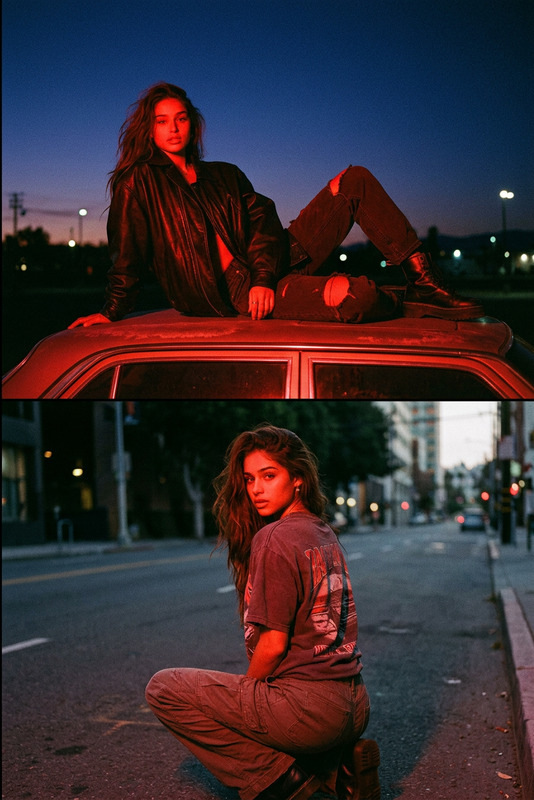
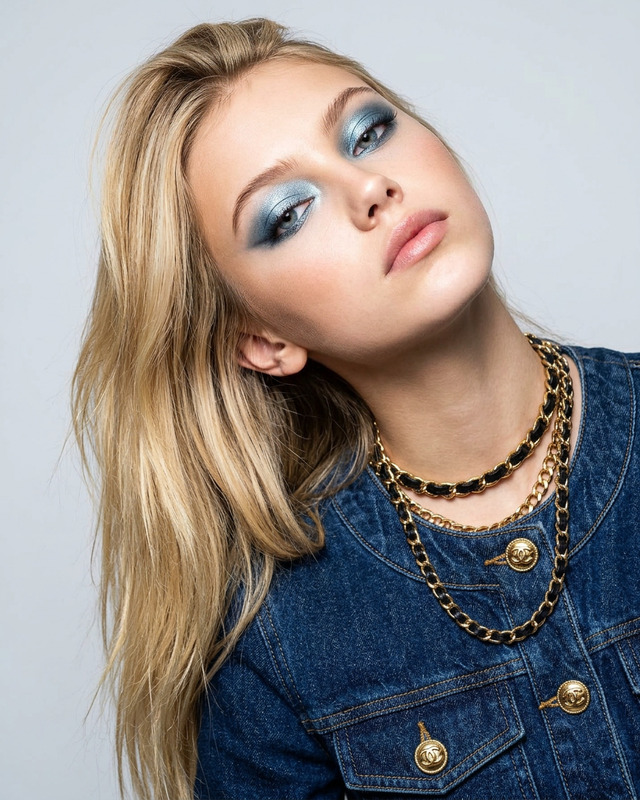
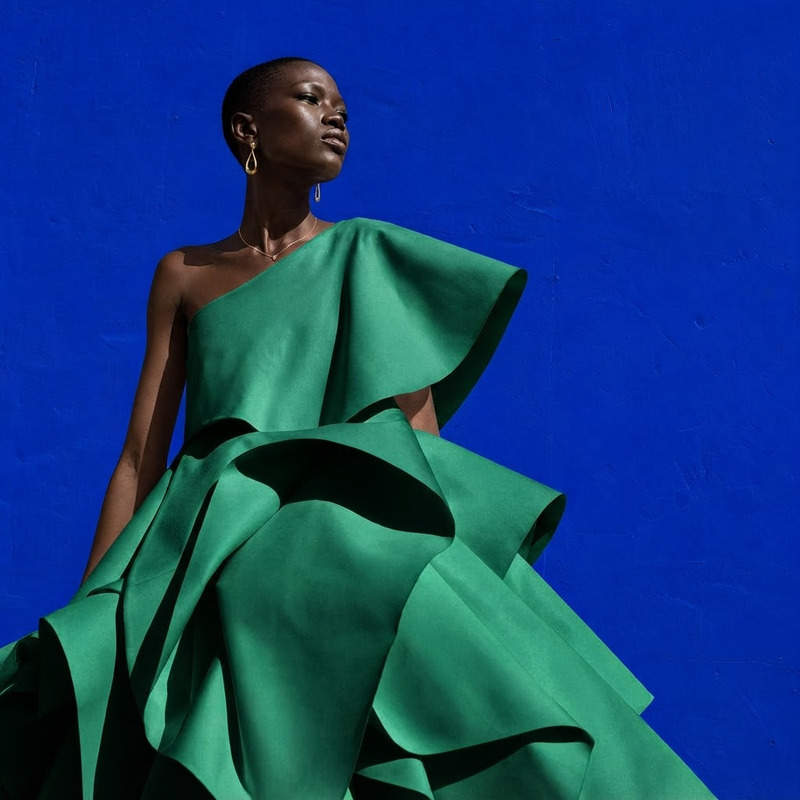
Transform your images with our AI Image Editor designed to add a bold red handbag and matching sunglasses for a polished street-style campaign look. Powered by the nano-banana-2-lite model, this template allows creators to enhance visuals with fashionable elements seamlessly.
What It Does
Our AI Image Editor specializes in integrating dynamic style elements like a bold red handbag and matching sunglasses into your existing images. Perfect for campaign visuals, this tool provides a polished finish to photoshoots and marketing materials. Plain images are transformed into captivating fashion-forward statements.
Who It's For
Tailored for fashion marketers, content creators, and photographers, this tool is ideal for anyone seeking to enhance their visuals with striking accessories. It's especially useful for those in the advertising industry aiming to showcase products in a trendy light. Learn more about how it complements marketing campaigns in product launch visuals or social media advertising.
Summary
Your go-to solution for adding stylized accessories to images, the AI Image Editor enhances your visual content effortlessly. For more complex image transformations, consider exploring our AI Image Editor or elevate the impact with our AI Profile Picture Generator.
How-to
Choose the Template

Customize Inputs

Generate and Download

Use Cases
Fashion Campaigns
- Enhances product visibility
- Creates a trendy aesthetic
Social Media Content
- Increases engagement
- Aligns with current fashion trends
E-commerce Product Shots
- Highlights product features
- Boosts sales potential
Best Practices
Select High-Resolution Images
Ensure the uploaded images are high-resolution for the best quality edits.Fine-Tune Prompts
Experiment with the prompt to better fit the desired style and aesthetic outcomes.Use Consistent Light
Ensure lighting in the image matches the added items for a more natural blend.