Misty Forest Car
- Model
- Nano Banana 2
- Image
- 896 × 1194 px
Prompt
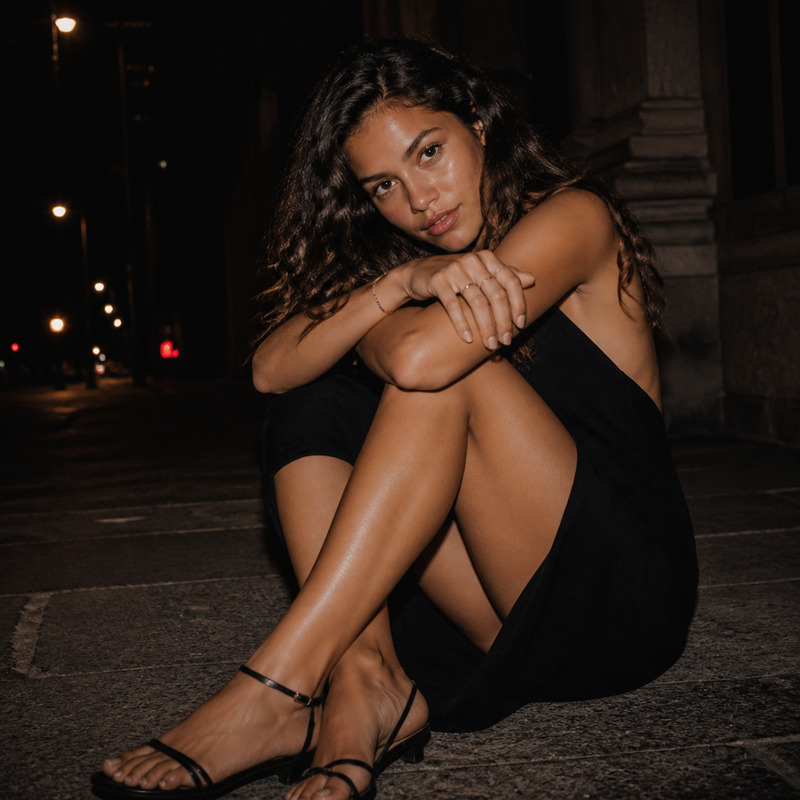
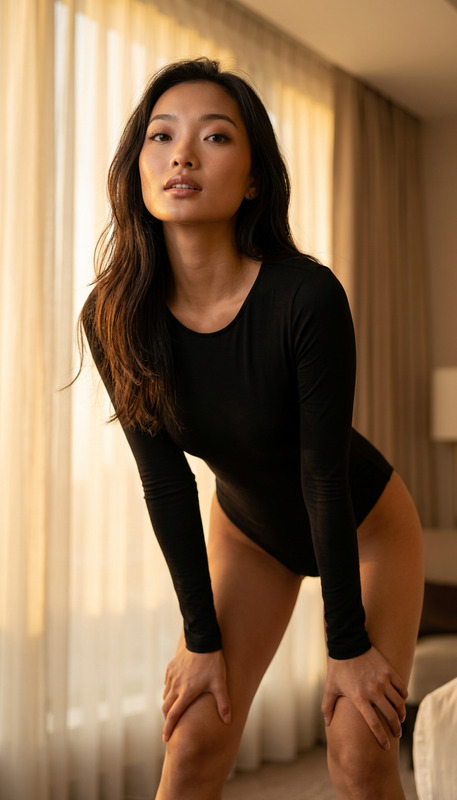
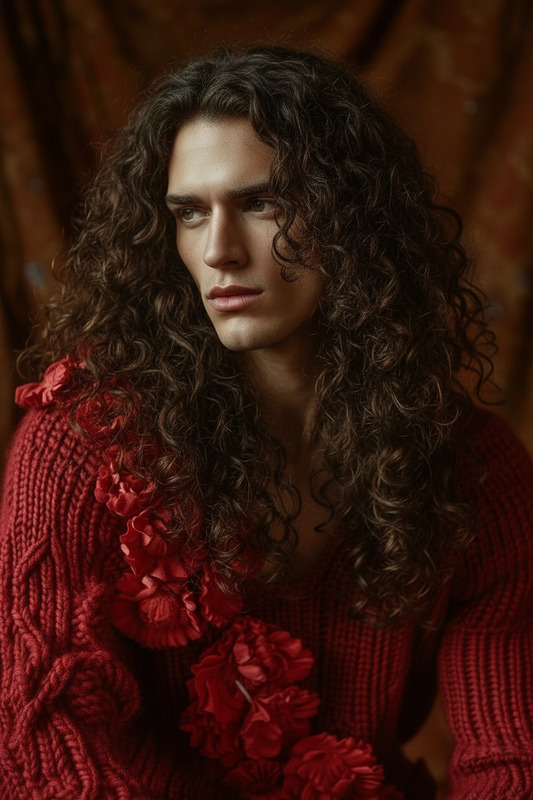
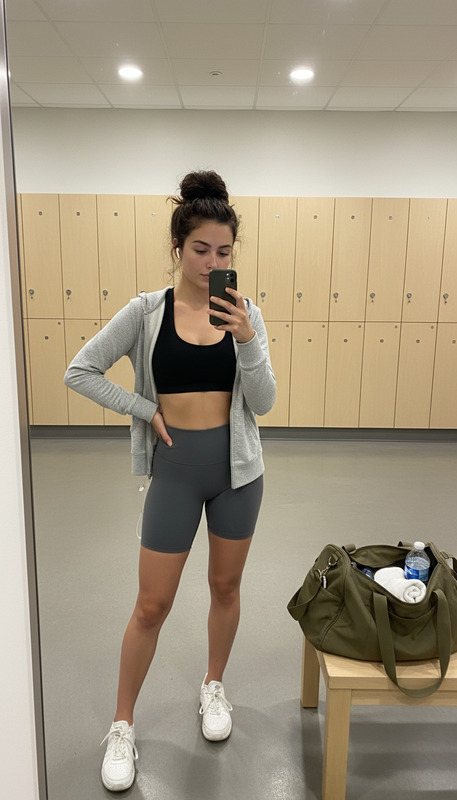
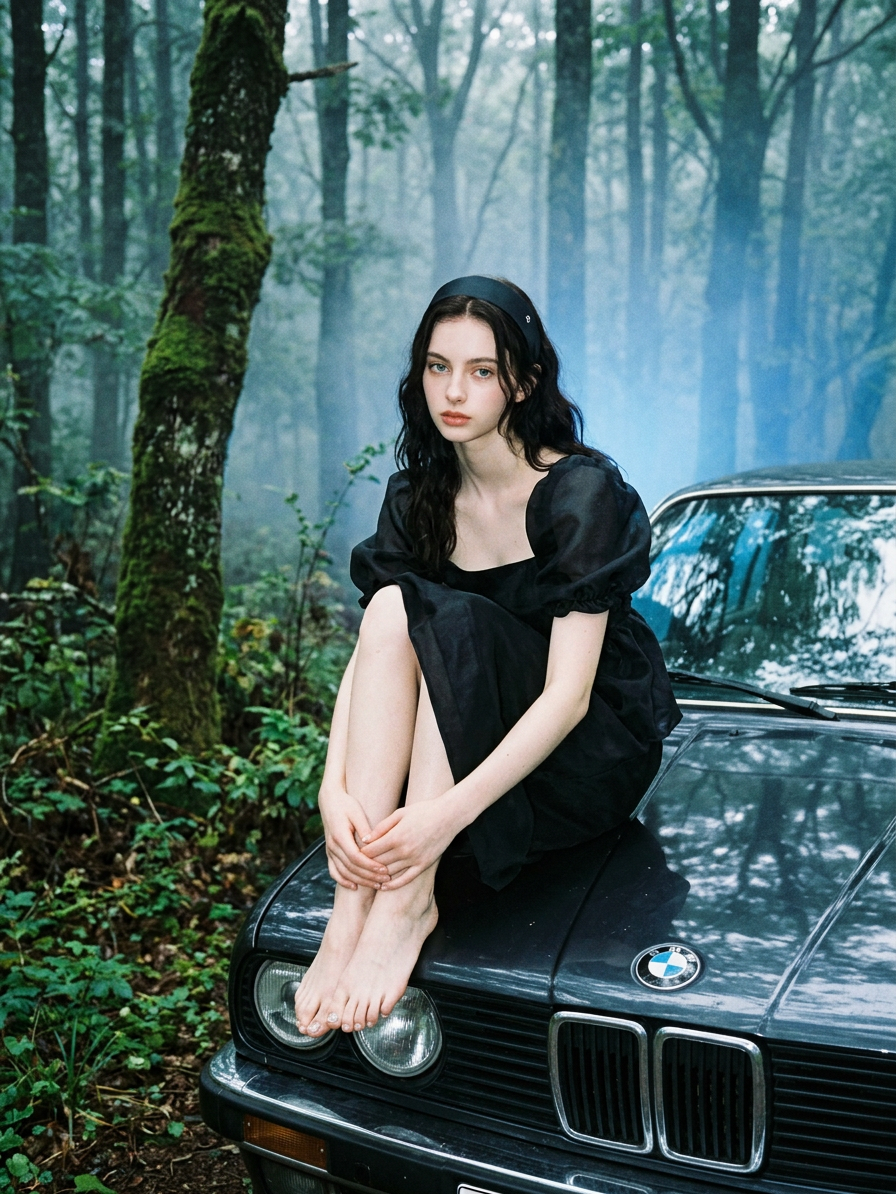
A fashion-style image of a subject with dark hair and green eyes, posing while sitting barefoot on the hood of a BMW in a foggy forest setting, surrounded by backwoods atmosphere and blue lighting, featuring visible feet and detailed toenails, captured with an amateurish aesthetic and slightly overexposed lighting for a raw, moody effect.
Any aspect ratio
Overview
The "Misty Forest Car" template is part of our AI Image Editor suite, leveraging the powerful nano-banana-2 model. This template allows you to craft a fashion-style image with a unique blend of nature's mystique and automotive elegance. By placing a subject with distinct features in a fog-shrouded forest, this template captures a raw, moody aesthetic with amateurish yet striking overexposure.
What It Does
This template creates images portraying a subject seated on a BMW, enveloped by dense forest mist and a captivating blue hue. It's designed for anyone looking to convey themes of mystery and adventure. The template's focus on detailed elements, such as visible feet and intricately depicted toenails, highlights its attention to fine details, producing compelling images with a fashion twist. Perfect for anyone in need of accessible, professional-grade visual storytelling.
Who It's For
Whether you're a digital artist, content creator, or marketer seeking to capture a blend of sophistication and wilderness, this template is for you. Ideal for those in the fashion industry or automotive marketing who require visually engaging content with minimal effort. Brands wanting to infuse their narratives with an outdoorsy feel combined with high-end automotive imagery will find this tool invaluable.
Summary
The "Misty Forest Car" template offers a distinctive path for creating visually captivating images with a hint of mystery. Employing the nano-banana-2 model, it blends nature's serene backdrop with a modern automotive touch, perfect for settings like fashion shoots in remote locations or marketing material with an adventure theme. For more creative exploration, consider checking out our Image to Video and AI GIF Generator tools.
How to Use
Choose the Template

Customize Your Inputs

Generate the Image

Use Cases
Fashion Editorials
- Highlight modern attire with natural contrasts
- Experiment with outdoor-themed fashion shoots
Automotive Advertising
- Feature vehicles in unconventional environments
- Appeal to adventurous luxury buyers
Social Media Campaigns
- Capture the attention of fashion-forward followers
- Utilize for influencer marketing with a touch of mystery
Best Practices
Focus on Detail
Ensure that the subject’s features such as the eyes, hair, and detailed toenails are accentuated for a strong visual impact.Balancing Lighting
When customizing, aim for a balance that retains the slightly overexposed look without losing essential image details.Blend Nature and Modern Elements
Take advantage of the forest setting to create a compelling contrast with the modern vehicle, enhancing interest and depth in your imagery.