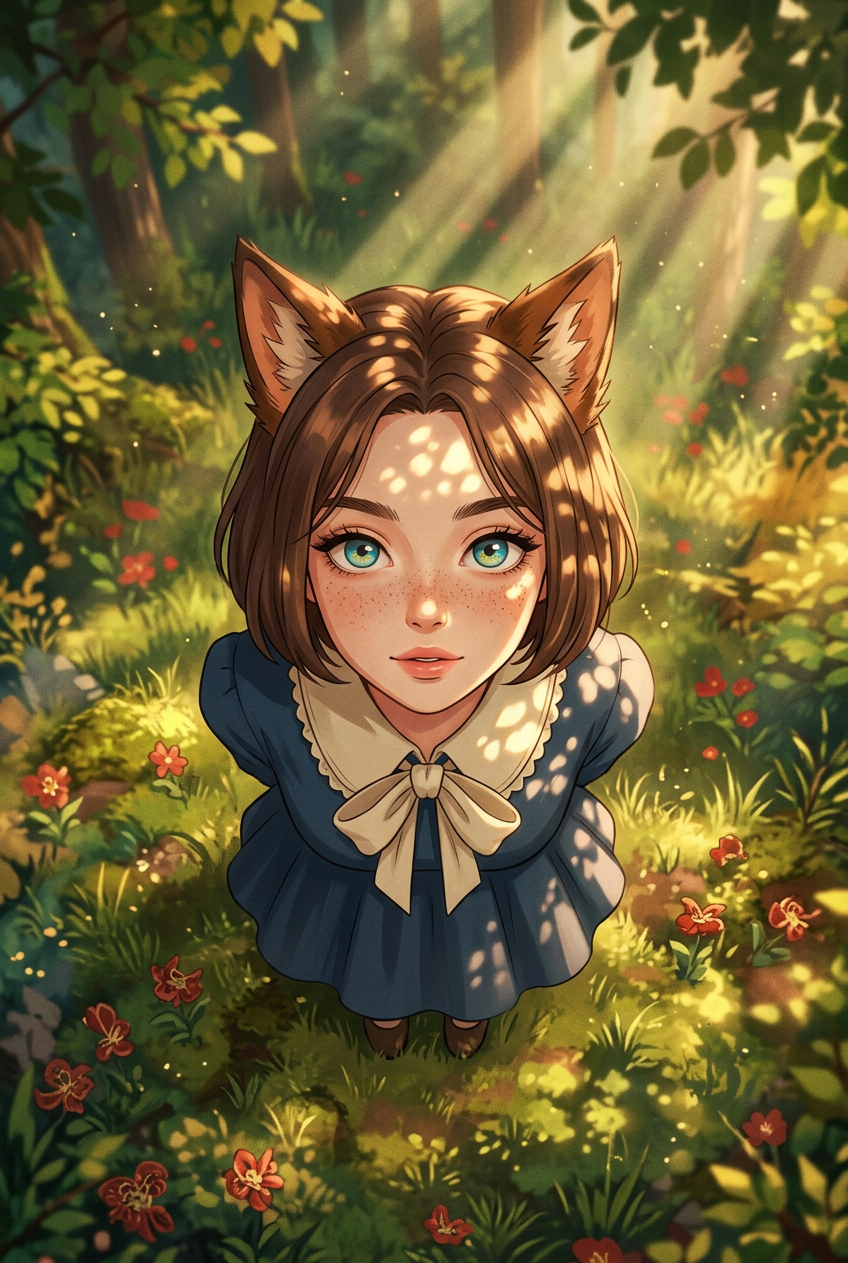
Forest Sunbeam Anime
- Model
- Nano Banana 2
- Image
- 848 × 1263 px
Prompt
Subject depicts anime style, full body, top-down view with short brown hair and fox-ear accessories, wearing a dark blue dress with a light cream collar and bow, standing in a sunlit forest clearing. Surrounding elements look upward toward the viewer. Golden hour lighting with warm atmosphere and strong sunbeams filtering through trees creates dappled light and shadow. Scene features vibrant green and golden foliage with small red flowers, soft textures, subtle grain, and a dreamy, whimsical mood.
Any aspect ratio
Overview
The Forest Sunbeam Anime template, powered by nano-banana-2, brings your imaginative visions to life with anime-inspired artwork. This AI Image Editor template gives you the creative freedom to craft a captivating scene featuring a charming character in a sunlit forest, leveraging the potent AI Image Editor capabilities.
What It Does
With this template, transform your ideas into vibrant and whimsical anime scenes. It allows you to customize details such as character appearance and environmental settings. Utilize this template to produce outputs suitable for AI Profile Picture Generator projects or other visual presentations needing an artistic flair.
Who It's For
Perfect for digital artists, content creators, and anime enthusiasts looking to refine their craft or enhance their content libraries. Whether you aim to create anime scenes for storytelling or social media graphics, this template offers a straightforward yet powerful solution.
Summary
The Forest Sunbeam Anime template is your tool for high-quality, artistic anime scene creation. Drawing on the advanced capabilities of the AI Image Editor, it simplifies the process of generating detailed images with stunning environments, tailored characters, and a dreamy atmosphere.
How To
Choose Your Template

Customize Your Scene

Generate and Download

Use Cases
Digital Art Projects
- Character illustrations
- Environment design
Social Media Content
- Instagram posts
- Fan art communities
Storytelling and Comics
- Visual storytelling
- Graphic novels
Best Practices
Leverage Lighting Effects
Maximize the template's impact by focusing on lighting adjustments to create depth and mood in your scenes.Character Detailing
Pay attention to the character's attire and accessories to ensure they align with the overall mood and theme.Environment Enhancement
Incorporate additional environmental elements such as flowers or foliage to enhance the scene's complexity and beauty.