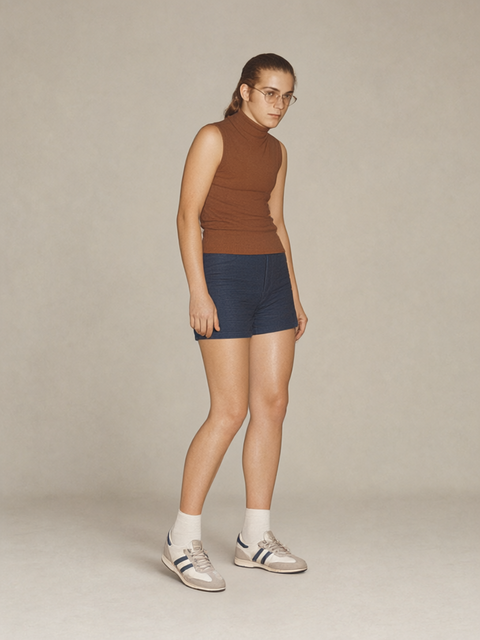
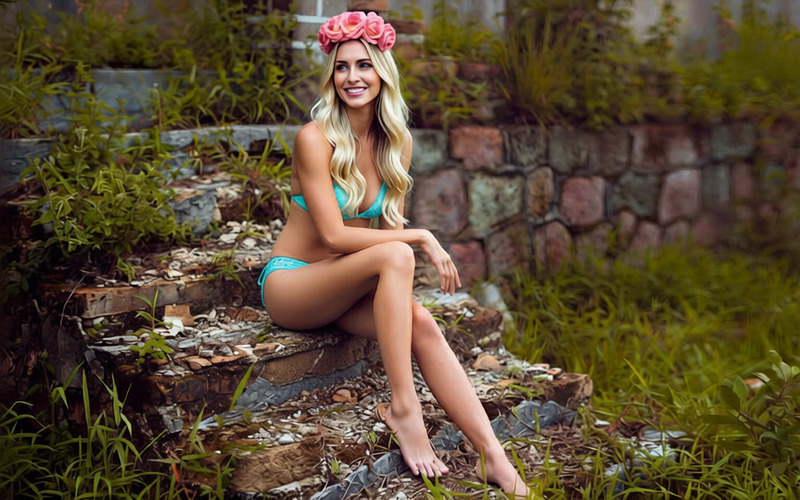
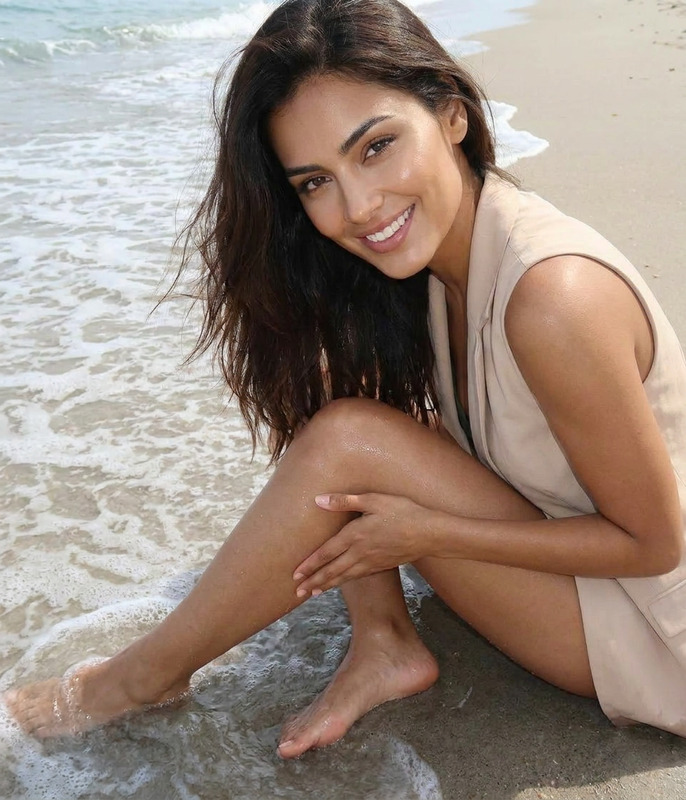
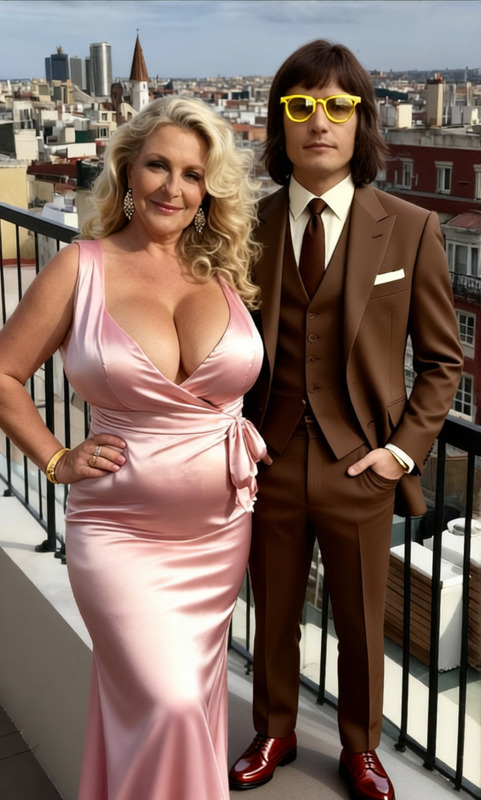
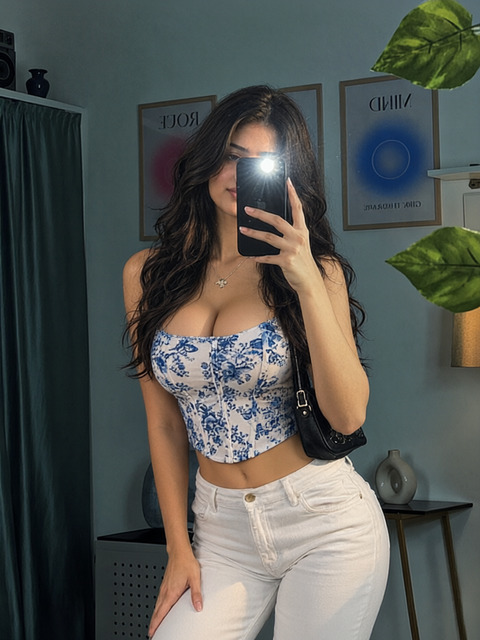
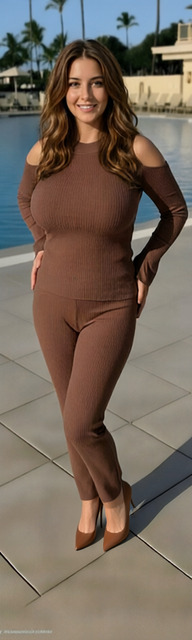
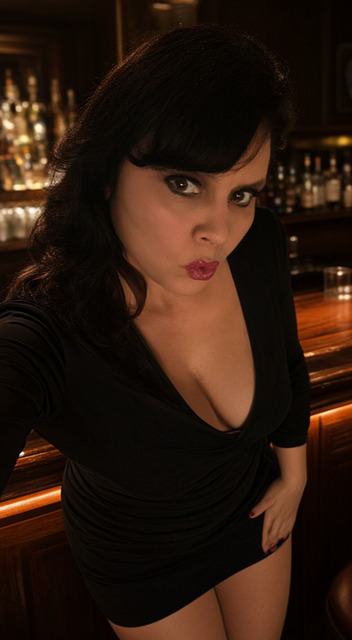
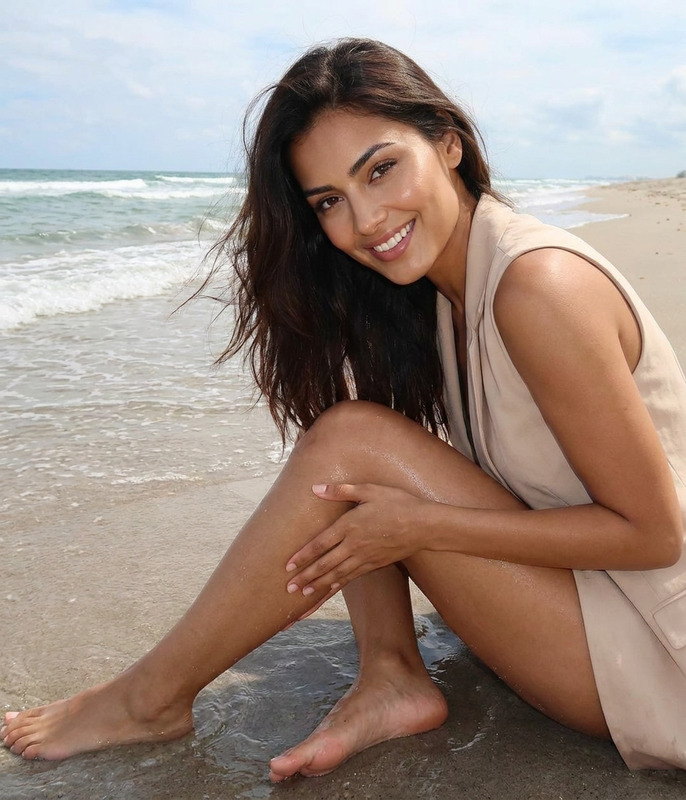
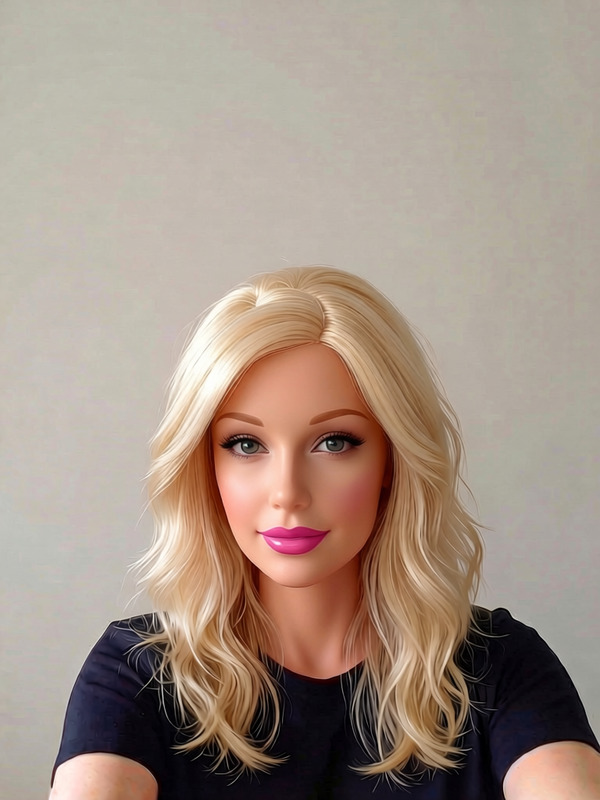
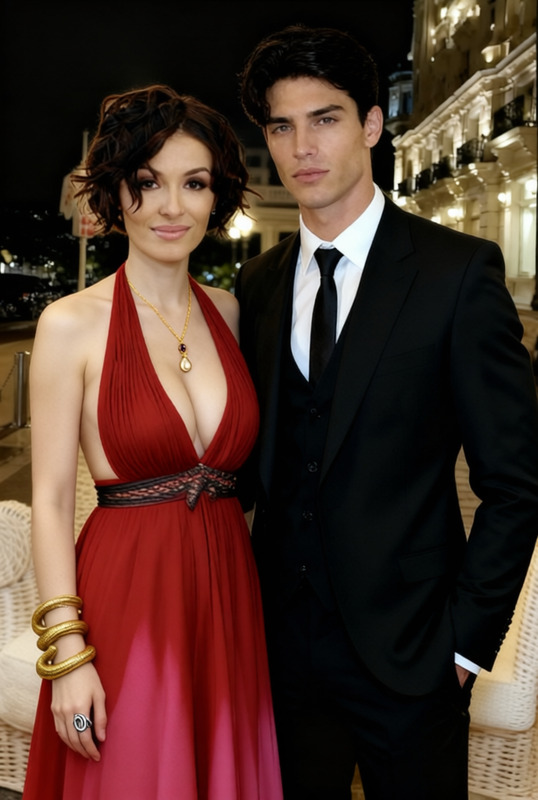
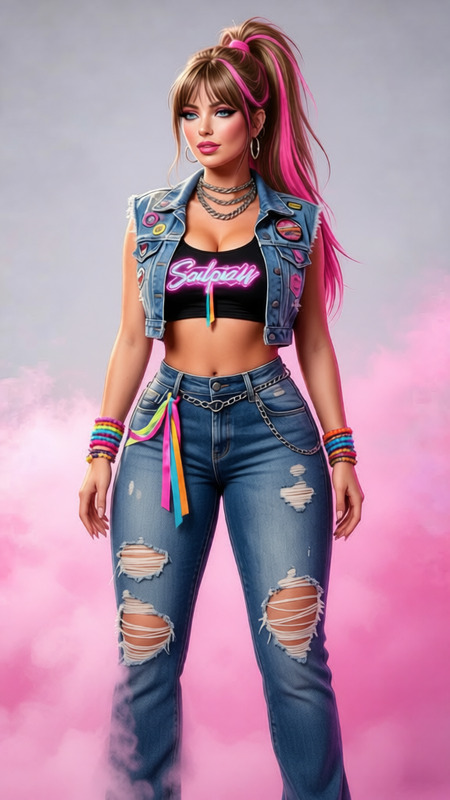
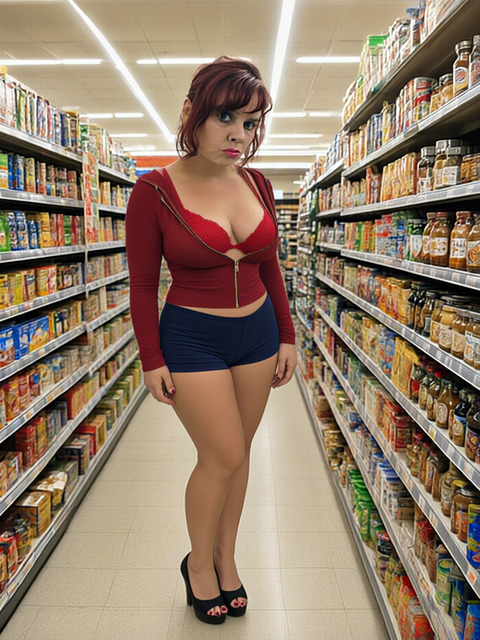
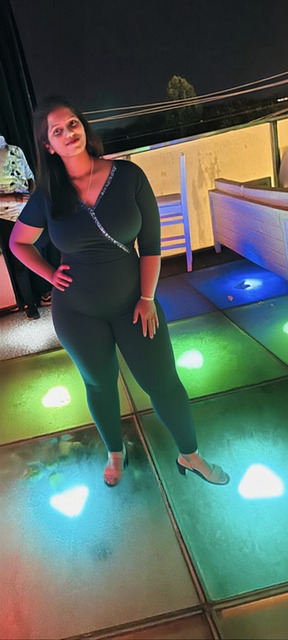
Create a full-body portrait by uploading your photo. The AI Image Editor uses advanced settings to transform your image into a visually appealing full-body shot. Simply upload your image and click Generate.
How to Use
01
Choose a Photo
Upload your image on the template page.
02
Start Generation
Click the Generate button to begin the transformation using the saved settings.
03
Download the Result
Once processing is complete, download your transformed full-body portrait.
FAQs
Upload a high-quality image to ensure a better transformation.
No, the transformation uses predefined settings to create the full-body portrait.