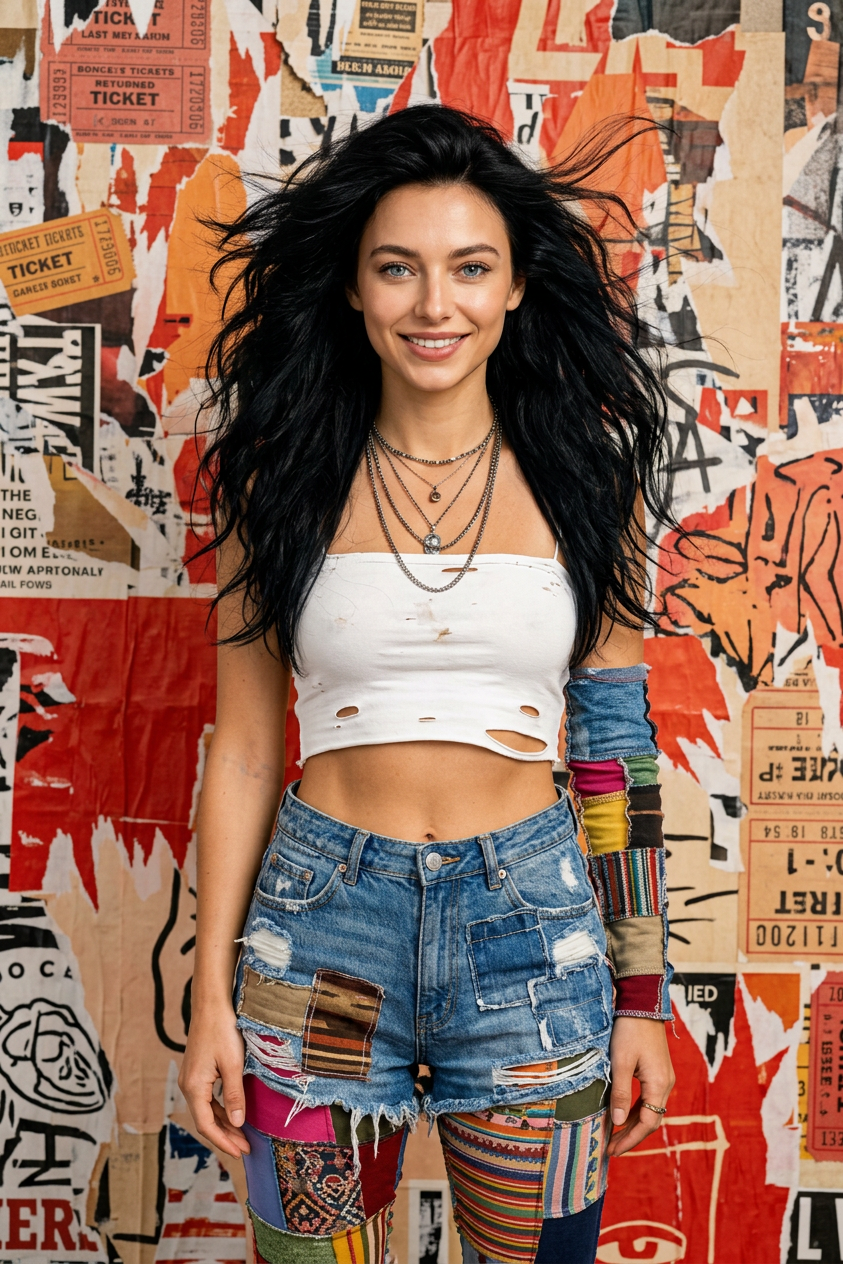
Urban Grunge Collage Fashion
- Model
- Nano Banana 2
- Image
- 843 × 1264 px
Prompt
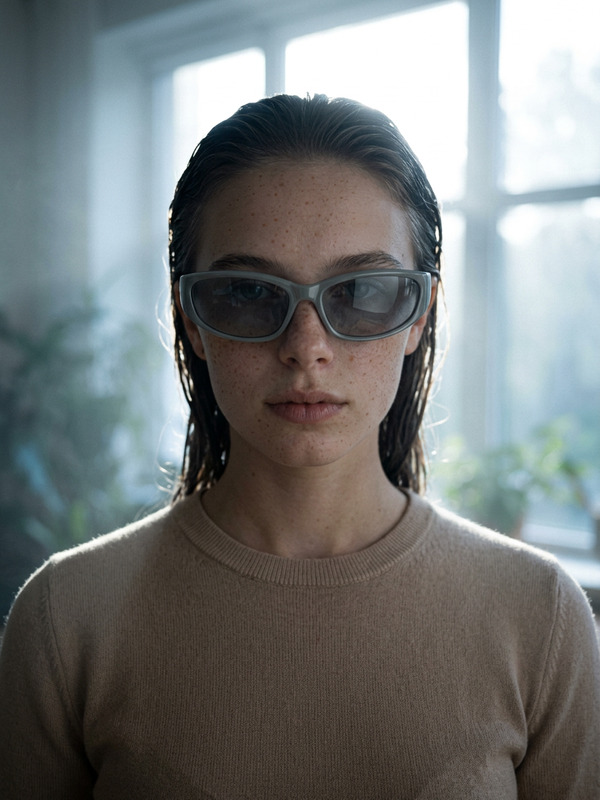
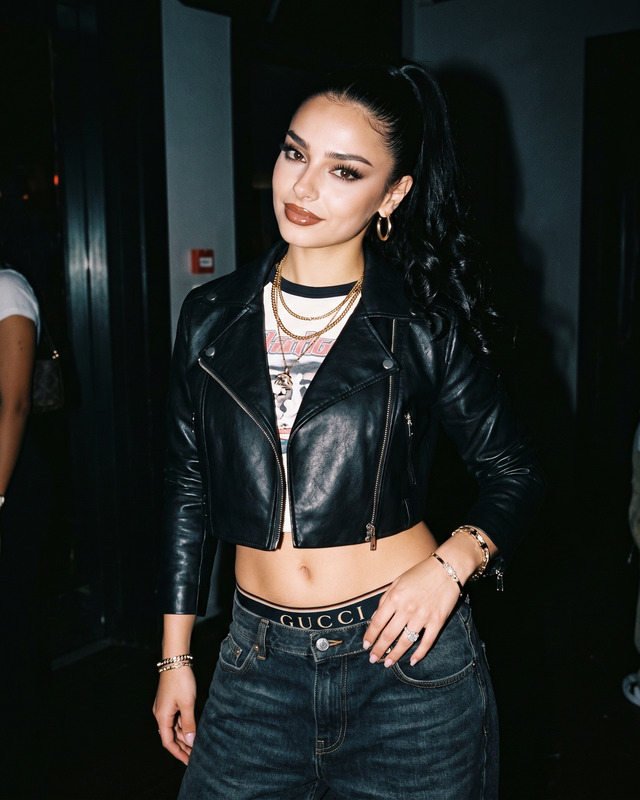
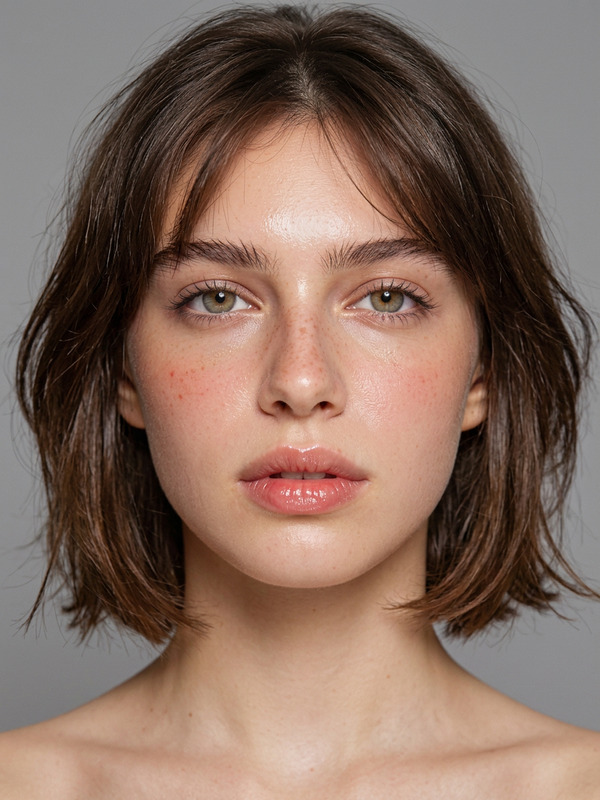
A highly detailed photorealistic portrait of a striking young woman, image above, preserve facial features 100% as reference, with long, voluminous, windswept jet-black hair, intense dark eyes, and edgy beauty, standing powerfully against a chaotic mixed-media collage background of layered torn posters, tickets, newspapers, and street art in beige, red, and orange tones. She wears a distressed white cropped tube top, heavily patched and ripped blue denim shorts over colorful patchwork leggings, a long-sleeve patchwork arm piece, multiple layered necklaces and chains, and worn combat boots. Dramatic studio lighting with dynamic hair movement, urban grunge fashion style, sharp focus, intricate textures, cinematic composition.
Any aspect ratio
Overview
The "Urban Grunge Collage Fashion" template revolutionizes fashion photography with a unique, gritty edge. Using the advanced AI Image Editor, this template emphasizes photorealistic details while preserving facial features to the highest degree. It blends fashion with the raw textures of an urban street setting, capturing dramatic motion and intricate styling.
What It Does
This template harnesses the nano-banana-2 model to create a highly detailed portrait. It transforms your images into a layered artwork featuring mixed-media backgrounds and bold fashion statements. It ensures every detail from hair texture to garment patchwork is vividly brought to life, resulting in a dynamic and impactful visual piece.
Who It's For
Designed for fashion photographers, visual designers, and creatives in need of edgy visuals that stand out, this template provides a powerful toolset for expressing urban grunge aesthetics. It's also applicable for content creators and brands aiming to infuse their media with a raw, authentic street style edge.
Summary
The "Urban Grunge Collage Fashion" template combines advanced AI capabilities with creative customization options to deliver striking visual results. Perfect for any project requiring a dramatic, textured look, it supports formats ideal for both digital and print media. Easily accessible via the AI Image Editor, this template is an essential resource for pushing creative boundaries.
How To
Choose Template

Customize Design

Generate Image

Use Cases
Fashion Photography
- Create compelling magazine covers
- Develop portfolio pieces with edge
Marketing Campaigns
- Engage younger audiences with dynamic styling
- Use in banner ads and social media campaigns
Art Projects
- Blend traditional and digital art techniques
- Create mixed-media artworks
Best Practices
Maintain Facial Features
Always use high-resolution photos to ensure the facial features are preserved accurately.Experiment with Textures
Use diverse background elements to enhance the mixed-media collage effect.Lighting Consideration
Adjust the studio lighting settings to emphasize the depth and movement of hair and fabric.