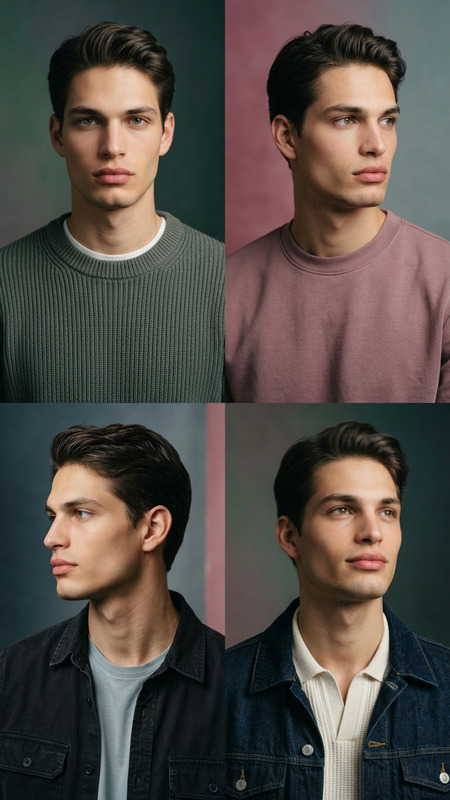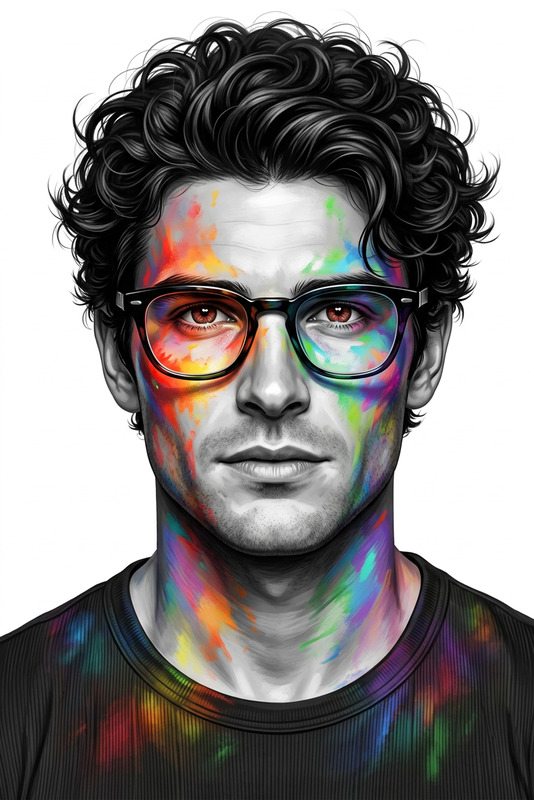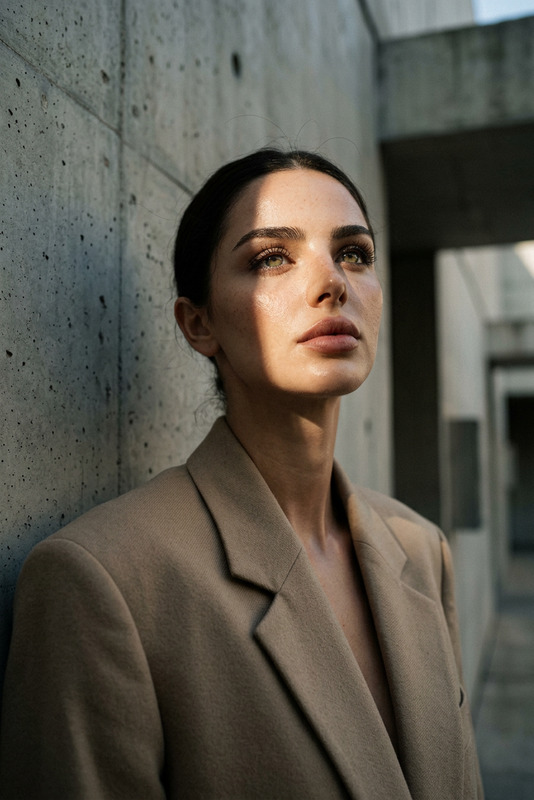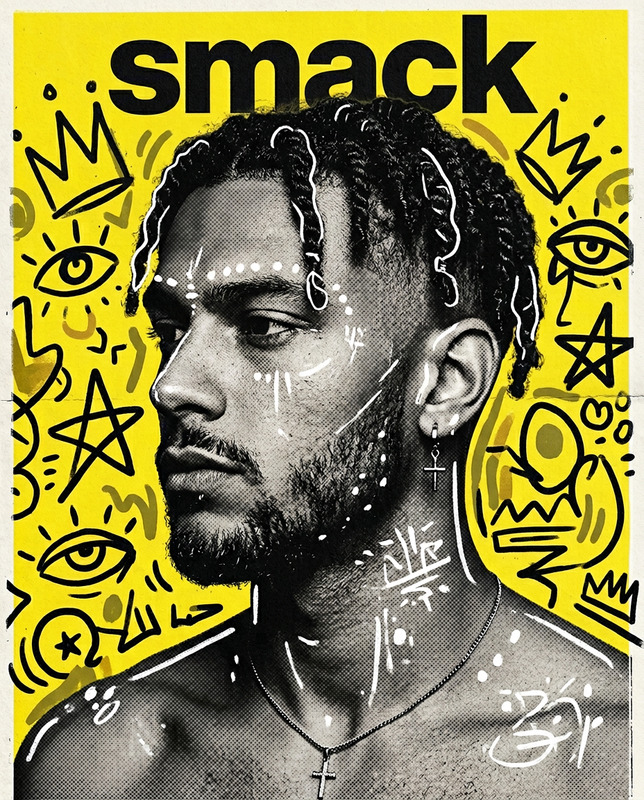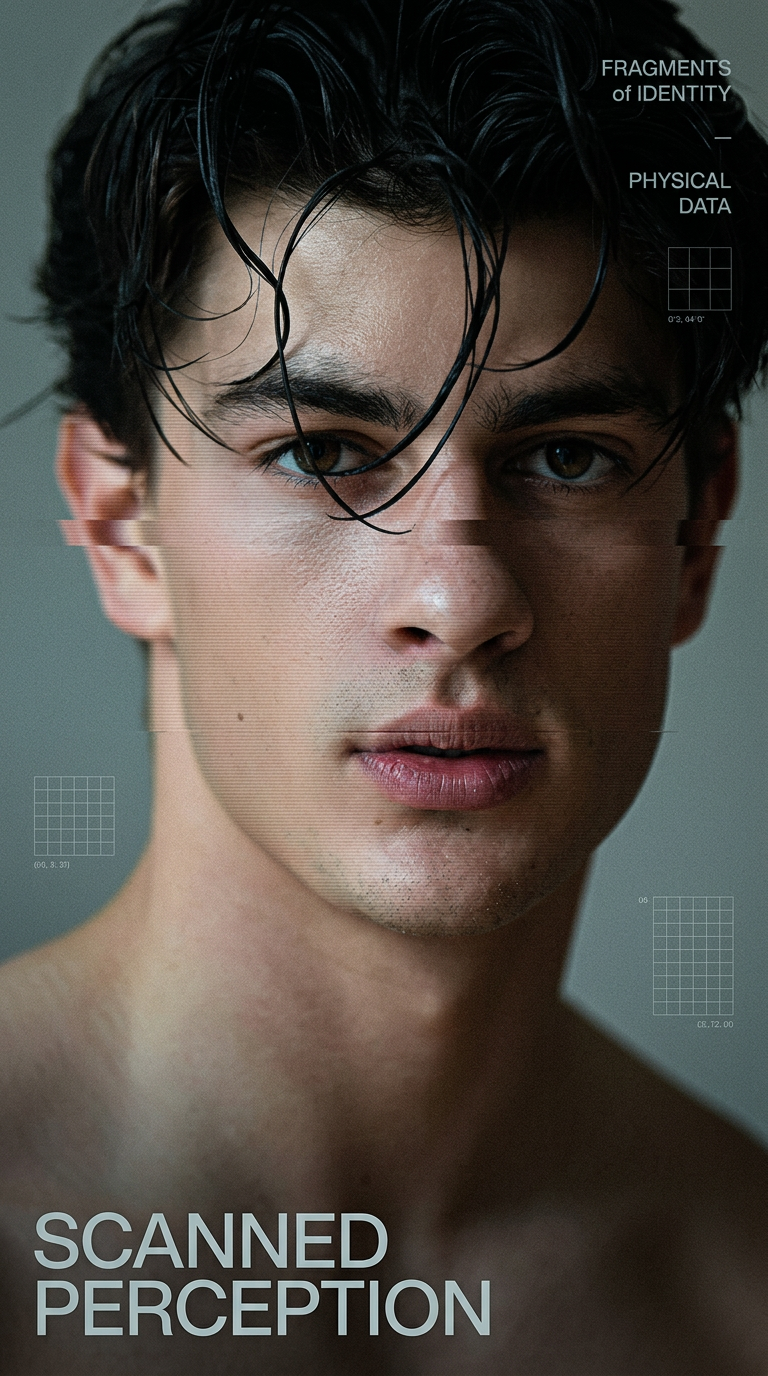
Experimental Signal Portrait
- Model
- Nano Banana 2
- Image
- 768 × 1376 px
Prompt
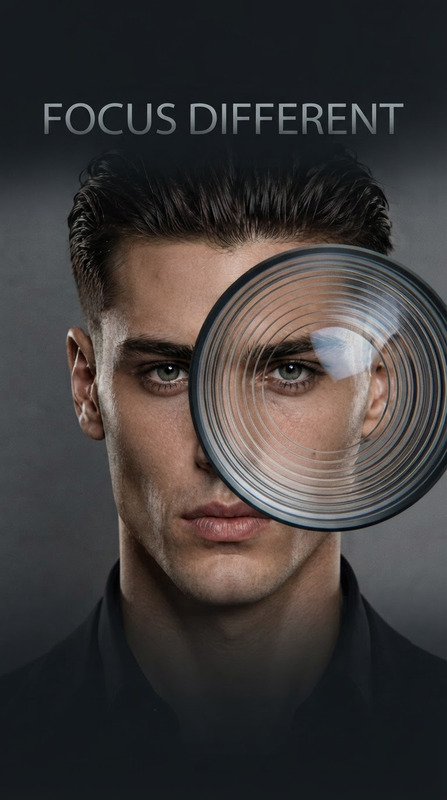
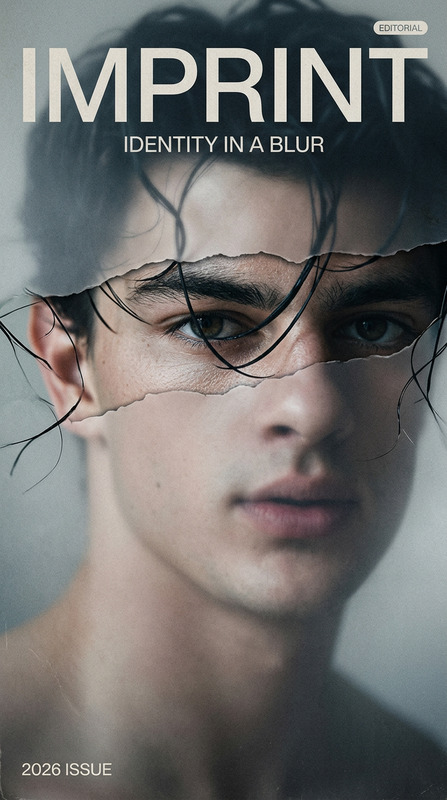
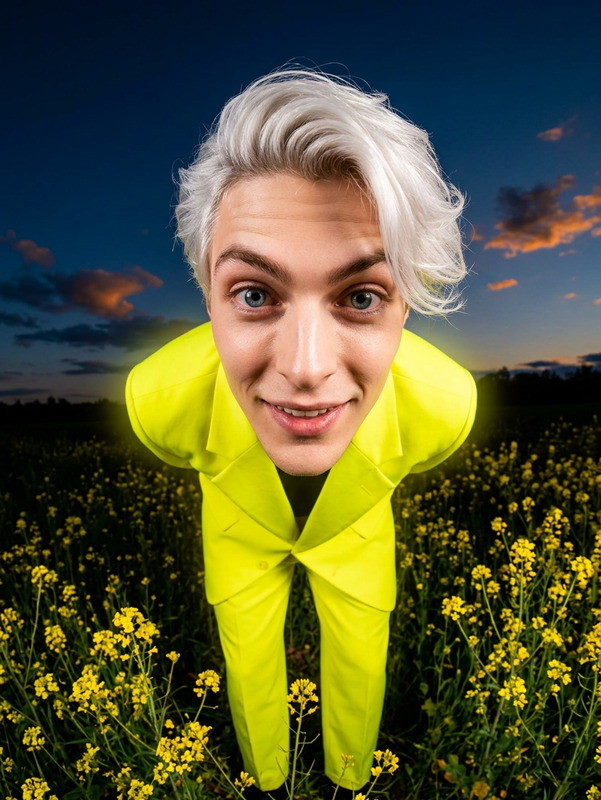
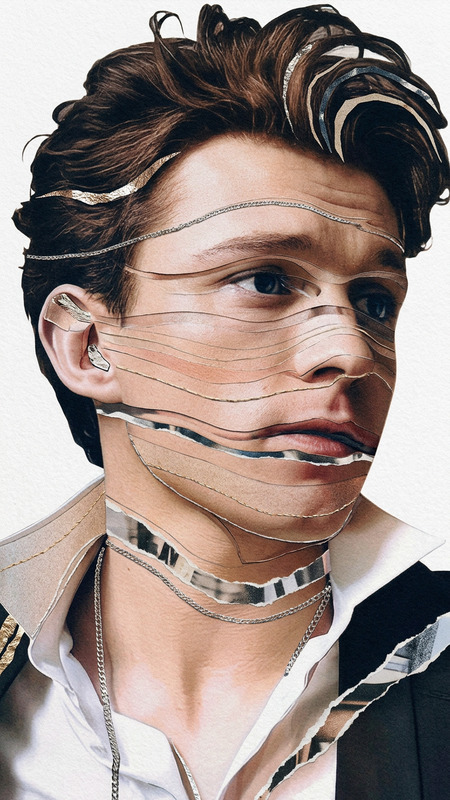
Create a 9:16 high-end experimental portrait poster featuring the subject as a single adult model with a recognizable face, reshaped through one controlled visual treatment such as scan distortion, motion blur, chromatic offset, subtle grid overlays, or directional spotlight shadow. Maintain a clean editorial composition with strong negative space, a clear focal area, realistic skin and hair texture, refined grain, and a restrained modern color palette. Use minimal custom typography with one original title, a few short supporting phrases, and small graphic details integrated naturally into the layout. The visual effect should remain intentional and precise rather than chaotic, preserving the subject’s identity while creating a sophisticated sense of motion, digital distortion, or fragmented perception. Overall style: cinematic fashion editorial, contemporary graphic design, experimental portrait photography, polished and design-driven, with no clutter, excessive effects, distorted anatomy, or generic template appearance.
Any aspect ratio
Overview
Discover the art of transforming portraits into high-concept visual experiences with the Experimental Signal Portrait template. By utilizing advanced AI techniques, this template allows you to apply distinct visual styles such as scan distortion and chromatic offsets to create compelling portraits that capture the essence of cinematic fashion editorials. Explore the limits of portrait photography while maintaining clarity and detail in every frame.
What It Does
The Experimental Signal Portrait template is an AI Image Editor that incorporates the cutting-edge nano-banana-2 model. It allows for precise manipulation of portrait images through creative effects like directional spotlight shadows and motion blur. The integration of minimal typography and graphic elements further enhances the storytelling aspect of the portrait, achieving a clean and sophisticated look.
Who It's For
This template is ideal for photographers, graphic designers, and creative directors looking to push the boundaries of traditional portraiture. Whether you're in the fashion industry or creating content for digital marketing, this tool helps you craft polished, high-end images that stand out in AI Product Photography or other visual projects.
Summary
The Experimental Signal Portrait template offers a unique way to enhance portrait photography by applying controlled visual treatments that elevate the perceived quality of the image. This template is perfect for users aiming to merge photography with contemporary graphic design elements, while maintaining the integrity and recognition of the subject's features. Ideal for creating sophisticated visuals with minimalistic yet impactful design elements.
How to Use
Choose Your Template

Customize Your Inputs

Generate and Refine

Use Cases
Fashion Editorials
- High-impact visuals
- Modern design elements
Digital Marketing
- Attention-grabbing designs
- Engage with creative compositions
Artist Portfolios
- Reflect artistic style
- Demonstrate design skills
Best Practices
Maintain Focus on Subject Features
Ensure that your application of effects never overshadows the main subject's identity, keeping recognizable facial features as the focal point.Subtle Typography Integration
Incorporate minimalistic text elements that complement rather than compete with the visual narrative.Select Effects Wisely
Choose visual treatments that enhance the image's narrative without introducing unnecessary complexity or chaos.