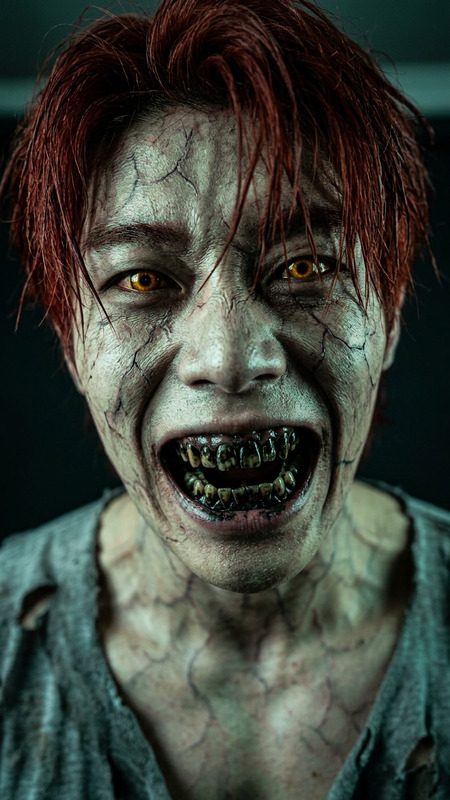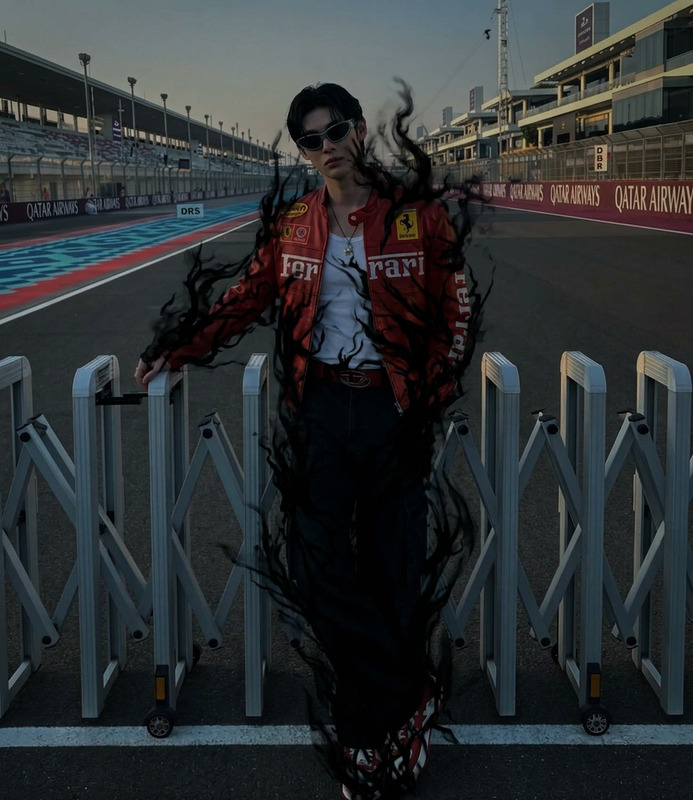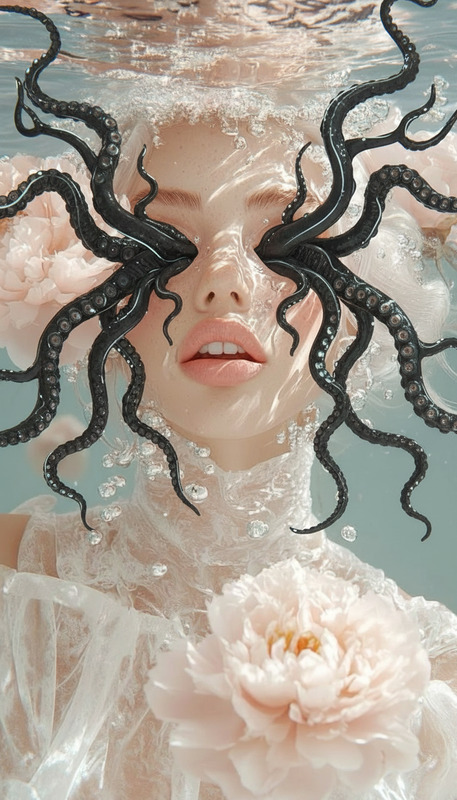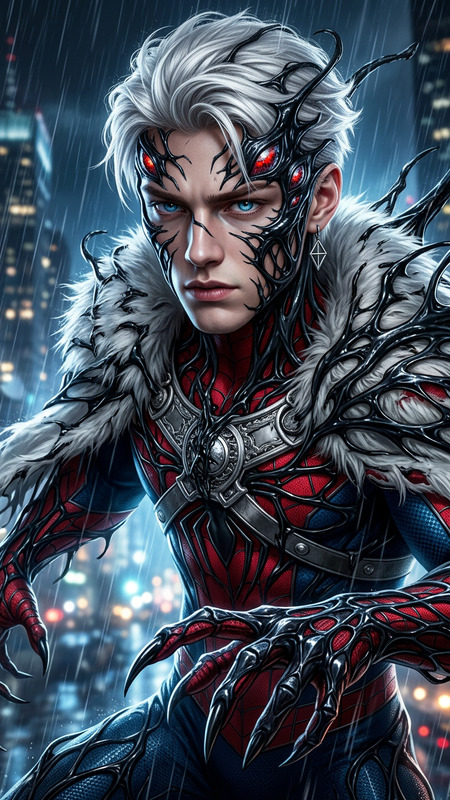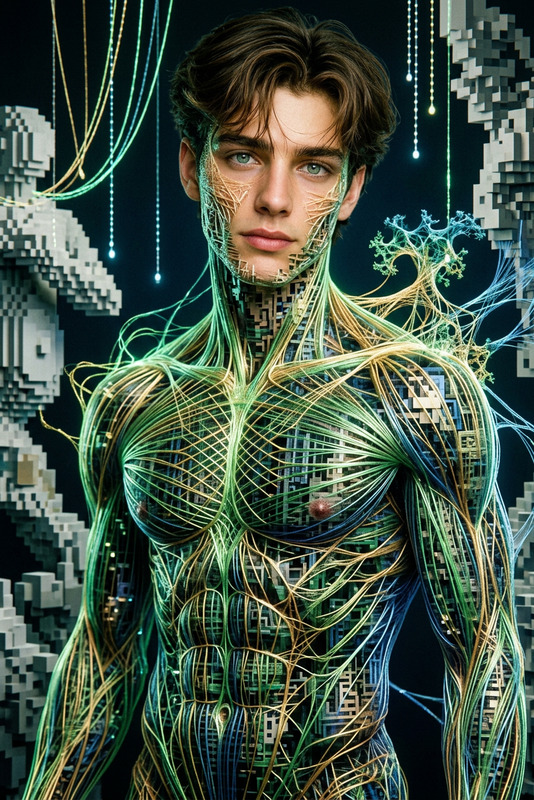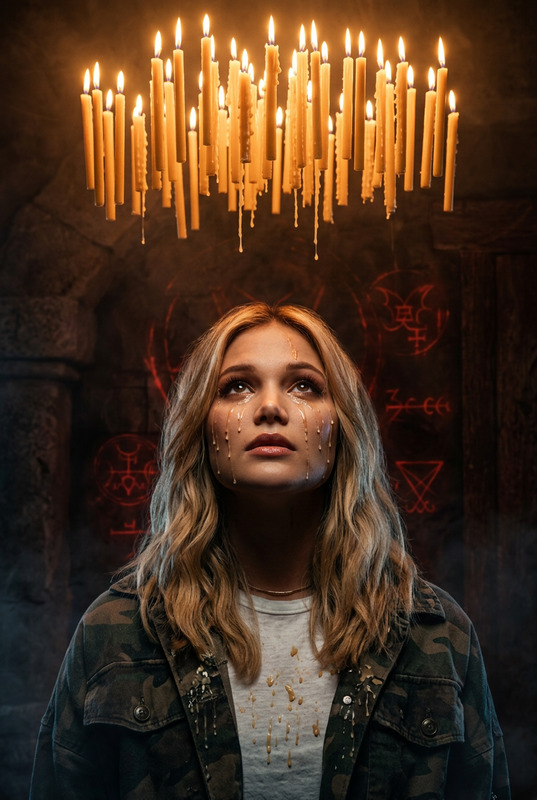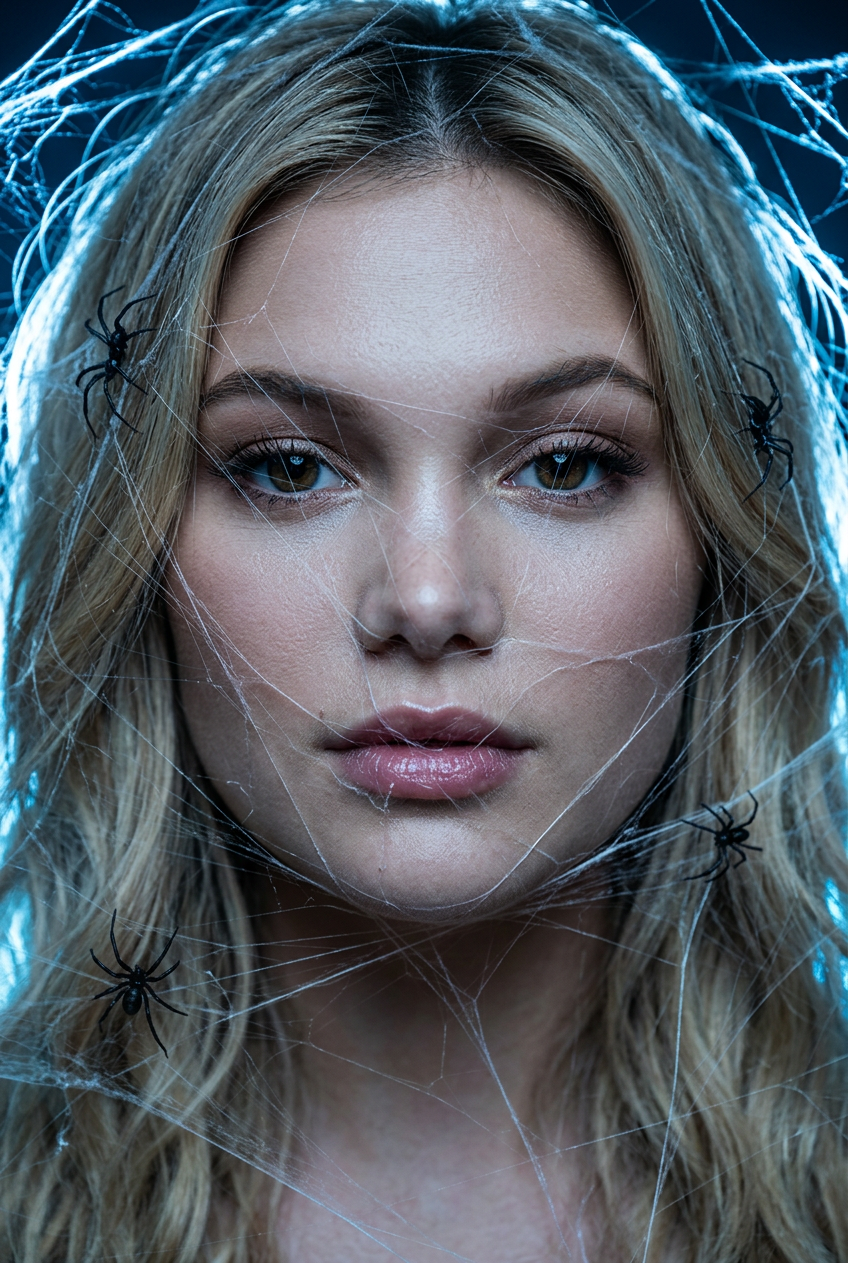
Cobweb Nightmare Scene
- Model
- Nano Banana 2
- Image
- 848 × 1263 px
Prompt
Hyper-realistic close-up portrait, a person (exact facial features preserved:1.5) trapped in glowing white spider webs covering parts of the face and hair. Small black spiders crawl gently on the web strands, illuminated by eerie blue backlight. Cinematic horror beauty, detailed skin and silk texture, 4k resolution.
Any aspect ratio
Overview
Explore the depths of cinematic horror beauty with the "Cobweb Nightmare Scene" AI Image Editor template. This tool uses the powerful nano-banana-2 model to create hyper-realistic images that depict a person ensnared in glowing, intricate spider webs. The chilling scene is enhanced by eerie blue backlighting and detailed textures, offering a striking visual experience.
What It Does
This template transforms facial imagery into a haunting tableau, perfect for horror or thriller projects. The AI editor preserves unique facial features while adding realistic spider webs and illuminating effects, suitable for 4k resolution outputs. Each spider and web fiber is meticulously rendered to enhance the eerie, cinematic effect.
For more AI-driven transformations, consider the Video Face Swap to augment your video editing suite or use the AI Image Generator for diverse creative explorations.
Who It's For
The "Cobweb Nightmare Scene" is essential for film and game creators specializing in visual effects and horror genres. Artists seeking to add dramatic flair to their work and storytellers wanting to convey a sense of dread and beauty will find this tool invaluable. It seamlessly integrates into the workflows of those familiar with image editing and creative storytelling.
Summary
With the "Cobweb Nightmare Scene", you can craft hauntingly beautiful images that grip the imagination. Utilizing AI Image Editor technology, this template aligns with professional visual effects standards, ensuring your horror projects are both stunning and chilling.
How to Use
Choose the Template

Customize Your Scene

Generate Your Image

Use Cases
Horror Film Promotions
- Entice audiences with horror-themed posters
- Develop chilling social media teasers
Game Character Design
- Enhance character backstories with cinematic visuals
- Give life to in-game narrative elements
Themed Art Exhibitions
- Showcase technical skill in digital art
- Engage viewers with chilling imagery
Best Practices
Use High-Quality Images
Ensure the input image is of high quality to maintain details during processing.Tailor Lighting Effects
Adjust blue backlighting for varying levels of atmospheric tension.Experiment with Textures
Try different web textures for distinct visual effects, enhancing the overall horror impact.