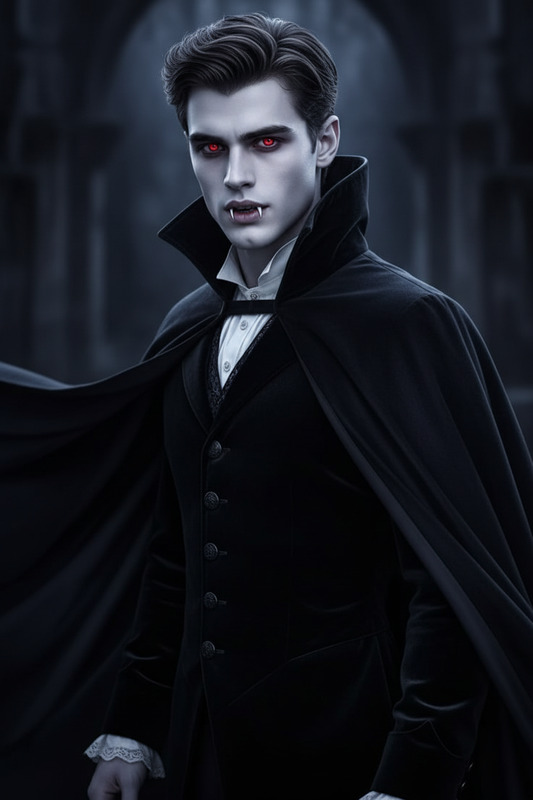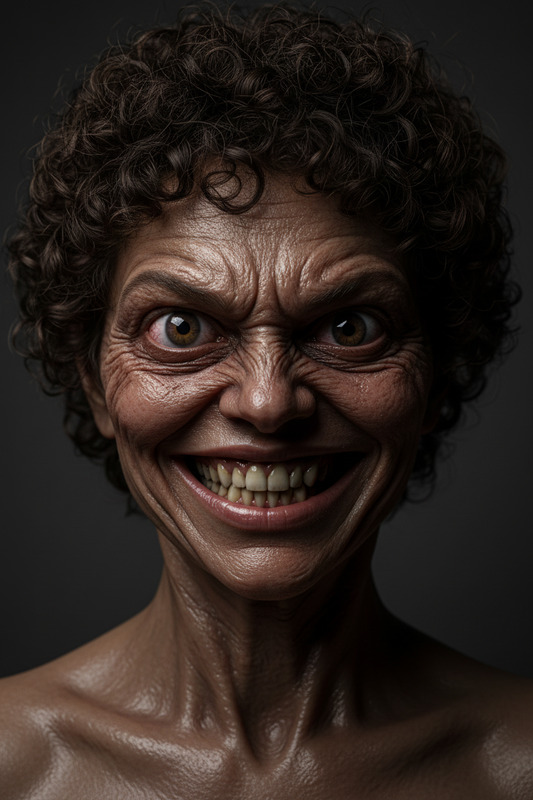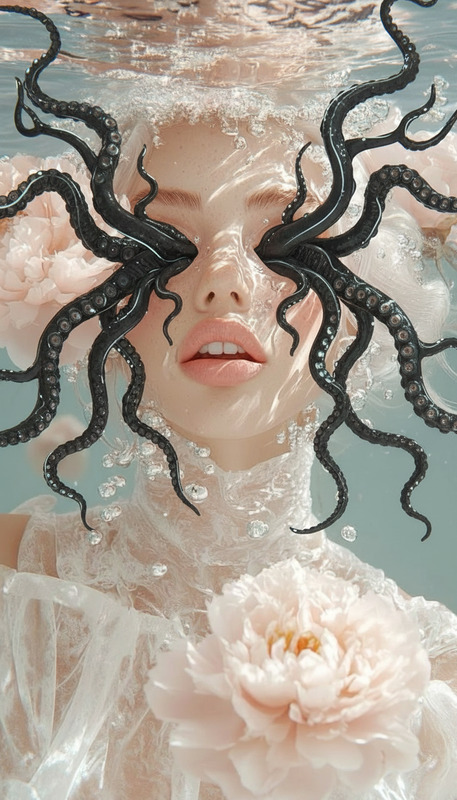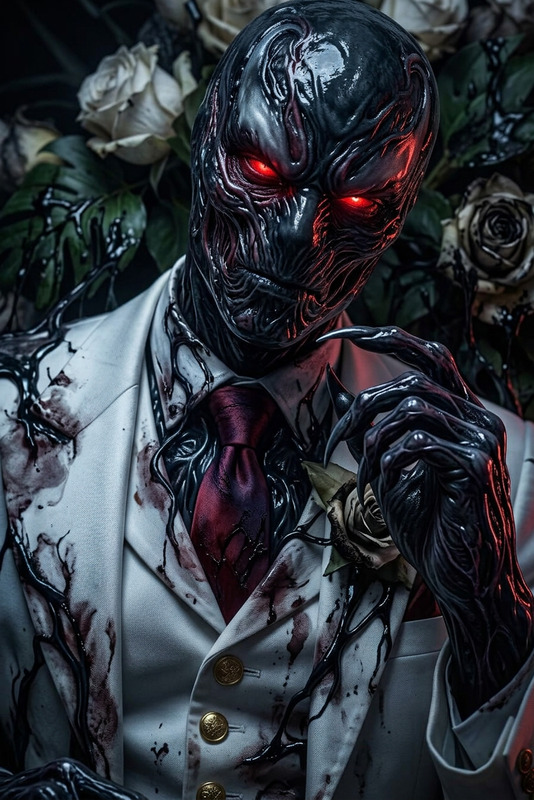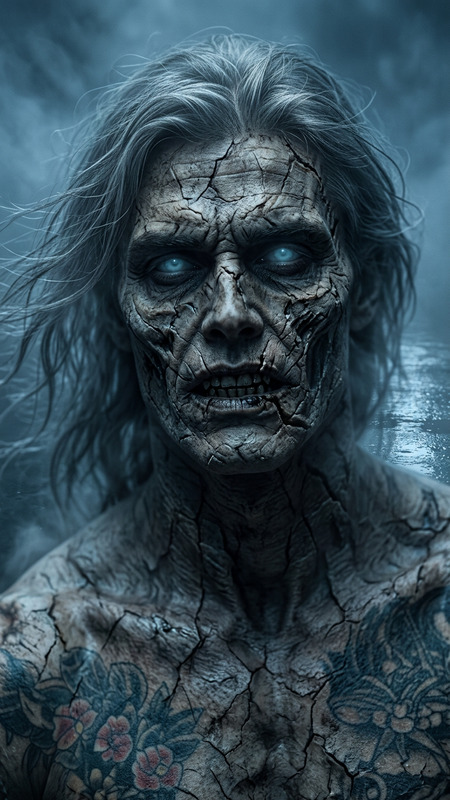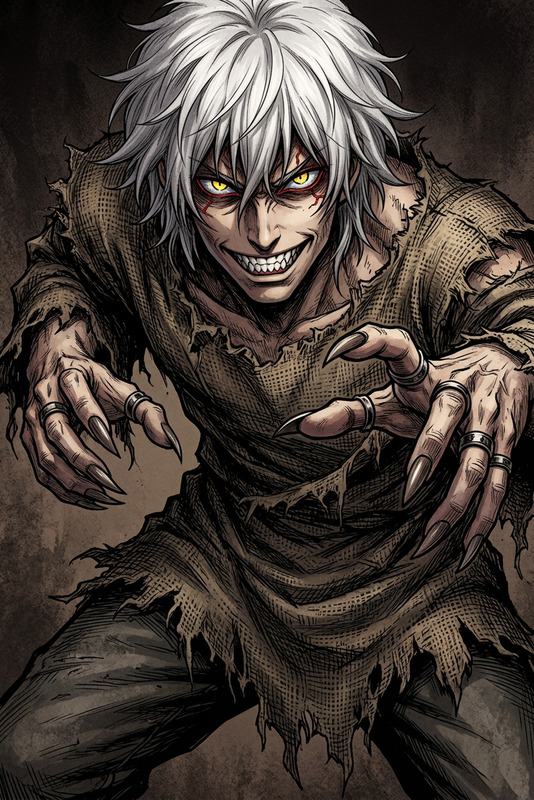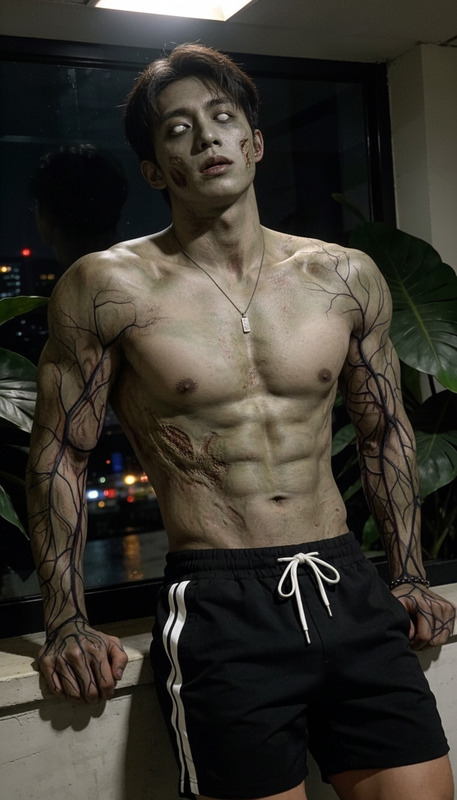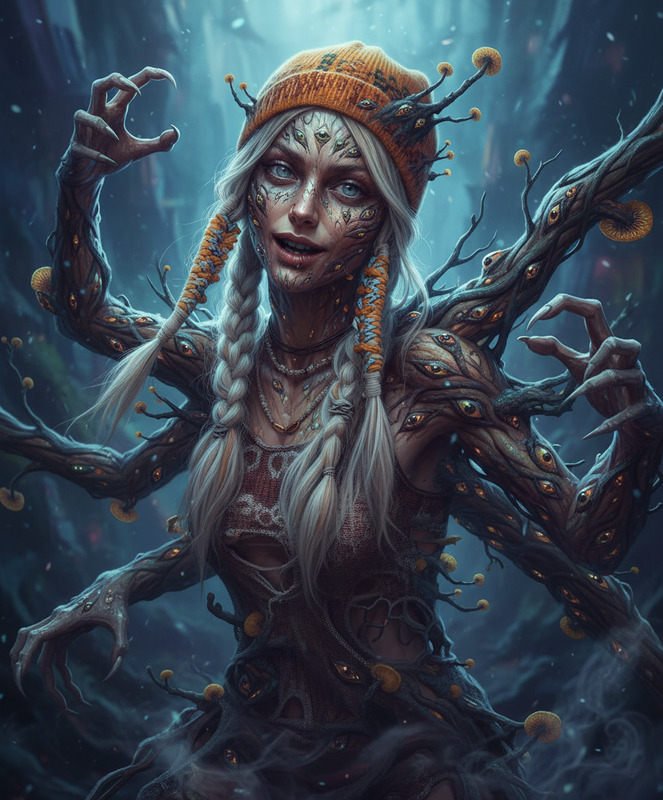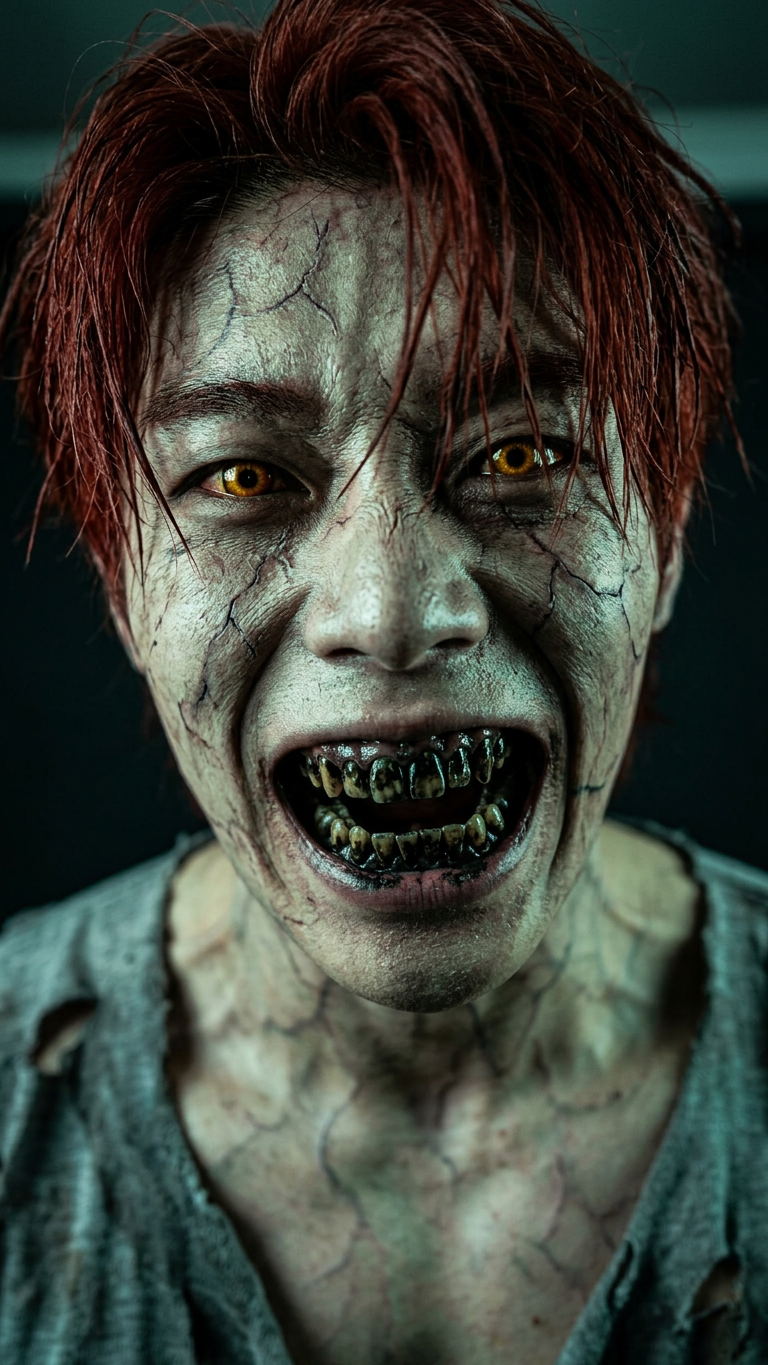
Terrifying humanoid creature transformation
- Model
- Nano Banana 2
- Image
- 768 × 1365 px
Prompt
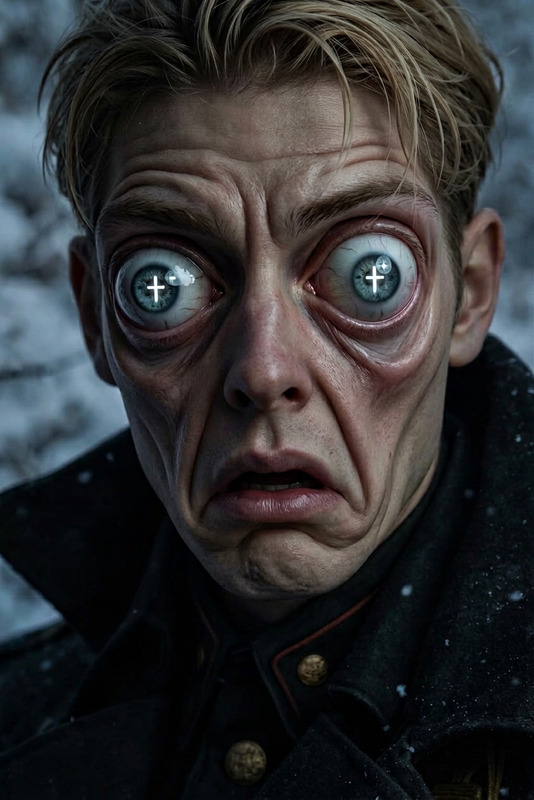
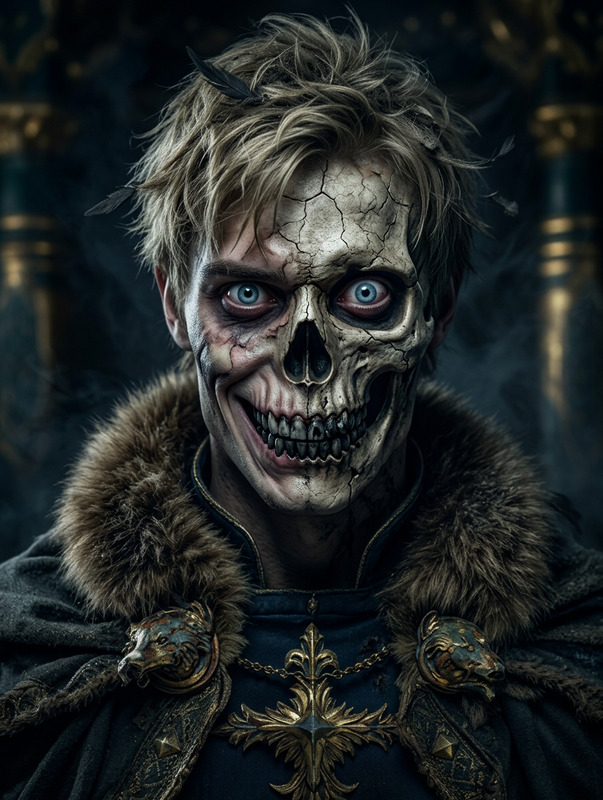
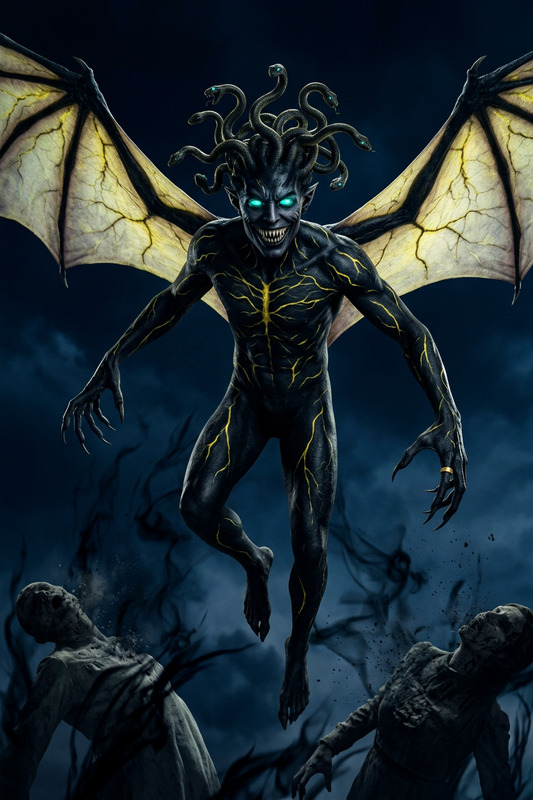
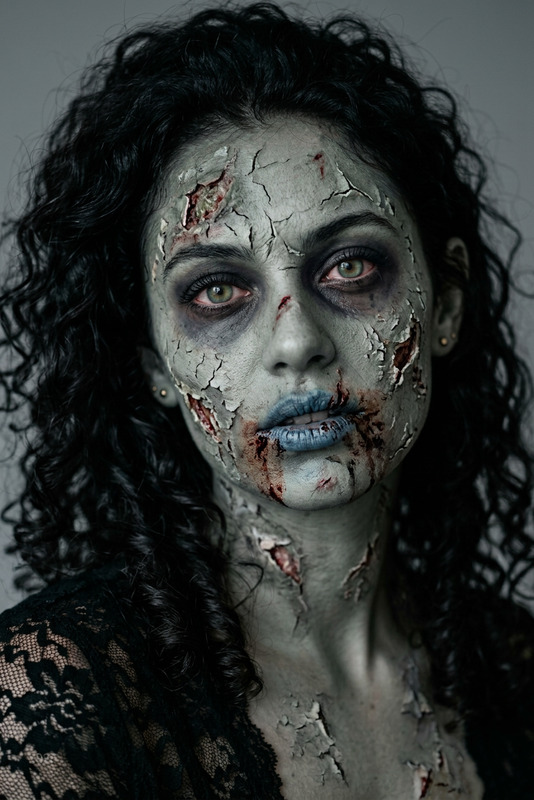
An extreme close-up of a subject transforming into a terrifying humanoid creature. Skin pale and cracked with deep vein textures, eyes glow yellow-orange, and the mouth stretches unnaturally wide revealing decayed teeth. Long messy hair and tattered clothing enhance the grotesque form. Harsh low-key lighting with greenish tones and deep shadows creates a high-contrast, cinematic horror atmosphere.
Any aspect ratio
Overview
Delve into the world of horror with our AI Image Editor's "Terrifying Humanoid Creature Transformation" template. This tool allows you to create intense close-ups of subjects as they morph into unsettling humanoid creatures. The transformation features pale and cracked skin with deep vein textures, glowing eyes, and an unnaturally wide mouth, making it perfect for horror enthusiasts and creators looking to add a unique touch to their projects.
What It Does
This template utilizes the AI Image Editor to morph images into haunting humanoid forms with detailed textures and shadow effects. Using the nano-banana-2 model, it enhances images with precise edits, allowing for realistic and terrifying transformations that can seamlessly integrate into horror-themed content.
Who It's For
Designed for horror filmmakers, graphic artists, and video game designers, this template is ideal for anyone in need of creating chilling visuals. Whether you're producing a short film, designing a new game creature, or crafting eerie marketing materials, this tool can bring your vision to life. Explore related tools like the Lip Sync and Body Swap for more dynamic content creation options.
Summary
The "Terrifying Humanoid Creature Transformation" template is your go-to for creating spine-chilling imagery that stands out. With high-contrast, cinematic effects and detailed features, it opens up endless creative possibilities. Utilize this tool in conjunction with others like the AI Video Generator to craft fully realized horror environments.
How-To
Choose Your Template

Customize Your Inputs

Generate Your Image

Use Cases
Horror Films
- Create monsters or eerie character transformations
- Add unique visual elements to special effects
Video Game Design
- Design realistic in-game enemies
- Augment storylines with eerie cutscenes
Marketing Materials
- Design standout event posters
- Create visual content for trailers
Best Practices
Focus on Detail
Pay attention to the smallest details, like vein textures and eye glow, to heighten the creature’s realism.Adjust Lighting
Utilize the lighting options to match the mood, emphasizing the horror theme with shadows and contrasts.Pair Tools Strategically
Combine with tools like the AI Clothes Changer to redesign character costumes, boosting the transformation's impact.