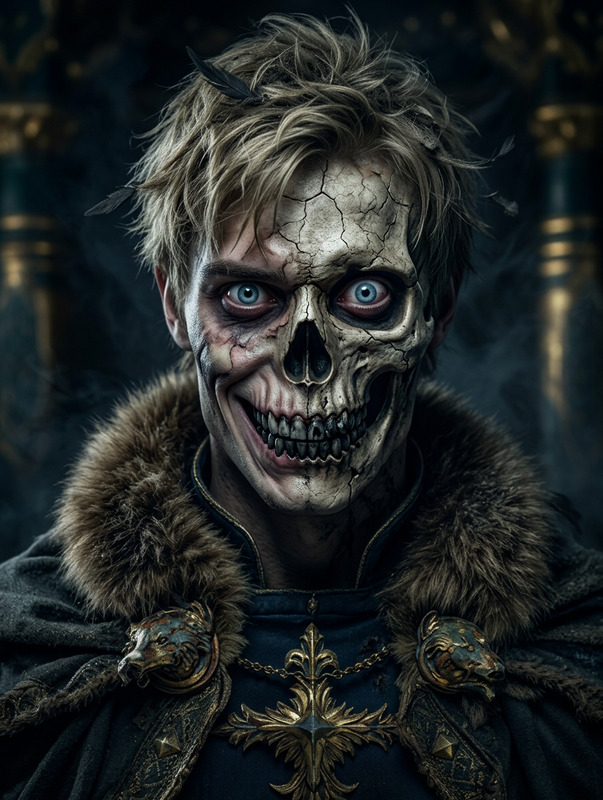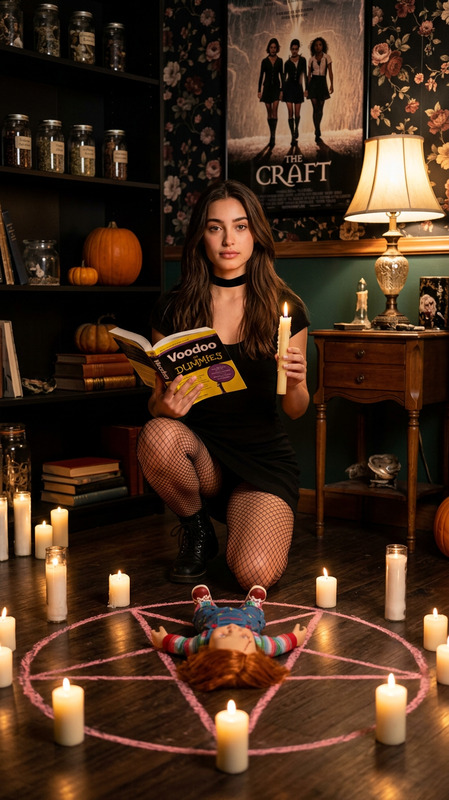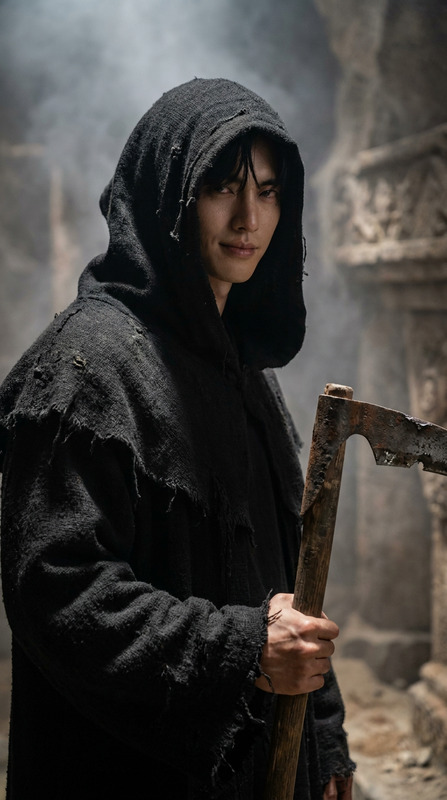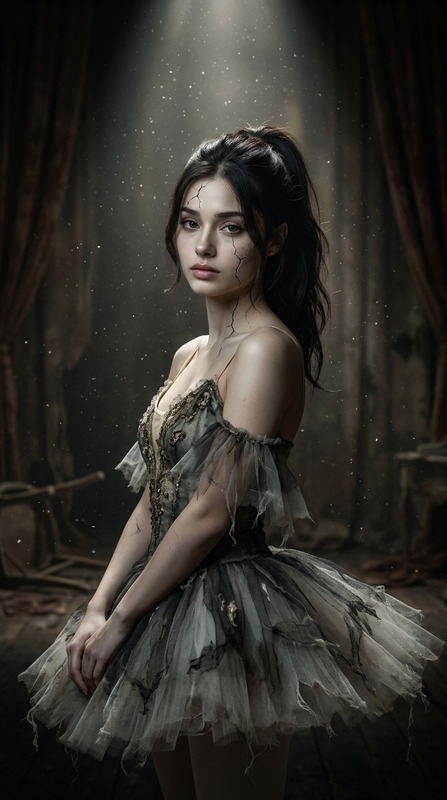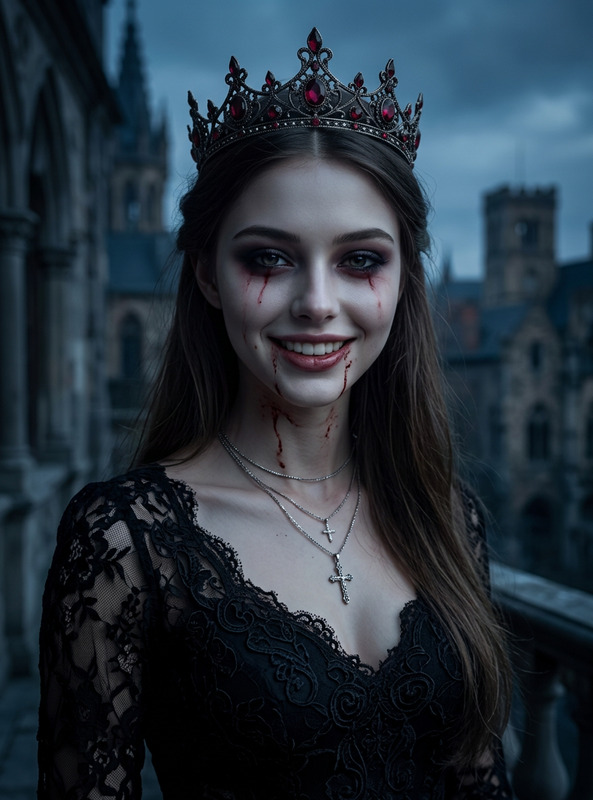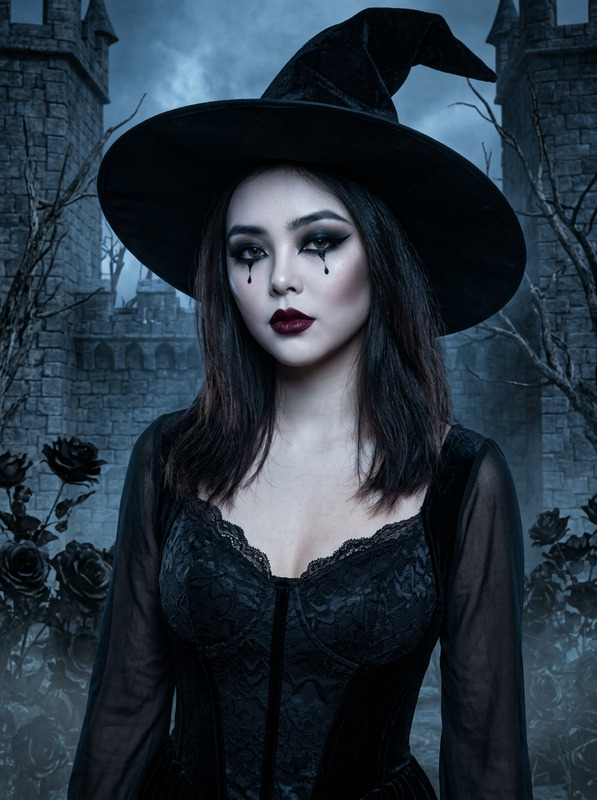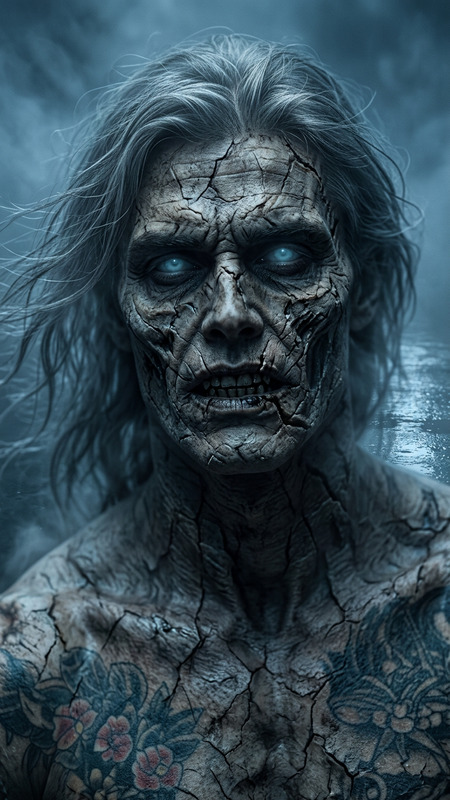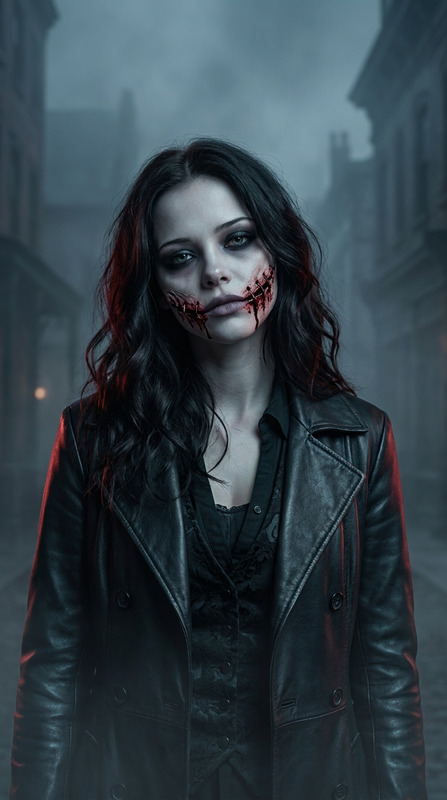
Wicked Witch Spooky
- Model
- Nano Banana 2
- Image
- 843 × 1264 px
Prompt
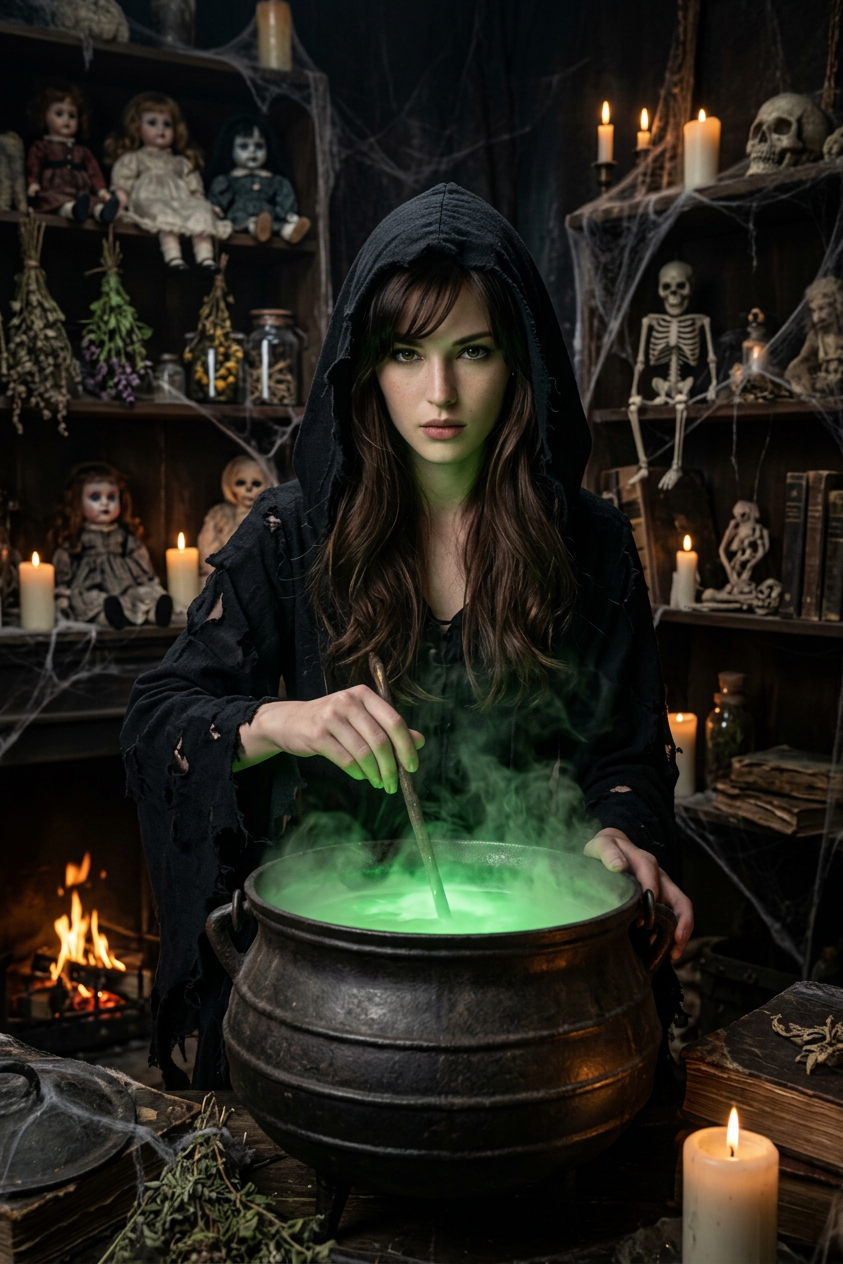
Strongly preserve the person’s real face, eyes, mouth, and facial structure while replacing the witch’s face in a hyper-realistic, live-action cinematic scene: a dark, eerie witch’s lair where a witch in a tattered black hooded robe brews a potion in a large glowing cauldron. The room is dimly lit by candles, cobwebs drape from the ceiling, and shelves are lined with creepy dolls and skeletal figures. Capture a mysterious, spooky gothic horror atmosphere with photorealistic details, cinematic lighting, and a live-action film aesthetic (avoid CG or video game-style rendering). 8k resolution, ultra-detailed textures.
Any aspect ratio
Overview
Step into the realm of cinematic horror with the "Wicked Witch Spooky" AI Image Editor template. This template breathes life into your creative projects, allowing you to transform the witch's face within a vividly detailed, 8k resolution live-action scene. Designed with the nano-banana-2 model, this tool provides ultra-detailed textures and a photorealistic gothic horror atmosphere.
What It Does
The "Wicked Witch Spooky" template integrates your subject's face into a haunting, cinematic scene without losing their natural facial features. With a focus on maintaining realism, the template offers live-action quality, avoiding any digital ot game-like aesthetics. The environment includes eerie elements like a candle-lit lair and skeletal figures, enhancing the supernatural gothic feel.
Who It's For
This template is ideal for filmmakers, content creators, and VFX professionals aiming to add a chilling, realistic touch to their horror projects. Creative professionals in video production can leverage this tool to produce high-quality visuals without the need for intricate CGI setups.
Summary
The "Wicked Witch Spooky" template, powered by AI Image Editor, is essential for creating hyper-realistic horror scenes. Featuring photorealistic details and cinematic lighting, it promises a truly immersive experience for anyone seeking to enhance their visual storytelling.
How-To
Choose Your Template

Customize Your Scene

Generate Your Image

Use Cases
Horror Film Production
- Achieve realistic horror effects
- Enhance storytelling with cinematic precision
Social Media Content
- Stand out with unique, eerie visuals
- Engage followers with professional-grade scenes
VFX Pre-Visualization
- Visualize concepts with high realism
- Present professional-quality previews
Best Practices
Maintain Facial Features
Ensure the template settings are adjusted properly to preserve the subject's unique facial attributes for a more convincing transformation.Optimize Lighting
Adjust the lighting parameters to blend your subject seamlessly into the dark, eerie atmosphere of the scene.Check Texture Details
Review all elements for texture consistency, as high-resolution details are crucial for achieving an ultra-realistic effect.