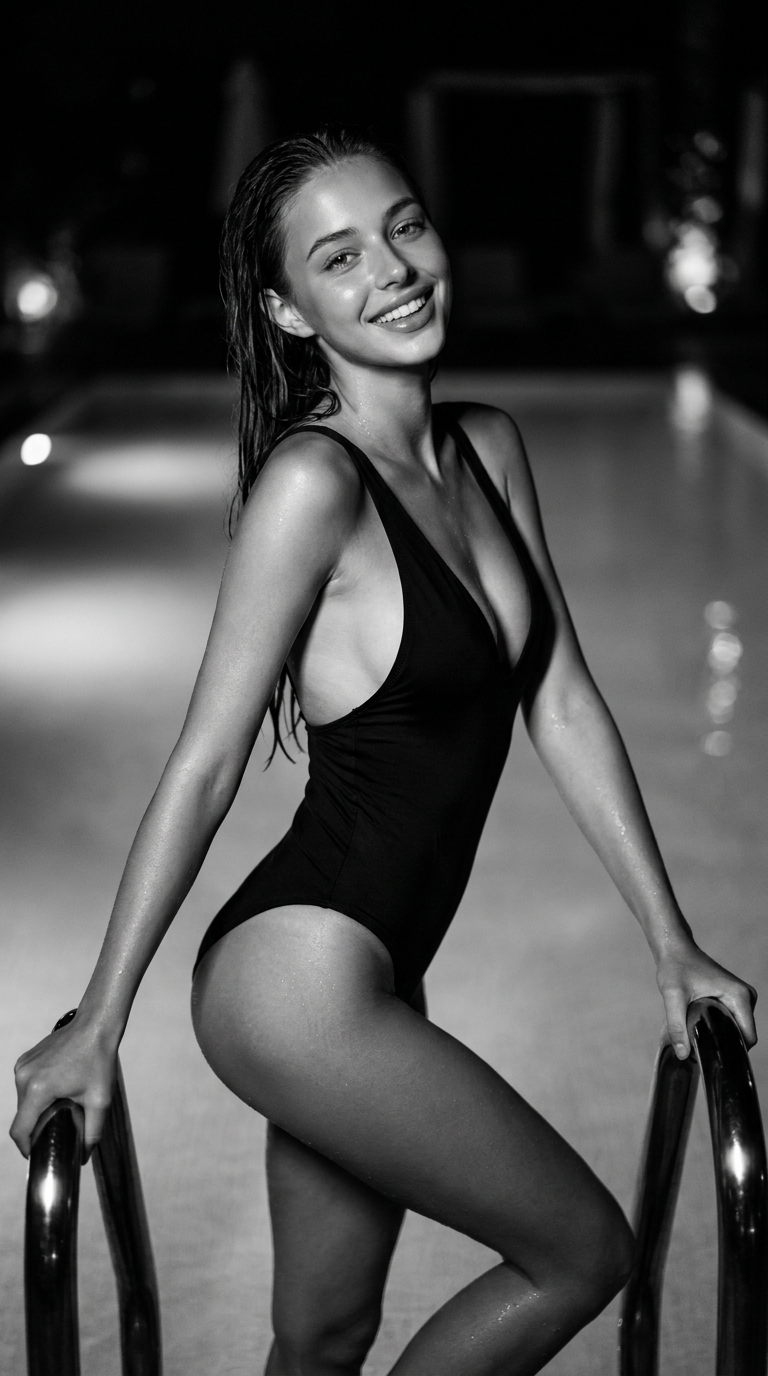
Midnight Pool Elegance
- Model
- Nano Banana Pro
- Image
- 768 × 1376 px
Prompt
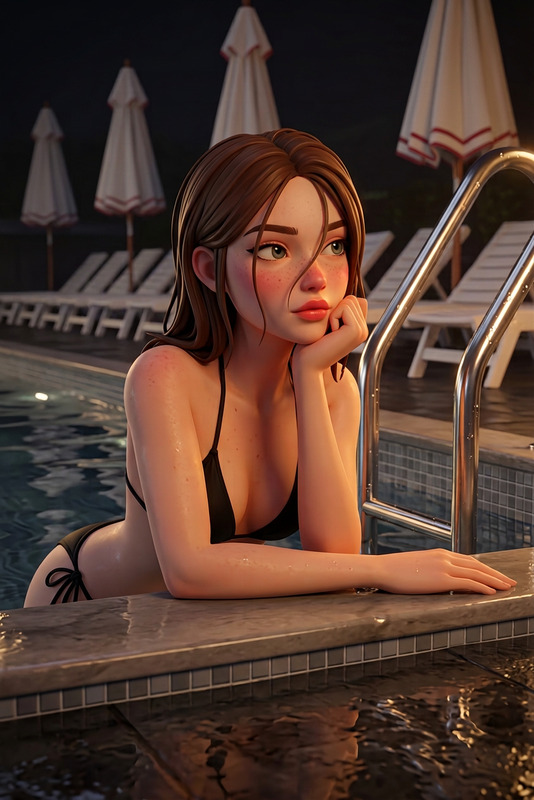
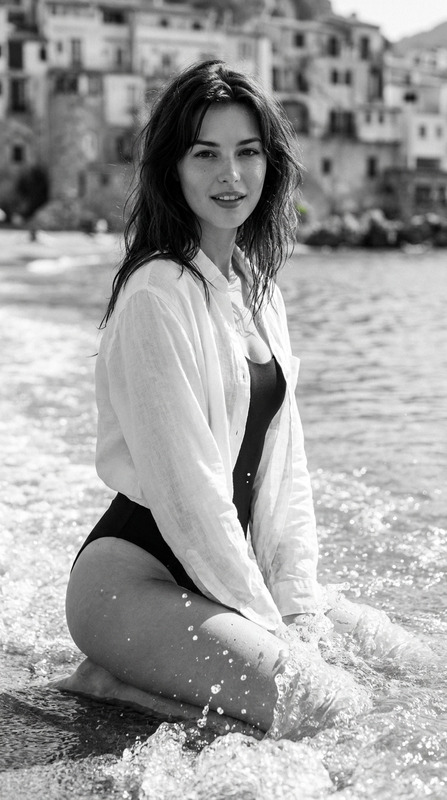
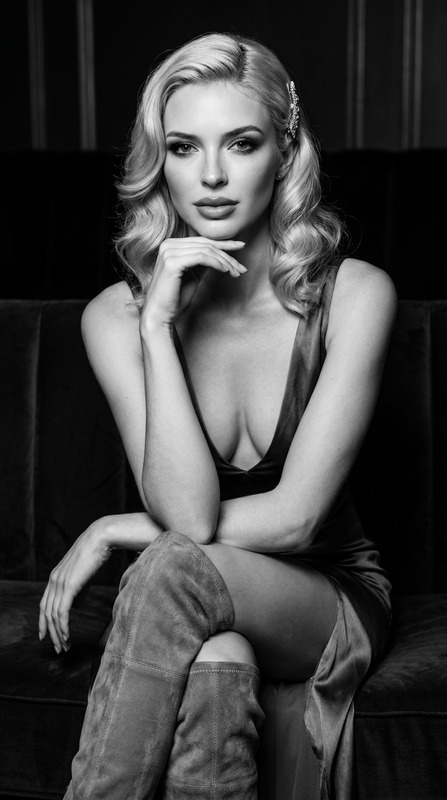
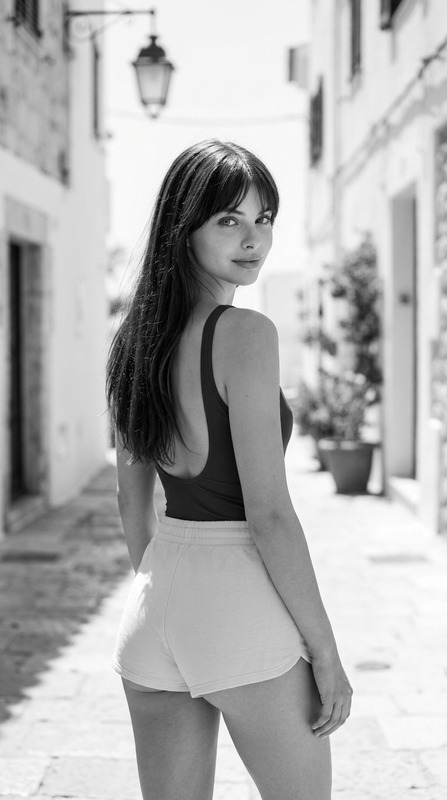
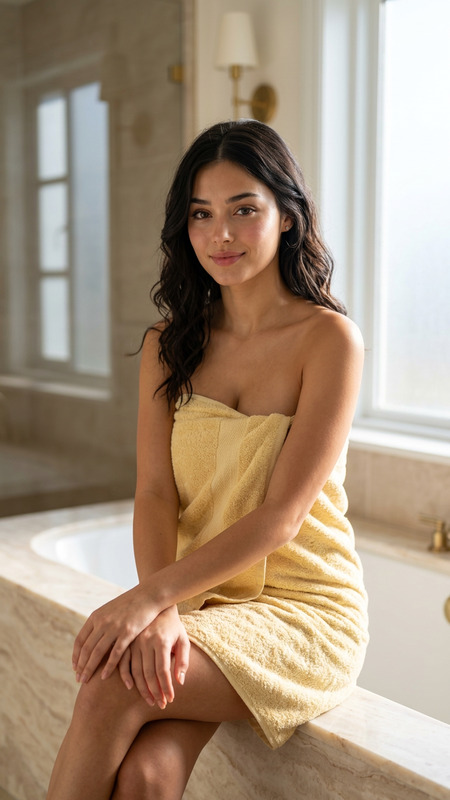
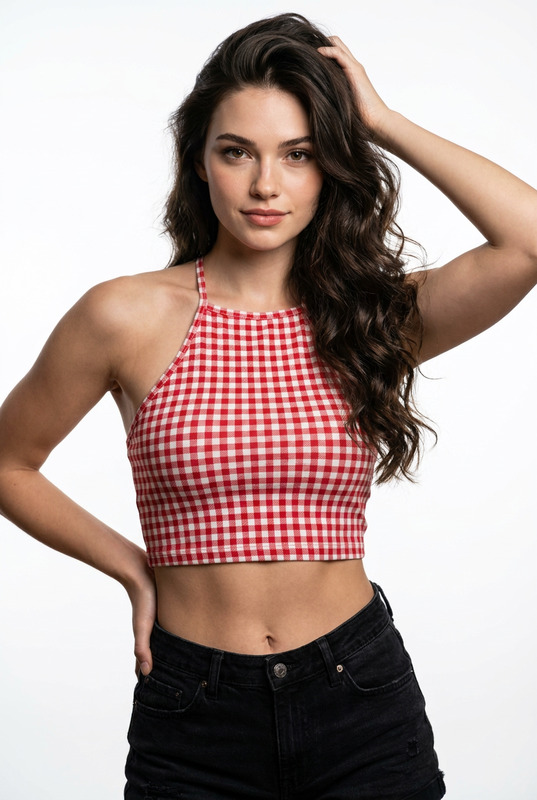
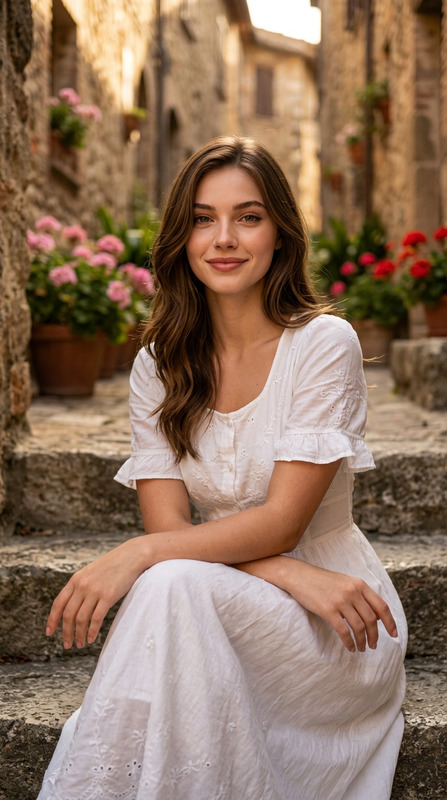
Preserve the facial identity from the reference image with complete accuracy. The face must remain 100% unchanged, including the exact facial structure, proportions, skin tone, eye shape, eyebrows, nose, lips, jawline, hairstyle, expression, and every distinctive facial characteristic. Do not alter, beautify, or reinterpret any aspect of the subject's identity.A photorealistic editorial portrait of a stunning beautiful female model with radiant tanned skin, symmetrical bone structure, striking dark brown eyes, and a joyful, confident expression smiling gently ,lips parted ,teeth exposed,looking directly at the camera . She is captured in a close-up shot, waist-up framing with a vertical 9:16 aspect ratio, holding onto the black handrails of a swimming pool. Her hair , styled naturally from the water, paired with a modern black one-piece swimsuit featuring a sleek plunge neckline. Her body is posed dynamically as she steps out of the pool, with a slight twist in her torso and head tilted gracefully. The scene is illuminated by dramatic night pool lighting, creating soft shadows, glistening highlights on wet skin, and an overall luxurious, cinematic atmosphere. Rendered with high texture fidelity, sharp lens focus, shallow depth of field, and sophisticated black-and-white monochromatic color grading. Shot on 50mm lens, f/1.4, professional studio fashion photography, 8k resolution, photorealistic.Negative Prompt:color, cartoon, illustration, painting, deformed, bad anatomy, disfigured, poorly drawn face, mutated, extra limbs, blurry, boring, grayscale noise, jpeg artifacts, low quality, duplicate, morbid, mutilated, out of frame, extra fingers, mutated hands, poorly drawn eyes
Any aspect ratio
Overview
Experience the "Midnight Pool Elegance" template, an AI Image Editor designed to preserve facial identity with unmatched precision. This template leverages the advanced capabilities of the AI Image Editor and the nano-banana-pro model to deliver photorealistic editorial portraits.
What It Does
"Midnight Pool Elegance" focuses on maintaining the subject's facial identity while enhancing the overall image with a sophisticated black-and-white cinematic effect. It captures the luxurious ambiance of night pool photography, ensuring each image features high texture fidelity and sharp lens focus.
Who It's For
This template is ideal for photographers and creatives seeking to produce editorial-quality images that highlight subjects' natural beauty without altering any personal characteristics. It's perfect for projects in fashion photography or any creative endeavor requiring authentic portrayals.
Summary
The "Midnight Pool Elegance" template is part of the AI Image Editor suite, making it a valuable tool for anyone wanting refined, professional portraits. Its precise photo editing capabilities perfectly complement existing AI Product Photography workflows, enhancing project quality.
How to Use Midnight Pool Elegance
Choose Your Template

Customize Your Image

Generate Your Image

Use Cases
Fashion Photography
- Maintain accurate facial features in high-fashion contexts
- Create magazine-grade images with dramatic lighting effects
Portfolio Development
- Highlight natural beauty with precise editing
- Use professional-grade effects to impress clients
Social Media Campaigns
- Tailor visual narratives in black-and-white format
- Engage audiences with high-quality posts
Best Practices
Select High-Quality Images
Ensure your reference images are of high quality to maintain detail during editing. This will enhance the template's ability to deliver precise results.Refine Details
Utilize the prompt to refine specific aspects of your image, concentrating on lighting and depth to achieve the desired effect.Experiment with Angles
Try different perspectives and compositions in your initial images to see which complements the template best for your desired outcome.