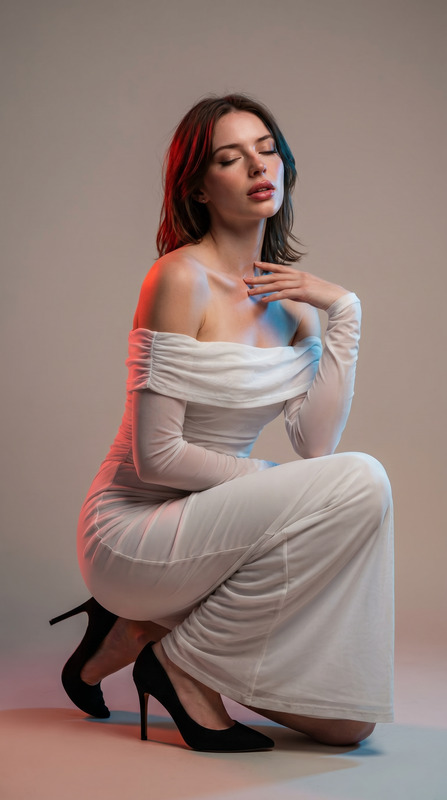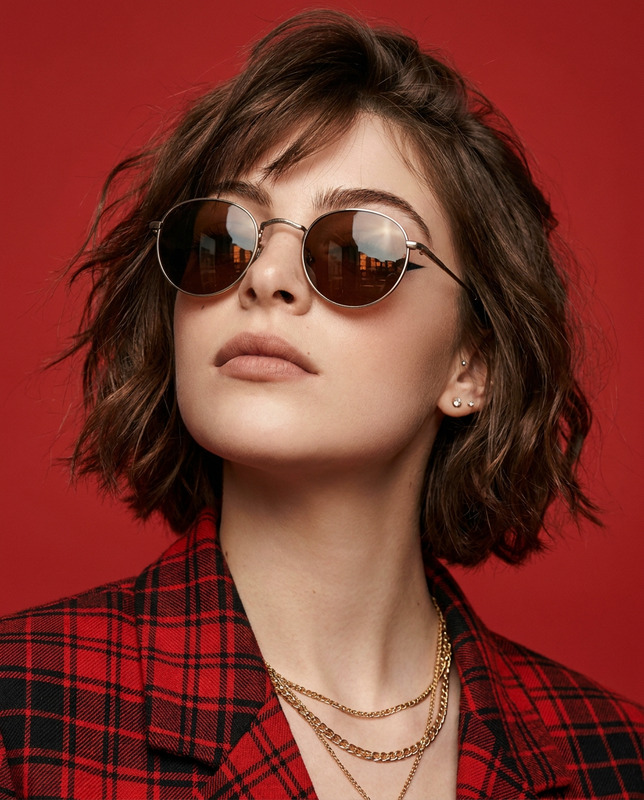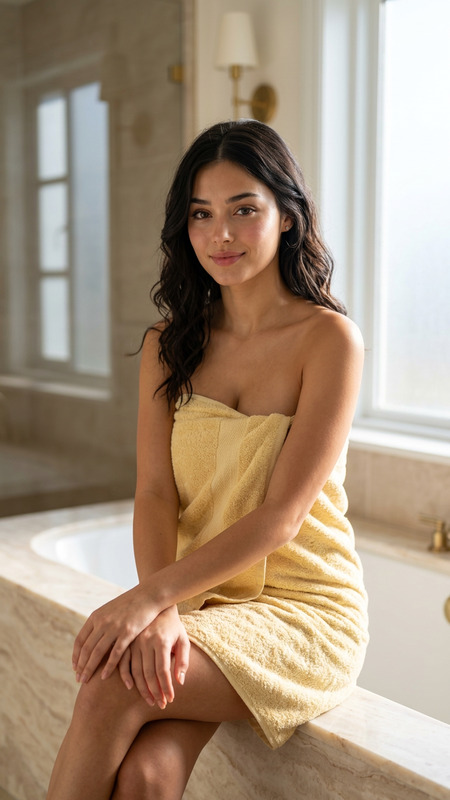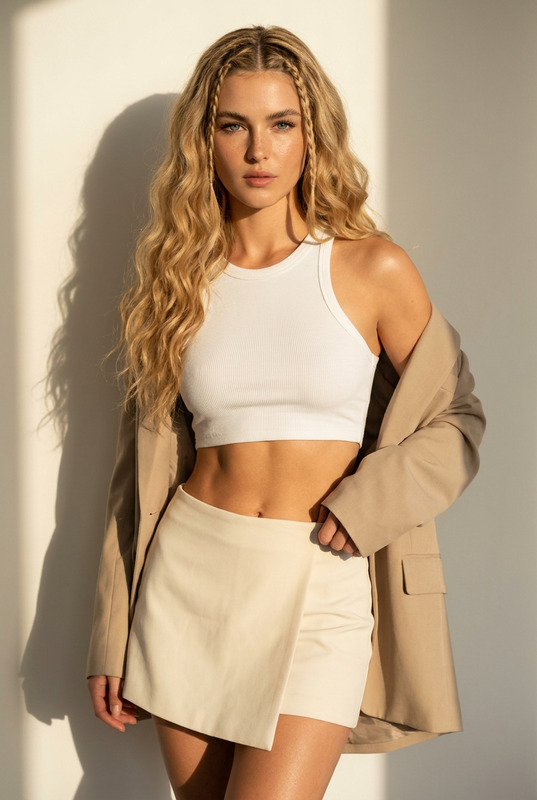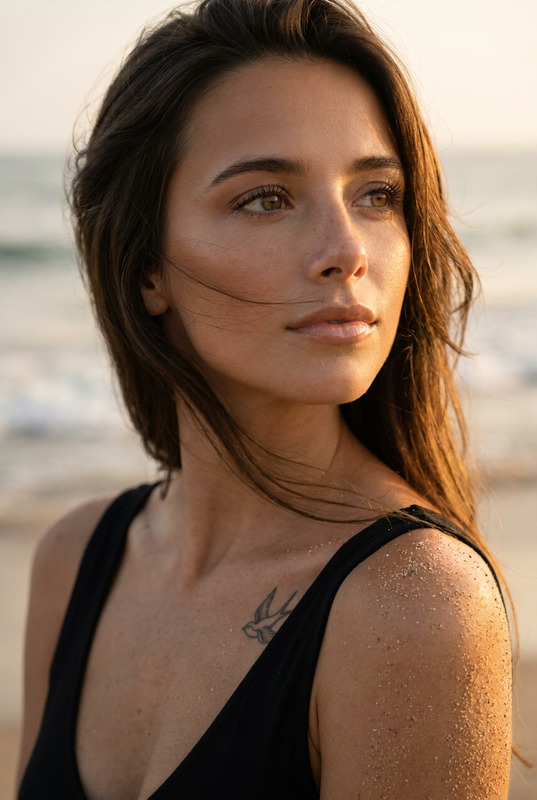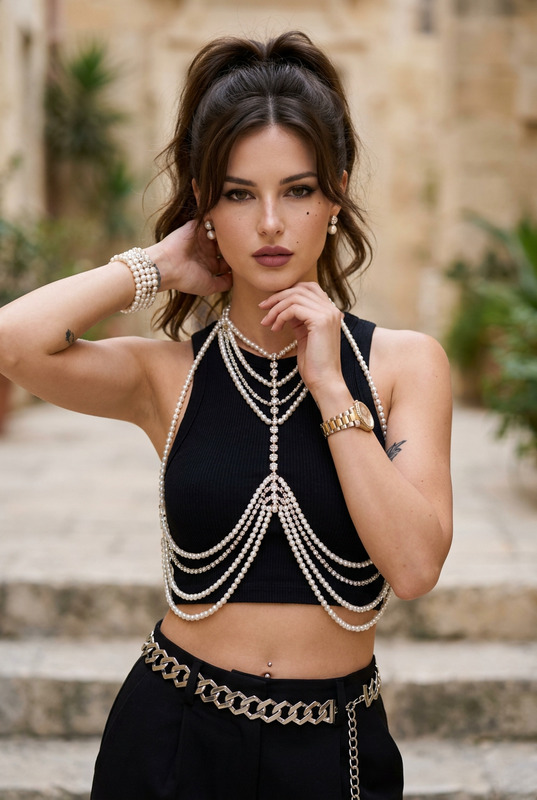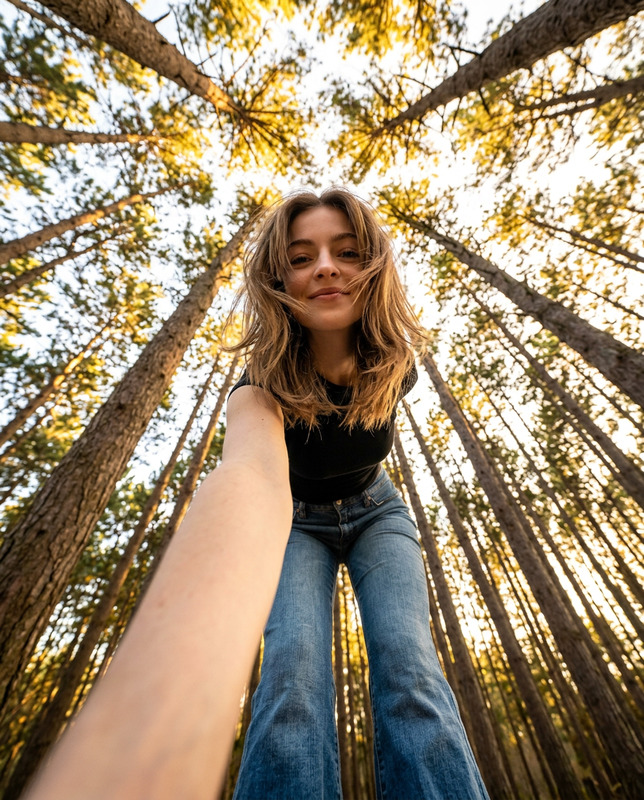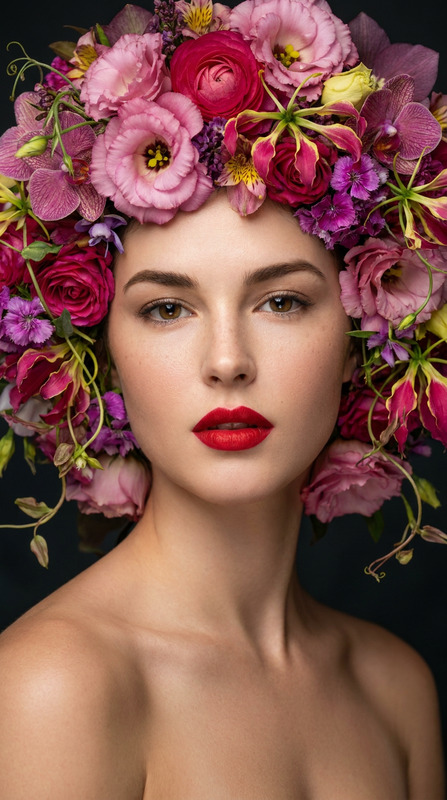
Gingham Glam
- Model
- Nano Banana Pro
- Image
- 848 × 1264 px
Prompt
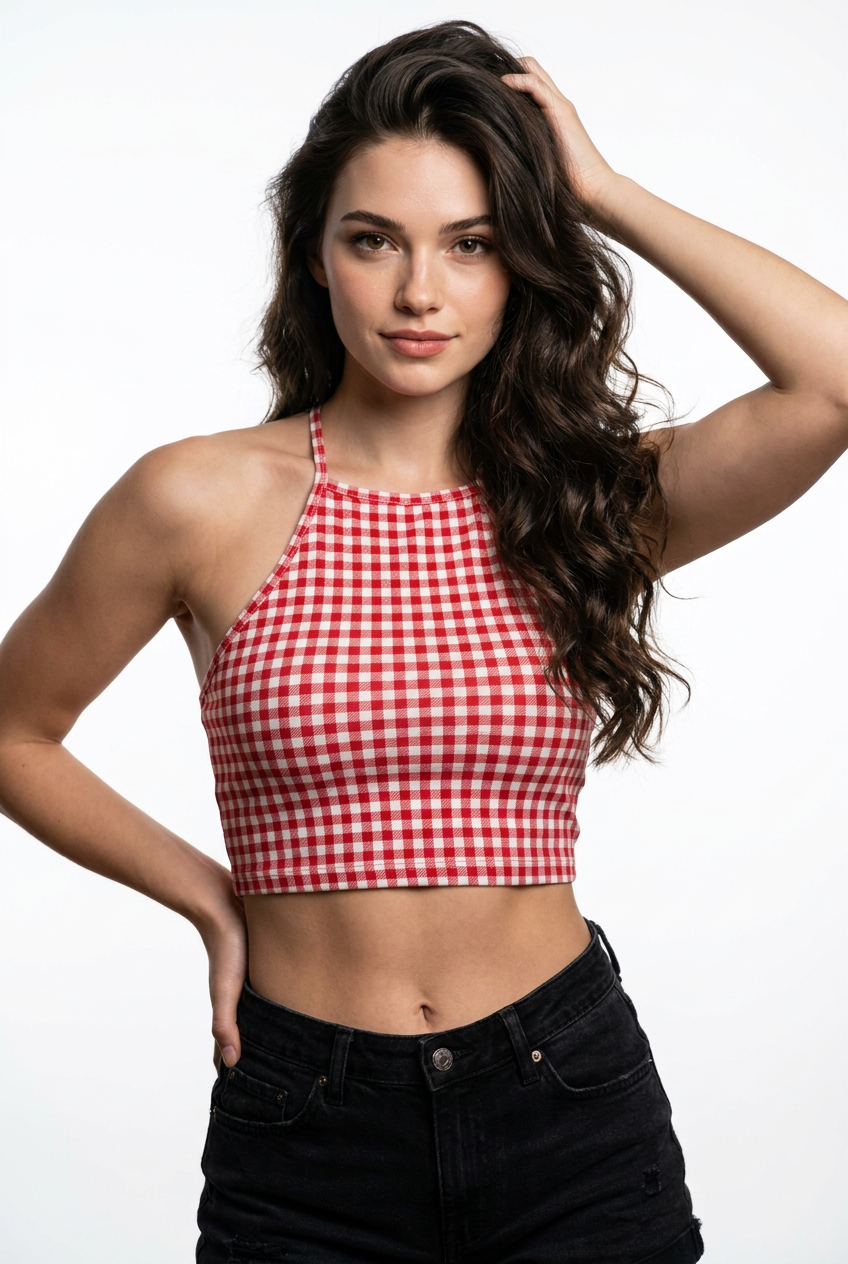
Ultra-photorealistic 8K portrait of the exact same woman from the reference image, 100% identical face, facial features, skin texture, eye shape and color, eyebrows, nose, lips, and expression do not alter or change the face at all. Use the reference image as the absolute face lock.Subject: Beautiful young woman with longvoluminous dark wavy hair with natural highlights, hair cascading over one shoulder, one hand raised behind her head with fingers in hair, other hand resting on her hip, confident and seductive gaze directly at camera, slight head tilt, subtle smile with glossy lips.Outfit: Tight red and white gingham checkered halter crop top bra with thin straps, deep neckline accentuating cleavage, exposed toned midriff and navel, high-waisted black denim shorts with visible stitching and button.Body: Flawless natural skin with visible pores and subtle texture, toned abs, realistic body proportions, soft feminine curves.Lighting & Atmosphere: Professional studiolighting, soft diffused key light from front-left, gentle fill light, subtle rim lighting on hair and shoulders, clean white seamless background, soft shadows, high dynamic range, cinematic depth.Camera & Technical: Shot on Sony A7R IV,85mm f/1.8 lens, shallow depth of field, creamy bokeh, sharp focus on face and upper body, natural skin tones, 8K RAW DSLR realism, subtle film grain, photorealistic details.Negative prompt: deformed, blurry, low quality,cartoon, illustration, painting, over-saturated, plastic skin, barbie face, extra limbs, bad anatomy, text, watermark, logo, altered face, different person
Any aspect ratio
Overview
Gingham Glam is an AI Image Editor template that utilizes the nano-banana-pro model to deliver ultra-photorealistic portraits. Designed for fashion and beauty enthusiasts, this template ensures every detail of the reference image is preserved, focusing on maintaining identical facial features and expressions.
What It Does
This template creates high-fidelity images by following a precise prompt that emphasizes maintaining the subject's core attributes. It ensures the resulting image is a reflection of the input photo, with enhancements that showcase the subject in glamorous gingham attire. The lighting, atmosphere, and technical specifics align perfectly with industry standards for a premium photoshoot effect.
Who It's For
Photographers, digital artists, and content creators in the fashion and beauty industries will find this template invaluable. It's particularly well-suited for those who demand high realism and meticulous detail in portraits. Great for enhancing product photography or creating impactful images for marketing campaigns.
Summary
Achieve stunning portraits with the Gingham Glam template, perfect for producing images with photorealistic quality and depth. The template leverages professional lighting techniques and a robust model to ensure the final output retains the integrity and realism required for high-end digital content. Complement your projects with tools like the Video Face Swap and the AI Video Generator for a complete creative suite.
How To
Choose the Gingham Glam Template

Customize Your Image

Generate Your Portrait

Use Cases
Fashion Photography
Social Media Content
Marketing Campaigns
Best Practices
Use High-Quality Reference Images
For the best output, always start with high-resolution images to ensure clarity and detail in the final portrait.Adjust Lighting Settings
Experiment with the preset lighting options to find the most flattering settings for your subject.Leverage Related Tools
Complement your projects with additional tools like the AI Video Extender to extend the utility of your images in video formats.