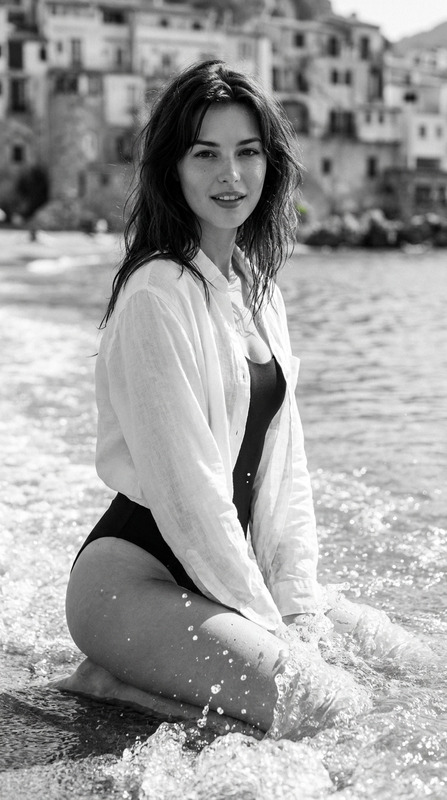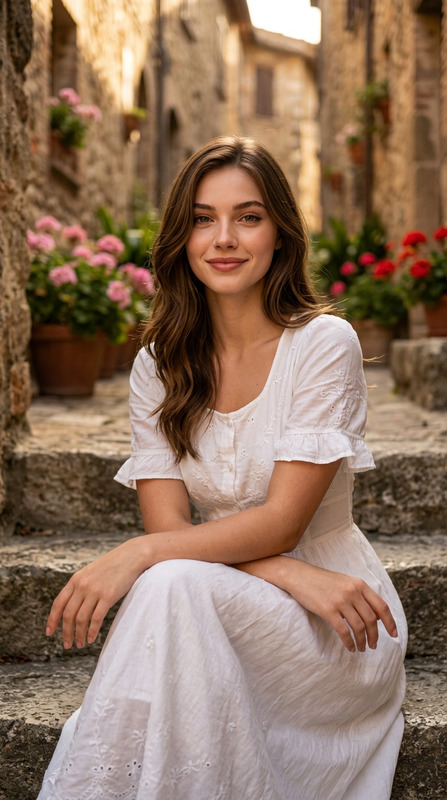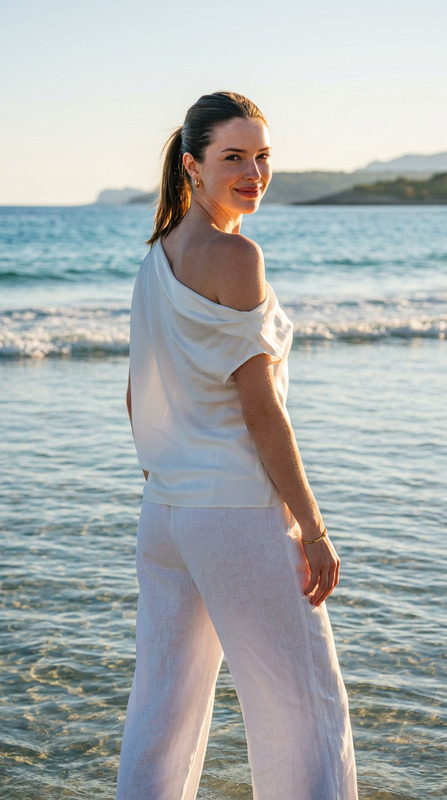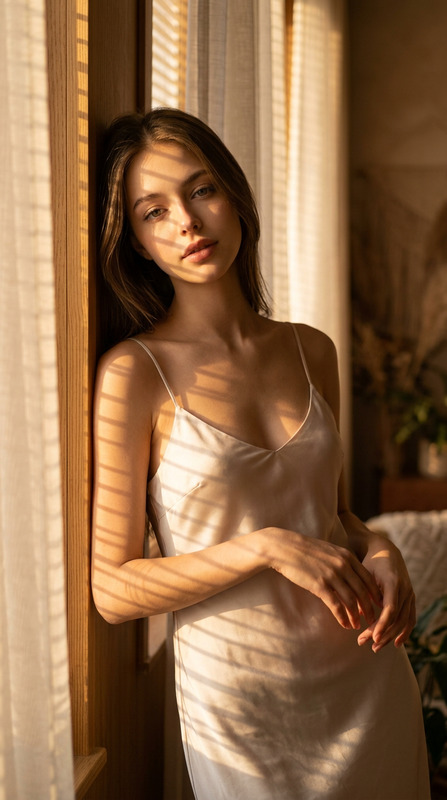
Poolside Muse
- Model
- Nano Banana Pro
- Image
- 928 × 1152 px
Prompt
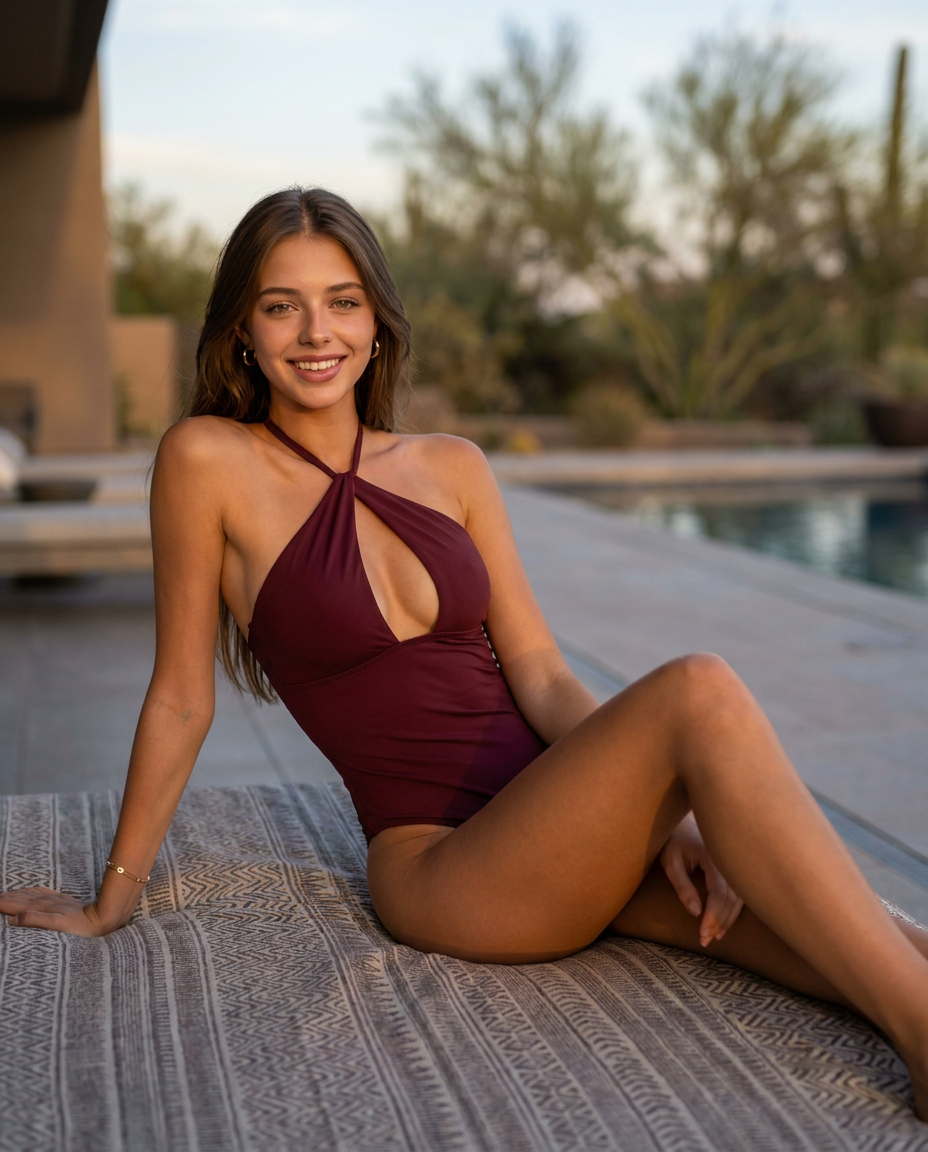
Preserve 100% of the original face from the reference photo. The facial identity, proportions, skin tone, hairstyle, eye shape, eyebrows, nose, lips, jawline, and all distinctive features must remain completely unchanged. Modify only the clothing, pose, accessories, lighting, and environment."A photorealistic editorial portrait of an attractive beautiful woman with warm sun-kissed skin, wearing a deep maroon halter-style one-piece swimsuit with a front cutout, reclining on a patterned outdoor daybed with a neutral textured throw pillow. Medium shot with a low-angled perspective, framed horizontally with a shallow depth of field showcasing an upscale modern patio backdrop with an unfocused swimming pool and a distant desert tree under soft dusk lighting. Smooth, flawless skin texture with high-definition bone structure, expressive warm eyes looking directly at the camera with a gentle, confident smile, minimal subtle hoop earrings and a delicate wrist bracelet. Reclining posture leaning back on one arm, body angled sideways with a relaxed torso posture and legs extended across the cushioned daybed. Warm golden hour ambient light casting soft shadows and gentle highlights across her face and physique, creating a calm and luxurious atmosphere. Exceptional texture fidelity on fabrics and skin, razor-sharp lens focus on the subject, cinematic color grading with rich natural tones. Shot on 85mm prime lens at f/1.8, ISO 100, photorealistic 8K resolution render, high-end commercial fashion photography style. Aspect ratio 4:5Negative Prompt Component:deformed, distorted, disfigured, poorly drawn, bad anatomy, wrong anatomy, extra limb, missing limb, floating limbs, disconnected limbs, mutation, mutated, ugly, disgusting, blurry, amputation, watermark, watermarks, letters, grainy, low-res, low quality
Any aspect ratio
Overview
The Poolside Muse template is crafted for high-end commercial fashion photography, offering meticulous control over image elements while preserving facial integrity. Perfect for creating editorial-quality images featuring lush, luxury settings.
What It Does
This template serves as an AI Image Editor, focusing on transforming various aspects of an image, such as clothing, lighting, and environment, while maintaining the original facial features intact. The result is a photorealistic picture with a cinematic quality and smooth, flawless textures.
Who It's For
The Poolside Muse template is ideal for fashion photographers, creative directors, and advertisers needing to produce upscale imagery for promotional purposes. If detail and authenticity in fashion photography are your focus, this tool is designed for you.
Summary
Generate stunning editorial portraits with the Poolside Muse template. Offering exceptional texture fidelity and dynamic lighting effects, this tool complements a range of AI Product Photography needs with its detailed, high-resolution results.
How To
Choose Poolside Muse

Customize Parameters

Generate and Download

Use Cases
Fashion Editorials
- Feature models in boutique settings
- Highlight new clothing lines with precision
Advertising Campaigns
- Develop appealing visuals for product launches
- Craft striking ads for magazines and online media
E-commerce Visuals
- Improve product listings with detailed visuals
- Create a consistent brand aesthetic across platforms
Best Practices
Maintain Originality
Always start with a high-quality reference photo to ensure the best results and preserve the subject's original features.Perfect Lighting
Use the golden hour light settings offered by the template to achieve a soft yet dynamic atmosphere reminiscent of professional shoots.Attention to Detail
Fine-tune texture and environmental settings for a cohesive, genuine look, especially in line with Video Upscaling efforts to maintain quality consistency.