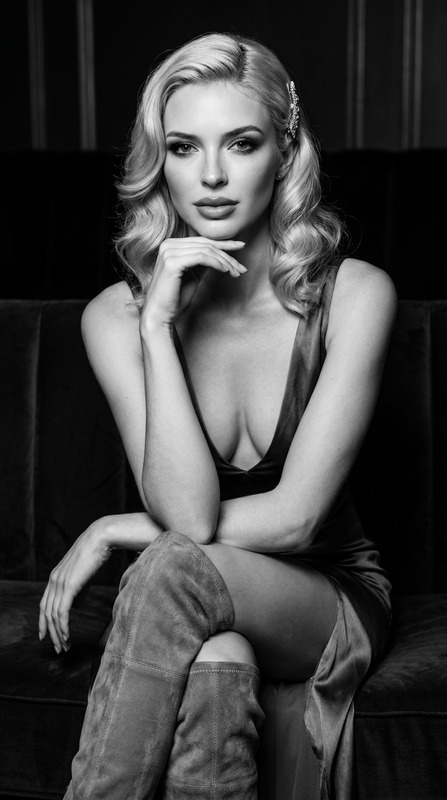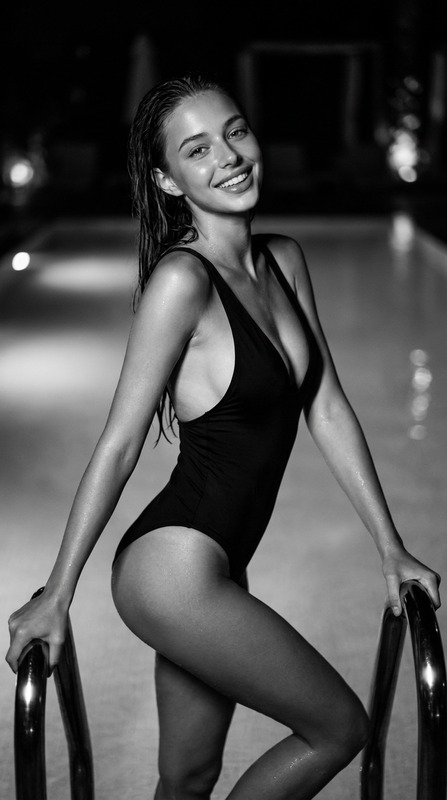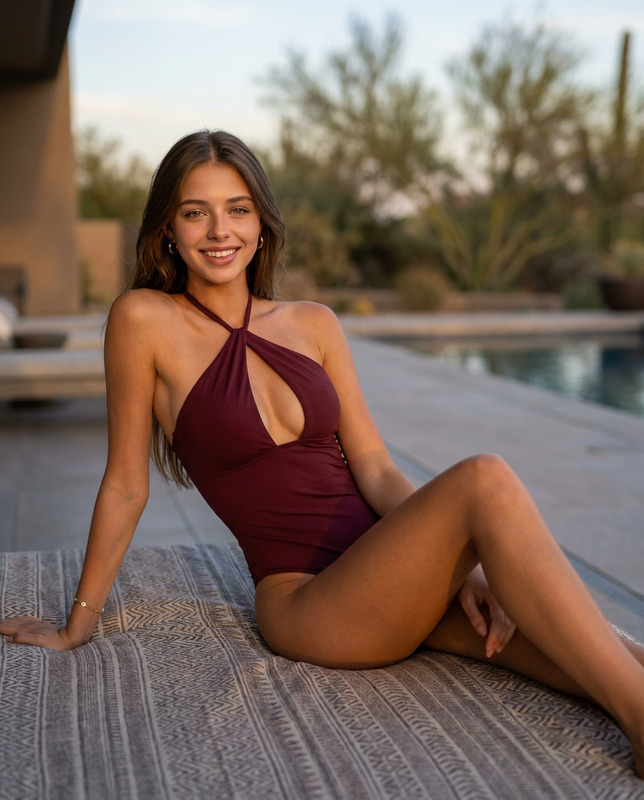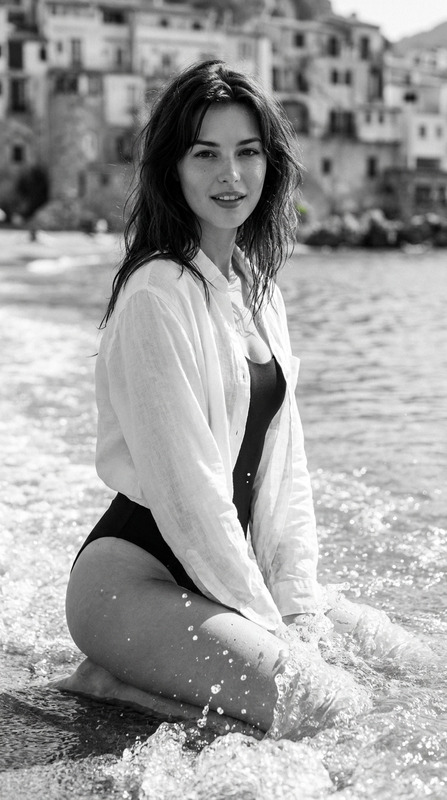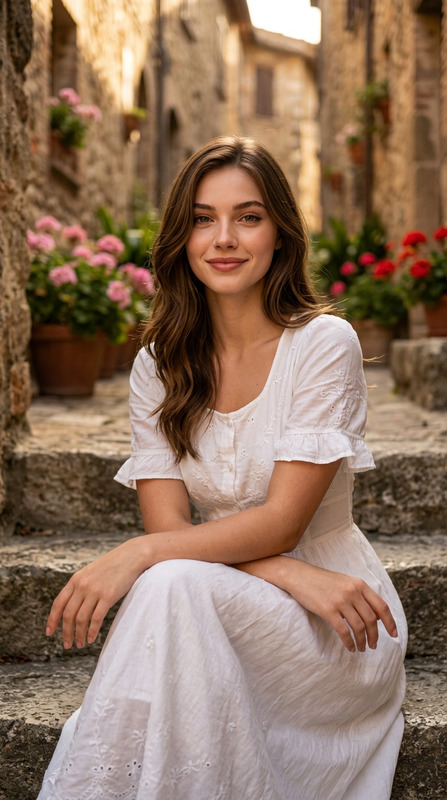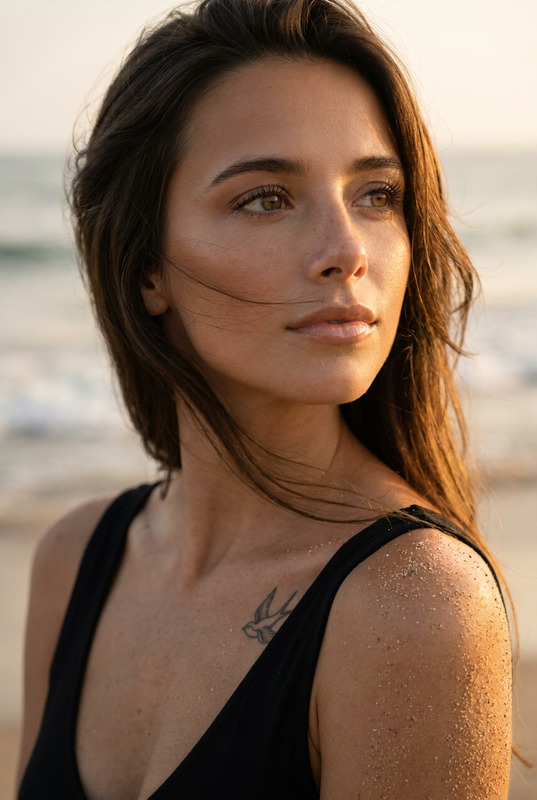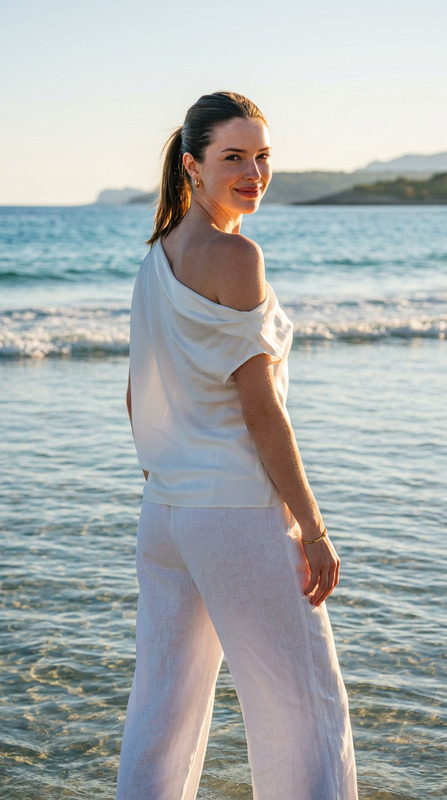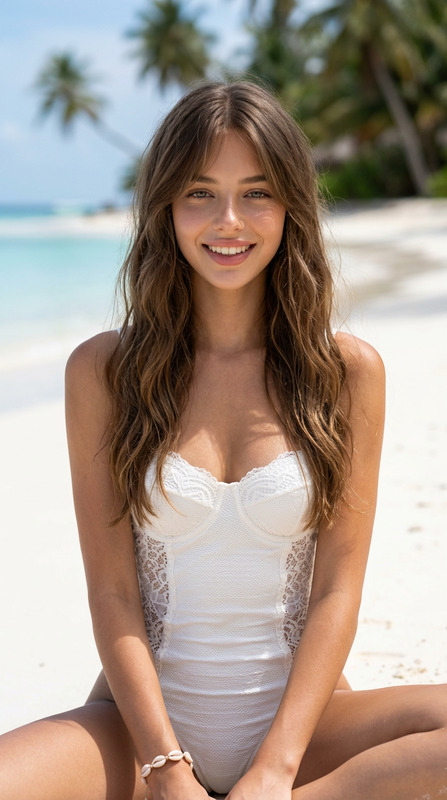
Coastal Noir Editorial
- Model
- Nano Banana Pro
- Image
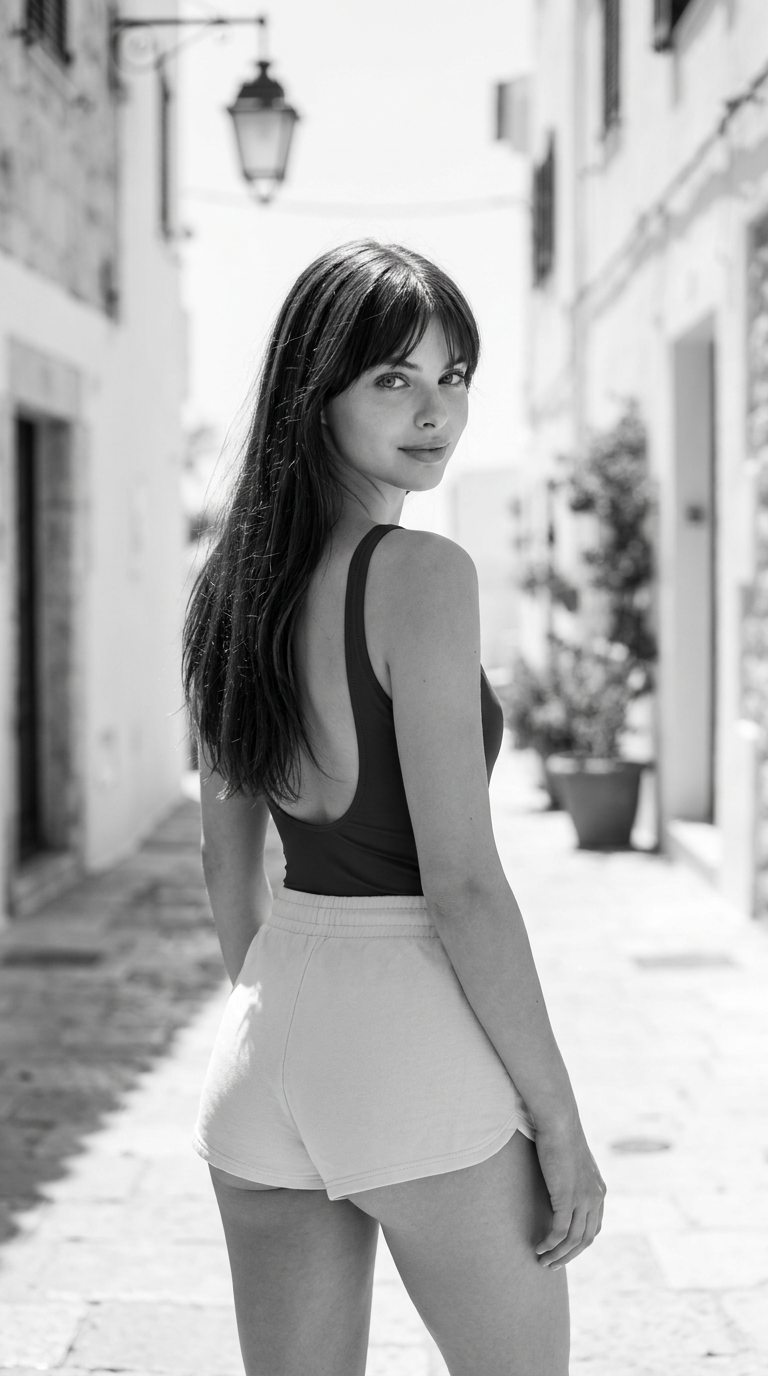
- 768 × 1376 px
Prompt
Preserve the facial identity from the reference image with complete accuracy. The face must remain 100% unchanged, including the exact facial structure, proportions, skin tone, eye shape, eyebrows, nose, lips, jawline, hairstyle, expression, and every distinctive facial characteristic. Do not alter, beautify, or reinterpret any aspect of the subject's identity.Black and white editorial fashion photography featuring an attractive woman standing in a Mediterranean-style coastal alleyway. The composition utilizes a close- up full tracking shot from behind, framed in a vertical 9:16 aspect ratio, with the subject positioned centrally against a beautifully blurred background of whitewashed buildings, a hanging lantern, and a stone-paved street. Her facial features exhibit flawless skin texture, a refined bone structure, and a captivating, soft gaze as she looks directly into the lens with a subtle, gentle smile. She is wearing a smart, modern skin toned swimsuit and an off white , extremely ultra-short , botty shorts.Her pose captures her facing away but twisting her torso and neck to glance back over her right shoulder, emphasizing the curvature of her lower back and hips, with her right arm relaxed and hanging naturally. The lighting relies on bright, natural outdoor midday sunlight, producing high-contrast shadows and radiant highlights that enhance the summery, carefree monochrome atmosphere. Technical rendering focuses on extreme texture fidelity in the booty shorts fabric and hair strands, leveraging a shallow depth of field for creamy bokeh that isolates the razor-sharp subject. Shot on a Sony A7R IV with a 50mm f/1.4 lens, 8k resolution, highly detailed, masterpiece, classic monochromatic film stock. Negative Prompt: color, sepia, ugly, deformed, extra limbs, bad anatomy, poorly drawn face, mutation, text, watermark, artificial, unnatural proportions, disjointed body parts, rendering flaws.
Any aspect ratio
Overview
The Coastal Noir Editorial template offers an exquisite way to showcase fashion in a classic monochrome setting. This AI Image Editor template captures a black-and-white editorial shot with intense attention to detail and preservation of facial identity.
What It Does
This template is designed to transform your images into high-quality, black-and-white editorial-style photographs. Utilizing the nano-banana-pro model, it ensures the facial features of the subject remain completely accurate and unchanged. The technical specifications focus on preserving details in texture and lighting, perfect for high-resolution outputs.
Who It's For
Perfect for photographers, fashion brands, and creative professionals looking to produce stylish editorial imagery. This template is also suitable for those wanting to focus on clear subject representation without any alteration, beautification, or reinterpretation.
Summary
Overall, the Coastal Noir Editorial template provides high fidelity in texture and detail, suitable for producing standout imagery. It pairs beautifully with tools like the AI Talking Photo and AI Image Upscaler for further image enhancements.
How to Use
Choose the Template

Customize Your Image

Generate Your Output

Use Cases
Fashion Photography
Brand Campaigns
Portfolio Enhancement
Best Practices
Maintain Identity Accuracy
Always ensure the uploaded reference image is of high quality to achieve the best results in facial identity preservation.Adjust Lighting Thoughtfully
Consider the natural lighting and contrast settings to enhance the monochrome aesthetic effectively.Leverage High-Resolution Outputs
Use the high-quality output capabilities for printing or adding to digital portfolios.