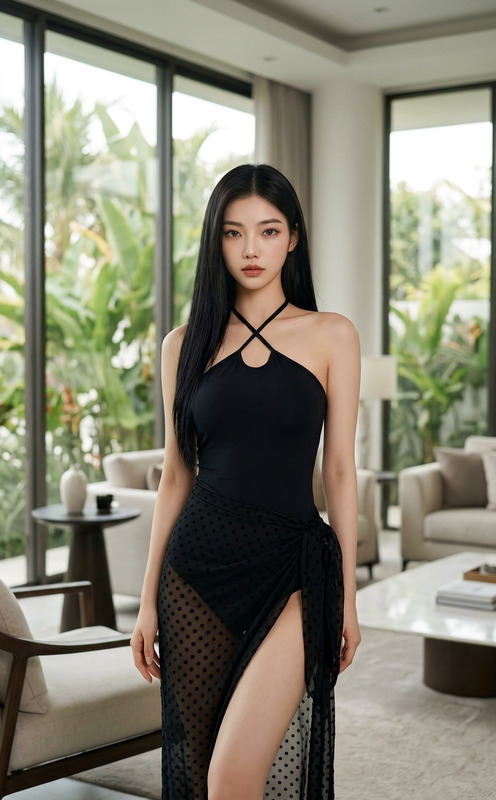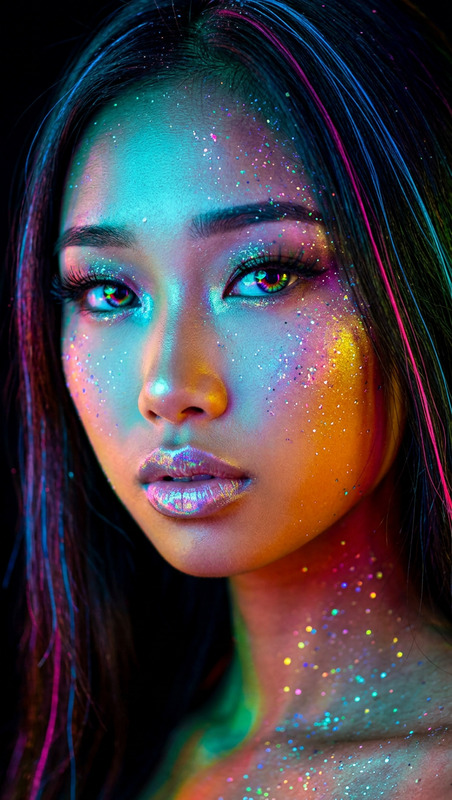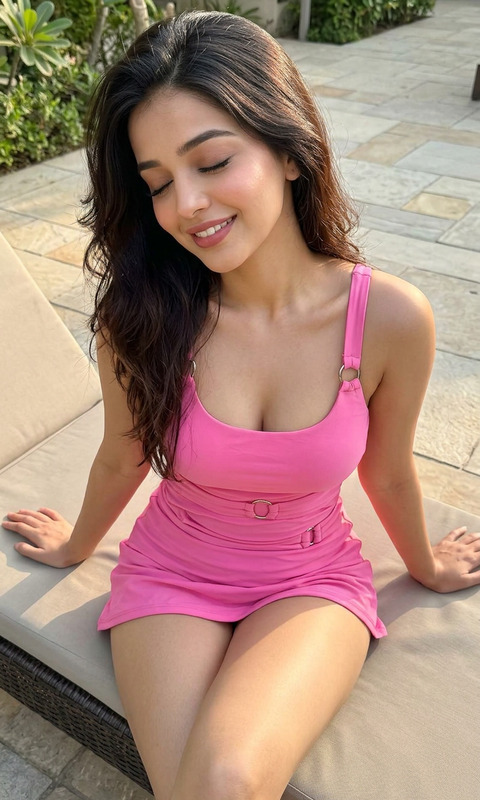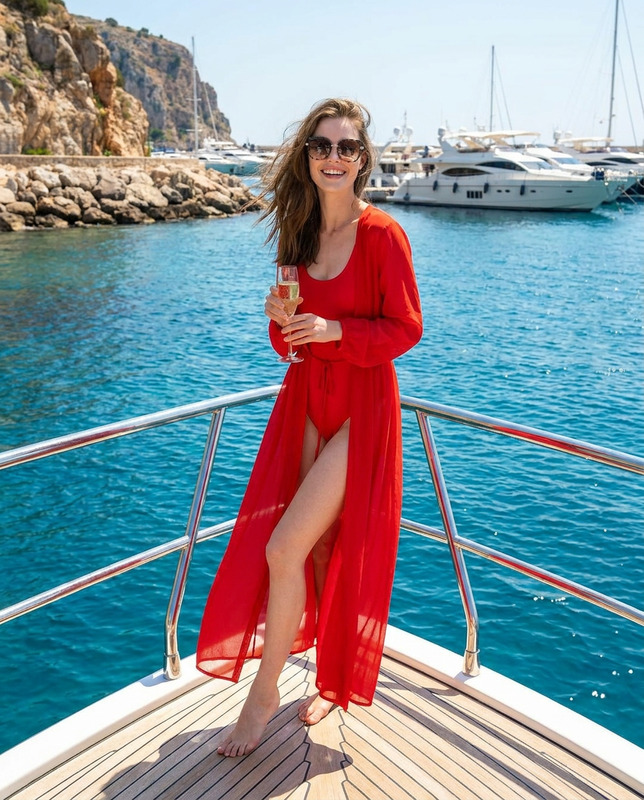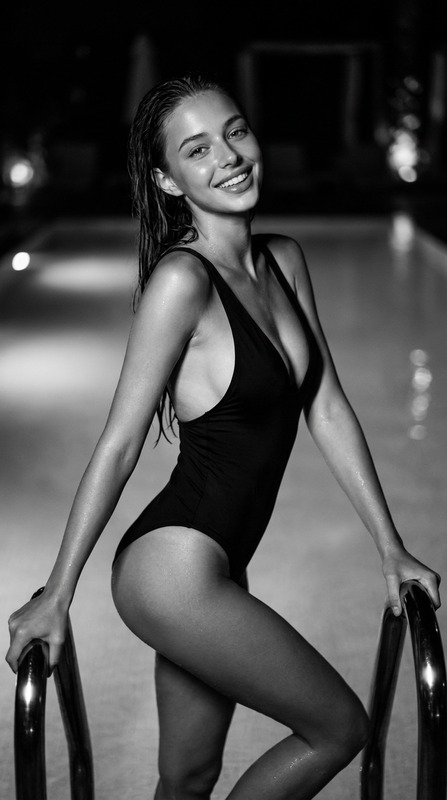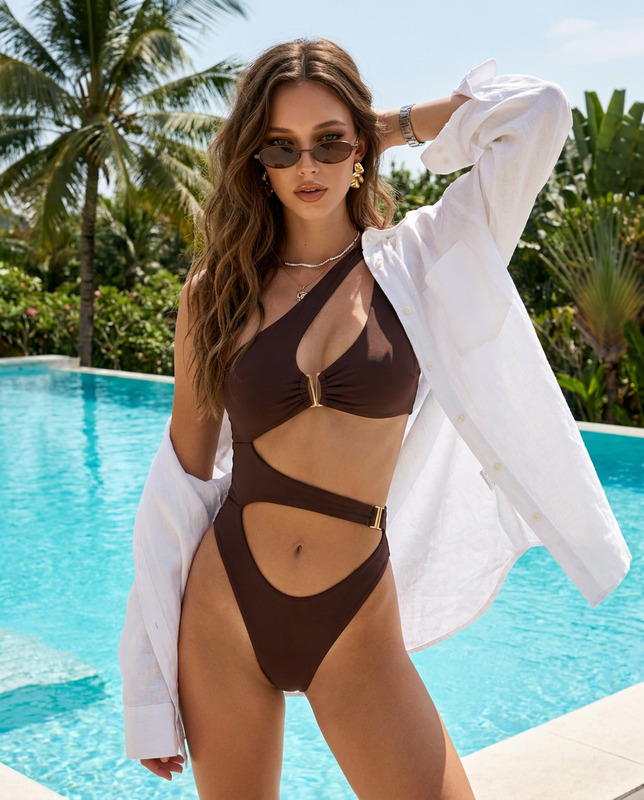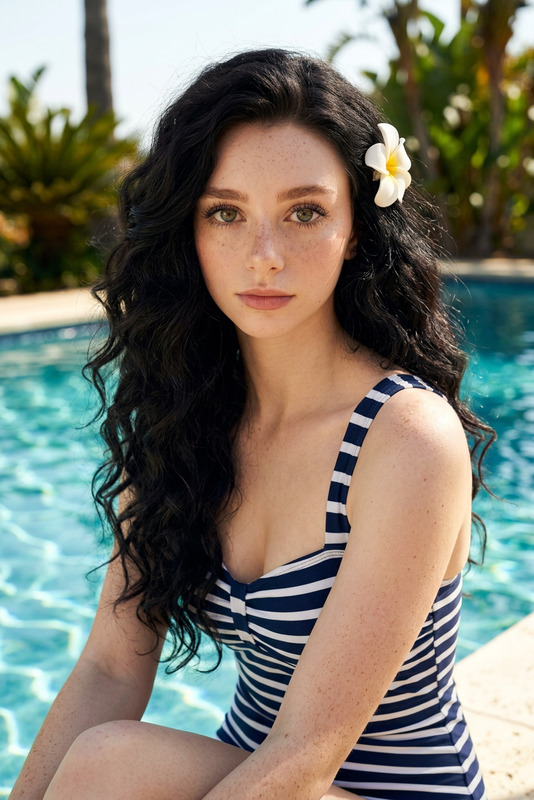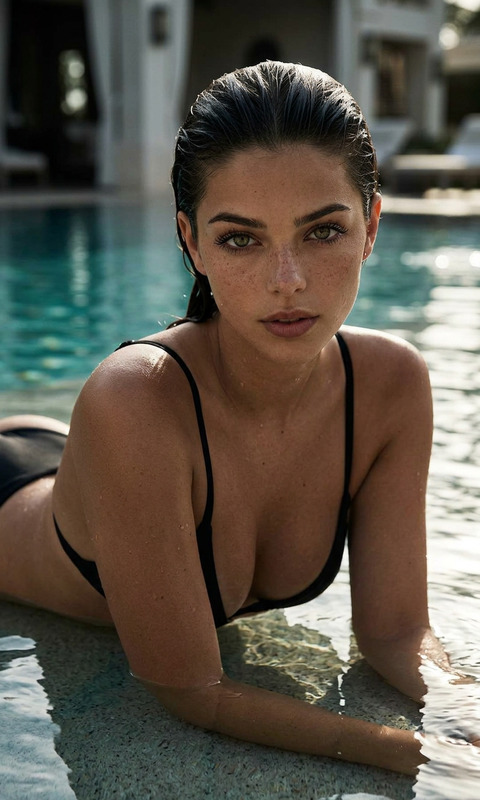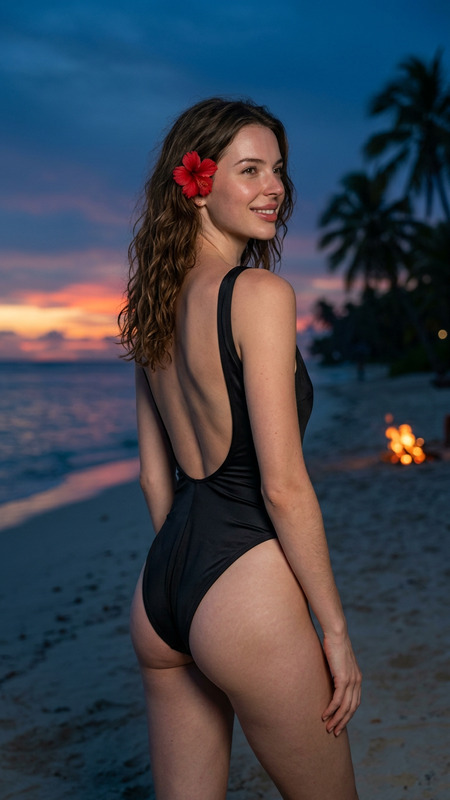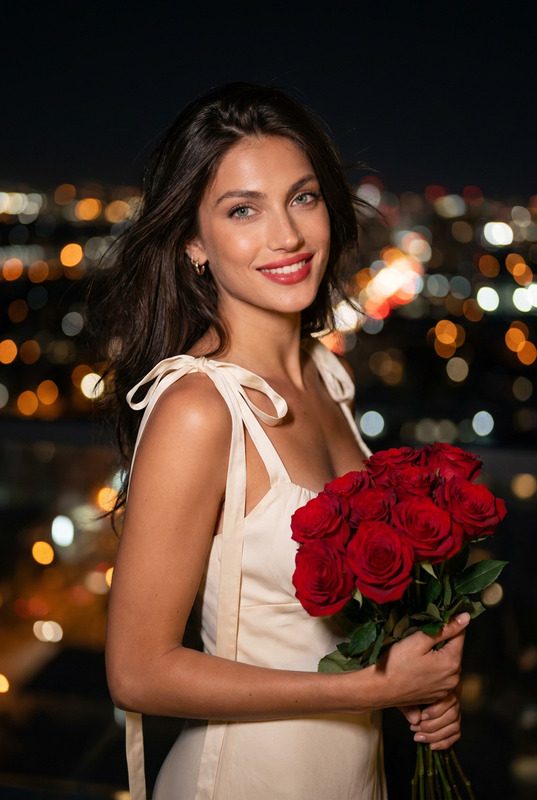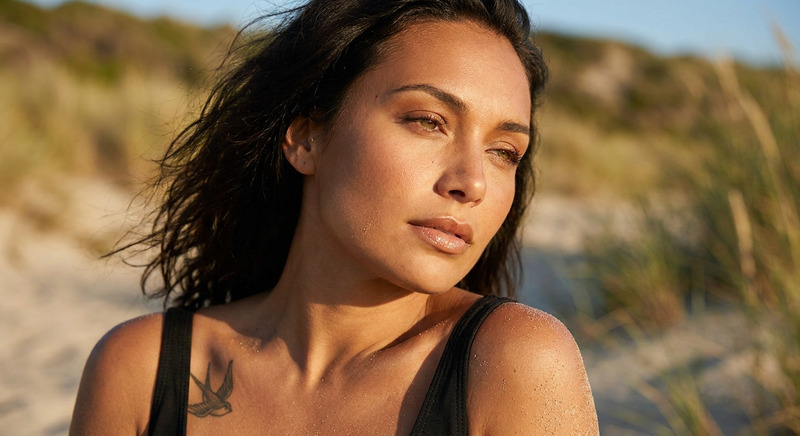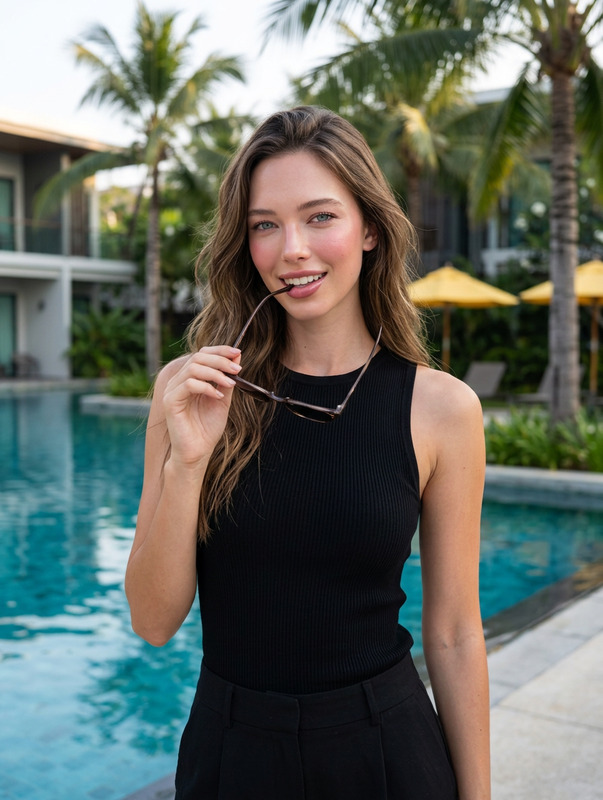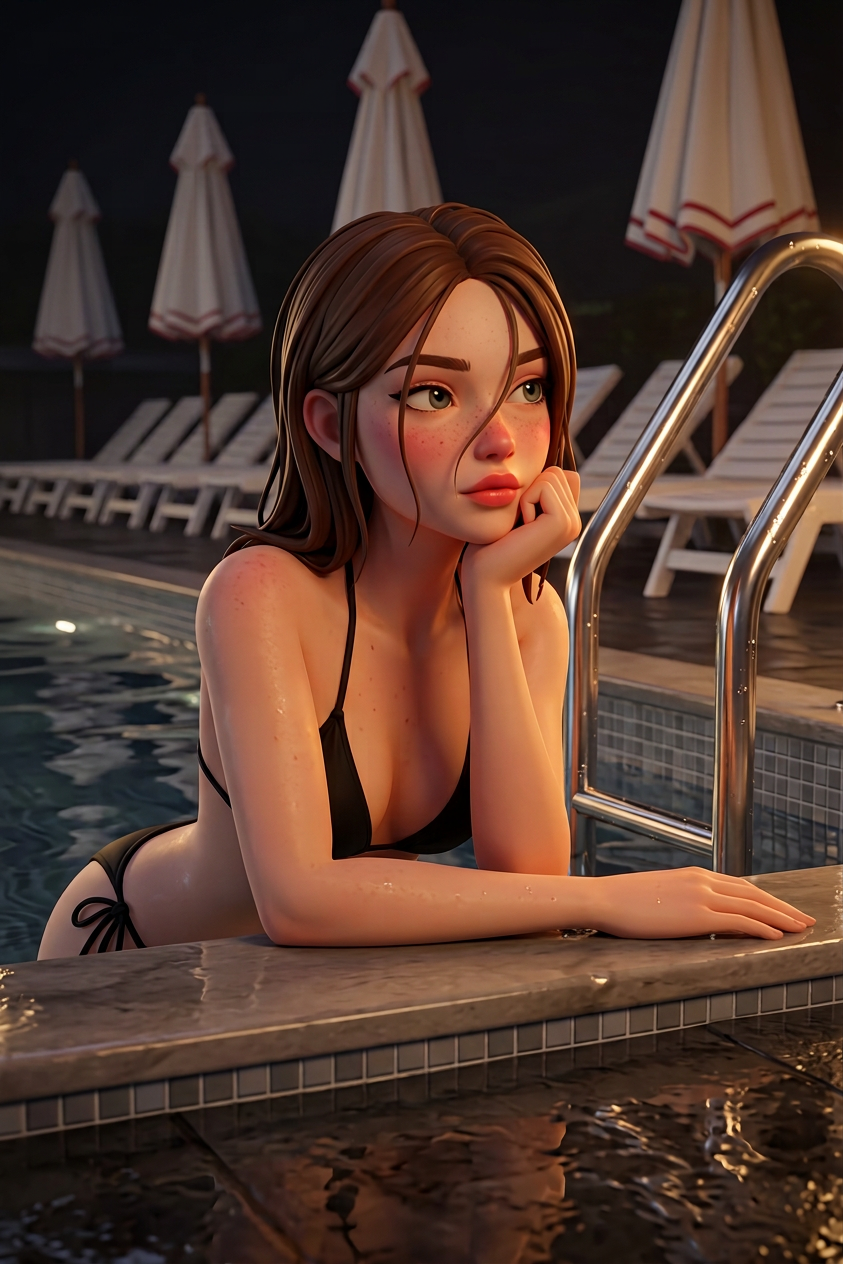
Night Pool Stylized Portrait
ai-image-editor
Any aspect ratio
Create a realistic portrait of a young adult subject (keep face and appearance 100% identical to the reference — do not alter identity, structure, or proportions). The subject is in a nighttime pool scene beside a metal pool ladder, wearing a black string-tie bikini. Hair matches the reference, with a small strand falling across the face. Left arm resting on the pool edge, chin placed on the right hand. Looking to the side with a cute, dreamy, slightly pensive expression. Soft pink blush, rosy cheeks and nose, full pink-peach lips. Background includes small gray square pool tiles, folded white umbrellas with red trim, and a row of white lounge chairs. Warm dim pool lighting creates a soft cinematic glow on water and skin. Geometric shape-based rendering combined with stylized 3D (Fortnite/Overwatch-inspired vibe), highly detailed, smooth lighting, subtle reflections, night atmosphere.
Tags
stylesAI Image Editor Template: Turn Any Photo Into a Polished, On‑Brand Visual in Minutes
Use this AI Image Editor–based template to transform raw images into production‑ready visuals for product pages, ads, social posts, thumbnails, and pitch decks—without needing Photoshop skills.
What This Template Does
This template is built on the AI Image Editor and is designed to help you:
- Clean up and enhance product photos, headshots, and lifestyle images
- Change or remove distracting backgrounds
- Add, remove, or replace objects (logos, devices, props, text, etc.)
- Refine lighting, color, and composition for a more “studio” look
- Create multiple branded variations from a single source image
It’s ideal for:
- Marketers building high‑performing ad creatives and landing pages
- Creators designing thumbnails, covers, and social carousels
- Founders and teams polishing decks, app mockups, and product shots
- Developers and designers iterating on visuals before handing off to design teams
How to Use (and Remix) This Template in Magic Hour
You can treat this template as a starting point and quickly adapt it to your own workflow.
Open AI Image Editor
Go to the AI Image Editor. Upload any JPG or PNG you want to improve—product photo, portrait, UI mockup, illustration, etc.Apply the Template’s Core Flow
This template is based on a simple, reusable sequence:- Import your base image
- Describe what you want to change in natural language (e.g., “Replace the background with a minimalist white studio,” “Remove the text from the banner,” “Add a laptop on the table,” “Make colors more vibrant and cinematic”)
- Let the model generate a new version while preserving the original structure and subject
Remix It for Your Own Use Case
To create a customized version of this template for your brand or project:- Reuse the same input image type (e.g., product on plain background, portrait, flat lay, UI screen)
- Keep a consistent style description across edits—e.g., “soft studio lighting,” “bold ecommerce hero,” “clean SaaS dashboard mockup,” “cinematic portrait,” etc.
- Save a set of core prompts you repeat (for background style, color grading, object positions) so every new image you edit looks consistent
Chain with Other Magic Hour Tools (Optional)
Once you’ve edited your base images, you can:- Turn static images into short videos with Image to Video
- Generate new on‑brand images from scratch with the AI Image Generator or AI Photo Generator
- Upscale and sharpen results for print or HD campaigns using the AI Image Upscaler
- Remove remaining unwanted elements with the AI Remover or Remove Object from Photo
Practical Use Cases
1. Ecommerce & Product Marketing
Use this template to quickly:
- Turn phone photos into high‑quality product images
- Create multiple background variations for A/B testing (studio white, lifestyle, flat lay, seasonal themes)
- Localize creatives for different markets by swapping packaging, currencies, or visual references
Relevant tools to combine with this template:
- AI Image Editor for edits and enhancements
- AI Image Upscaler for sharper catalog images
- Thumbnail Maker for marketplace or YouTube thumbnails
- AI Logo Generator to test logo variations in context
2. Personal Branding, Headshots, and Avatars
Upgrade your existing photos instead of scheduling a new shoot:
- Clean distracting backgrounds and replace with professional studio looks
- Adjust lighting, color, and contrast for LinkedIn‑ready portraits
- Create consistent “team page” visuals across different source photos
Tools that pair well:
- AI Headshot Generator for generating net‑new professional portraits
- AI Face Editor and AI Face Generator for fine‑tuning facial features or style
- Avatar Generator for social profile variants
3. Content Creators: Thumbnails, Covers, and Social Visuals
Creators can use this template to:
- Refine YouTube thumbnail backgrounds, add attention‑grabbing props, or remove clutter
- Turn basic screenshots into polished app or dashboard mockups
- Add stylized text spaces or “frame” areas where you’ll overlay titles later
Useful related tools:
- Thumbnail Maker for optimized YouTube and social thumbnails
- Album Cover Generator and Book Cover Generator for cover concepts
- AI Meme Generator if you want to test more playful content alongside polished visuals
4. Design, Prototyping, and Concept Art
If you’re a designer or developer, you can remix this template to:
- Quickly iterate on layout, color, and style for UI or brand concepts
- Replace rough placeholders with more realistic visuals to improve stakeholder feedback
- Generate alternate compositions, camera angles, or lighting concepts
Complementary tools:
- AI Art Generator and AI Illustration Generator for concept art and backgrounds
- AI Background Generator to design custom scenes behind your primary subject
- AI Icon Generator to fill out UI or product visuals
How to Create Your Own “Template‑Like” Workflow
Magic Hour doesn’t require rigid templates—you can turn this into a repeatable editing system:
Standardize Inputs
Decide what type of source images you’ll usually feed into AI Image Editor (e.g., product shots at 3/4 angle, waist‑up portraits, 16:9 UI mockups). Keeping inputs consistent makes results more predictable.Codify Your Style Language
Write down the style phrases that define your brand or aesthetic:
Examples: “minimalist, high‑key lighting,” “bold, contrasty cyberpunk,” “warm, editorial magazine look,” “clean SaaS hero, lots of negative space.”
Reuse these phrases in your edit prompts so the editor acts like a reusable style template.Define Reusable Editing Patterns
Common patterns that map well to this template:- “Replace the background with…”
- “Remove [object] from [area]”
- “Add [object] near [subject]”
- “Make the colors more [descriptor] while keeping the subject realistic”
- “Turn this into a social‑media‑ready visual with space for text on the [side]”
Create Sets of Branded Variations
For each base image, generate several variations:- Different backgrounds for different channels (website, ads, socials, presentation decks)
- Seasonal or campaign‑specific looks (holiday, launch, dark mode, event‑themed)
- Different crops for vertical, square, and horizontal placements
Export and Chain to Video or Other Assets
Once you have final stills:- Turn them into motion assets using Image to Video
- Animate characters or portraits with AI Talking Photo or Animation
- Sync lip movement or face expressions for social content using Lip Sync or Face Swap Video
Combining This Template with Other Magic Hour Workflows
This AI Image Editor template is often a “middle step” in a larger pipeline:
From Text to Finished Visual
- Generate a base image from text with the AI Image Generator or AI Art Generator
- Refine and correct it with this AI Image Editor template
- Upscale final output via AI Image Upscaler
From Photo to Animated Character or Short Video
- Clean and stylize the original photo in AI Image Editor
- Turn it into a character with Animated Characters Generator or AI Anime Generator
- Convert it into a motion clip using Image to Video or Animation
From Rough Asset to Campaign‑Ready Creative
- Remove logos, watermarks, or clutter using Watermark Remover and AI Remover
- Edit and recompose with this AI Image Editor template
- Generate variant sizes/thumbnails via Thumbnail Maker
Why Use Magic Hour’s AI Image Editor for This
Compared to editing manually or using single‑purpose apps, an AI‑driven approach:
- Speeds up iteration: you can test multiple creative directions in minutes
- Preserves structure: you keep layout and key subjects while changing context and style
- Lowers dependency on design resources: founders, marketers, and PMs can produce good visuals themselves
- Integrates with a broader toolset: you can seamlessly move from image editing to video, voice, and animation inside the same ecosystem
For more specialized transformations, consider:
- AI Clothes Changer for outfit changes in portraits or lookbooks
- AI Outfit Generator or AI Fashion Generator for apparel and styling concepts
- Photo Colorizer and Old Photo Restoration for archival or historical projects
Getting the Most Out of This Template
To maximize quality and consistency:
- Start with the highest‑resolution source image you reasonably have
- Use clear, specific instructions for each edit (what to add/remove, where, and in what style)
- Keep a living “style guide” of prompts you know produce on‑brand results
- Treat each successful run as a new variation of your template that you can reuse across future projects
Open the AI Image Editor, upload a sample image from your current project, and walk through the core flow once. From there, save your best prompts and turn this template into your own reusable, brand‑aligned image editing system.