Golden Window Serenity
- Model
- Nano Banana 2
- Image
- 768 × 1376 px
Prompt
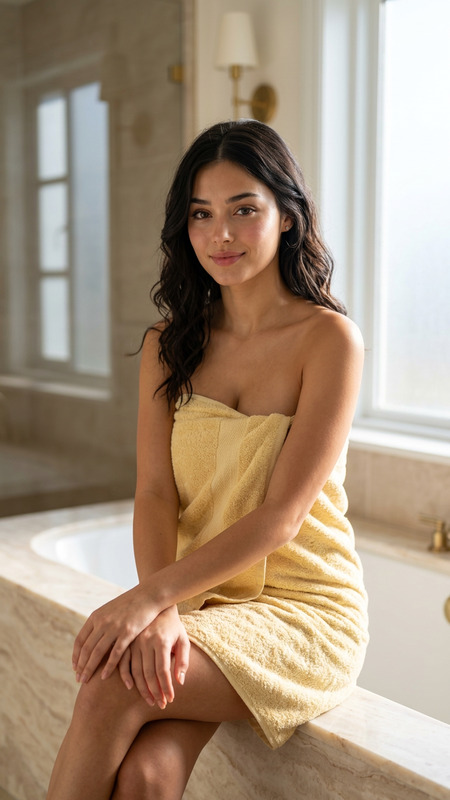
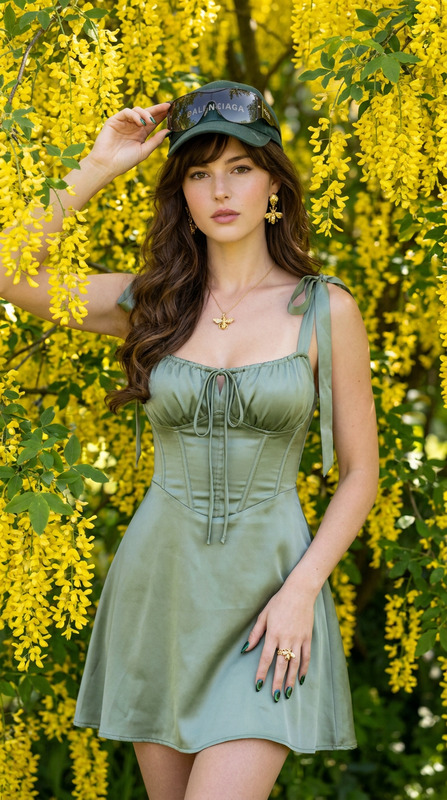
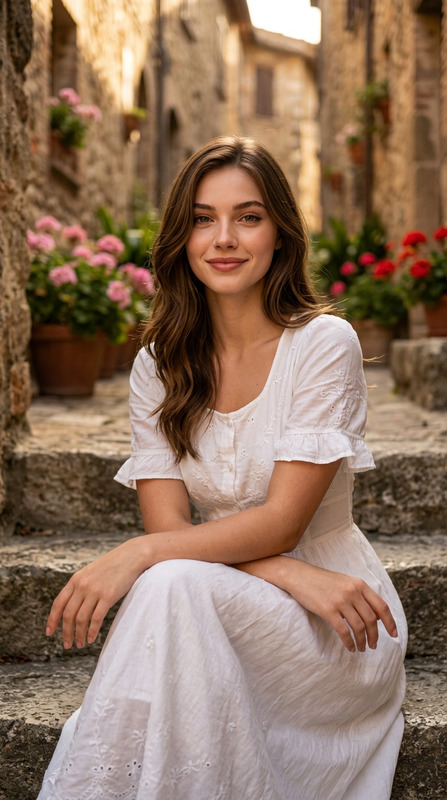
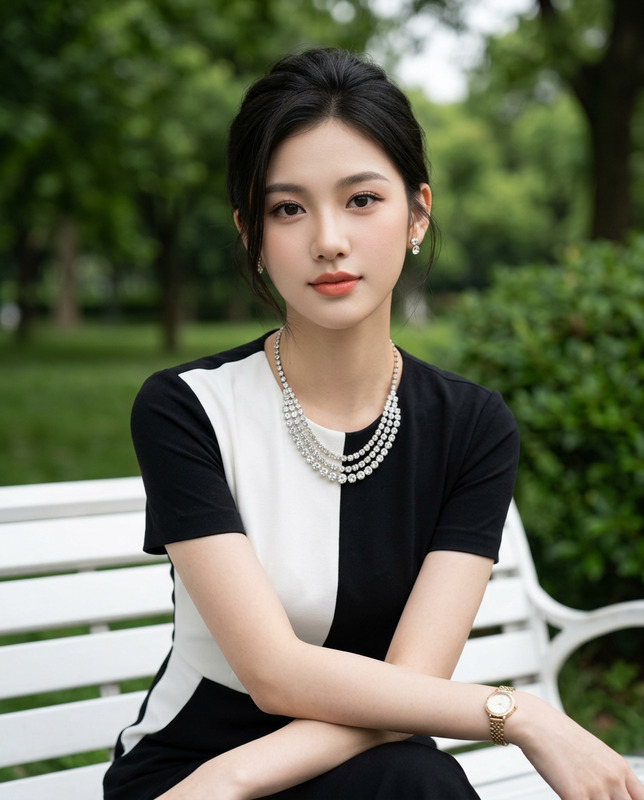
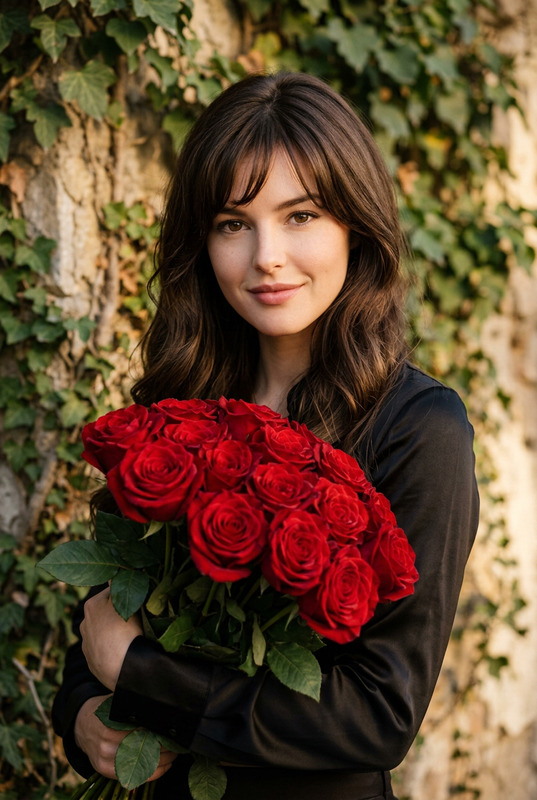
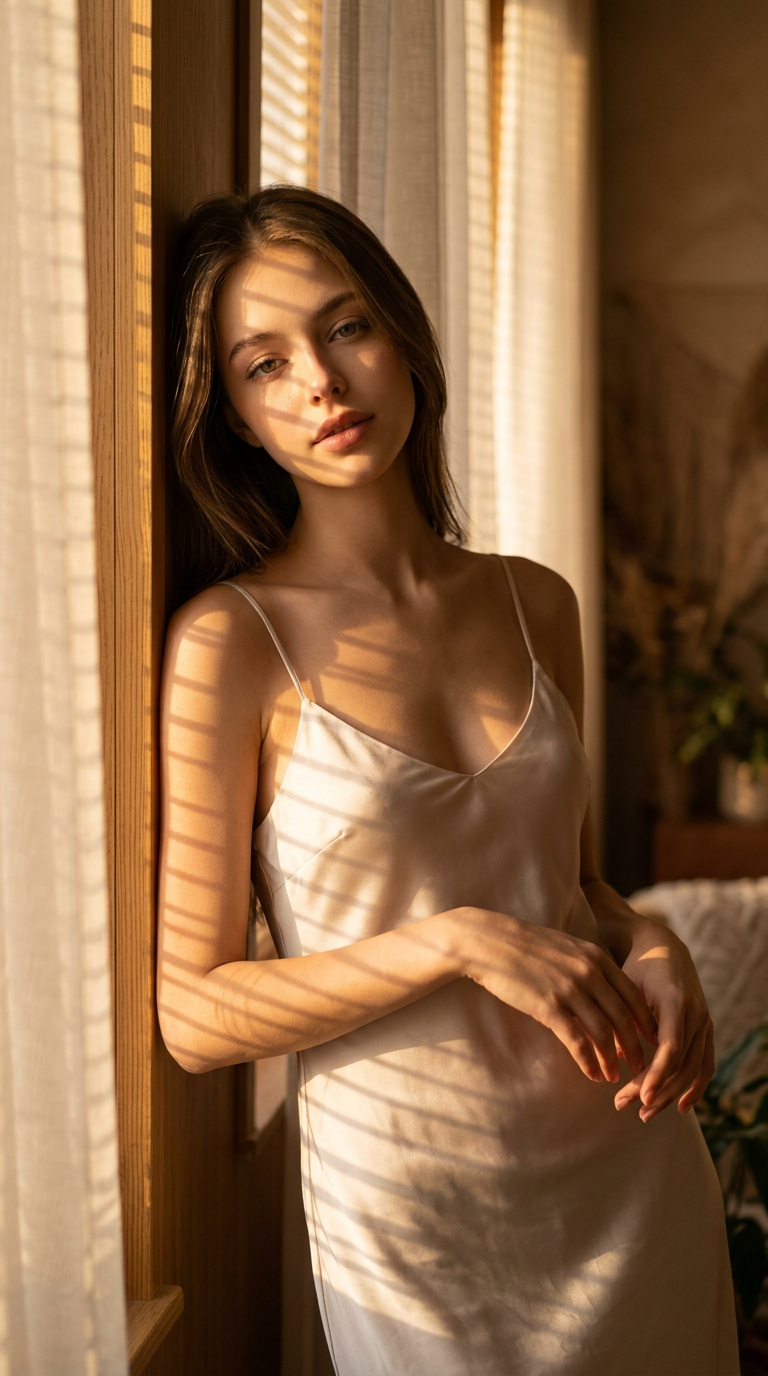
Preserve 100% of the original face from the reference photo. The facial identity, proportions, skin tone, hairstyle, eye shape, eyebrows, nose, lips, jawline, and all distinctive features must remain completely unchanged. Modify only the clothing, pose, accessories, lighting, and environment."A photorealistic portrait of a elegant beautiful woman with natural facial features, captured in an intimate indoor setting. Medium close-up shot framed in a vertical aspect ratio 9:16, positioning the subject leaning gently against a wooden wall near a window. The subject has smooth skin texture, defined bone structure, deep brown expressive eyes with a direct, soft gaze, and a calm, serene mood. She is dressed in a light-colored, silky slip dress with thin spaghetti straps, featuring delicate draping fabric. Her body is angled slightly sideways with her head gracefully tilted and chin slightly lowered, creating an introspective posture. The scene is illuminated by warm, golden hour sunlight streaming through window blinds and sheer curtains, casting distinct striped shadows and warm highlights across her face, shoulders, and dress, establishing a cozy, atmospheric mood. High texture fidelity on the fabric folds and hair strands, sharp focus on the eyes, shallow depth of field with a softly blurred background, and warm editorial color grading. Shot on 85mm lens, f/1.8, ISO 100, photorealistic 8K render, cinematic editorial photography.Negative Prompt Component Definition:Deformed, distorted, disfigured, poorly drawn, bad anatomy, wrong anatomy, extra limb, missing limb, floating limbs, disconnected limbs, mutation, mutated, ugly, disgusting, blurry, amputation, watermark, watermarks, signature, text, lowercase, uppercase, letters, digits, names.
Any aspect ratio
Overview
The "Golden Window Serenity" template enhances your visual storytelling through the AI Image Editor. Leveraging the nano-banana-2 model, it refines photographs by focusing on environmental elements while preserving the subject's original features. Ideal for creating a serene, photorealistic portrait set in golden hour lighting, this template emphasizes both artistic and technical precision.
What It Does
This template maintains the integrity of facial features, ensuring that identity and characteristics remain unchanged. It enriches the scene by altering clothing, pose, and environment to craft a warm, inviting atmosphere. The advanced AI technology supports high fidelity texturing and lighting nuances that highlight the subject against a beautifully lit setting, perfect for capturing those intimate, editorial moments.
Who It's For
"Golden Window Serenity" is tailored for photographers and designers who aim to produce high-caliber, photorealistic images with meticulous attention to facial detail and environmental composition. This makes it valuable in sectors like fashion, portraiture, and AI Video Generation, where visual effect and setting are crucial. Professionals seeking to add an editorial touch to their portraits will find this template particularly beneficial.
Summary
Transport your photography into the realms of high editorial quality with Golden Window Serenity. Focusing on precise facial preservation while enhancing settings like clothing and lighting, you achieve a warm, golden ambiance that perfectly encapsulates the moment. Ideal for those looking to expand their toolkit with powerful Image-to-Video capabilities.
How To
Choose

Customize

Generate

Use Cases
Fashion Portrait Enhancement
Cinematic Promotional Imagery
High-End Product Photography
Best Practices
Focus on Natural Features
Keep the subject's facial features untouched to maintain identity and personality in the final image, ensuring authenticity in your portrayal.Experiment with Lighting
Play with light angles and intensities to capture the desired mood, enhancing depth and texture in your scene.Enhance Backgrounds
Use environmental modifications to elevate the setting without distracting from the subject, balancing the overall composition.