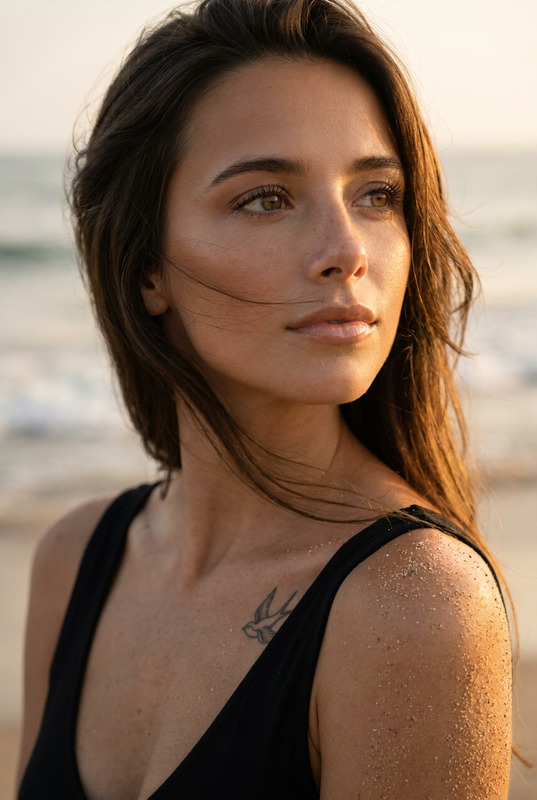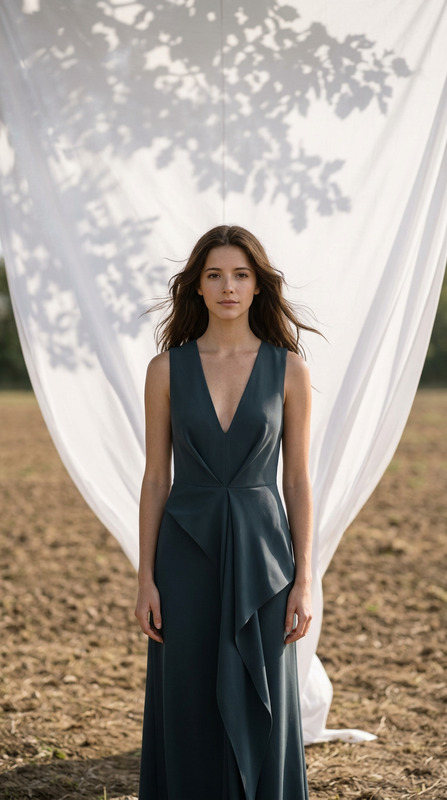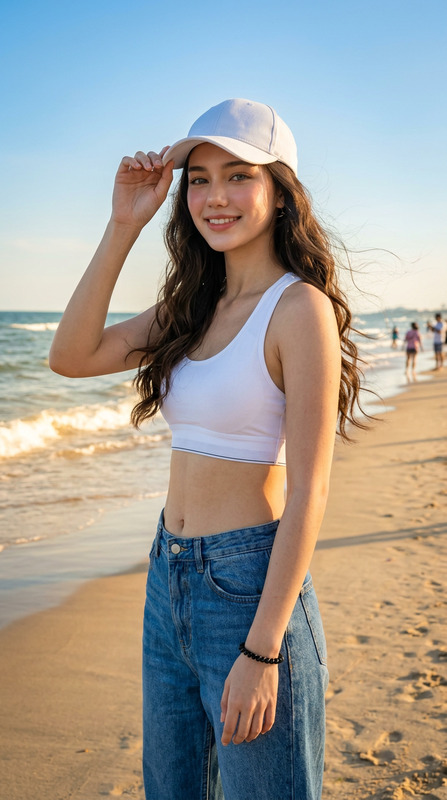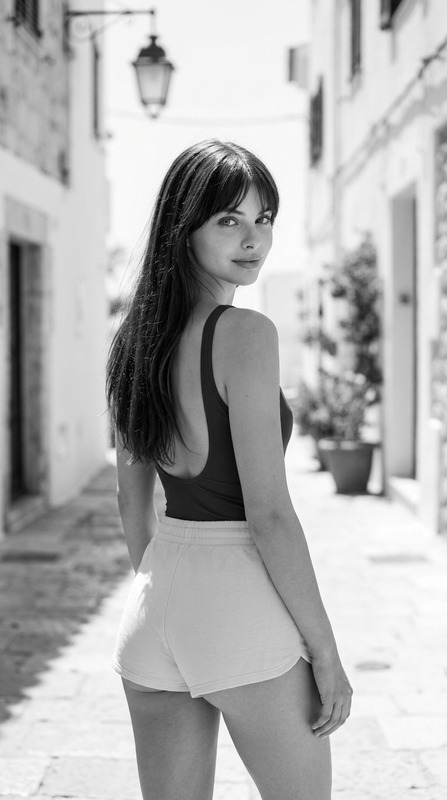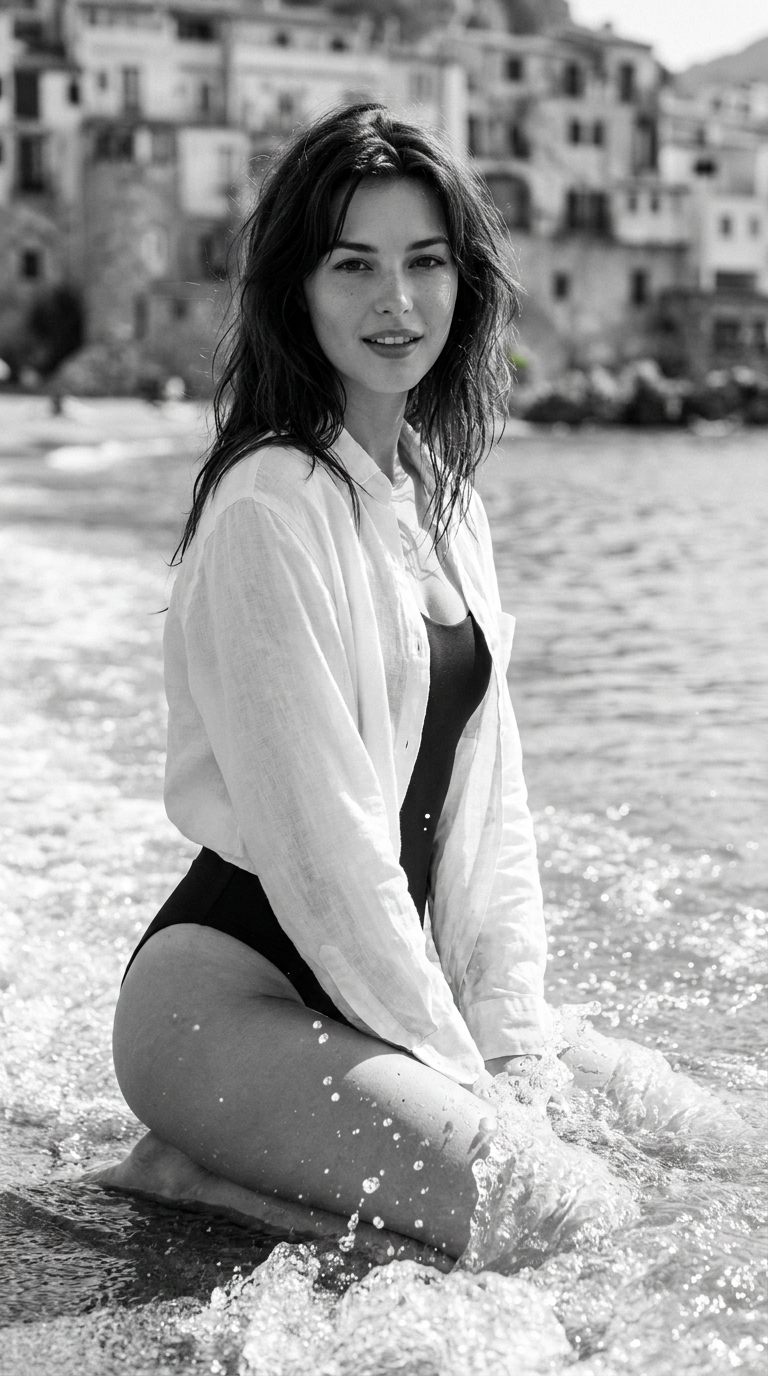
Monochrome Ocean Muse
- Model
- Nano Banana Pro
- Image
- 768 × 1376 px
Prompt
Use the uploaded reference image only as the facial identity reference. Preserve the subject's exact facial identity, hairstyle, facial proportions, skin tone, and all unique facial characteristics. Do not alter or beautify the face. Change only the clothing, pose, lighting, environment, and composition.Create an ultra-realistic black-and-white editorial beach portrait of the same woman kneeling gracefully in shallow ocean water. She wears a relaxed white linen long-sleeve shirt layered over a modest dark one-piece swimsuit. The linen shirt drapes naturally with subtle fabric texture, creating an elegant resort-fashion aesthetic.She smiles gently with softly parted lips while looking directly into the camera. Her dark hair appears naturally damp from the ocean breeze and lightly tousled around her shoulders and forehead.Ocean waves gently splash around her knees, creating realistic water droplets and natural movement. The background features a softly blurred historic Mediterranean coastal town with stone buildings and a distant shoreline.Lighting is dramatic monochrome natural daylight with strong contrast, crisp highlights on the water, soft shadows across the face, and a cinematic fine-art editorial mood.Captured as a vertical 9:16 composition using a 35mm prime lens, shallow depth of field, ultra-sharp focus on the face, realistic skin pores, detailed linen fabric, natural water textures, subtle film grain, luxury fashion editorial, museum-quality black-and-white photography, photorealistic 8K.Negative prompt:low quality, blurry, cartoon, anime, CGI, distorted anatomy, extra limbs, deformed hands, unrealistic water, oversaturated, excessive retouching, plastic skin, watermark, logo, text.
Any aspect ratio
Overview
Explore the exquisite 'Monochrome Ocean Muse' template, designed to craft breathtaking black-and-white editorial portraits. Leveraging the advanced capabilities of the AI Image Editor, this template ensures ultra-realistic transformation while preserving the unique identity of your subject. Perfect for creating serene and stylish resort-fashion photographs with an artistic, natural vibe.
What It Does
This template transforms everyday images into museum-quality monochrome editorial portraits. It retains the facial specifics as per the uploaded reference image while altering elements like clothing, pose, and environment. The resultant image features a sophisticated interplay of light and texture, capturing a stunning seaside moment in dramatic monochrome.
Who It's For
'Monochrome Ocean Muse' caters to photographers, designers, and fashion editors seeking to elevate their creative projects. It's particularly suited for those aiming to produce high-end editorial content with a touch of elegance and realism. Whether you're working on a fashion magazine spread or an art exhibit, this template streamlines the process.
Summary
Create stunning and realistic monochrome images with the 'Monochrome Ocean Muse' template. By utilizing the power of AI Image Editor in combination with nano-banana-pro, you can transform an ordinary image into an extraordinary piece of art with ease. Ideal for showcasing luxury fashion in an evocative ocean setting.
How to Use
Choose the Template

Customize Your Inputs

Generate Your Image

Use Cases
Fashion Editorials
Gallery Exhibits
Marketing Materials
Best Practices
Preserve Facial Features
Ensure that the uploaded image's facial identity is retained by following the given prompt specifics.Optimize Lighting
Utilize the suggested monochrome lighting settings to accentuate shadows and highlights for a truly dramatic effect.Focus on Detail
Pay attention to fabric textures and water movements to capture the essence of luxury fashion.