Village Grace
- Model
- Nano Banana 2
- Image
- 768 × 1376 px
Prompt
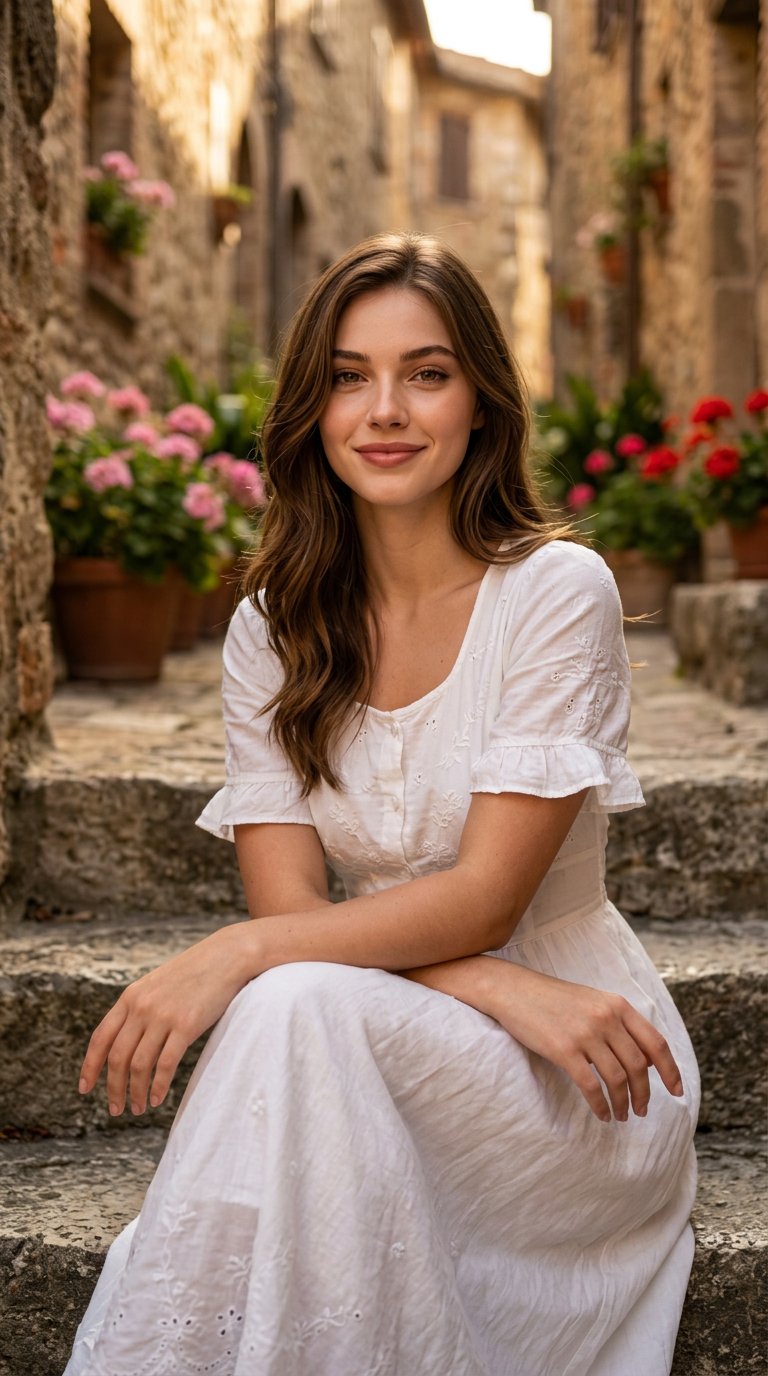
Use the uploaded reference image only to preserve the subject's facial identity, hairstyle, and natural facial proportions. Change only the environment, pose, clothing, lighting, and composition .A cinematic editorial portrait of a smiling young woman , captured as a medium shot while sitting gracefully on old stone steps in a rustic European village alleyway. She has a warm, confident ,lively expression smiling gently with natural skin texture, soft brown eyes looking directly at the camera, and slightly parted lips . She is wearing a vintage-style white cotton dress featuring subtle embroidery and short ruffled sleeves, with her hands resting comfortably on her lap. Her posture is relaxed yet upright, angled slightly toward the camera with a natural head tilt and soft chin posture. The scene is illuminated by warm golden hour sunlight casting soft highlights across her face and creating a glowing rim light in her hair, contrasted by gentle shadows in the background of weathered stone walls and potted pink and red flowers. The shot is executed with sharp focus on the subject, a creamy bokeh background with a shallow depth of field, natural color grading, and crisp textural fidelity. Shot on 85mm lens, f/1.8, professional photography, ultra-realistic, 8k resolution, photorealistic render.aspect ratio 9:16Negative Prompt Component Definition: deformed, distorted, disfigured, poorly drawn, bad anatomy, wrong anatomy, extra limbs, missing limbs, floating limbs, disconnected limbs, mutation, mutated, ugly, disgusting, blurry, amputation, airbrushed, plastic skin, oversaturated, watermark, grainy, low quality, low resolution
Any aspect ratio
Overview
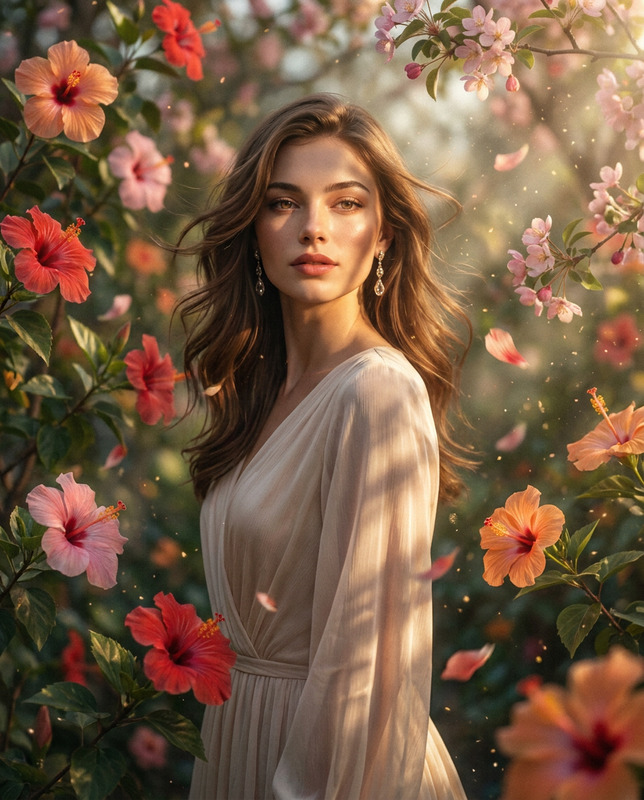
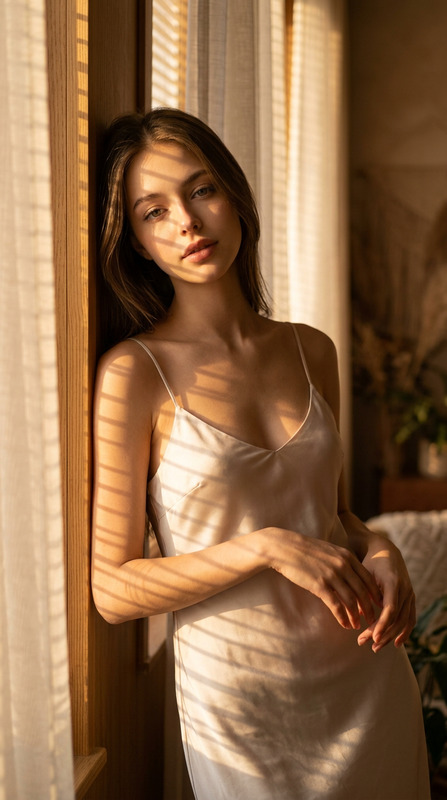
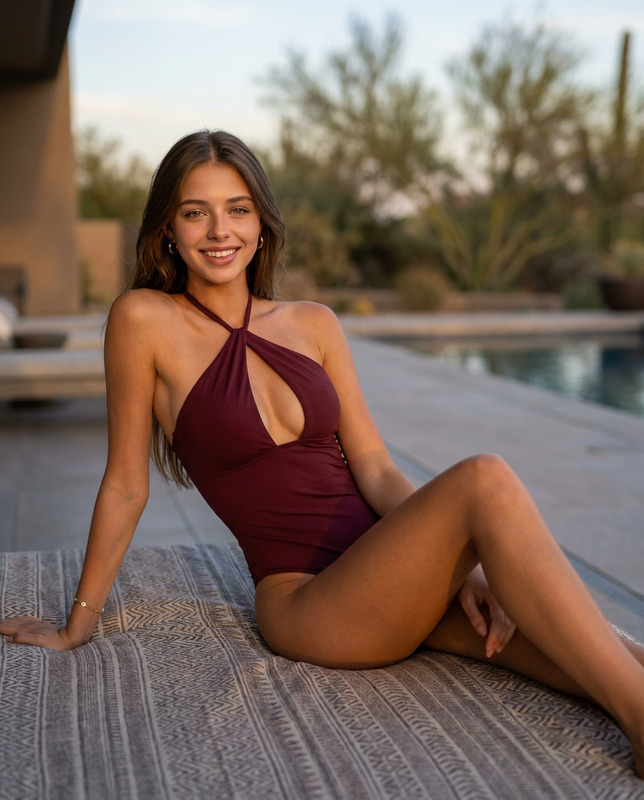
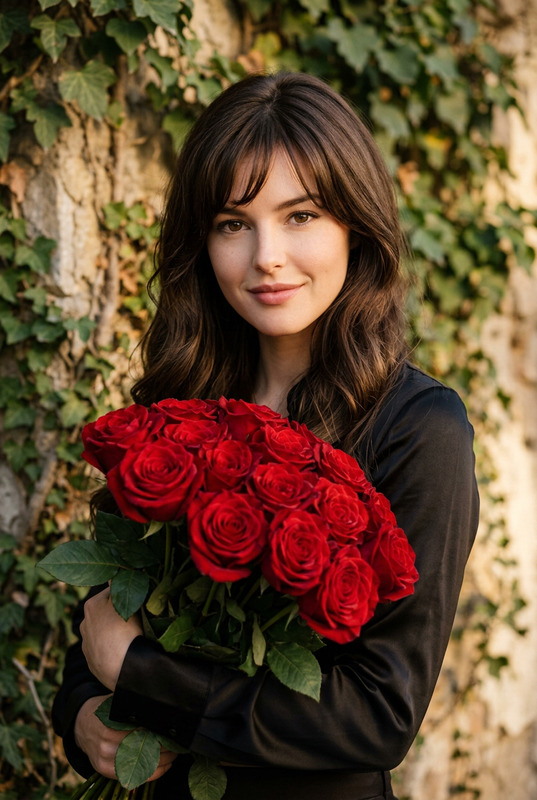
The "Village Grace" template allows you to transform any image into a cinematic editorial portrait set in a charming rustic European village. Utilizing the nano-banana-2 model, this AI Image Editor focuses on preserving the subject's key facial features while altering the environment and other aesthetic elements. Perfect for creating captivating portraits that stand out with warmth and authenticity.
What It Does
The template uses a reference image to maintain the subject's facial identity, hairstyle, and natural proportions. It modifies the environment, lighting, pose, and attire to match a cinematic scene. The "Village Grace" template achieves a professional-grade portrait with natural color grading and photorealistic quality, suitable for both personal and professional use.
Who It's For
This template is ideal for photographers, content creators, and hobbyists looking to craft stunning, high-quality portraits with minimal setup. Whether you are creating content for social media ads or personalizing images for a project, this tool transforms simple photos into visually engaging artwork with ease.
Summary
With "Village Grace," you can effortlessly preserve your subject's essence while enhancing the surrounding scene, offering flexibility for various creative directions. Explore our AI Image Editor to discover more ways to refine your imagery. Utilize our tools to ensure crisp, sharp results with a professional touch.
How to Use
Choose Your Template

Customize Your Scene

Generate Your Portrait

Use Cases
Social Media Portraits
- Ideal for influencers seeking a classic look
- Enhances personal branding with minimal effort
Creative Photography
- Perfect for themed photo shoots
- Adds artistic flair to any portfolio
Editorial Content
- Suitable for both digital and print media
- Provides photorealistic results fit for publications
Best Practices
Focus on Lighting
Ensure proper lighting in the original image to complement the edited effects, emphasizing natural highlights and shadows.Maintain Originality
While altering the environment and attire, keep the subject's facial features intact to ensure recognizability.Use High-Quality Images
To achieve the best results, upload the highest resolution images available. This aids in realistic rendering and detail preservation.