Pastel Daylight
- Model
- Nano Banana Pro
- Image
- 768 × 1376 px
Prompt
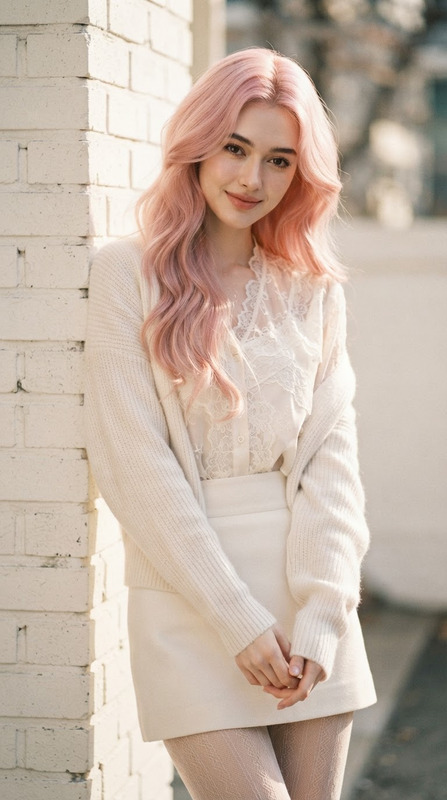
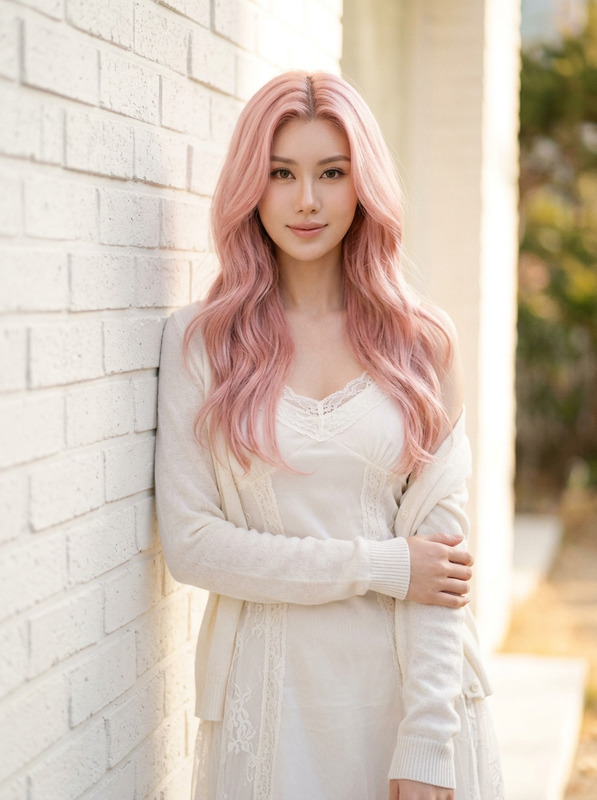
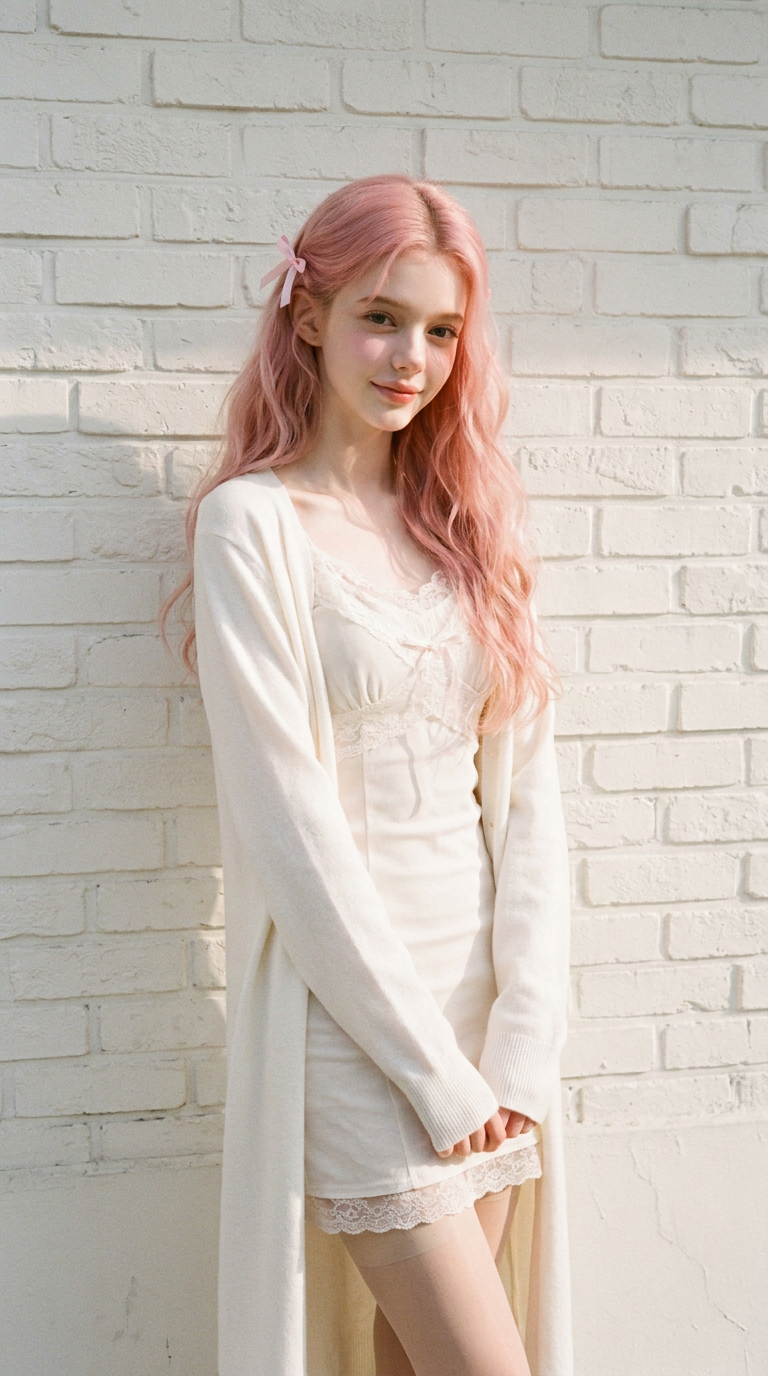
Use the uploaded image as the facial identity, hairstyle, and vibe reference. Keep the facial features highly consistent. 9:16 vertical cinematic Korean fashion editorial portrait, soft romantic atmosphere, luxury magazine aesthetic. A beautiful young woman with long pastel pink wavy hair, fair porcelain skin, delicate facial features, standing near a white textured brick wall in warm natural daylight. Outfit: elegant soft white layered fashion styling, delicate lace details, stylish long sleeves or cardigan casually draped, fitted feminine silhouette, sheer stockings as subtle fashion styling, classy and tasteful, fully covered outfit, non-revealing. Expression: dreamy and gentle, slightly shy smile, soft eye contact, natural relaxed pose. Lighting: warm daylight glow, soft shadows, subtle film grain, airy cinematic atmosphere, Fujifilm Pro 400H aesthetic. Photography style: boyfriend photography feeling, candid luxury snapshot, intimate and wholesome mood, captured by someone deeply in love. Style keywords: Korean high-fashion editorial, elegant romance, soft pastel tones, emotional realism, natural skin texture, refined details. slightly mature feminine charm, elegant cool beauty, subtle alluring aura, effortlessly attractive, refined Korean actress visual
Any aspect ratio
Overview
The Pastel Daylight template leverages the advanced capabilities of the AI Image Editor to create stunning Korean fashion editorial portraits. Using this template, you can transform an uploaded image into a soft, romantic aesthetic typical of luxury magazines, accentuated with pastel tones and elegant styling.
What It Does
The Pastel Daylight template focuses on maintaining the facial identity and distinctive features of the subject while infusing it with a creative Korean fashion editorial atmosphere. The result is a vertically framed image that reflects a warm daylight glow, soothing pastel tones, and high-fashion styling.
This template works hand-in-hand with the AI Image Generator to provide a polished, editorial finish inspired by contemporary photography trends, including subtle film grain and refined details.
Who It's For
This template is ideal for fashion photographers, model agencies, or anyone interested in capturing an intricate Korean fashion look. It's also perfect for content creators looking to produce images with high-impact visual storytelling suitable for social media or print, similar to what can be achieved with the AI Product Photography tool.
Summary
The Pastel Daylight template is your go-to tool for crafting images that feature a perfect combination of elegance and contemporary fashion. It's particularly suited for those aiming to depict nuanced emotions and refined aesthetics in a captivating, warm-daylight setting.
How To
Choose Your Template

Customize Your Inputs

Generate and Save

Use Cases
Fashion Editorials
- Stunning fashion moods
- Elegant and stylish visuals
Social Media Content Creation
- Eye-catching aesthetics
- Consistent theme development
Brand Photography
- Sophisticated brand image
- Appealing to a wider audience
Best Practices
Choose the Right Image
Select images with clear facial features and good lighting conditions to ensure the best output.Adjust Aesthetic Details
Use the prompts to refine the final output appearance, focusing on colors and lighting.Incorporate Feedback Loops
Review the generated images and reupload if necessary to fine-tune details, leveraging insights from other tools like the AI Image Upscaler for further refinement.