Korean Flash Portrait
- Model
- Nano Banana 2
- Image
- 1536 × 2736 px
Prompt
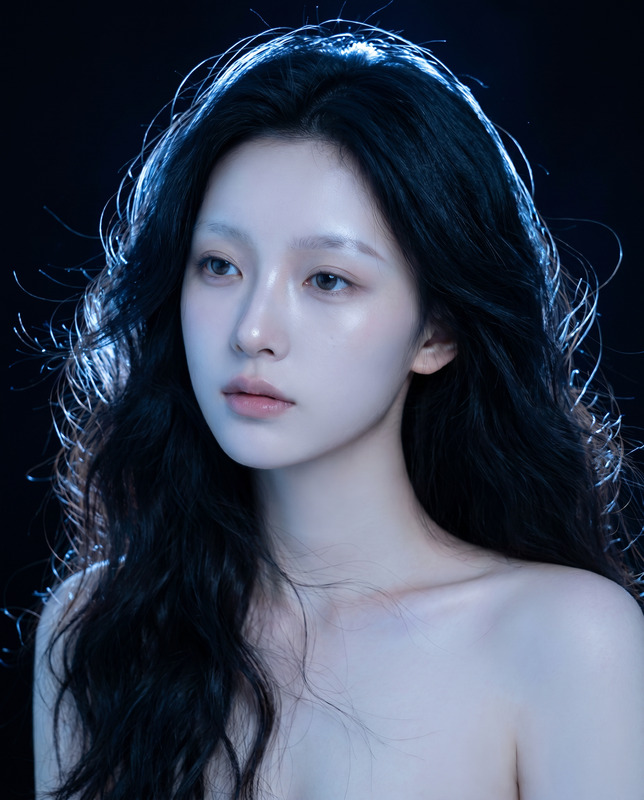
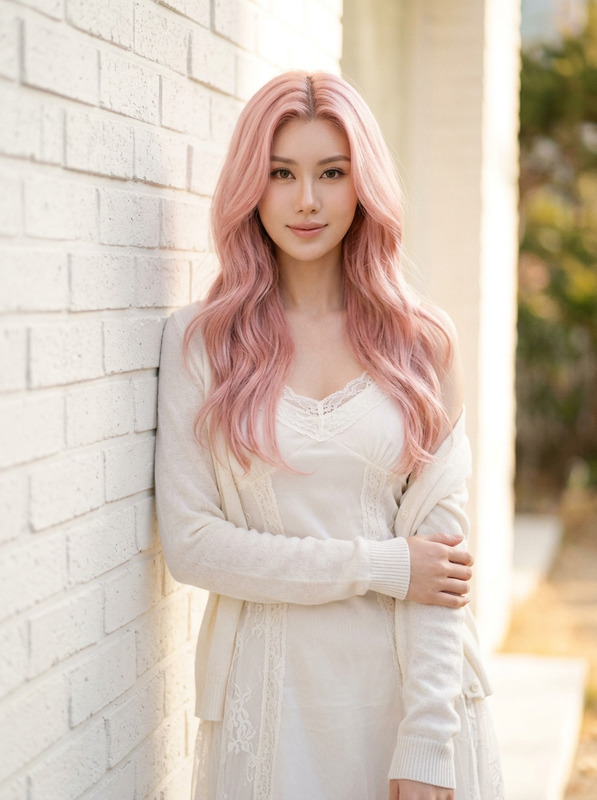
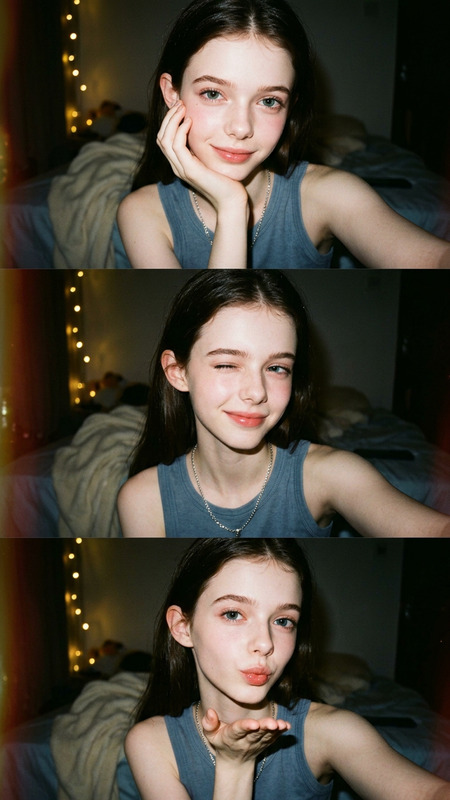
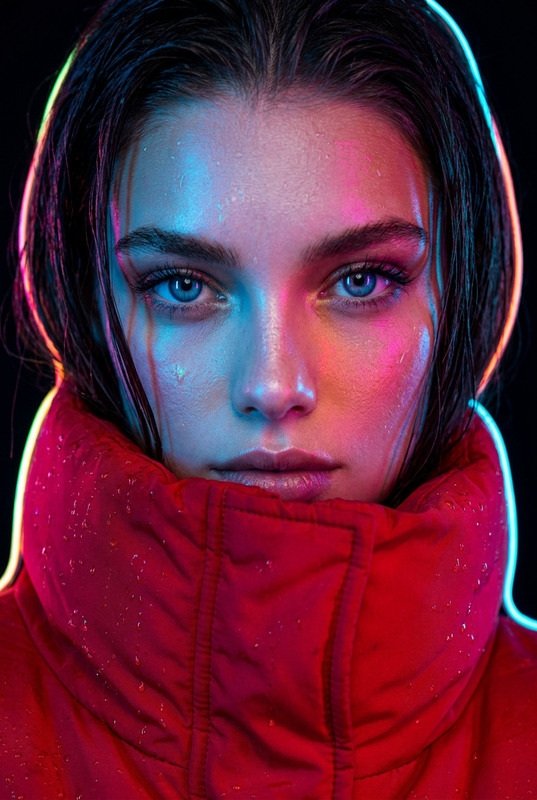
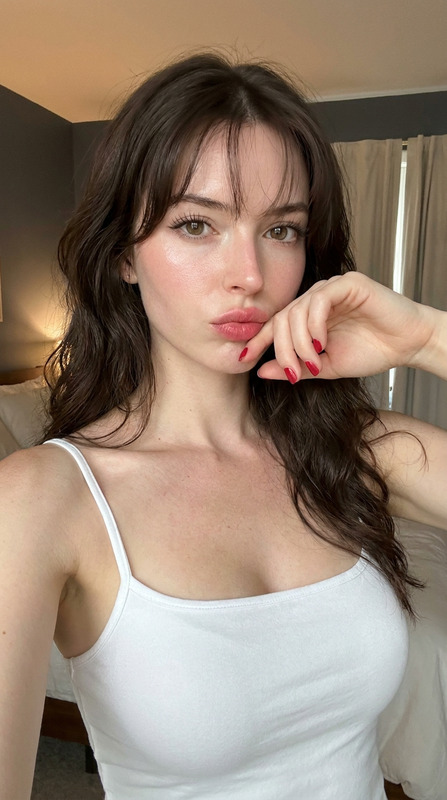
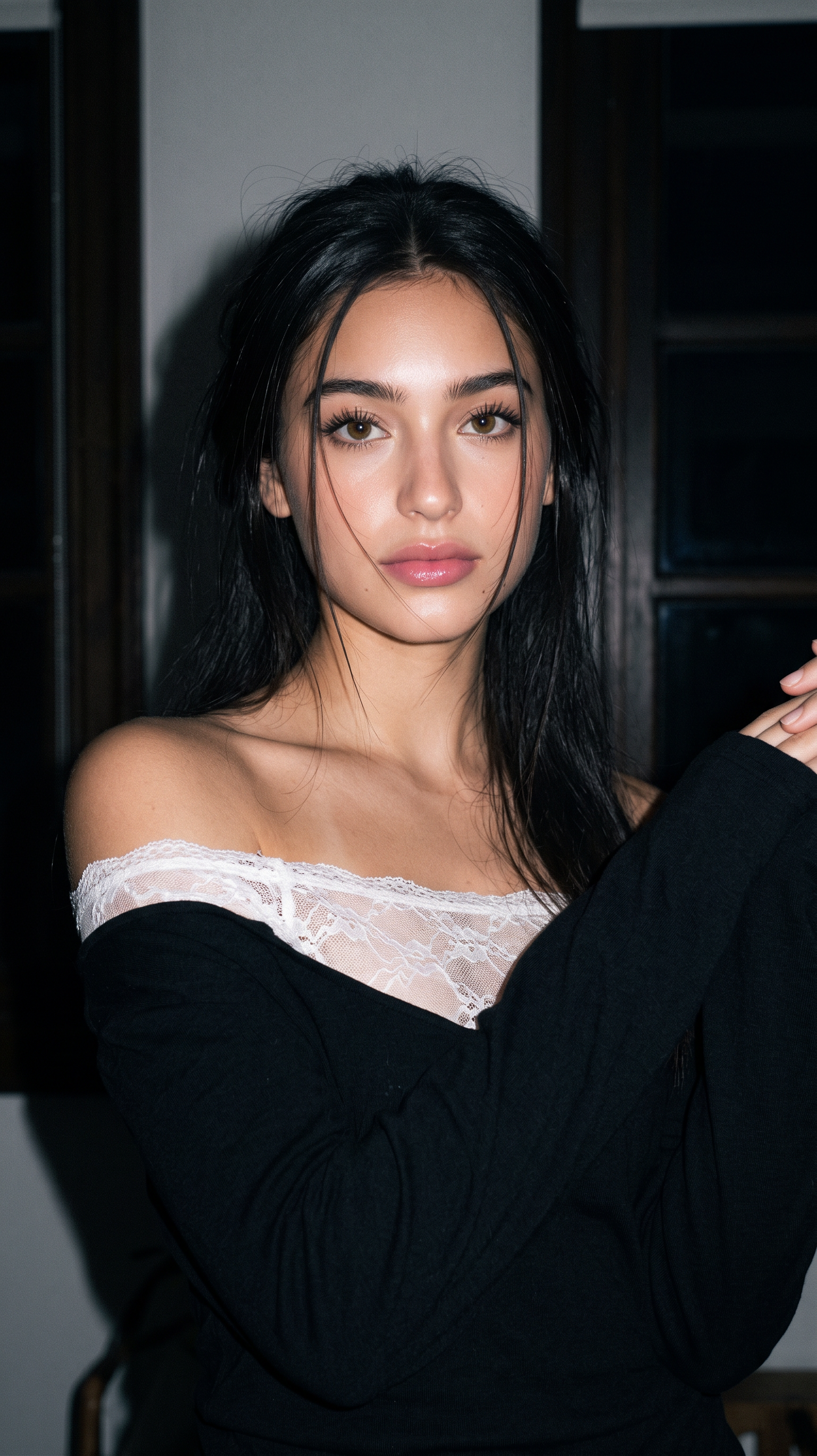
Edit the photo without changing the face 100% from the attached one, preserving the original face, especially the nose, lips, and eyes. Close-up portrait of a beautiful young woman in a Korean aesthetic style with long, slightly messy, natural black hair, thin strands falling across her face, and a sharp, soft gaze directed toward the camera with a cool, elegant expression. Wearing an oversized black off-shoulder outfit paired with a white, sheer lace inner, creates a feminine, classy, and mysterious impression. A candid pose from the back with bare shoulders and gently raised arms reveals a graceful silhouette of her face and long neck. Dewy makeup accentuates smooth, glowing skin, focusing on her curly eyelashes and thin eyeliner. The wink shape, soft contour, and cherry blossom pink lips are the main focus of her face. The indoor nighttime background with minimal lighting, a dark aesthetic, black wooden windows, and faint shadows create a moody, cinematic atmosphere. The soft flash lighting of a vintage digital camera produces a subtle grain effect, a slight dreamy blur, but the face remains sharp and detailed. Ultra realistic close up photography, high detailed skin texture, glossy black hair, shallow depth of field, soft shadow, moody cinematic lighting, aesthetic dark tone, candid Korean girl style, vintage camera flash effect, realistic portrait photography, 85mm lens, f/1.4, bokeh background, low light photography, ultra detailed face, soft pale skin, elegant feminine vibe, Instagram aesthetic, 4K UHD
Any aspect ratio
Overview
The Korean Flash Portrait template offers you a sophisticated way to create stunning portraits that capture the essence of Korean aesthetics. By utilizing the nano-banana-2 model, this template allows you to maintain the integrity of the original face while enhancing the portrait with cinematic style elements, creating a high-end look perfect for close-up photography.
What It Does
This template transforms ordinary photos into ultra-realistic pieces of art, focusing on preserving facial features while adding a moody, cinematic effect. It combines vintage camera flash effects with a modern aesthetic, resulting in a detailed, sharp portrait with soft shadows and a bokeh background. Ideal for those seeking a unique image editing experience.
Who It's For
This AI Image Editor template is perfect for photographers, content creators, and style enthusiasts looking to enhance their portrait photography with Korean aesthetics. Whether you're aiming to publish eye-catching Instagram content or improve your professional portfolio, this tool facilitates high-quality image-to-video conversion for multiple uses.
Summary
Embrace the Korean Flash Portrait template to create engaging and aesthetic photos with detailed artistry. This is your go-to tool for achieving that signature Korean flair combined with high-definition photography. Explore more possibilities with our Full Body Generator for complete character renders.
How To
Choose Your Template

Customize the Details

Generate Your Portrait

Use Cases
Social Media Aesthetic
- Instagram stories
- Facebook timeline photos
- Profile picture updates
Professional Photography
- Model portfolios
- Fashion editorials
- Lookbook photography
Marketing and Branding
- Product launches
- Advertising materials
- Brand storytelling
Best Practices
Focus on Lighting
Use images with balanced lighting to make the most of the cinematic effects the template applies.Prioritize High Resolution
Start with high-resolution photos to ensure output retains quality and detail.Stay Consistent with Style
Maintain a consistent theme or color palette in a series to maximize aesthetic coherence.