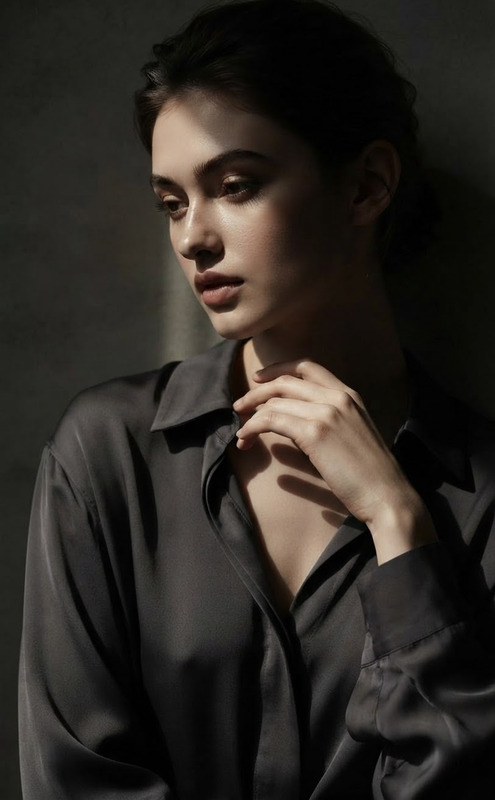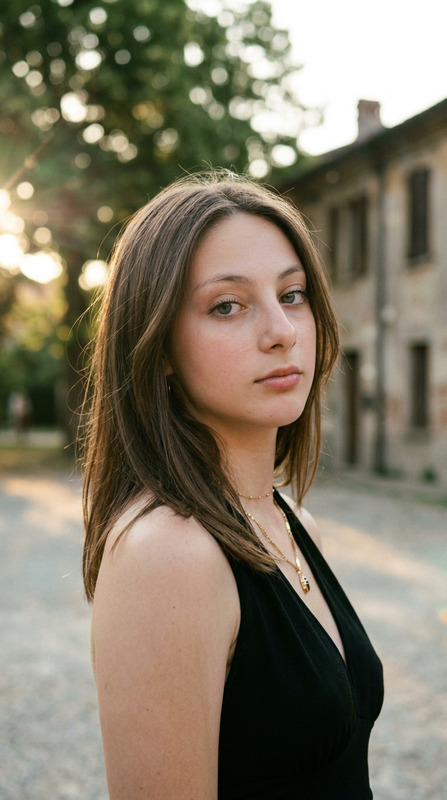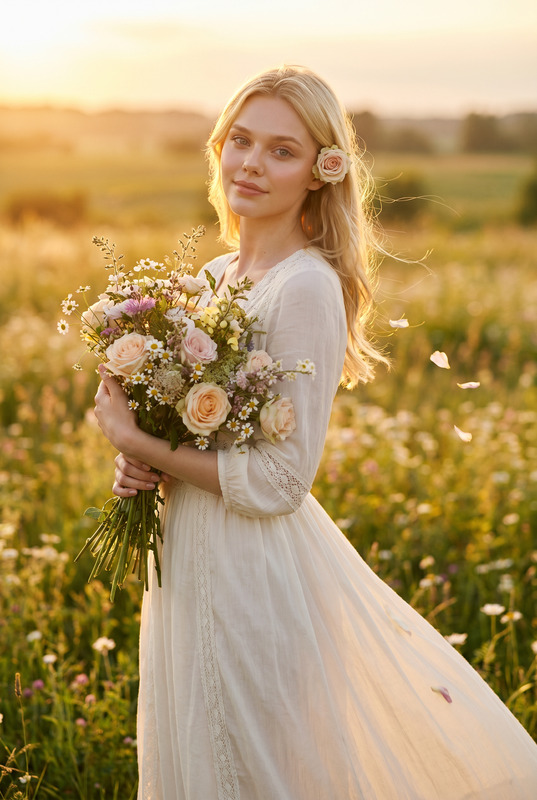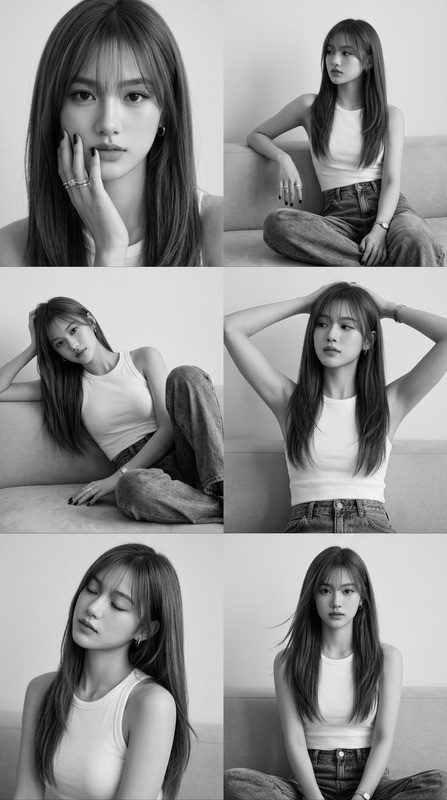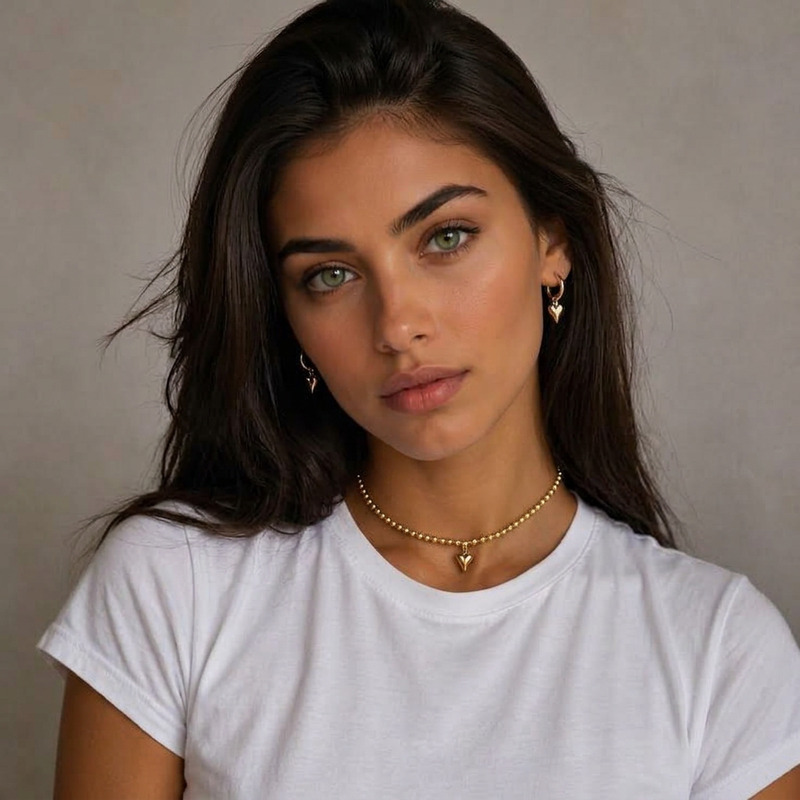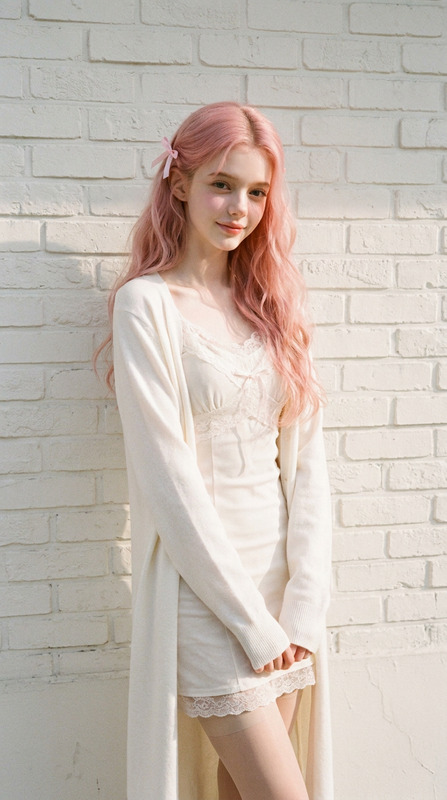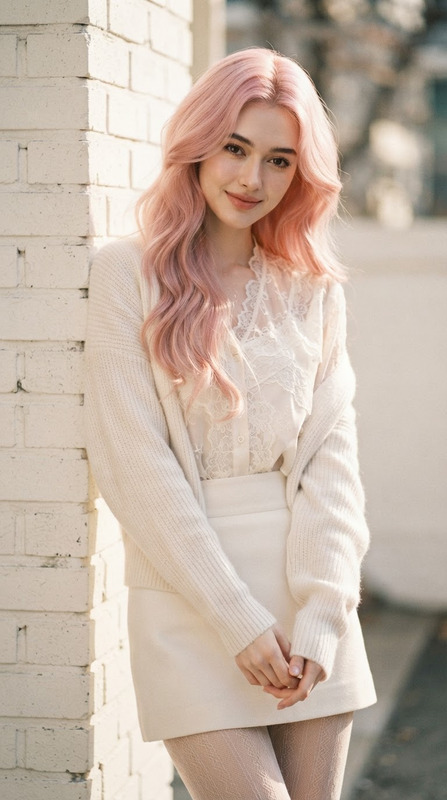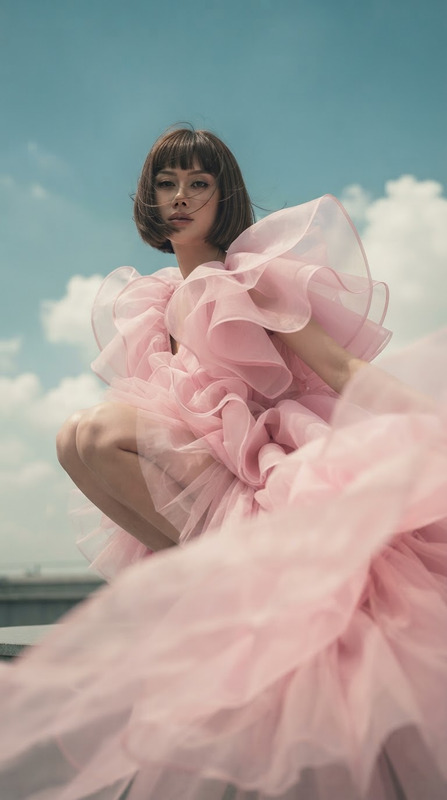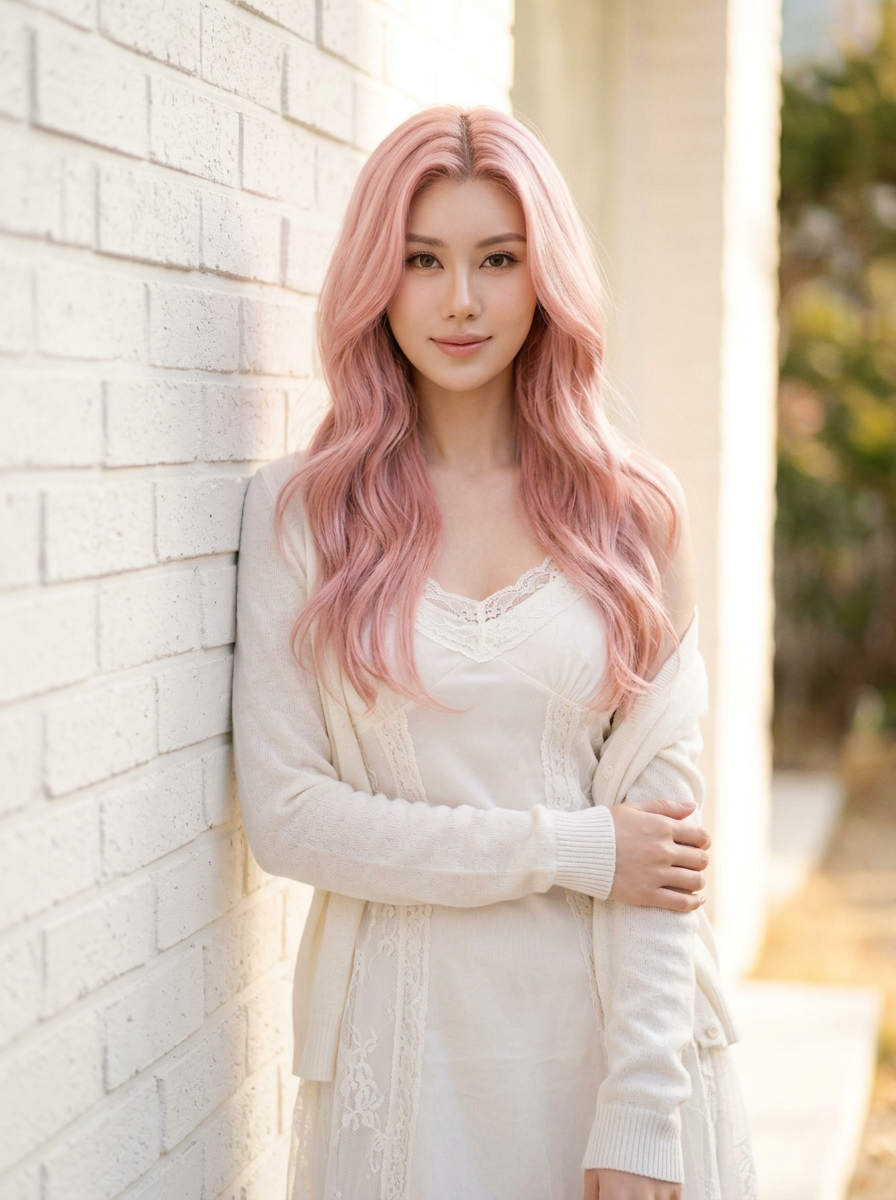
Korean Romantic Editorial
- Model
- Nano Banana 2
- Image
- 896 × 1200 px
Prompt
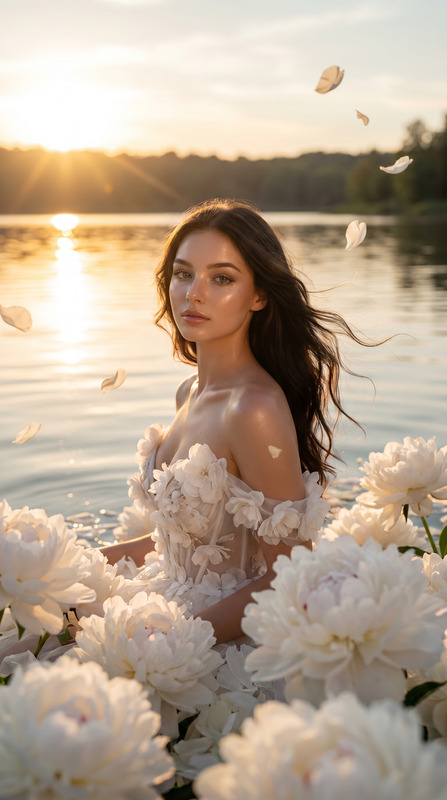
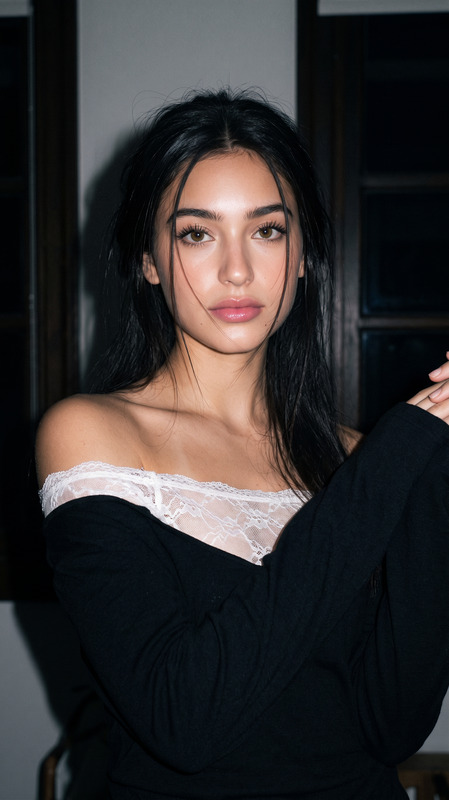
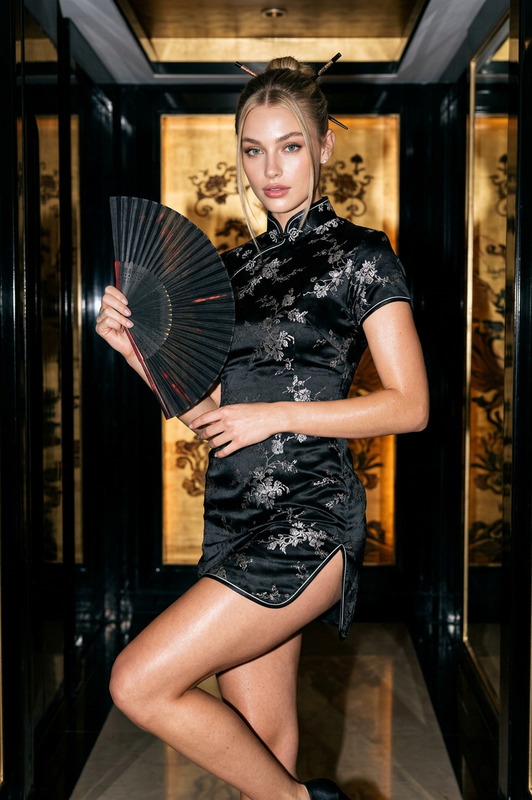
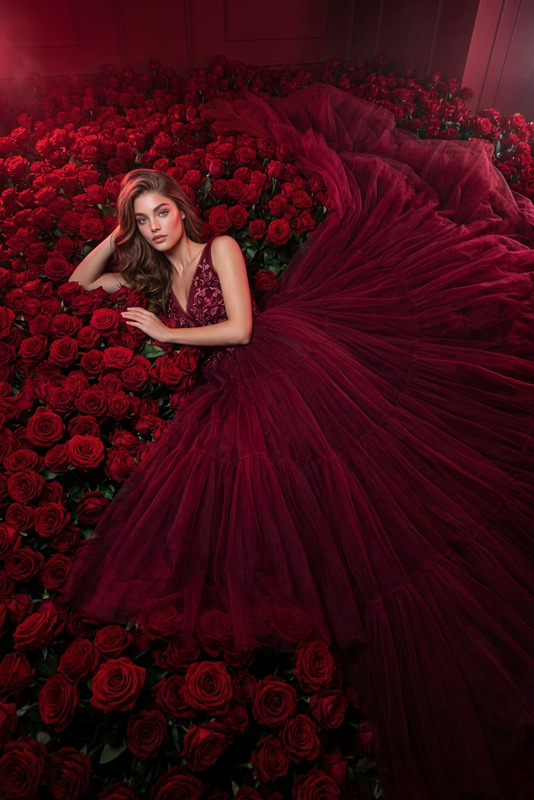
Use the uploaded image as the identity, facial-feature, hairstyle, and overall vibe reference, maintaining strong consistency with the subject’s appearance. Create a 3:4 vertical cinematic Korean fashion editorial portrait with a soft romantic atmosphere and refined luxury-magazine aesthetic. The subject has long pastel pink wavy hair, fair porcelain-toned skin with natural texture, delicate refined features, and a mature feminine elegance, standing naturally beside a white textured brick wall in warm daylight. The subject wears an elegant fully covered soft-white layered outfit with delicate lace details, stylish long sleeves or a casually draped cardigan, a refined feminine silhouette, and subtle sheer-stocking styling. The expression is dreamy and gentle with soft eye contact and a slightly shy natural smile, captured in a relaxed candid pose. Warm natural daylight creates a soft luminous glow and delicate shadows, complemented by subtle film grain, airy tones, and a Fujifilm Pro 400H-inspired color palette. The overall image should feel like an intimate boyfriend photograph captured spontaneously by someone deeply in love, combining Korean high-fashion editorial elegance, soft pastel colors, emotional realism, natural skin texture, refined details, cool beauty, and a subtle alluring aura without becoming overly posed or revealing.
Any aspect ratio
Overview
The Korean Romantic Editorial template leverages the nano-banana-2 model's capabilities to transform personal images into stunning Korean fashion editorials. This AI Image Editor template embraces a cinematic 3:4 portrait style, capturing the soft romantic aesthetic associated with high-fashion Korean magazines.
What It Does
This template helps create striking Korean fashion editorial portraits by applying advanced image editing techniques. It maintains strong consistency with the subject’s identity and features, focusing on creating a soft romantic atmosphere typical of high-end Korean editorials. The template integrates elements like pastel pink hair, porcelain skin, and elegant outfits, all enhanced by natural daylight effects.
For further enhancements or alterations, consider using the AI Image Generator for creating new image elements or the AI Image Upscaler to improve output resolution.
Who It's For
This template is designed for photographers, stylists, and creative professionals aiming to produce Korean fashion editorials. It's also ideal for social media influencers and content creators who wish to elevate their visual content with a touch of refined elegance. The interface is friendly for those familiar with digital artistry and photographic enhancements.
Summary
The Korean Romantic Editorial template provides users with the tools to transform their images into high-fashion Korean style portraits. The template offers a unique combination of romance, elegance, and naturalism, ideal for creating editorial-quality images with ease. For more dynamic transformations, explore the AI Video Generator.
How to Use
Choose Your Template

Customize Your Image

Generate the Portrait

Use Cases
High-Fashion Editorials
Social Media Enhancement
Creative Content Creation
Best Practices
Maintain Image Quality
Ensure high-resolution images are uploaded to achieve the best results. Consider using the AI Image Upscaler after editing.Refine Color Palette
Focus on the Fujifilm Pro 400H palette mentioned. Consistency in color can significantly enhance the final editorial quality.Balance Naturalism and Aesthetics
Aim for a balance between the subject's natural features and the refined aesthetic to maintain authenticity.