Outfit idea for spring
- Model
- Nano Banana 2
- Image
- 928 × 1151 px
Prompt
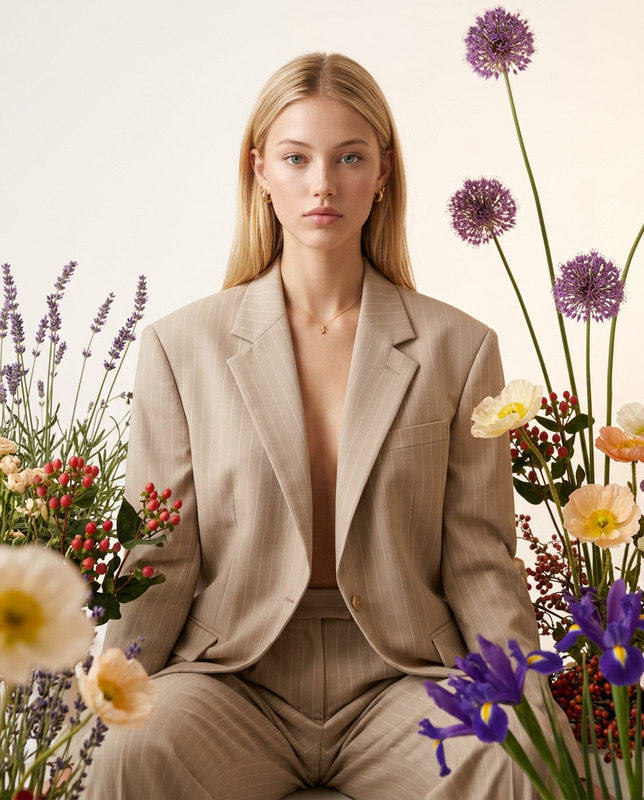
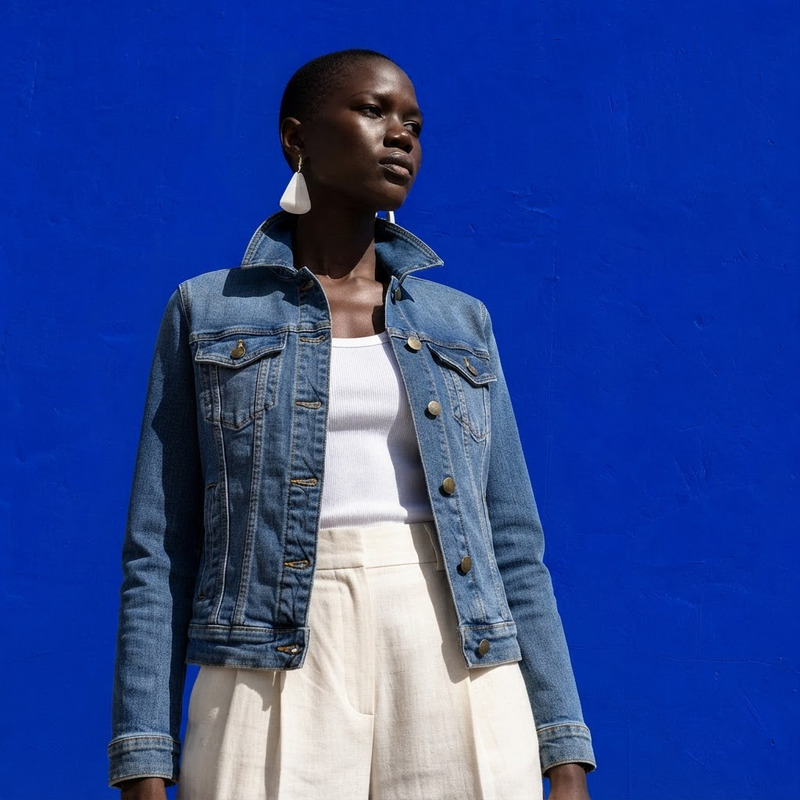
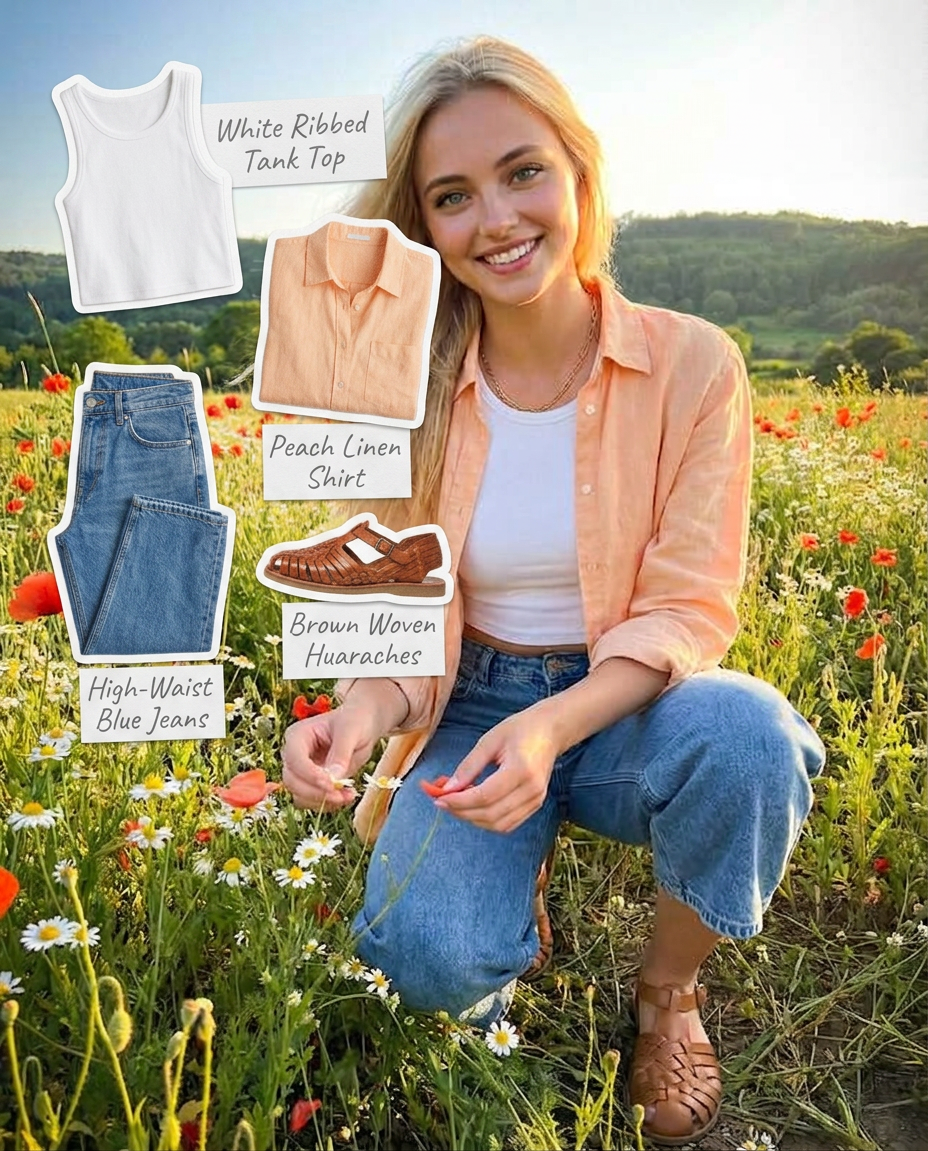
Collect each clothing item worn by the girl in the first photo and place them on top of the same photo as flat, cut-out stickers. Keep every piece neatly outlined like a collage sticker. Next to each stickered clothing item, write its name in a soft pencil-style handwritten label, creating an aesthetic fashion-notebook look.
Any aspect ratio
Overview
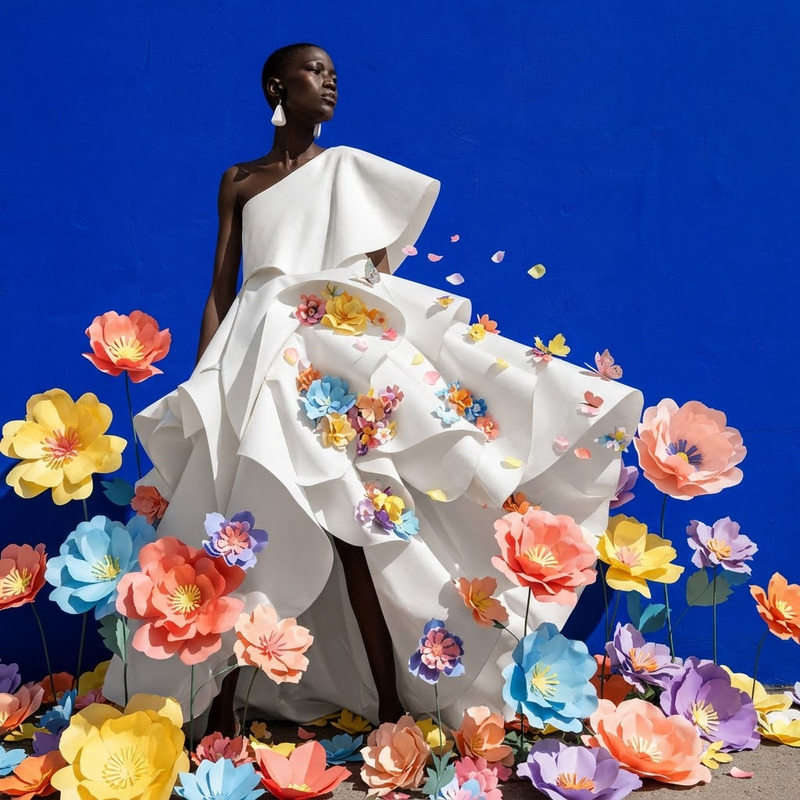
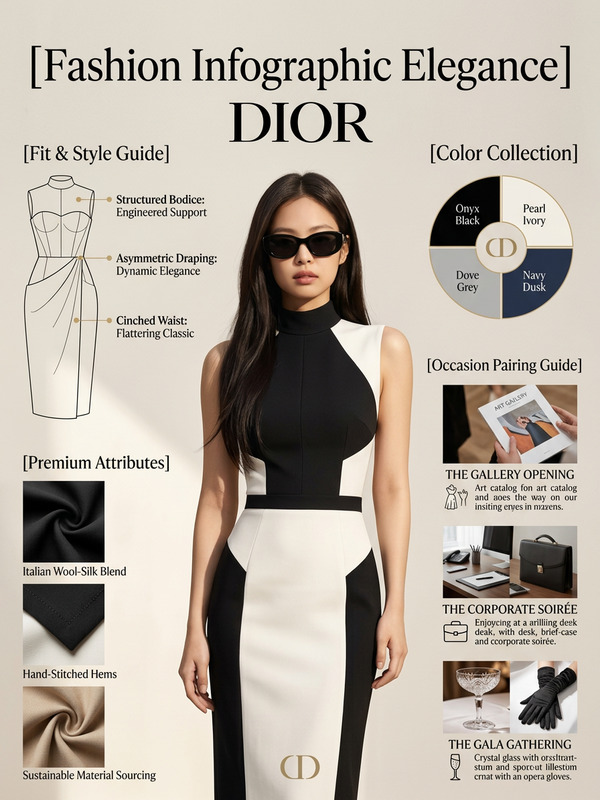
The 'Outfit Idea for Spring' template uses the capabilities of the AI Image Editor to transform an image of a spring outfit into a stylish collage. This template leverages the advanced features of the nano-banana-2 model, allowing you to highlight each clothing item as an outlined sticker with handwritten labels.
What It Does
This template takes an image of a person in a spring outfit and identifies each clothing item. It places these items over the original photo as flat, cut-out stickers. Each piece is neatly outlined and labeled with its name in a soft, pencil-style font, creating the look of a fashion-forward notebook or collage.
Who It's For
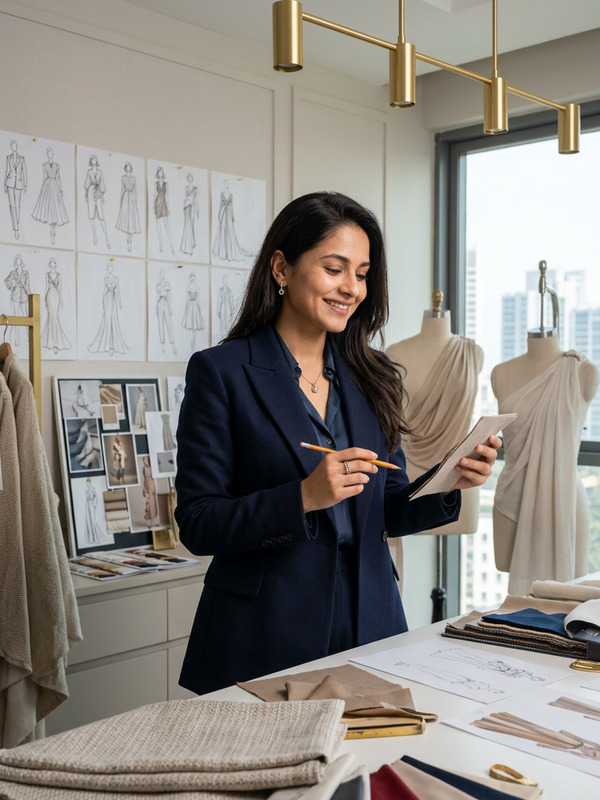
This template is ideal for fashion enthusiasts, bloggers, and content creators who want to showcase outfit details in a unique way. It's also useful for educators in fashion design, who can use it to teach students about clothing items and styling.
Summary
Transform your fashion photos into creative, educational, and visual pieces with the 'Outfit Idea for Spring' template. Whether you're crafting content for a blog, creating educational material, or just exploring new styles, this template offers a fresh and engaging perspective on fashion imagery. Explore more about this and other templates in the AI Talking Photo product and see how they can enhance your creative projects.
How-To
Choose Your Template

Customize Your Inputs

Generate Your Image

Use Cases
Fashion Blogging
- Highlight outfit details
- Provide styling tips
- Produce engaging visuals
Education in Fashion Design
- Visual learning aids
- Enhance class materials
- Interactive style notebooks
Personal Style Portfolios
- Create collage portfolios
- Document personal style evolution
- Showcase individual fashion sense
Best Practices
Select High-Quality Images
Ensure the images you upload are high resolution, as this helps in accurately outlining clothing items and creating clear labels.Clear Backgrounds Work Best
Use images with simple, uncluttered backgrounds for best results in recognizing and outlining each clothing item.Review Labels and Positions
After generating, review the placement and labels of stickers to ensure everything is positioned as intended.