Ninja
- Model
- GPT Image 2
- Image
- 1024 × 1024 px
Prompt
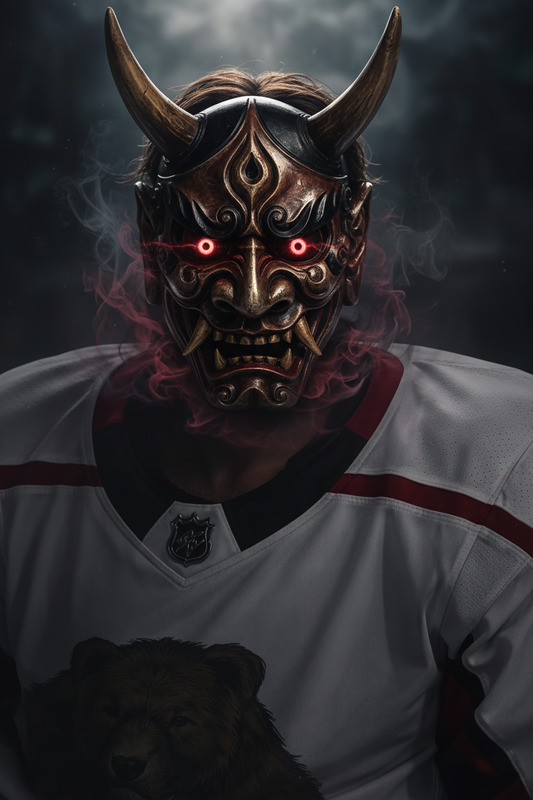
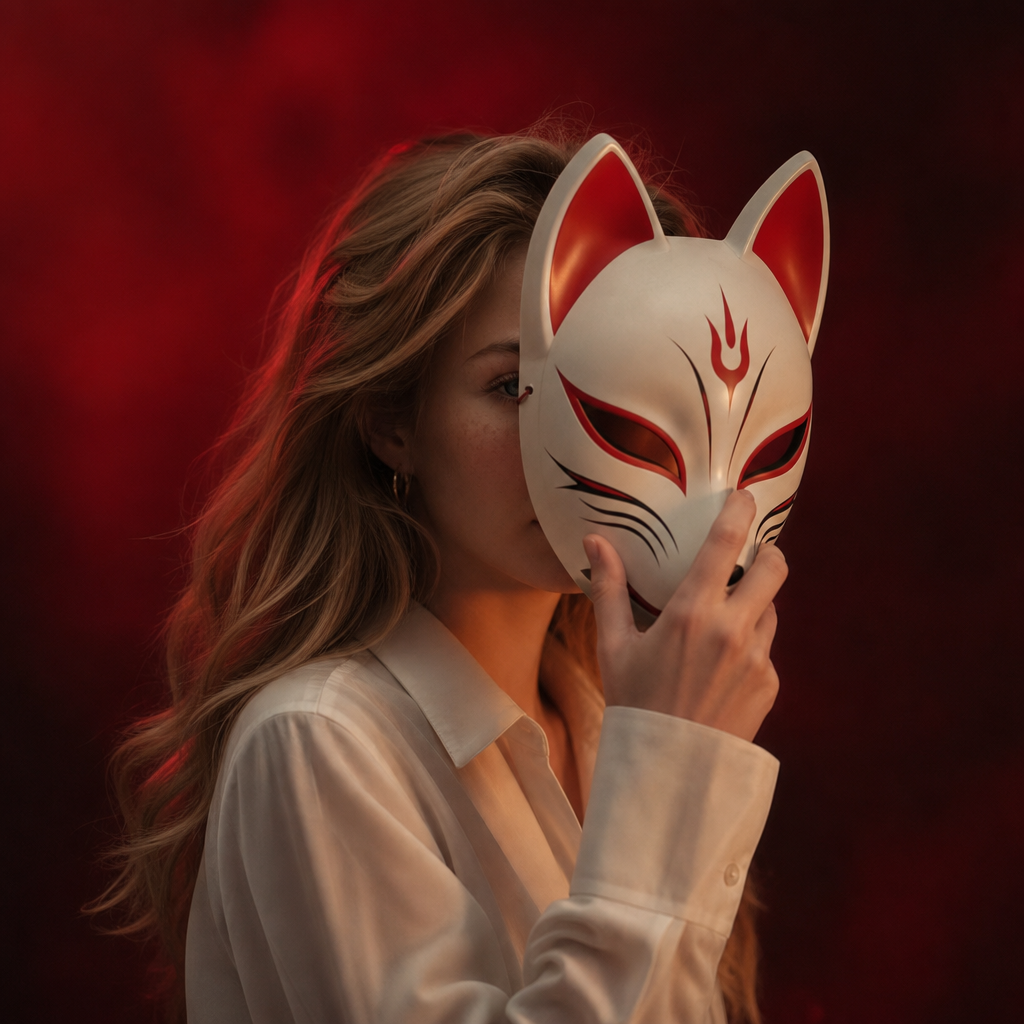
A super slow-motion cinematic sequence with controlled time dilation. The camera begins directly in front of the character and makes a slow, smooth 100-degree arc to the right. In slow motion, the character dons a fox mask and gradually covers his face with it, a precise and elegant movement. The transition is synchronized with the camera movement, so that by the time the arc is complete, the mask completely obscures his expression. Subtle eye contact is maintained until the mask obscures his gaze. The background remains slightly blurred, with deep red lighting, maintaining tension and atmosphere. The movement is continuous, controlled, and minimalist, emphasizing mystery and transformation.
Any aspect ratio
Overview
Step into a world of cinematic elegance with the Ninja AI Image Editor. This template allows creators to craft serene and compelling slow-motion sequences that capture the mystique of transformation. It leverages the gpt-image-2 model to achieve a detailed 100-degree camera arc, synchronizing the dynamic motion of donning a fox mask to create a vivid narrative moment.
What It Does
The Ninja template is designed for producing slow-motion cinematic sequences with a controlled arc of motion and time dilation effects. It's perfect for adding a layer of mystique and narrative depth to images. By featuring a character's transformation with a fox mask, it offers a platform for storytelling through subtle yet powerful movements. This tool can be paired with products like the AI Image Editor for similar creative image enhancements.
Who It's For
Designed for artists, filmmakers, and content creators aiming to elevate their visual storytelling, this template suits anyone who seeks to explore the depth of visual narratives. Whether you are an independent filmmaker looking to add dramatic flair to your scenes or a digital artist emphasizing atmosphere and expression, this tool provides the precision and flexibility you need. For additional creative possibilities, consider using it alongside the AI Talking Photo.
Summary
The Ninja AI Image Editor template provides creators with the ability to produce meticulously detailed, slow-motion transformations within their images. Centered around the artistic elegance of a fox mask transformation, it harnesses AI Video Generator capabilities to enhance narrative depth through controlled and fluid motion.
How To Structure
Choose the Ninja Template

Customize Your Scene

Generate Your Image

Use Cases
Artistic Film Sequences
- Create mood-driven scenes
- Focus on character transformation
Digital Art & Illustration
- Visualize transitions and transformations
- Highlight emotional resonance
Fantasy Narratives
- Construct mythical or historical backdrops
- Emphasize character progression
Best Practices
Focus on Synchronization
Ensure the camera motion and the mask placement are perfectly synchronized for a fluid visual experience.Utilize Deep Lighting Effects
Employ deep red lighting to maintain tension and enhance atmosphere, as suggested by the template.Pay Attention to Details
Experiment with subtle adjustments to movements to finely tune your visual narrative.