Vintage CRT TVs
- Model
- GPT Image 2
- Image
- 1024 × 1024 px
Prompt
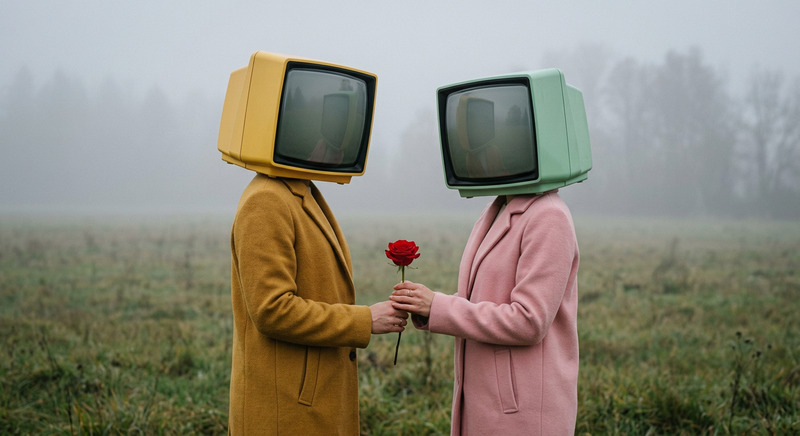
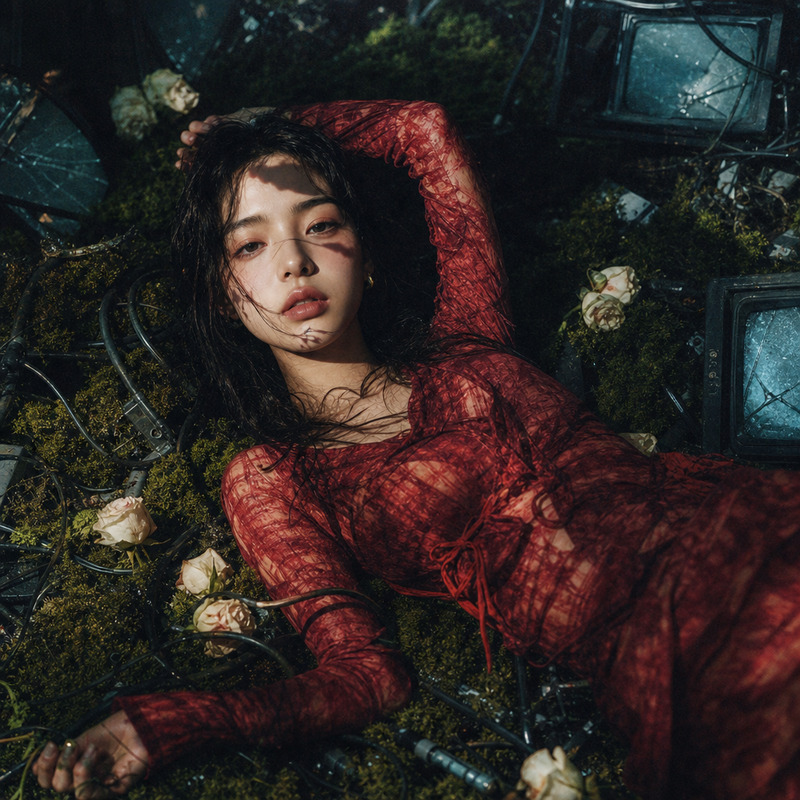
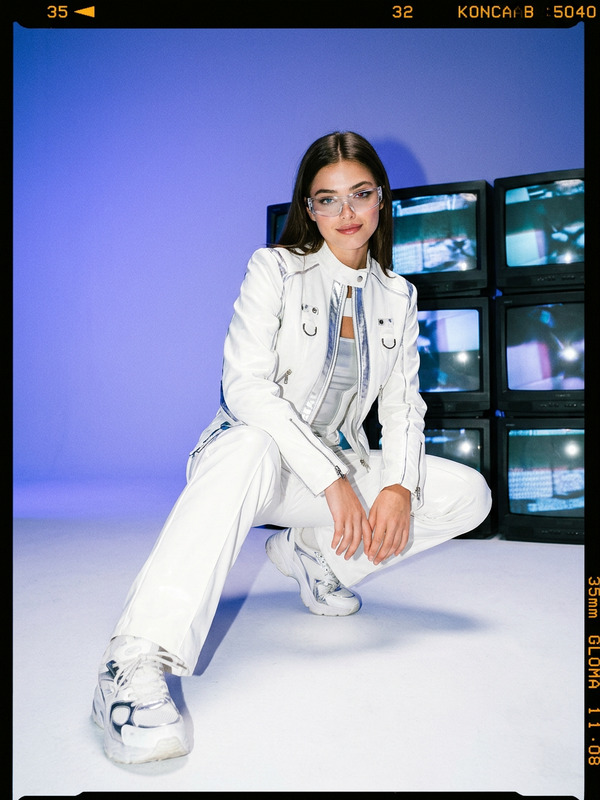
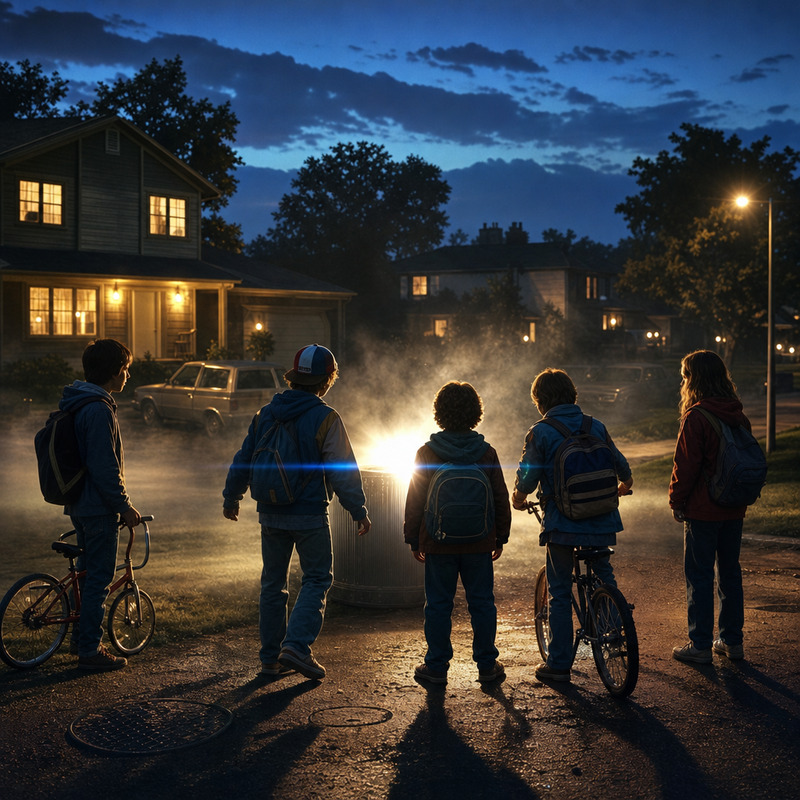
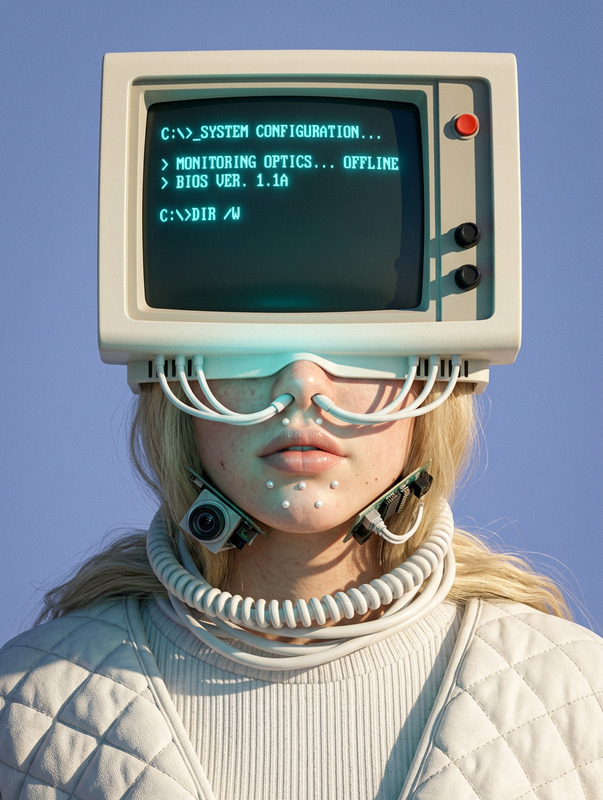
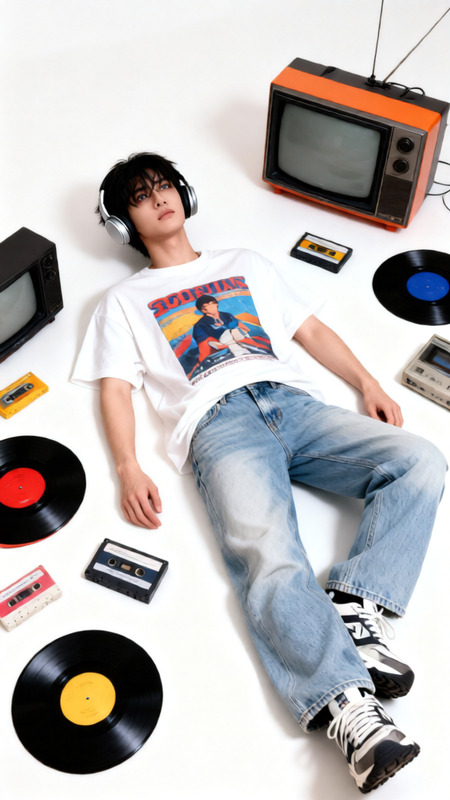
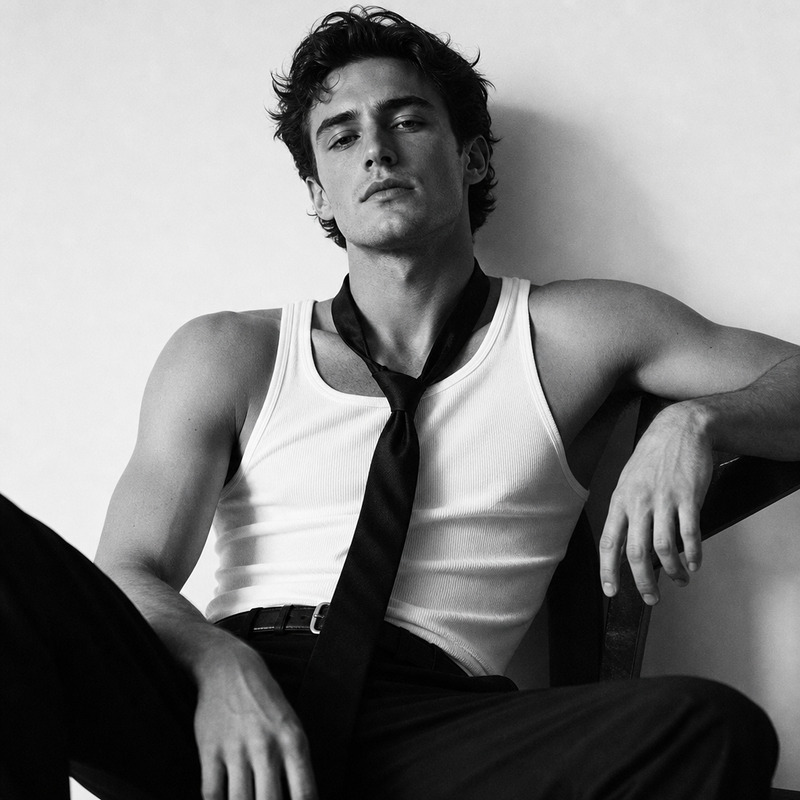
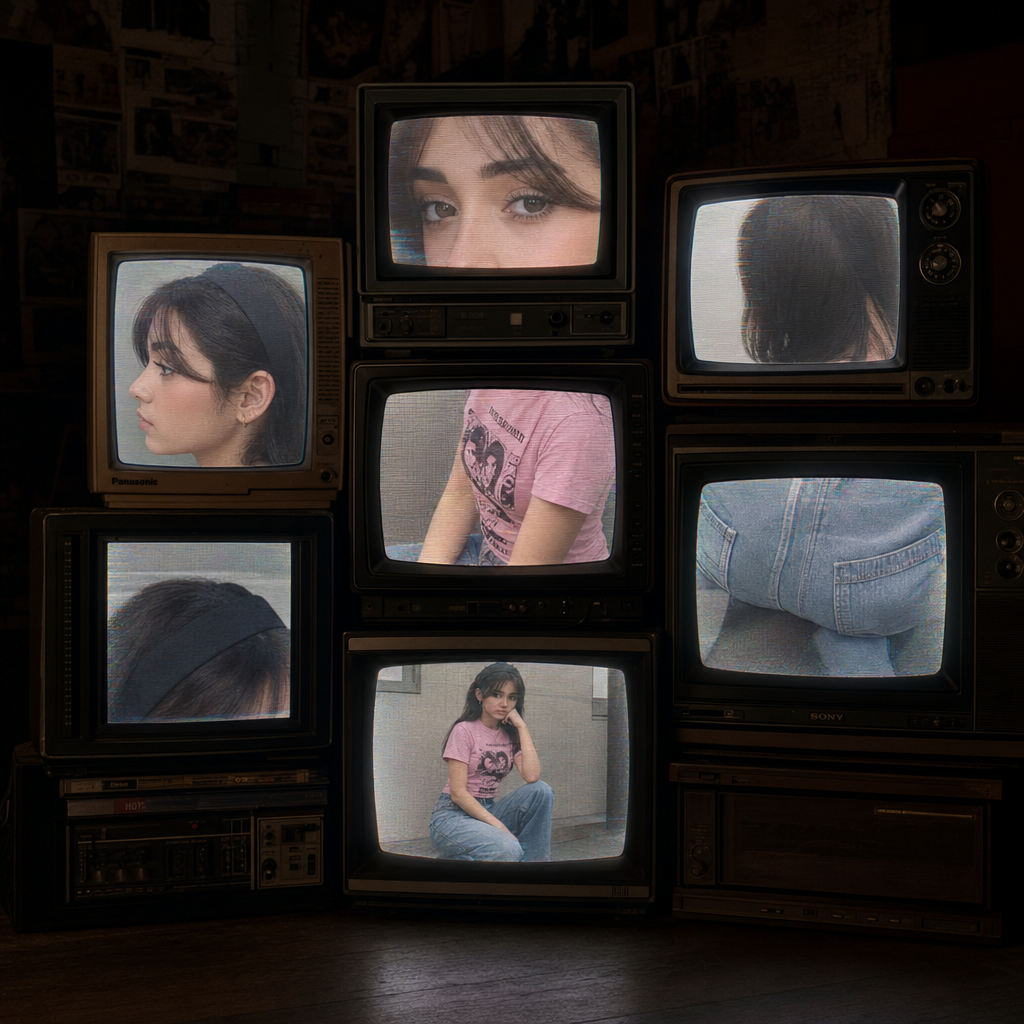
Stack several vintage CRT TVs in a dark room. Each screen shows a different cropped detail from the girl in the second photo: side profile, eyes, hair, outfit, pink shirt, jeans, black headband, and her squatting pose. Every TV displays a different angle, with slight analog distortion, scanlines, and soft CRT glow. Moody, dim lighting with the TVs as the main light source. Retro, cinematic, high-detail, analog texture.
Any aspect ratio
Overview
The "Vintage CRT TVs" AI Image Editor template transforms your images into a nostalgic setup featuring stacked vintage CRT televisions. Each TV captures a distinct detail from an input image with analog influences like distortion and scanlines, creating a moody, retro ambiance.
What It Does
This template uses the AI Image Editor capabilities of the gpt-image-2 model to reimagine photographic elements within a cinematic vintage aesthetic. It merges high detail and analog textures, giving each TV screen its unique part of the image, wrapped in soft CRT glow and retro lighting.
Who It's For
If you are a digital artist, designer, or content creator looking to incorporate vintage and retro design elements into your projects, this template is for you. It's perfect for those who want to add a classic, cinematic touch to their images, especially with a focus on analog textures and moody lighting.
Summary
Leverage this template to delve into creating visually captivating scenes with a retro twist. The "Vintage CRT TVs" setting is ideal for social media visuals, graphic design projects, and marketing materials that demand a unique cinematic flair. Explore related tools like the AI Image Generator for varied creative options.
How to Use
Choose the Template

Customize Your Input

Generate and Download

Use Cases
Social Media Graphics
- Retro-themed Instagram posts
- Unique Facebook cover photos
Marketing Materials
- Engaging email headers
- Retro campaign visuals
Art Projects
- Gallery exhibition pieces
- Digital collage creations
Best Practices
Focus on Detail Variety
Ensure each TV displays a unique detail from the photo to enhance visual interest.Work with Contrast
Use the dim lighting to make the CRT glow stand out and add atmosphere.Blend with Other Tools
Consider using the AI Image Upscaler to retain clarity after editing.