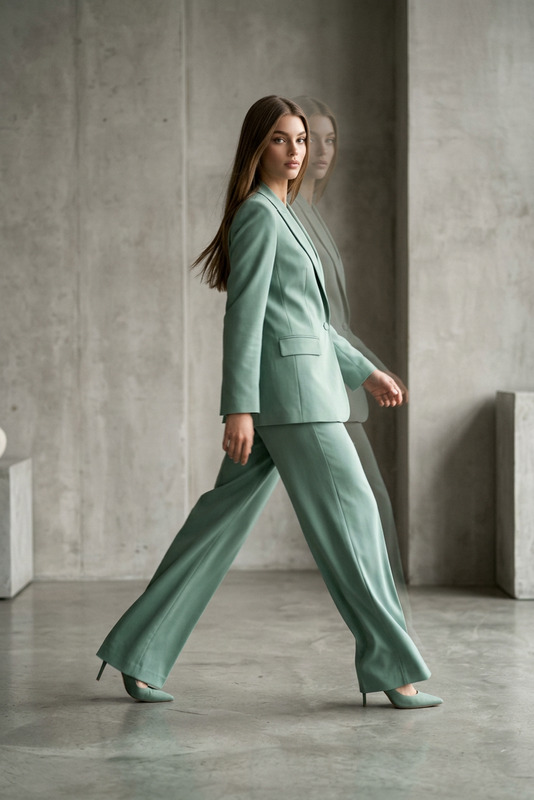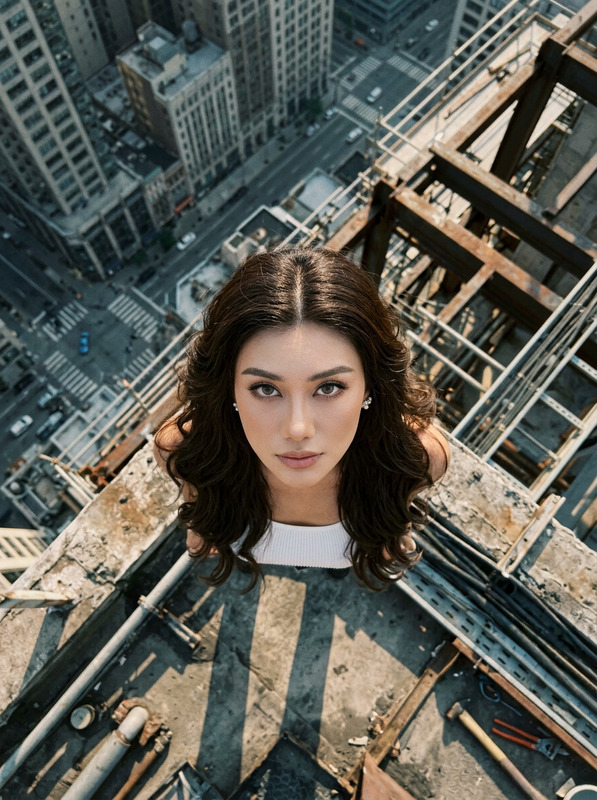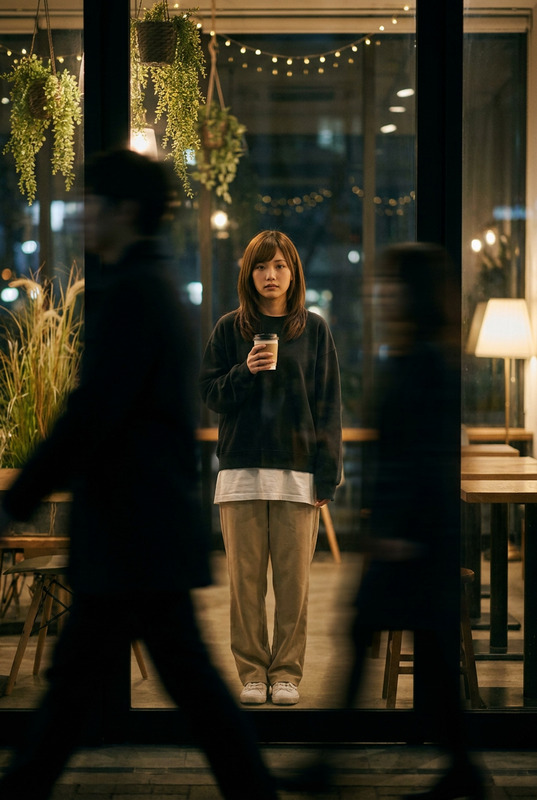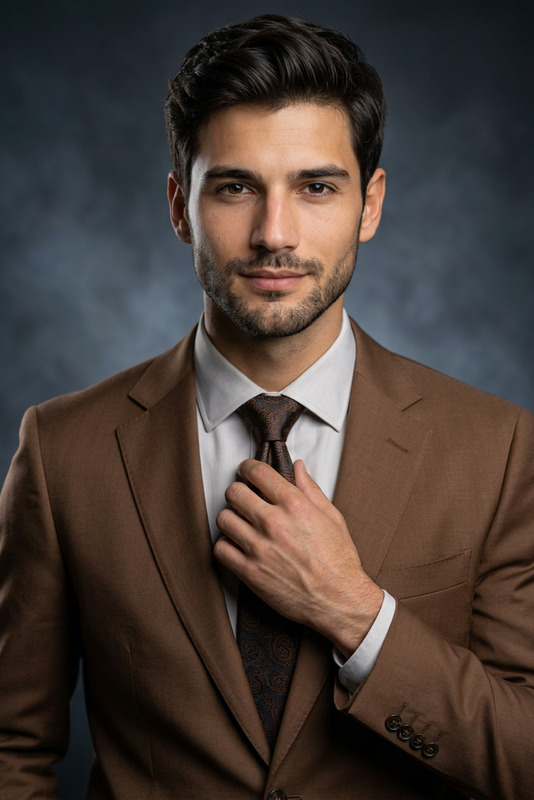
Executive Stillness
- Model
- Nano Banana 2
- Image
- 768 × 1365 px
Prompt
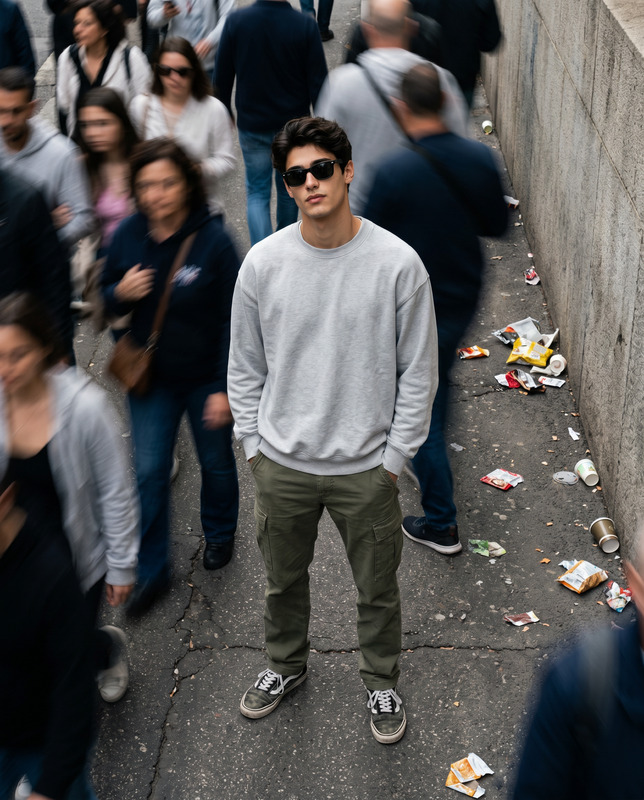
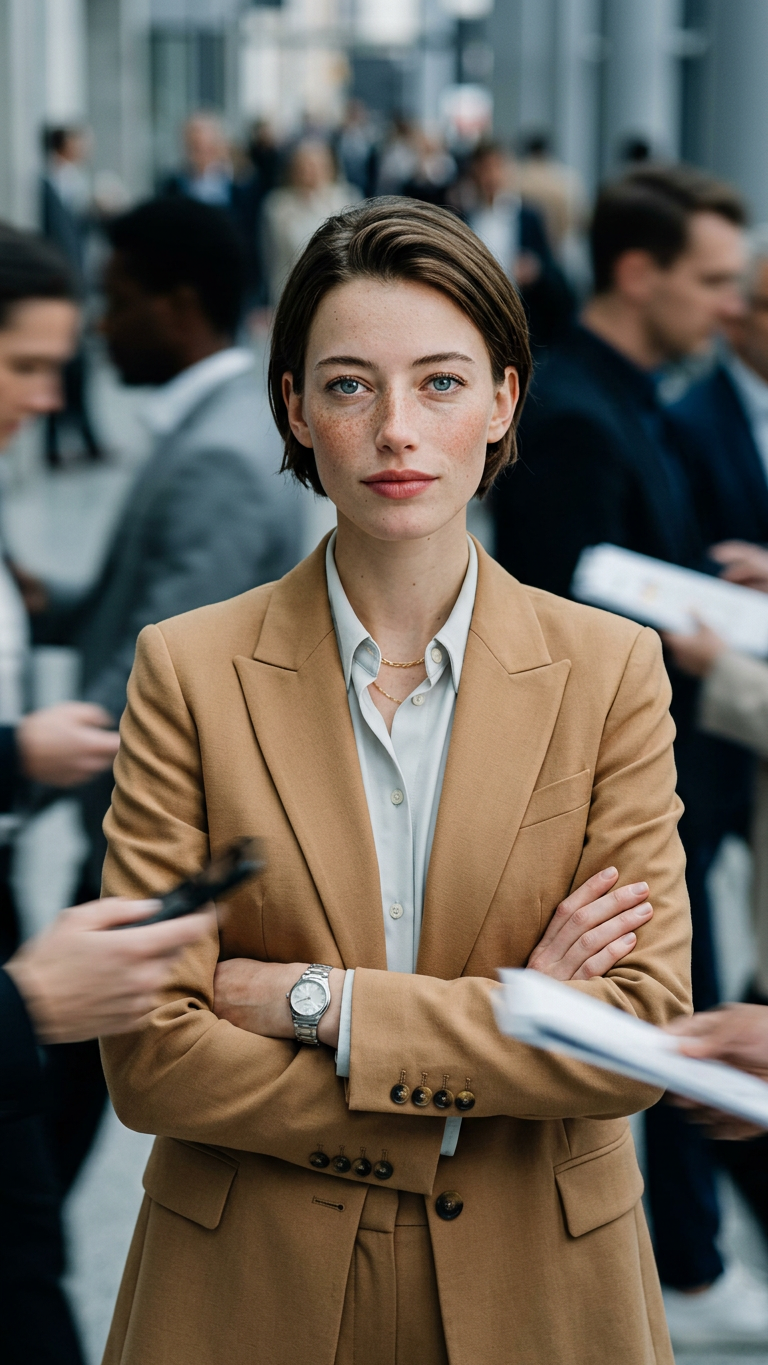
Recreate a new image based on the subject in the uploaded image. Create a cinematic, documentary-style business scene. The shooting distance is noticeably closer, using a bust-to-half-body close-up composition. The camera is positioned close to the subject, with the subject occupying the central area of the frame. The background space is compressed but still retains a sense of depth. The subject stands facing forward at the center of the frame, with both arms naturally crossed over the chest. The posture is firm and composed, with a calm and confident expression while looking directly at the camera. The hairstyle is clean, natural, and neatly styled, without wearing a headscarf. The outfit is a camel-colored suit set with sharp, tailored fitting, paired with a light-colored shirt underneath. The subject also wears a simple wristwatch and a delicate necklace, presenting a professional and authoritative business presence. On both sides and behind the subject, people continuously pass by. These figures are in fast walking motion, creating obvious horizontal motion blur effects. Their silhouettes are stretched into dynamic trails, and phones or documents in their hands form blurred motion streaks, conveying the sense of people “passing by” rather than surrounding or encircling the subject. The subject remains perfectly sharp and in focus, while the surrounding crowd is heavily motion-blurred, creating a visual contrast of “the subject standing still while the world moves.” The lens uses a wide-aperture shallow depth-of-field effect. The subject’s face and clothing details are extremely sharp and clear, while the background figures are significantly blurred. Lighting combines natural ambient light with soft fill light, creating even and dimensional facial illumination. The overall color tone leans cool, allowing the camel-colored suit to stand out as a strong visual focal point within the cool-toned environment. The overall style is cinematic realistic photography, high resolution, high dynamic range, with strong narrative tension and a modern urban atmosphere.
Any aspect ratio
Overview
The Executive Stillness template leverages the capabilities of the AI Image Editor to generate a compelling business scene with emotional depth and visual storytelling. By using advanced AI models, such as nano-banana-2, this template creates a sharp, high-resolution image where the protagonist commands presence amid a bustling, blurred backdrop.
What It Does
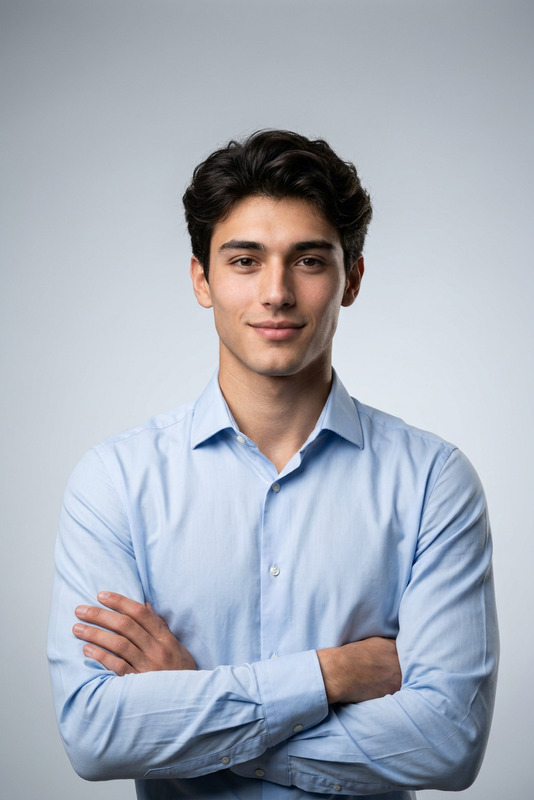
This template allows for transforming any uploaded image of a person into a sophisticated business portrait. The primary focus remains sharply defined while ambient activity creates a blurred context, giving the impression of time passing swiftly around a stationary executive figure. The scene is composed to highlight the subject's professional poise and authority through thoughtfully styled garments and accessories.
Who It's For
Designed for business professionals, corporate creatives, and digital marketers, this template helps create striking profile images or corporate branding visuals. It's also ideal for entrepreneurs looking to craft impactful presentations or for media professionals working on documentary-style projects.
Summary
The Executive Stillness template provides a powerful tool for elevating personal or professional imagery by combining a cinematic documentary style with modern artistic elements. The AI Video Generator and AI Profile Picture Generator offer complementary utilities for those aiming to develop dynamic digital content further.
How to Use
Choose Your Image

Customize the Scene

Generate & Download

Use Cases
Professional Profile Enhancements
- Create memorable profile photos with a cinematic touch.
- Enhance brand personal professionalism with dynamic imagery.
Corporate Branding
- Develop visuals for corporate presentations and reports.
- Craft marketing materials with sophisticated, high-impact images.
Media & Promotions
- Build engaging thumbnails for corporate webinars and podcasts.
- Develop promotional images for business events.
Best Practices
Select a Suitable Image
Choose images with good lighting and where the subject is clearly visible. This enhances the output quality, ensuring the subject stands out effectively against the blurred background.Focus on Attire and Accessories
The attire and accessories play a key role in conveying authority. Ensure the subject's clothing fits well and choose accessories that complement the professional theme.Optimize Lighting
Utilize the template's lighting features to maintain a natural look. Aim for a balanced combination of ambient and soft fill light to bring out facial expressions and clothing details.