Rain Revolver Shot
ai-image-editor
Any aspect ratio
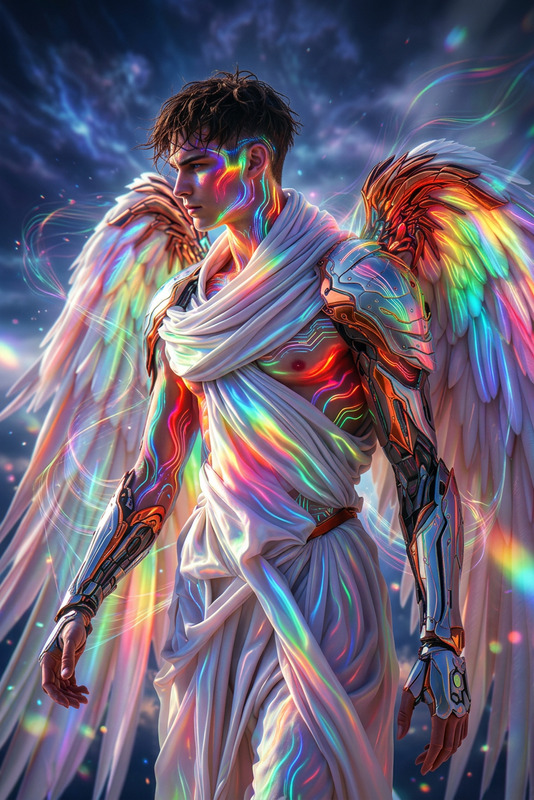
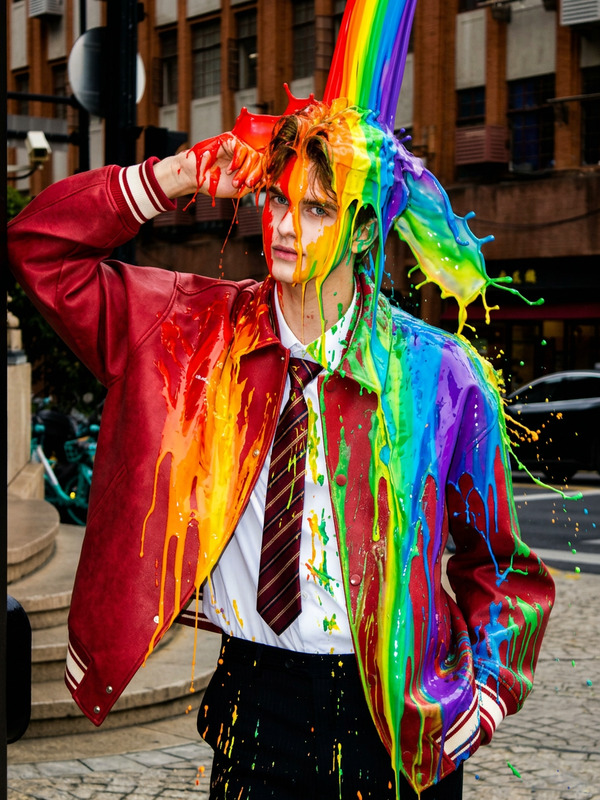
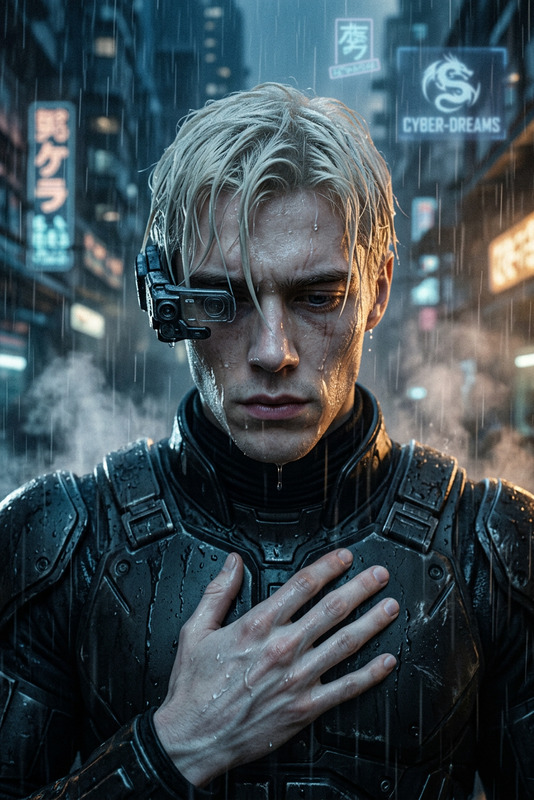
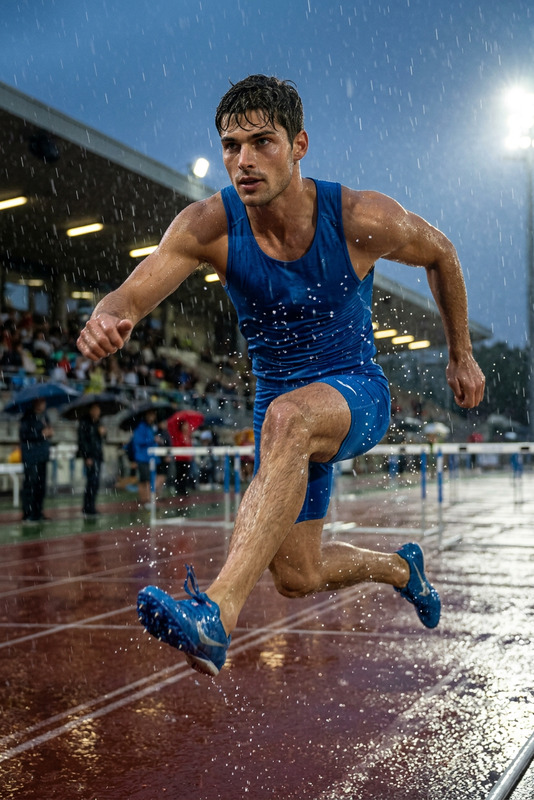
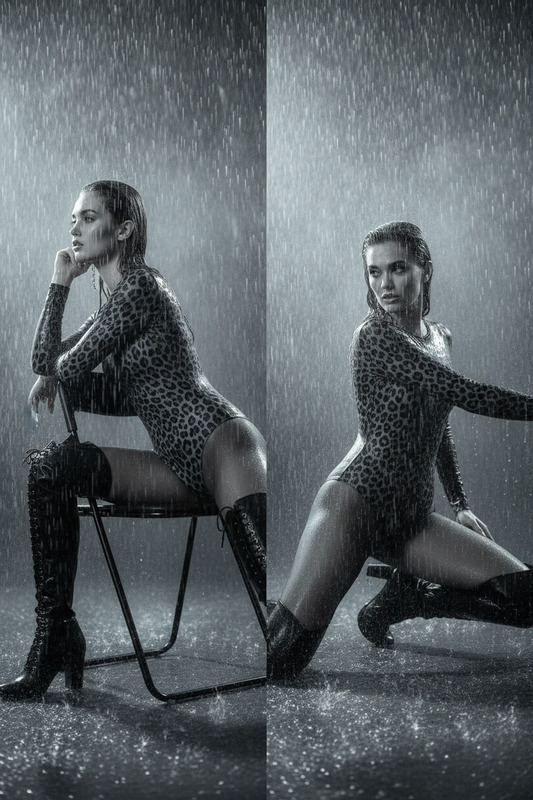
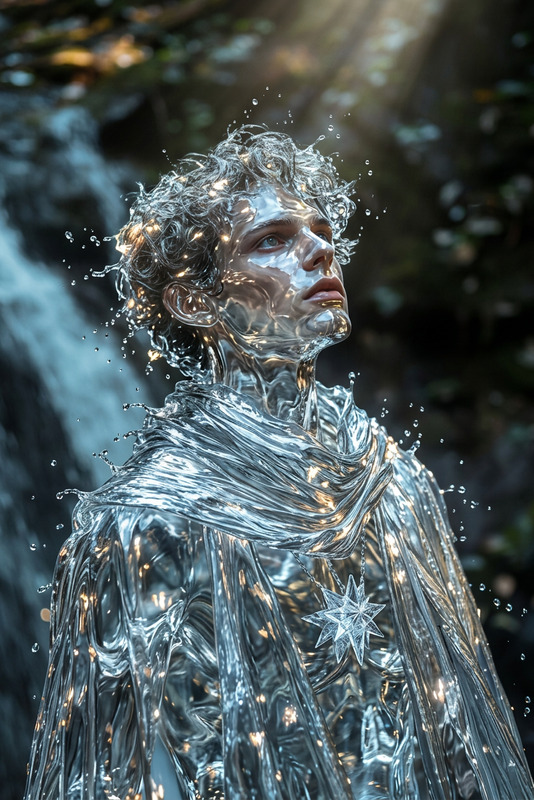
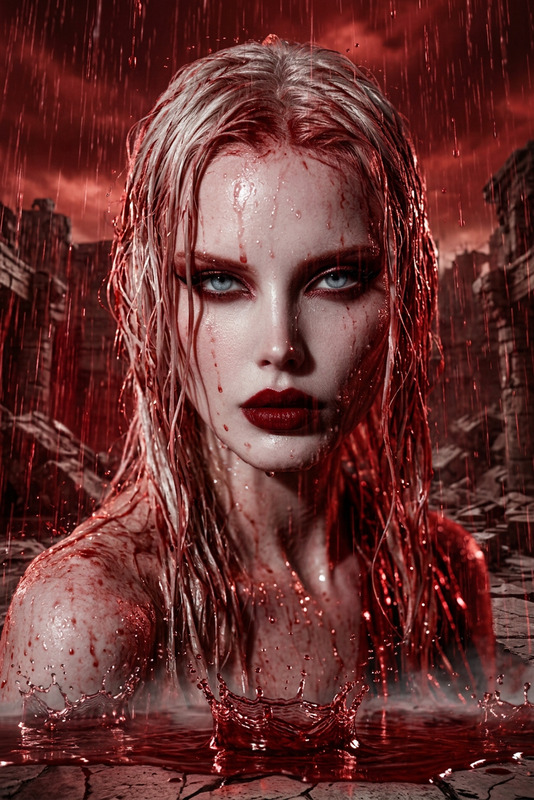
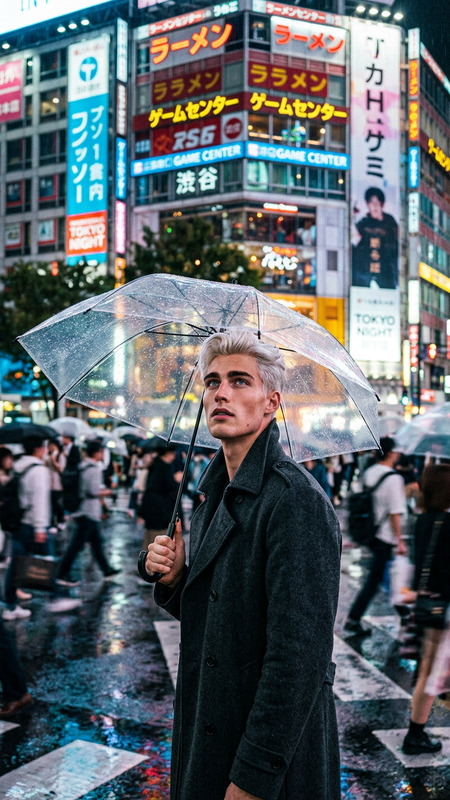
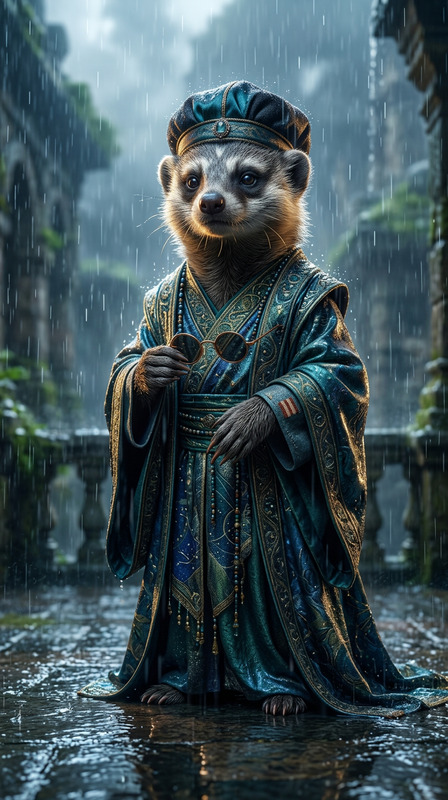
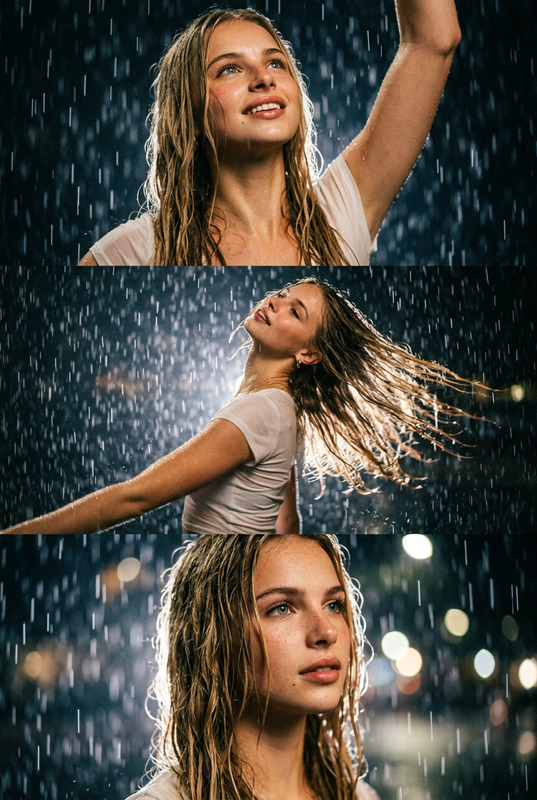
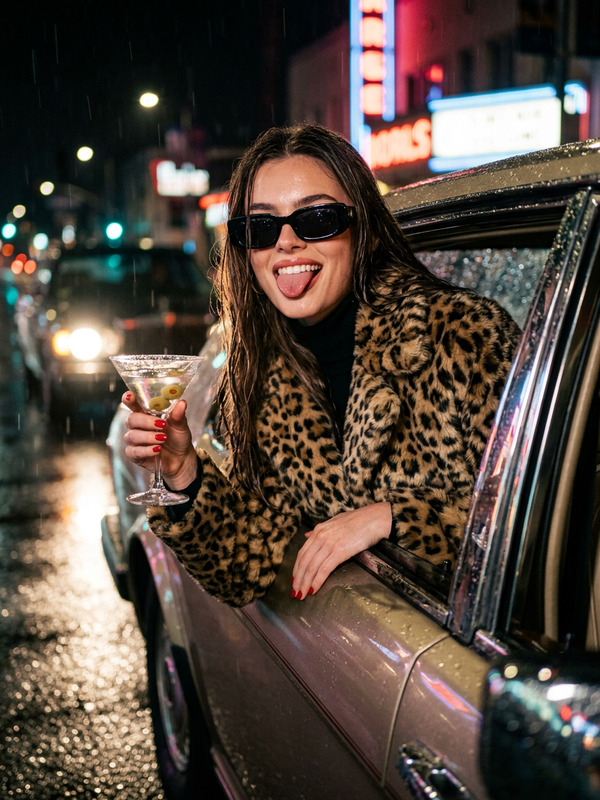
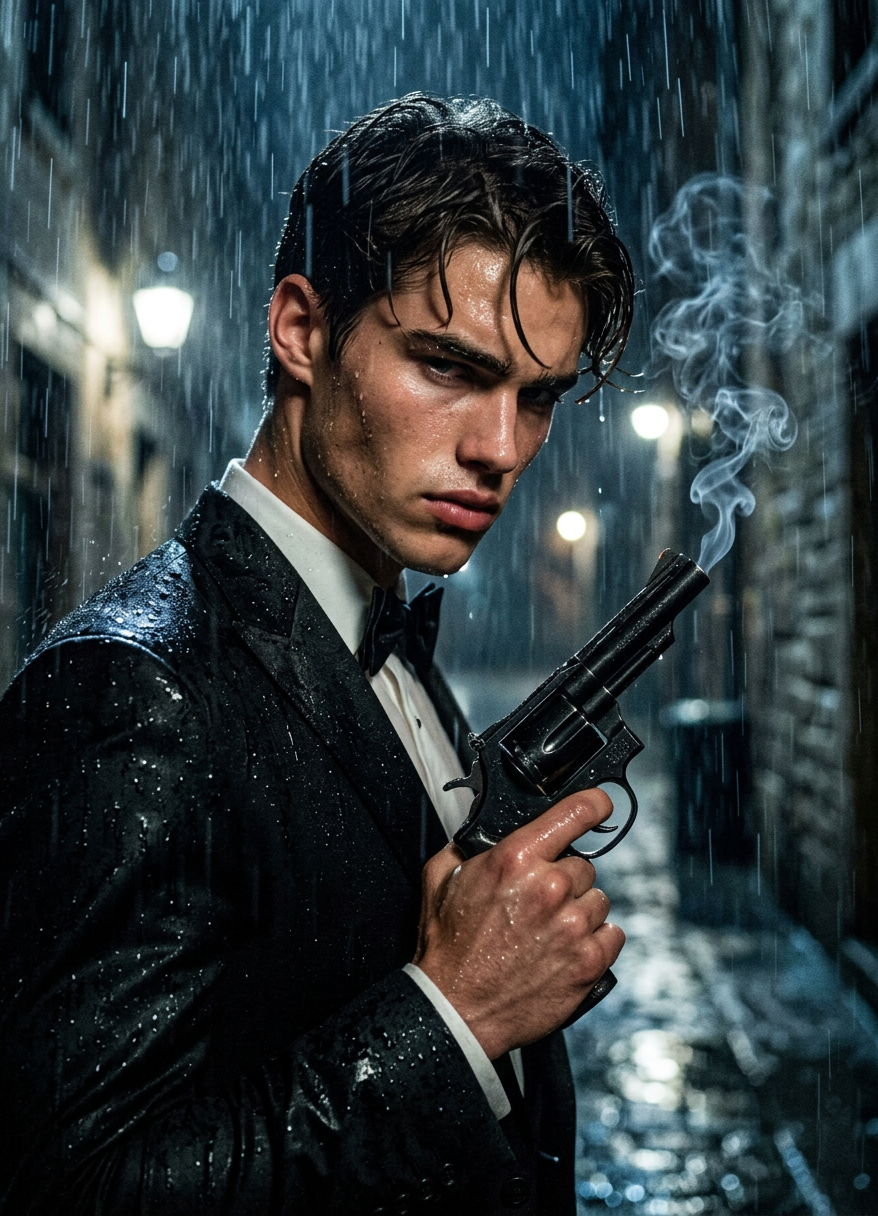
Low-angle cinematic shot of a subject holding a smoking revolver in heavy rain, intense expression. Water droplets on skin and clothing, rain streaks visible in air. Dark moody environment with street or night setting, strong contrast lighting, reflections on wet surfaces, cinematic shadows, photorealistic, film grain, sharp focus.
AI Image Editor Template: Turn Any Photo Into a Polished, On‑Brand Visual in Minutes
Use this template to transform existing images into high-quality, on-brand assets using Magic Hour’s AI Image Editor. Whether you’re cleaning up product shots, removing distractions, changing backgrounds, or creating multiple variations for campaigns, this template gives you a repeatable workflow you can remix for your own brand or project.
What You Can Do With This Template
This template is built around the AI Image Editor and is ideal for:
Product & ecommerce photos
- Remove cluttered backgrounds and replace them with clean, branded scenes
- Fix lighting, composition, or blemishes without reshooting
- Generate multiple style variations from one original photo
Marketing & social creative
- Adapt a single key visual into multiple formats (social posts, ads, blog headers, thumbnails)
- Swap backgrounds to fit different campaigns or seasons
- Add or remove objects to match your message
Branding & content design
- Standardize look-and-feel across assets using consistent styles
- Turn rough photos into polished hero images for landing pages, decks, and case studies
- Quickly test visual directions before committing to a full design pass
Creator & personal use
- Upgrade portraits using AI Face Editor or AI Headshot Generator
- Clean up backgrounds with the Image Background Remover
- Remove unwanted objects using the AI Remover or Remove Object From Photo
Because the workflow is fully editable, you can remix this template to fit almost any visual workflow inside Magic Hour.
How This Template Works (Core Workflow)
This template uses the AI Image Editor as the main tool. The typical flow looks like this:
Start from your base image
- Upload a product photo, portrait, illustration, or any image you want to improve or change.
- For best results, start with a reasonably clear, well-lit image; you can always enhance it later with the AI Image Upscaler or Unblur Image.
Edit with AI Image Editor
- Use natural language instructions to describe what you want (e.g., “clean white background,” “studio lighting,” “remove the person in the background,” “turn this into a flat illustration”).
- Combine multiple instructions in sequence to refine composition, style, and details.
Optionally layer in other Magic Hour tools
- For portraits and people:
- Refine faces with AI Face Editor
- Generate professional variations with AI Headshot Generator
- For backgrounds and environments:
- Create new scenes with the AI Background Generator
- Try stylized looks via AI Art Generator, AI Illustration Generator, or AI Manga Generator
- For conversion-focused assets:
- Design covers and thumbnails with the Book Cover Generator or Thumbnail Maker
- Create consistent avatars with the Avatar Generator
- For portraits and people:
Export and reuse
- Download the edited image for your site, ads, decks, or social content.
- Save this template inside Magic Hour and remix it as a reusable workflow for new images.
How to Remix This Template in Magic Hour
You can duplicate this template and adapt it to your own use cases. A few practical remix ideas:
Product photo system for ecommerce
- Start with this template →
- Add steps using the AI Background Generator to create branded environments (studio, lifestyle, seasonal)
- Finish with AI Image Upscaler for marketplace-ready resolution
Consistent founder / team portraits for startups
- Use this template →
- Apply AI Headshot Generator for uniform lighting and backgrounds
- Make social and press kit variants with AI Photo Generator
Content marketing visuals at scale
- Start with stock or basic images →
- Stylize them via AI Art Generator, Comic Book Generator, or Dark Fantasy AI
- Use this AI Image Editor template to refine composition, remove noise, and align to your brand
Creator and influencer packs
- Batch-edit shoots: remove distractions, unify tone, and create alt versions for different platforms
- Spin off memes using the AI Meme Generator while keeping the core visual consistent with this template
Remixing strategy: treat this template as a “base layer” for structural, quality, and cleanup edits. Then chain on other Magic Hour tools for style, format, or channel-specific needs.
Combine Image Editing With Other Magic Hour Products
If you’re building richer experiences or more advanced workflows, you can extend this template with:
Image → Video pipelines
- Turn your edited image into short clips using Image to Video or Text to Video.
- Add motion overlays, camera moves, or animated scenes starting from the same visual you refined here.
Talking or animated characters
- Convert your edited portrait into a speaking asset with AI Talking Photo.
- Generate character variations with the AI Character Generator or Animated Characters Generator.
Face-centric workflows
- Swap faces across images and GIFs with Face Swap and Face Swap GIF.
- Create stylized selfies via the AI Selfie Generator and refine them in this template.
Creative and niche generators
- Use this template to polish outputs from tools like:
- Clean lines, adjust colors, or remove artifacts with the AI Image Editor.
Example Use Cases for Teams and Builders
This template is especially useful if you’re:
A startup or SaaS team
- Rapidly produce consistent product screenshots, hero images, and founder photos.
- Iterate on visual experiments without depending on a full design cycle.
A performance marketer
- A/B test ad creatives by quickly producing multiple versions of the same base image (different backgrounds, props, styles).
- Pair edited images with auto-captioned video variants using the Auto Subtitle Generator.
A content or brand studio
- Set up reusable editing pipelines per client.
- Standardize before/after workflows (e.g., for real estate, fashion, restoration, or beauty).
A technical or product builder
- Use this template as a prototyping tool to explore visual directions for product UI, landing pages, or in‑product visuals.
- Combine with AI QR Code Generator or AI Icon Generator for product surfaces.
Related Magic Hour Templates You Can Explore
If you like this template and want to go further into video or animation, you can also explore and remix:
- Face Swap Video – swap faces directly in video content
- Lip Sync – sync any face with custom audio
- Video to Video – restyle existing footage while preserving motion
- Animation – turn stills or concepts into animated clips
All of these can be combined with images you refine using this AI Image Editor template.
Best Practices for High-Quality Results
Start with the best source you have
- Higher resolution and cleaner inputs reduce artifacts and make edits more accurate. When needed, pre-process with Unblur Image or Old Photo Restoration.
Be specific in your instructions
- Describe subject, style, and context: e.g., “minimalist studio shot, soft shadows, neutral background” instead of “make it nicer.”
Iterate in small steps
- Chain several focused edits rather than one huge change. This makes the workflow more predictable and easier to reuse as a template.
Standardize by project or brand
- Once you like the outcome, save and reuse this template as a repeatable editing system—so every new product, portrait, or asset follows the same process.
Use this AI Image Editor template as your foundation for clean, consistent, and on-brand visuals. Remix it, connect it with other Magic Hour tools, and turn one strong workflow into a scalable visual system for your product, brand, or clients.