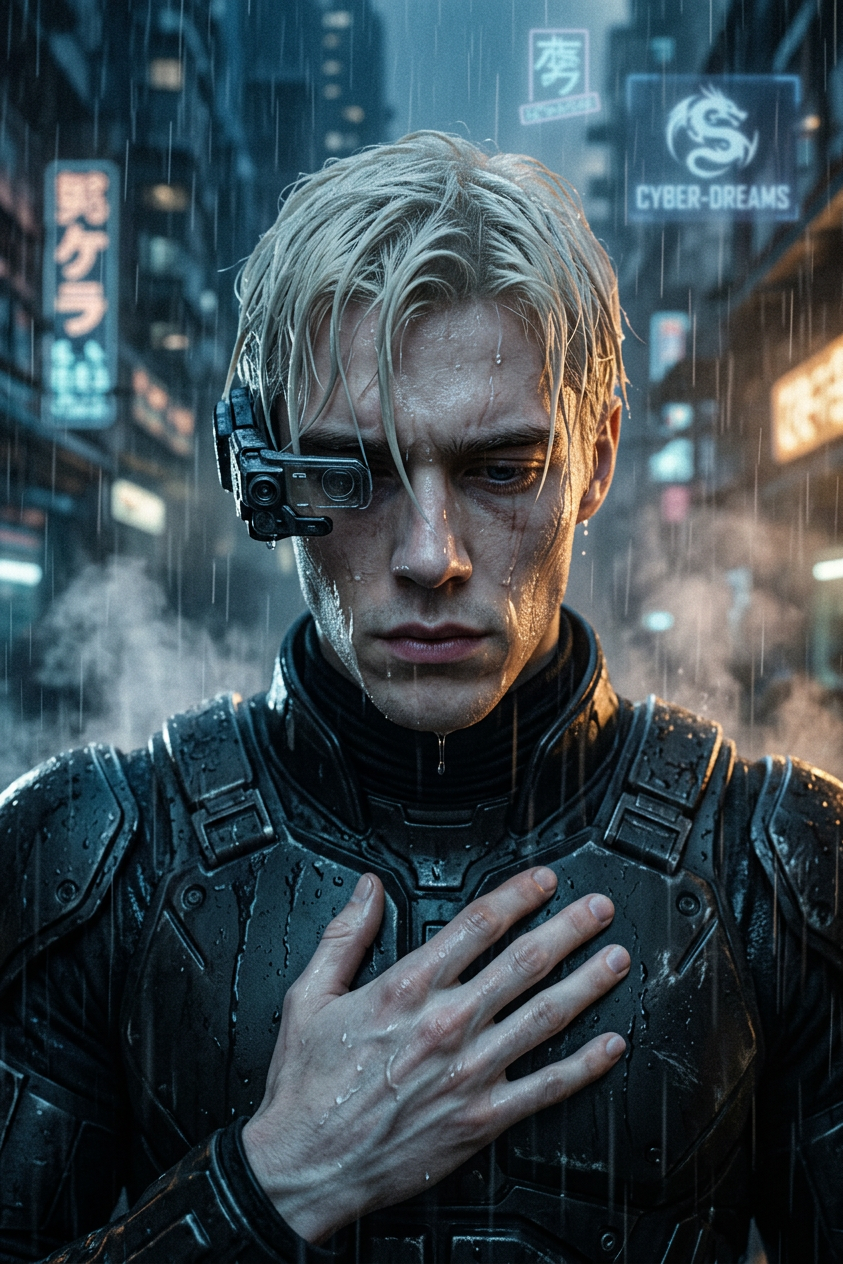
Neon Rain Monologue
- Model
- Nano Banana 2
- Image
- 843 × 1264 px
Prompt
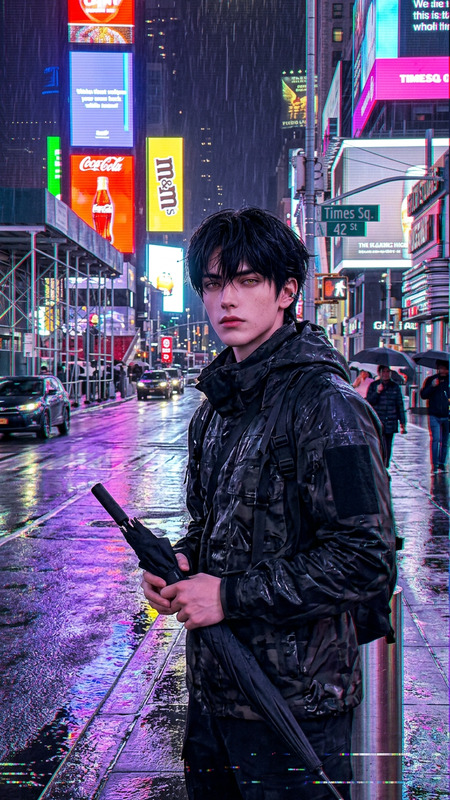
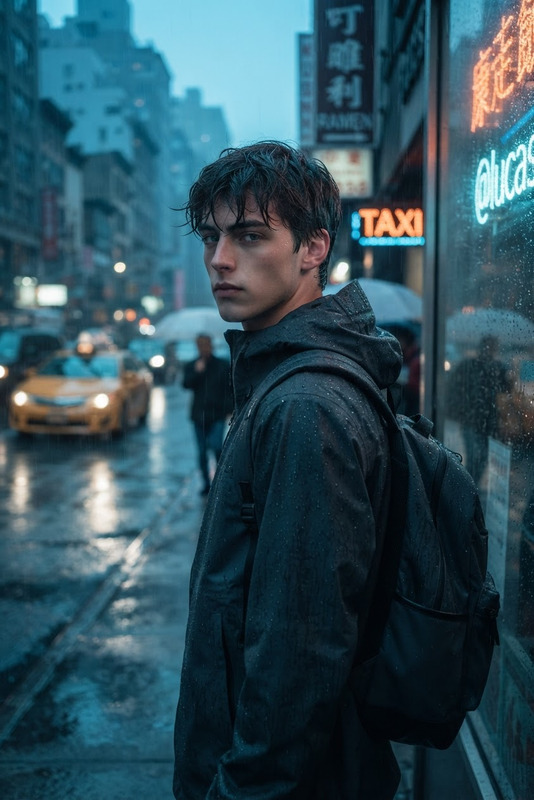
Subject depicts cinematic sci-fi close-up of a weary armored figure under heavy rain, centered in frame with a reflective downward gaze and rigid yet calm posture. Design includes a single-eye visor device and wet textured hair, with rain cascading across the face and shoulders. Midground filled with dense rainfall, steam rising from pavement, and faint holographic signage in mist. Background shows a dystopian megacity at night with neon lights, glowing billboards, and flying traffic blurred into bokeh. Lighting uses high-contrast neo-noir style with cold blue shadows, warm amber highlights, and strong rim light outlining the silhouette. Style evokes early 1980s sci-fi cinematography with film grain and analog texture. Tone is melancholic, operatic, and philosophical with subtle surreal undertone.
Any aspect ratio
Overview
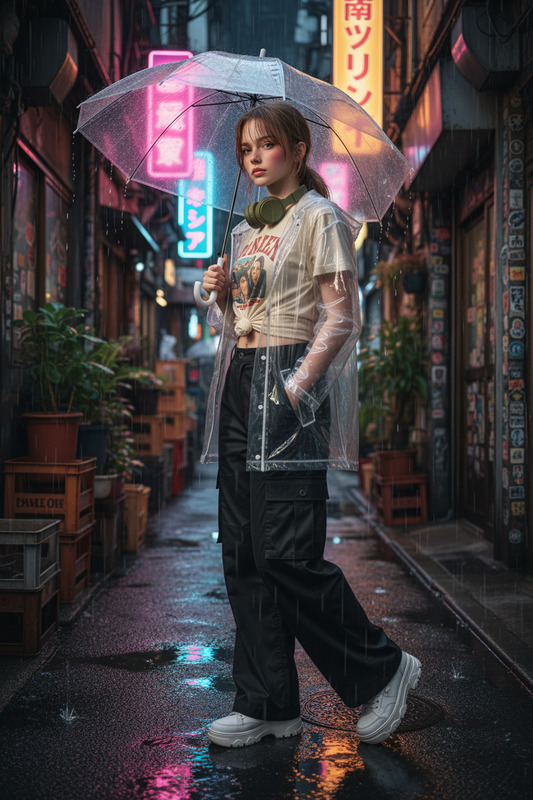
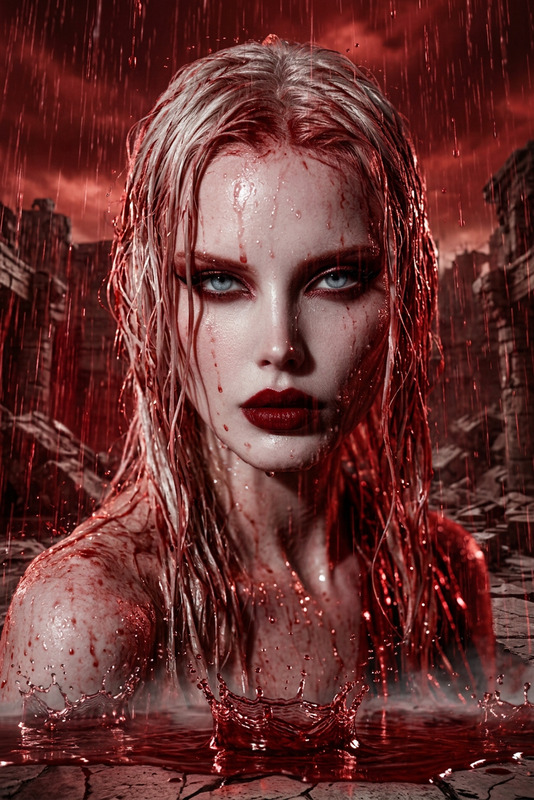
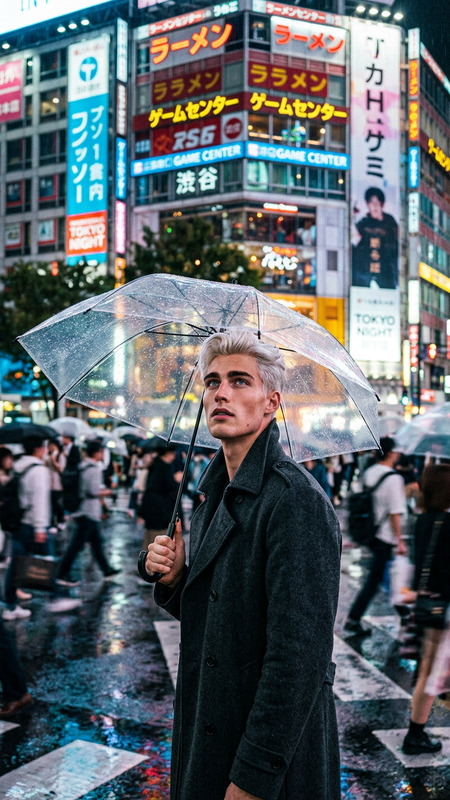
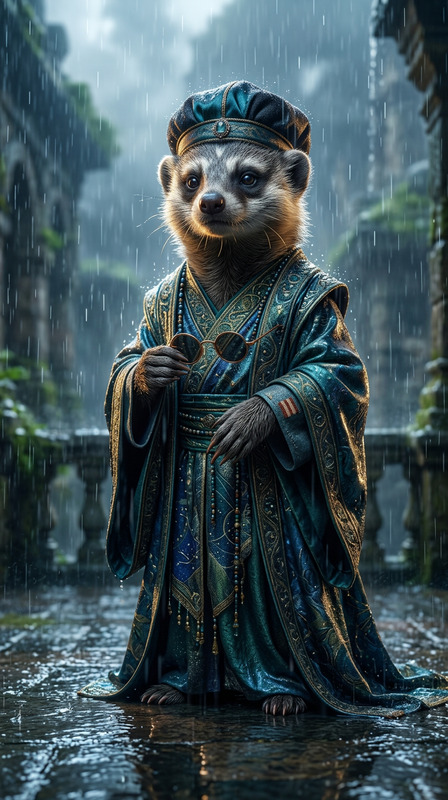
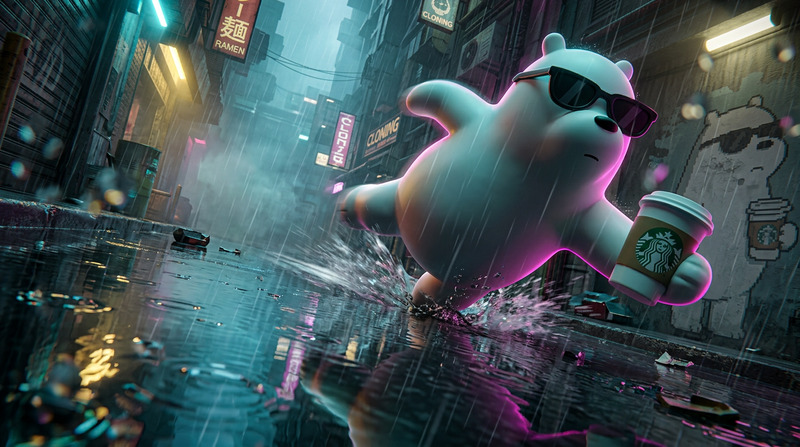
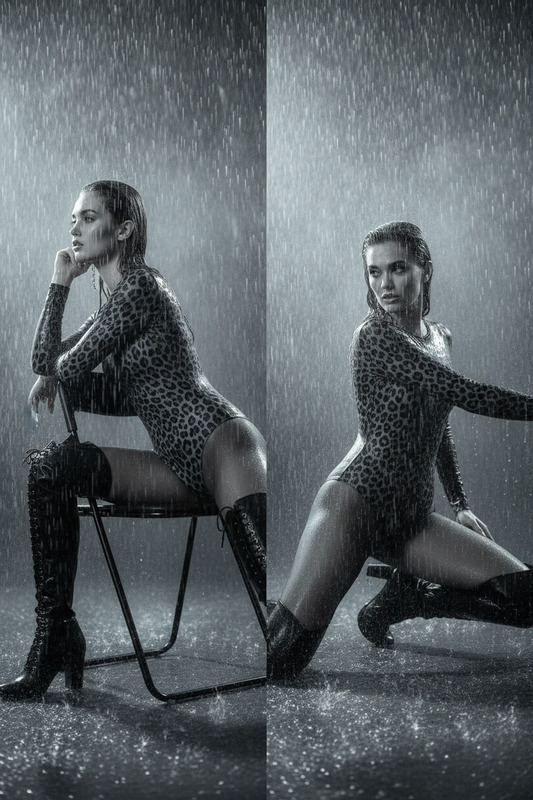
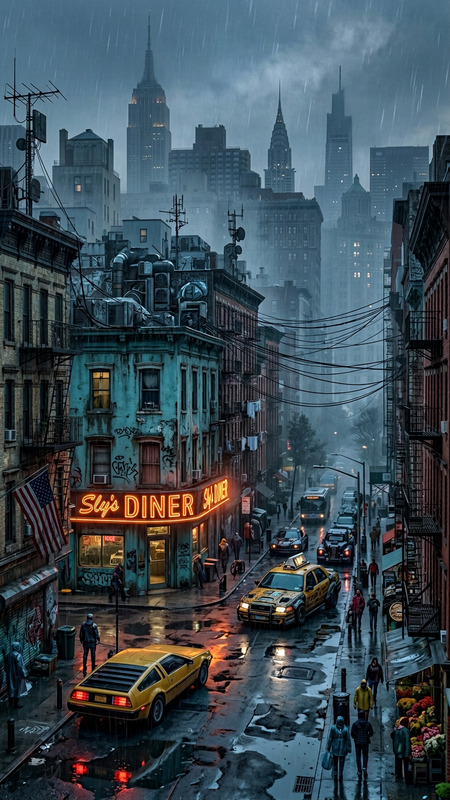
The "Neon Rain Monologue" template on Magic Hour offers a unique, cinematic style perfect for creating atmospheric scenes. This AI Image Editor template is designed to transform your images into scenes reminiscent of classic 1980s sci-fi films, complete with neon rain and a dystopian cityscape setting.
What It Does
This template enhances your images with a high-contrast neo-noir style. By applying detailed textures, rain effects, and sophisticated lighting, it creates an operatic and melancholic tone that aligns with early sci-fi cinematography. The blend of cold blue shadows and warm amber highlights adds depth, while bokeh and film grain infuse authenticity.
Who It's For
Ideal for filmmakers, digital artists, and content creators who want to evoke a nostalgic sci-fi ambiance in their work. Whether producing content for a new movie trailer or looking to create a visual piece with emotional depth, this nano-banana-2 model offers extensive possibilities.
Summary
The "Neon Rain Monologue" template is a versatile tool for anyone aiming to craft flavorful sci-fi imagery. Dive into a world where cyberpunk aesthetics meet philosophical undertones through the expertly crafted imagery of this AI model. Perfect for storytellers looking to add nuanced visual layers to their work.
How to Use
Choose the Template

Customize Your Image

Generate and Download

Use Cases
Science Fiction Films
- Visual effects for dystopian narratives
- Mood setting for character development
Digital Art Projects
- Illustrate conceptual art
- Enhance portfolio presentations
Social Media Content
- Sci-fi themed posts
- Creative content for engagement
Best Practices
Optimize Image Quality
Start with high-resolution images to maintain clarity and detail after applying effects.Experiment With Lighting
Adjust shadow and highlight levels to emphasize the rainy, noir atmosphere.Consider Composition
Ensure the subject's position and surrounding elements complement the melancholic tone intended.