Rainroom
- Model
- Nano Banana 2
- Image
- 880 × 1204 px
Prompt
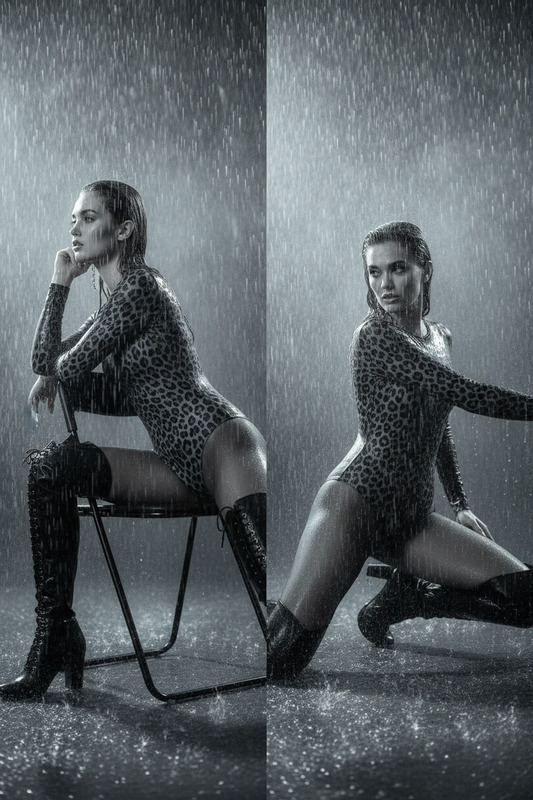
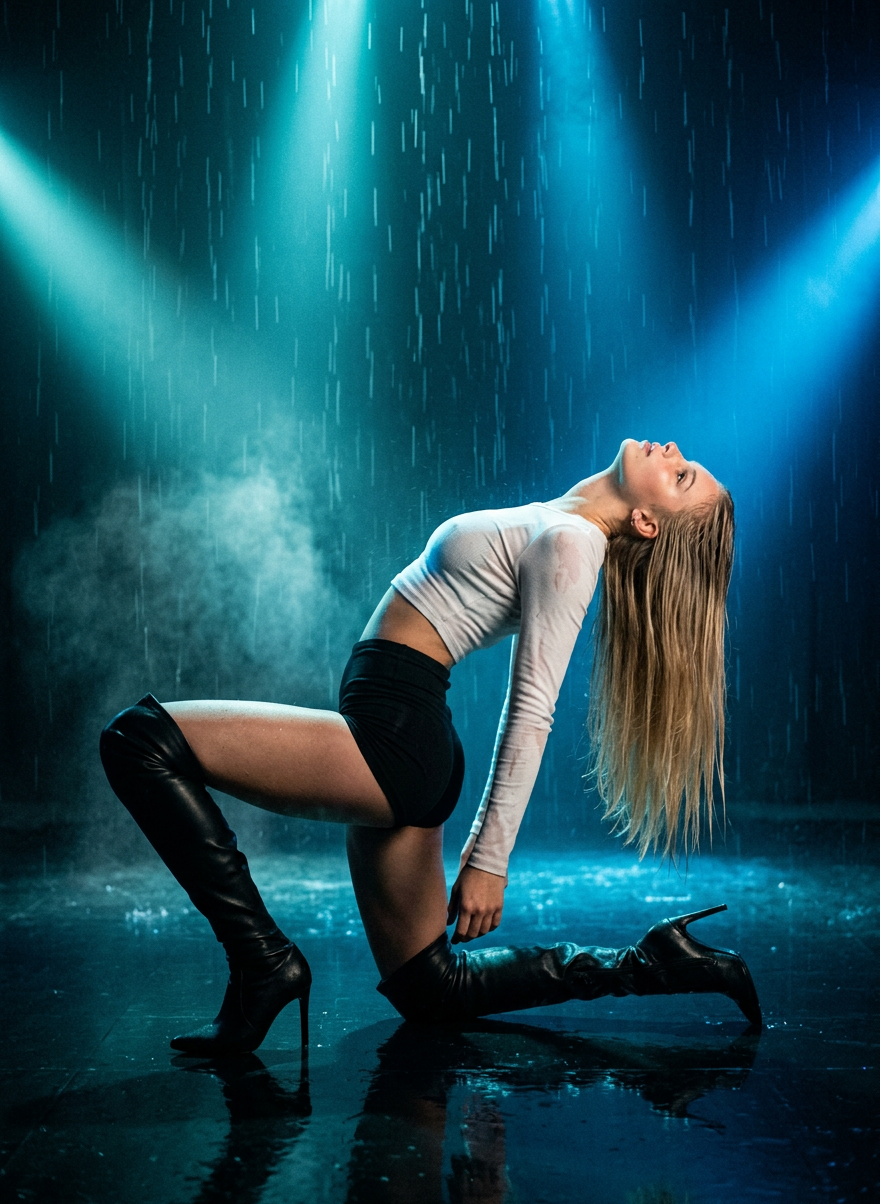
Preserve the character’s identity with absolute accuracy exactly as in the uploaded photos, with no interpretation: body proportions, face, facial expression, face shape and angle, eyes, skin tone, hairstyle, hair texture, and any personal features must remain unchanged. High-end cinematic photography, a dramatic full-body shot on an Arri Alexa LF with a 35mm lens, perfectly centered, showing the character performing a striking athletic backbend while crouching with one knee and one stiletto heel on a slightly reflective mirror-like dark floor, leaning back in a sweeping arc with the head thrown back and long hair hanging straight down. The character wears a fitted white long-sleeved crop top, black tight high-waisted short shorts, and black leather over-the-knee boots, all fully wet, with bold red lipstick, inside a vast dark room filled with heavy vertical rain and swirling dust mists. Use a sophisticated three-point lighting setup in deep cyan and saturated electric blue, with dramatic Rembrandt key light, strong blue and teal backlights outlining the silhouette and illuminating rain and hair, sharp focus on the eyes, shallow depth of field, realistic wet skin and fabric textures, subtle motion blur in rain and mist, controlled blacks, glowing highlights, film grain, and a high-fashion music video aesthetic in the style of Christopher Nolan.
Any aspect ratio
Overview
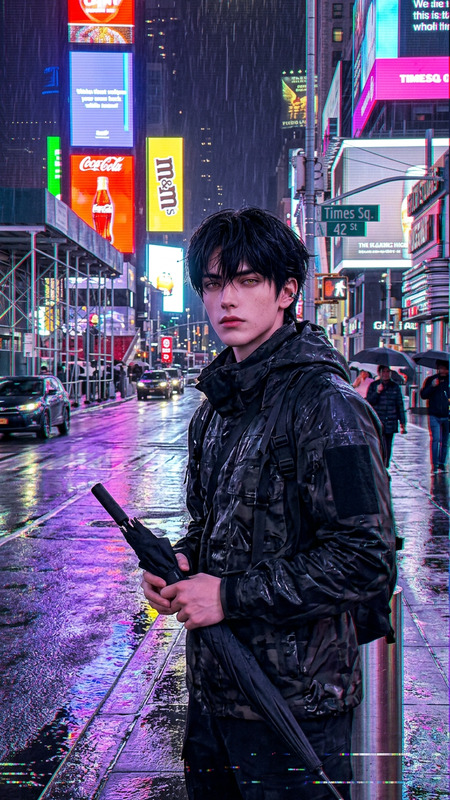
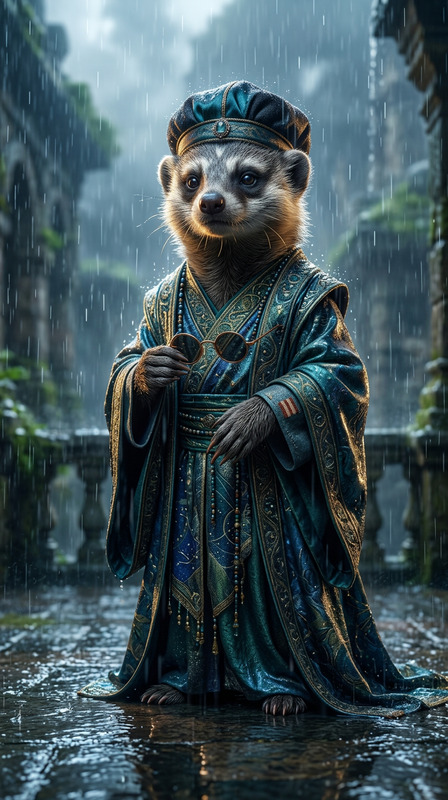
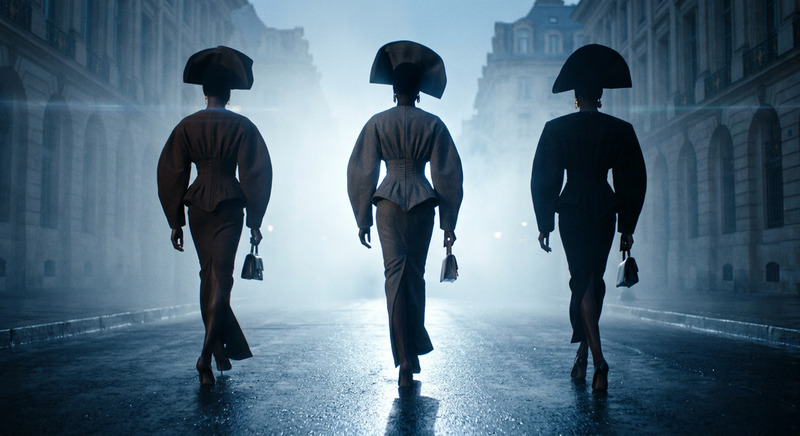
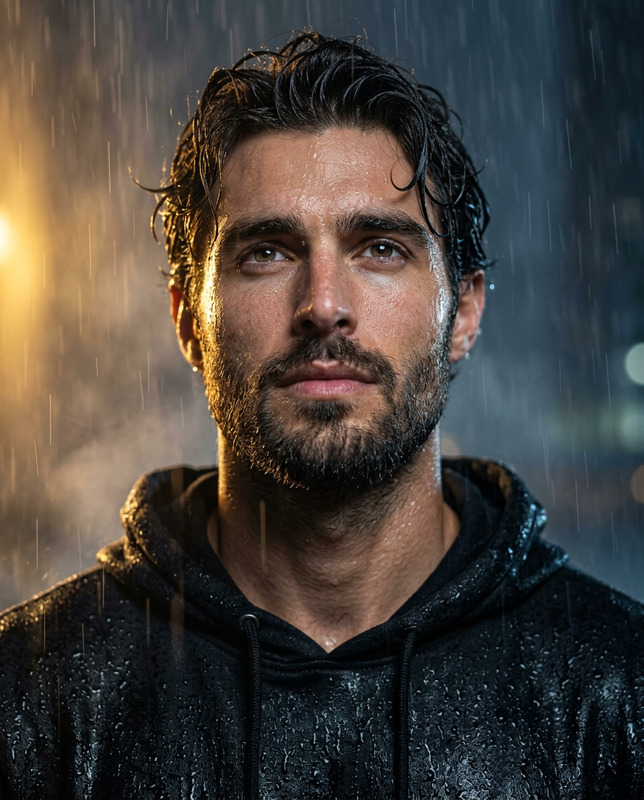
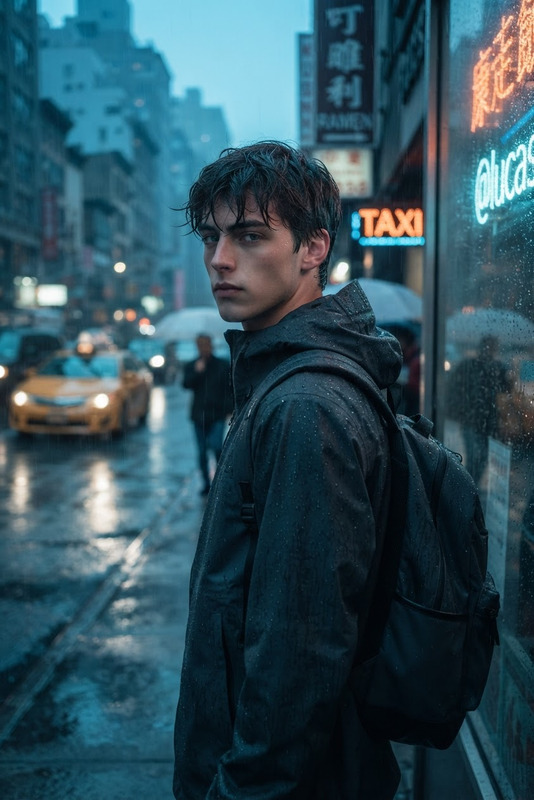
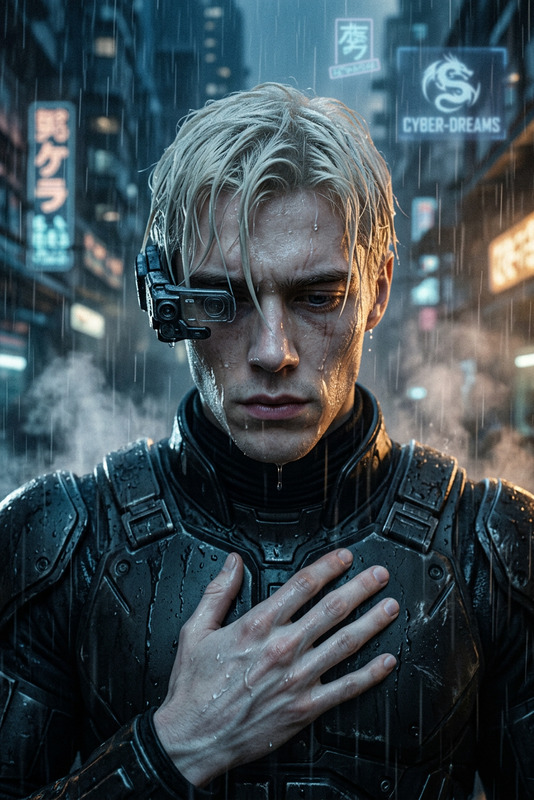
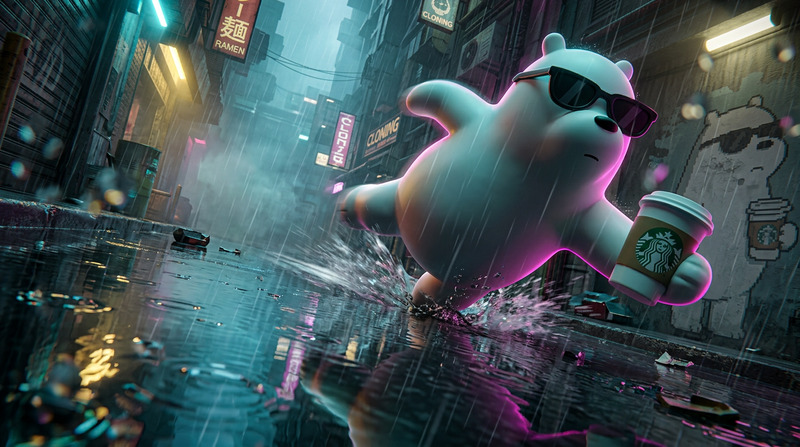
Dive into a world of high-fashion film aesthetics with the "Rainroom" template. Designed using the Nano-Banana-2 model, this AI Image Editor allows creators to craft stunning cinematic images with precise character details. Bring your vision to life with a dramatic setup featuring striking poses, a moody environment, and sophisticated lighting.
What It Does
The "Rainroom" template delivers a high-end visual experience by preserving every nuanced character detail from facial expression to body proportions. Utilizing advanced AI driven by the Nano-Banana-2 model, it maintains identity accuracy while embedding characters in cinematic scenarios with dynamic elements such as rain, mist, and bold lighting.
Who It's For
This template is perfect for photographers, filmmakers, and content creators aiming to produce vibrant, cinematic images. It's tailored for professionals in the fashion and music video industries, as well as those producing unique social media content. Pair it with the AI Talking Photo or Image to Video for even more creativity.
Summary
Leverage the power of the AI Image Editor to construct iconic visuals effortlessly. The "Rainroom" template fuses artistic photography techniques with AI precision, ensuring every detail meets your creative expectations.
How to Use
Choose Your Template

Customize Your Image

Generate the Image

Use Cases
Fashion Photography
- Realistic wet fabric textures
- Sophisticated lighting setups
Music Video Production
- High-fashion music video aesthetic
- Christopher Nolan-inspired visuals
Social Media Content
- Cinematic storytelling
- Engaging visual effects
Best Practices
Maintain Character Accuracy
Ensure that the uploaded photos are high quality to preserve all character details accurately.Experiment with Lighting
Use the template's lighting settings to create depth and ambiance in your scenes.Use Complementary Tools
Combine with AI Video Generator for dynamic storytelling and broader content creation.