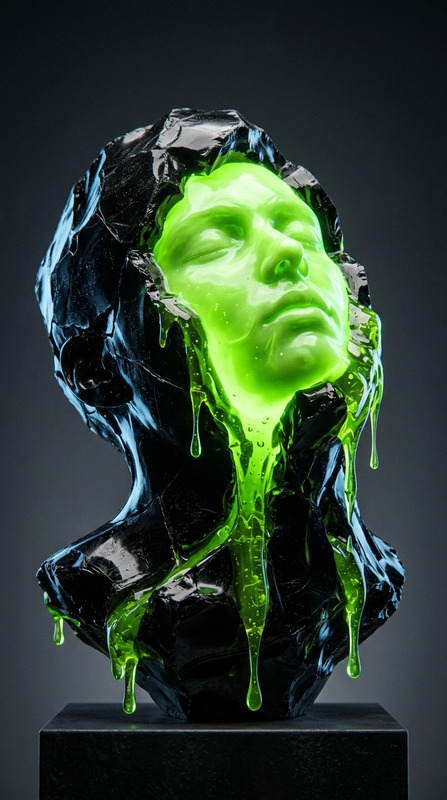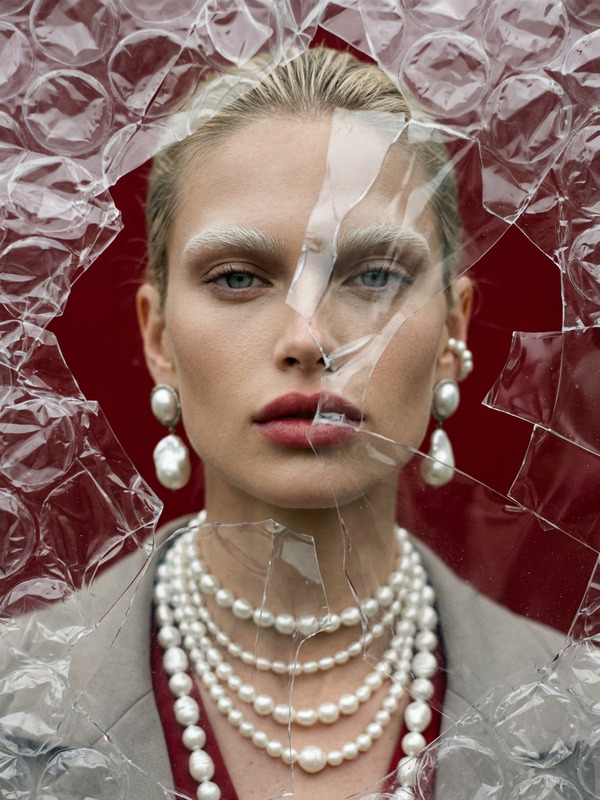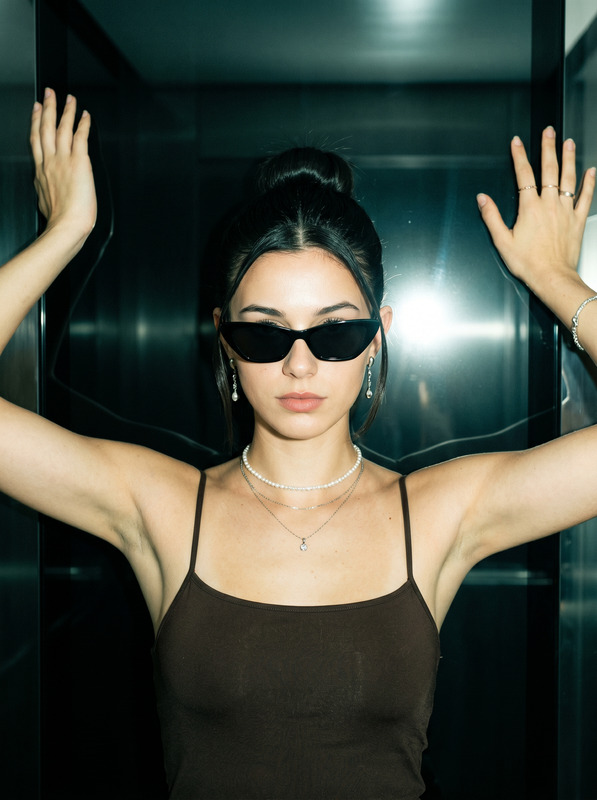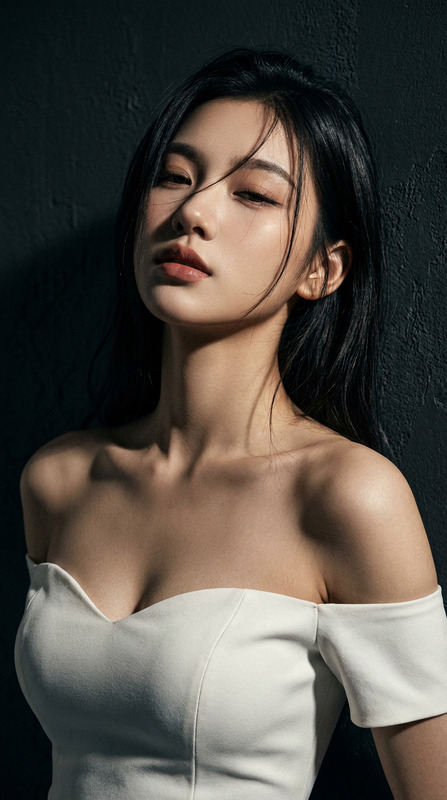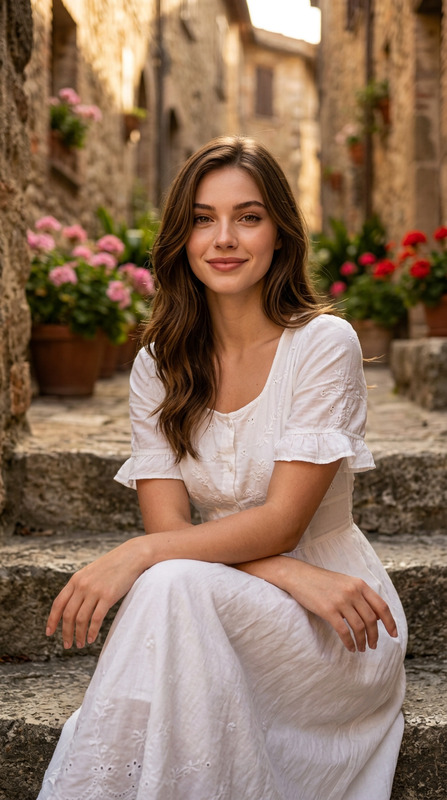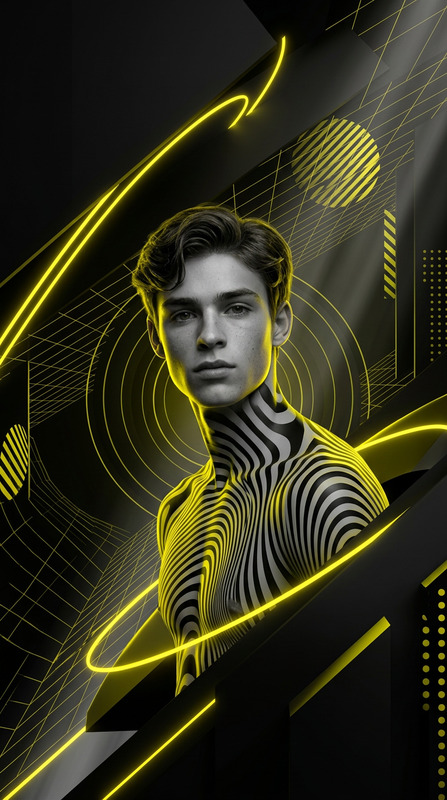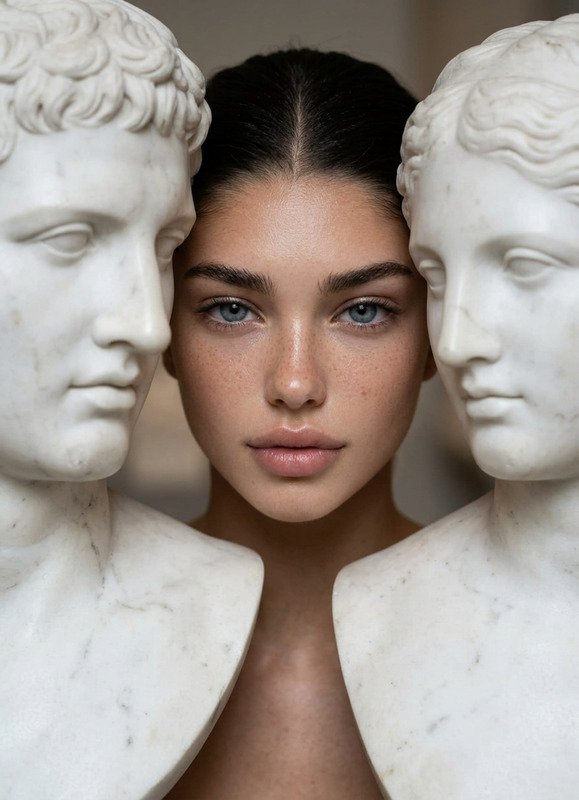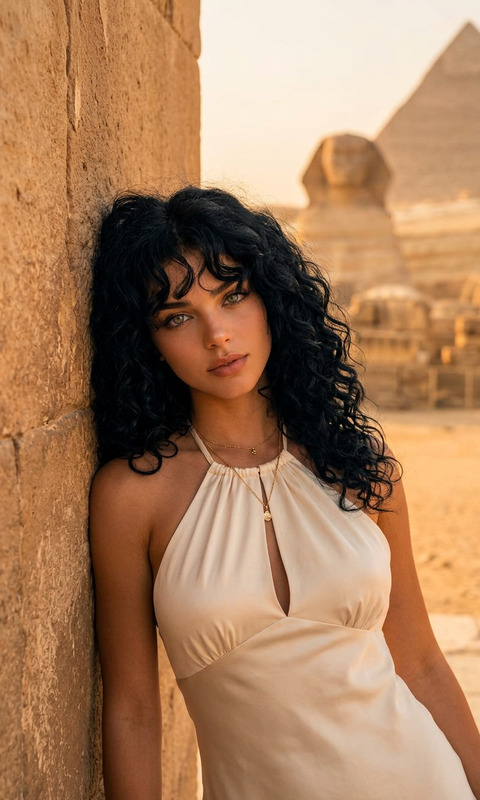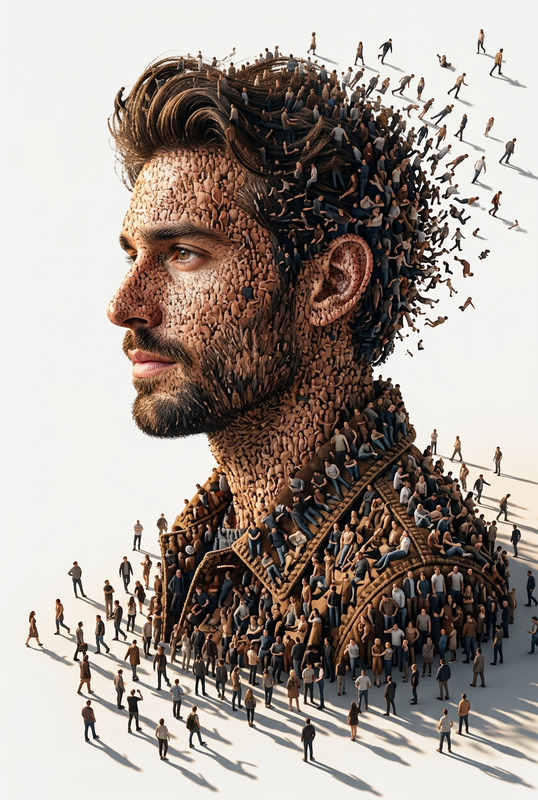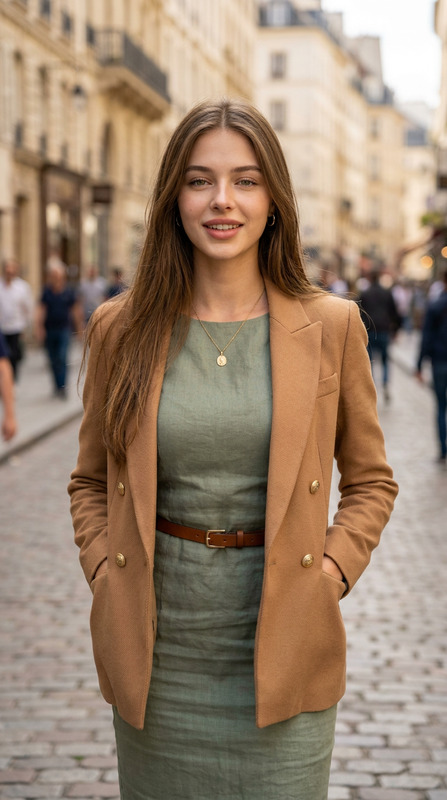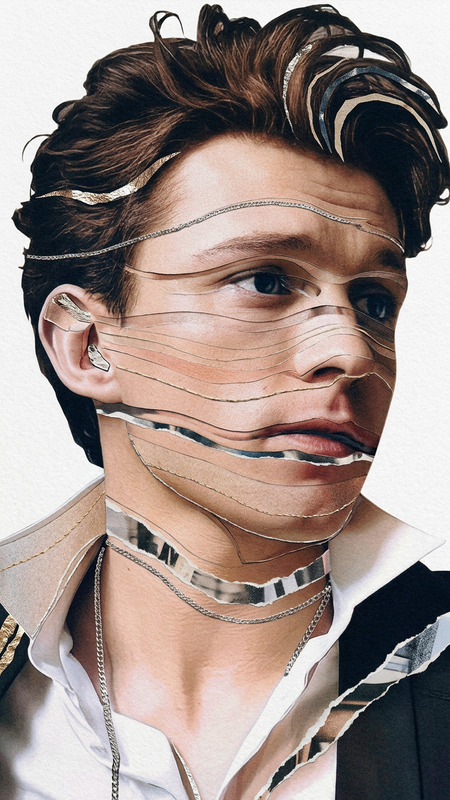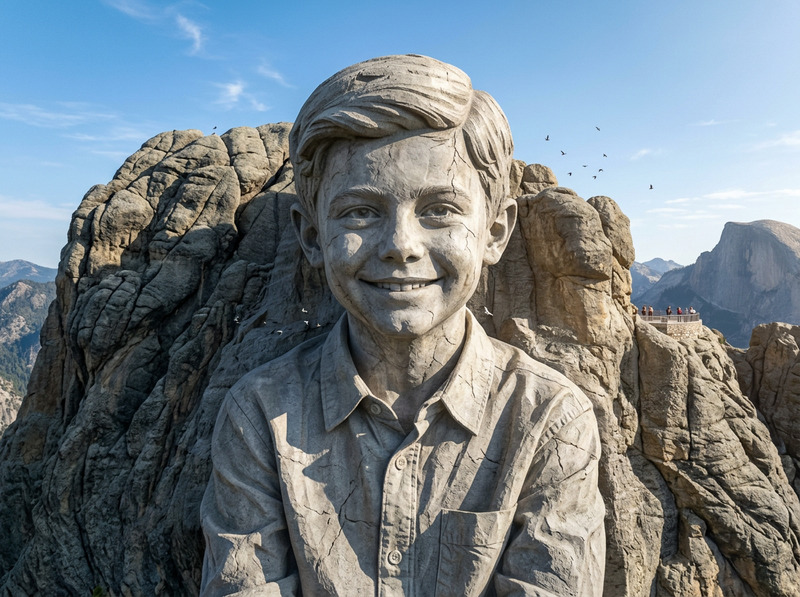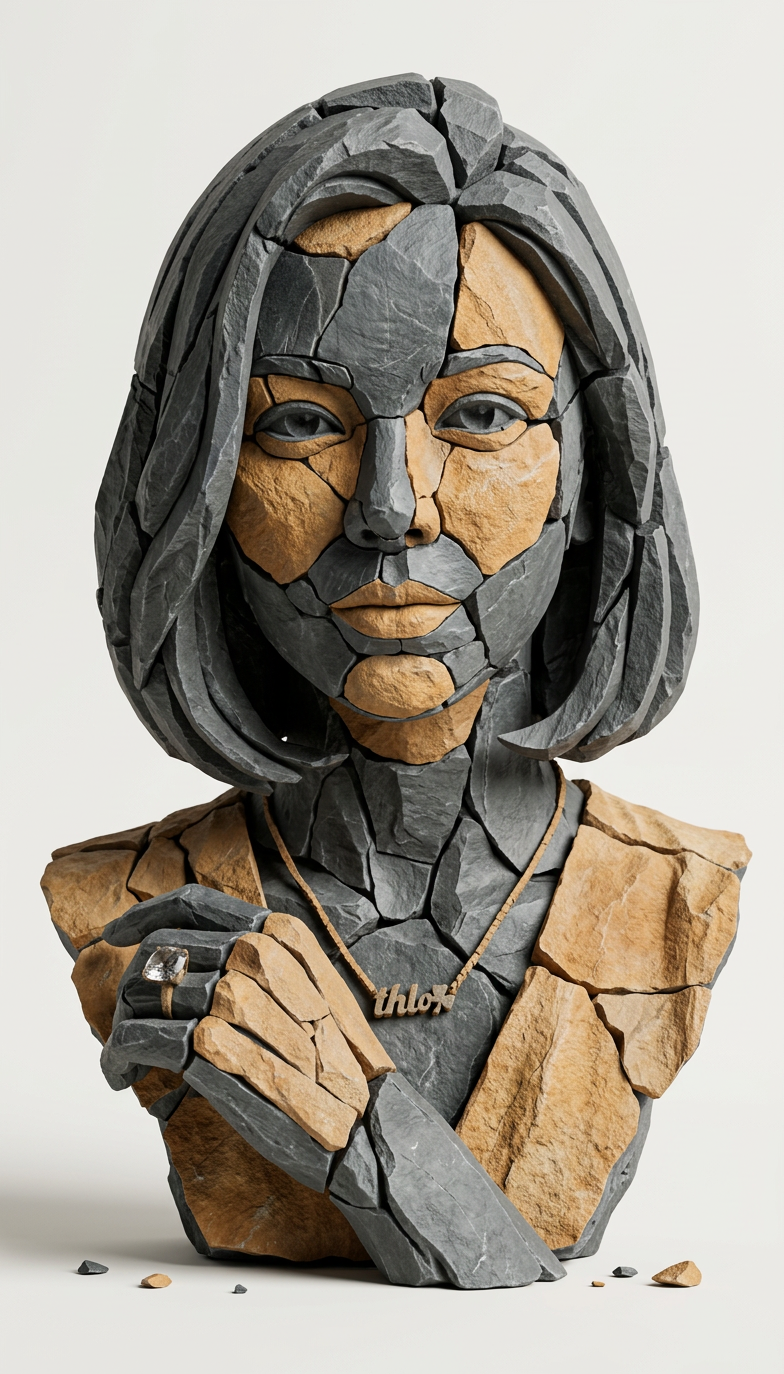
Stone Fragment Portrait
- Model
- Nano Banana 2
- Image
- 784 × 1374 px
Prompt
Create a hyper-real 3D studio composition that recreates the main subject from the provided image as a fragmented stone assemblage. The subject must be built from separate, clearly detached rock pieces with small visible gaps between shards (no pieces merging). Material look: fragmented slate + sandstone shards with chiseled edges, crisp fractures, visible stone grain, micro-scratches, and realistic roughness. Color palette: predominantly dark slate with subtle warm-ochre sandstone accents. Lighting: soft studio key light from top-left, gentle fill, subtle contact shadows under each shard, realistic ambient occlusion in crevices, clean reflections kept minimal. Background: minimal off-white seamless backdrop, no texture. Framing: centered, clean, straight-on, subject fully readable. Add a few tiny debris chips floating or resting near the base for depth. Preserve the subject’s identity, proportions, and recognizable silhouette from the input image while transforming all surfaces into stone fragments. Hyper-real, high detail, sharp focus, 8k render quality., negative prompt": text, typography, logo, watermark, signature, extra props, busy background, fog, heavy bloom, cartoon, illustration, lowpoly, plastic, metal, glossy paint, melted shapes, merged fragments, unreadable subject, blur, noise, low resolution, oversharpening halos, distorted face/body, extra limbs, deformed geometry
Any aspect ratio
Overview
The Stone Fragment Portrait template is an innovative way to transform your images into hyper-realistic 3D stone compositions. Utilizing the advanced nano-banana-2 model, this template fosters high-detail, 8k quality renders, perfect for artistic or storytelling projects. With its precise transformation of subjects into fragmented stone assemblages, it captivates viewers with its striking realism and meticulous detail.
What It Does
This AI Image Editor template converts your chosen image subject into a fragmented stone portrait. Each element, from the stone types to the lighting, is designed to produce a realistic 3D look. The primary materials include slate and sandstone shards, carefully crafted to maintain the recognizable features and proportions of the original subject. It uses a clear, off-white background to keep the focus on the subject's transformation.
If you are interested in additional creative transformations, explore our AI Image Editor for more options.
Who It's For
This template is suited for artists, designers, and creatives who aim to give a unique and high-impact aesthetic to their digital projects. Professionals in advertising or media could leverage this tool to craft unforgettable visuals. It's also ideal for anyone interested in experimenting with new styles or augmenting their creative portfolios.
For those looking to enhance their images further, the AI Image Upscaler might be a valuable resource.
Summary
The Stone Fragment Portrait template is a powerful tool for transforming image subjects into detailed stone compositions with a hyper-realistic 3D effect. Perfect for artists and creative professionals, it turns headshots or other portrait images into visually arresting stone works of art. This is achieved through the sophisticated capabilities of the AI Image Editor, emphasizing sharp detail and high-quality rendering.
How To
Choose Your Image

Customize Your Settings

Generate Your Art

Use Cases
Artistic Projects
- Portrait transformations
- Concept art enhancement
- Visual storytelling
Marketing and Media
- Advertising visuals
- Social media content
- Brand identity
Best Practices
Choose Clear Images
Select images with good lighting and clear subject definition for optimal transformation.Adjust Prompt Settings
Experiment with different prompt settings to suit your creative vision. Alter lighting hues or stone color accents to match the project's needs.Maintain Focus
Ensure that the main subject remains identifiable by maintaining a clear silhouette against the white background.