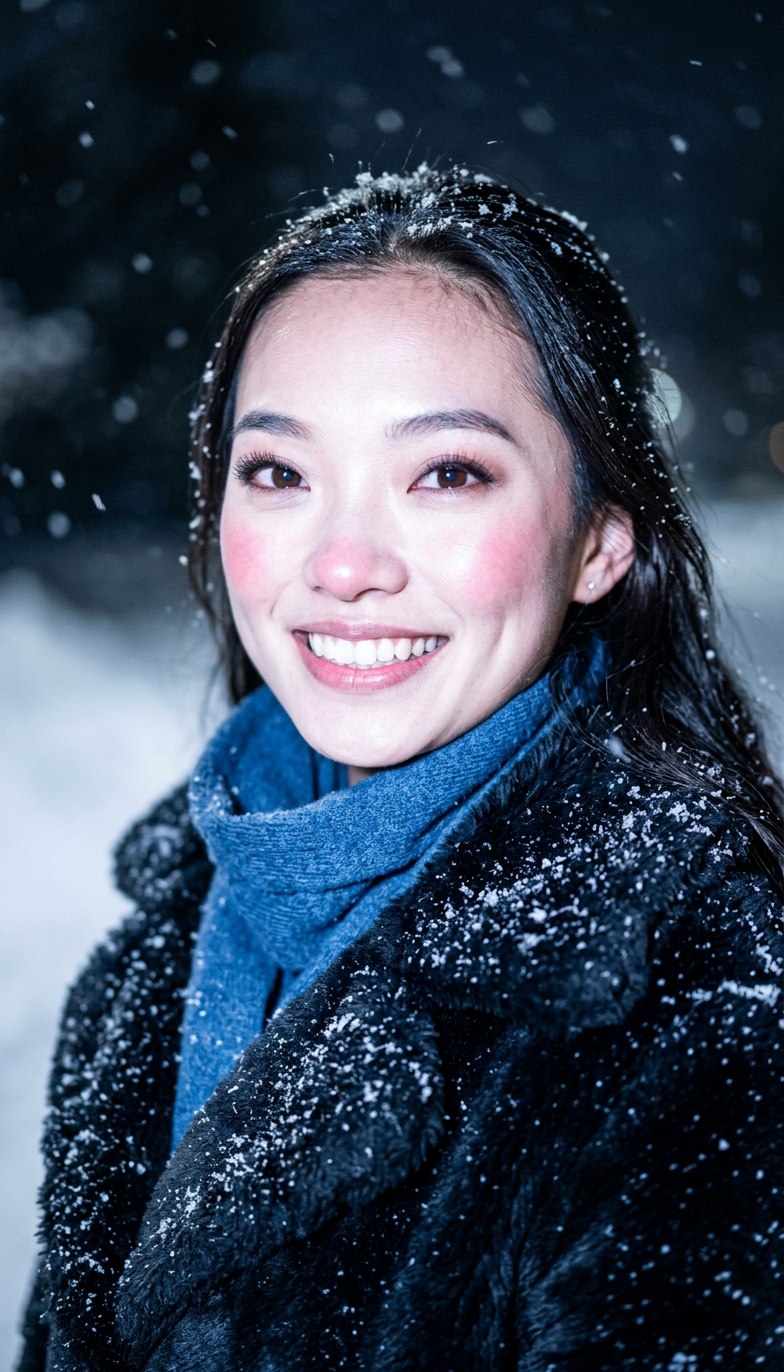
Winter Flash Snow Fur Coat
- Model
- Nano Banana 2
- Image
- 784 × 1372 px
Prompt
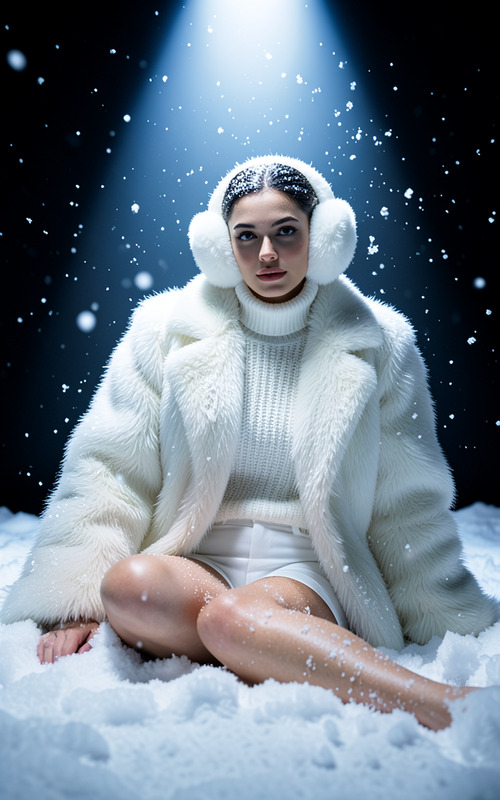
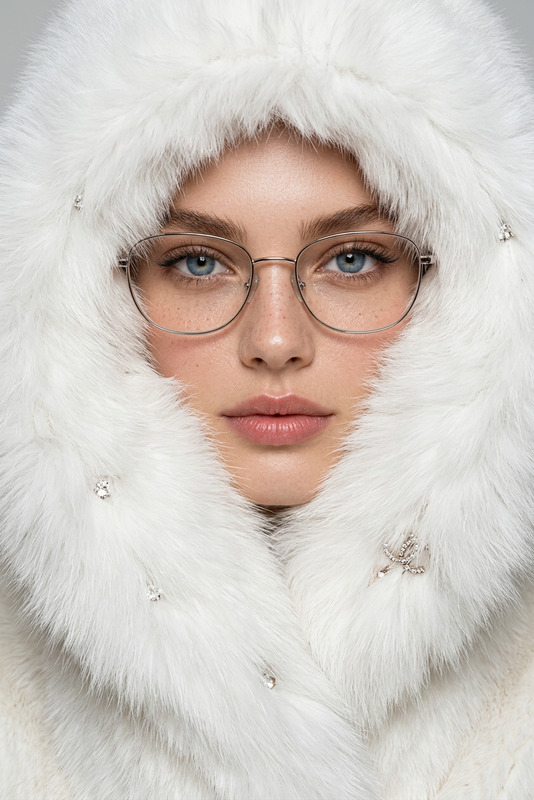
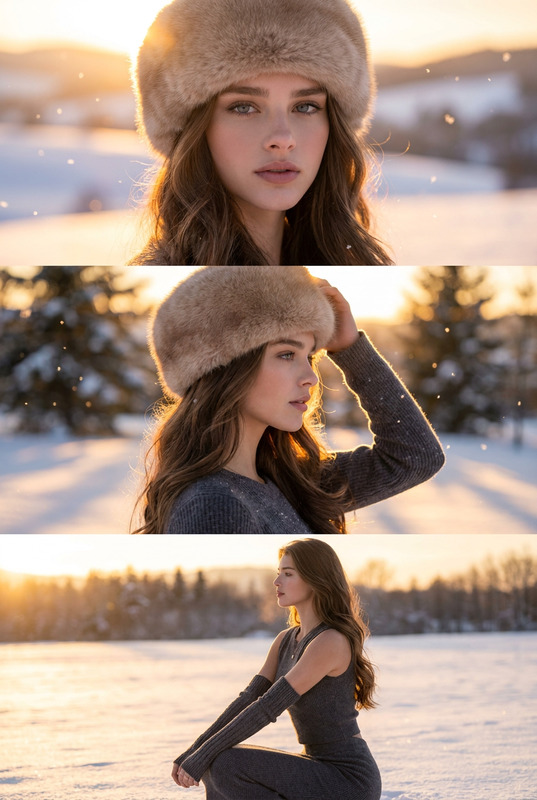
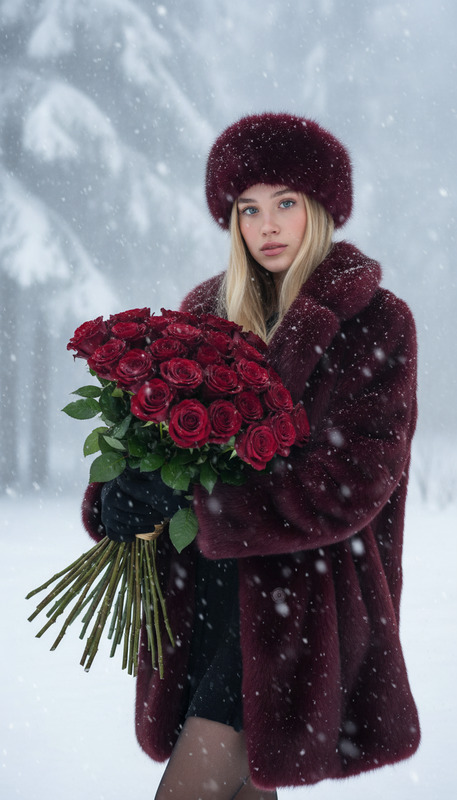
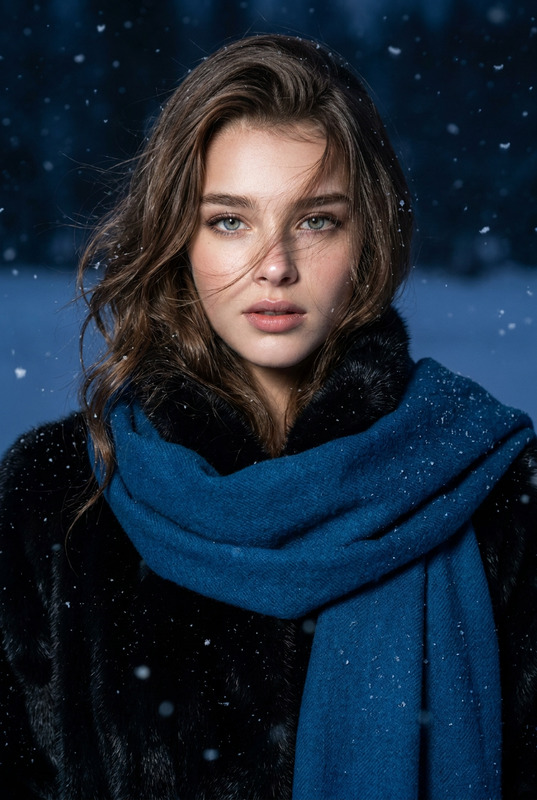
A cinematic winter fashion portrait taken outdoors at twilight, featuring a woman illuminated by a strong direct cold-tone on-camera flash. She is posed in a subtle three-quarter angle, her face turned slightly to the side, eyes looking at the camera, giving a natural and elegant look. She wears a luxurious black fur winter coat paired A woolen scarf in Klein blue wrapped around her neck, with snowflakes resting gently on the fur and shoulders. The flash light evenly illuminates her face made her skin bright white, creating an overexposed, glowing white skin tone with a soft red tint on the cheeks and nose from the cold. Fine skin texture, visible pores, and makeup details are clearly captured under the flash, emphasizing realism and high-fashion beauty. Snowflakes fall softly around her — some large and motion-blurred in the foreground, others settled delicately on her hair and clothing. The background is dark night, and softly blurred, enhancing the contrast between the illuminated face and the moody snowy scene. Style: realistic high-fashion portrait, cold flash lighting, side-facing pose, overexposed face, pale white skin with slight red cold tint, visible pores and makeup texture, black fur coat with scarf, snow resting on hair and clothing, dark cool blue background, softly blurred falling snowflakes, shallow depth of field, cinematic and professional winter night fashion photography aesthetic.
Any aspect ratio
Overview
Transform your winter photography with the Winter Flash Snow Fur Coat AI image template. Using the cutting-edge AI Image Editor powered by the nano-banana-2 model, you'll achieve stunning, high-fashion winter portraits that boast professional-quality features. This template excels in capturing cinematic fashion portraits with a particular focus on cold flash lighting and realistic textures.
What It Does
This template helps create striking, realistic portraits that capture the essence of high-fashion winter scenes. It highlights the luxurious textures of fur coats, the vivid blue of woolen scarves, and the enchanting effect of snow in various states—both falling and settled. The template emphasizes details like bright overexposed skin and cold-induced red tints, making each image pop with realism and high fashion aesthetics.
Who It's For
Ideal for fashion photographers, designers, and content creators looking to enhance their winter campaign visuals. Fashion brands can leverage this template to highlight seasonal collections, and agencies focusing on product photos to video can incorporate these high-quality visuals into multimedia campaigns.
Summary
With this template, users can fashion highly realistic and professional-grade winter portraits. The detailed flash and lighting effects make this a powerful tool for those aiming to produce cinematic visuals that emphasize texture, depth, and contrast in cold, snowy settings.
How-to Steps
Choose the Winter Flash Snow Fur Coat Template

Customize Your Fashion Shot

Generate and Download

Use Cases
Winter Fashion Collections
- Highlight textures of winter clothing
- Capture intricate skin and makeup details
- Generate promotional content for campaigns
Social Media Content Creation
- Curate visuals for seasonal posts
- Enhance brand storytelling with high-quality imagery
- Design mood boards for fashion inspiration
Best Practices
Focus on Light Details
To enhance realism, pay close attention to the lighting effects — from the overexposed glow to the red tint on the face — all affecting the mood of the portrait.Utility of Contrasts
Utilize the stark contrast between the bright face and the dark, blurred background to elevate the subject's prominence and depth.Experiment with Textures
Make full use of the template's ability to capture fine textures. Adjust the settings to emphasize the quality of different materials, like the fur coat or the woolen scarf.