Snow Angel
- Model
- Nano Banana
- Image
- 768 × 1344 px
Prompt
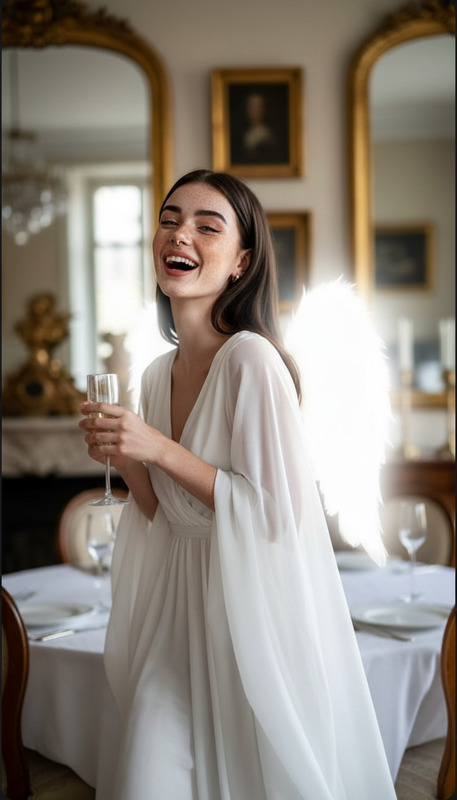
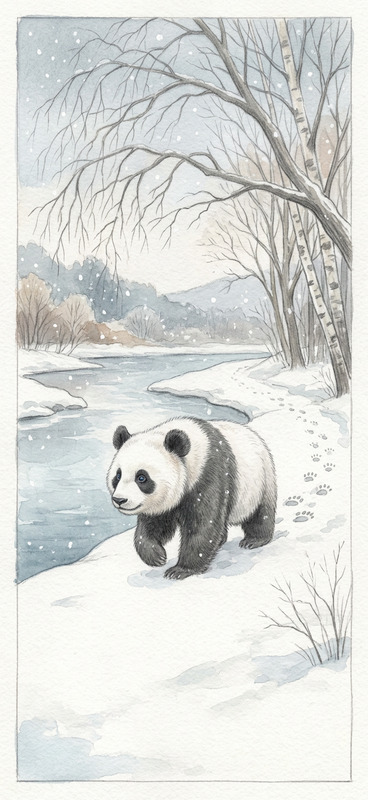
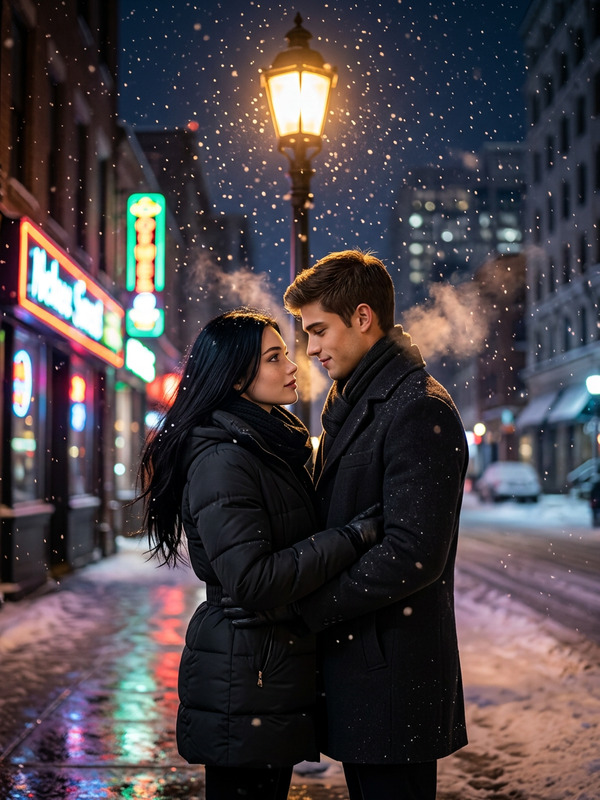
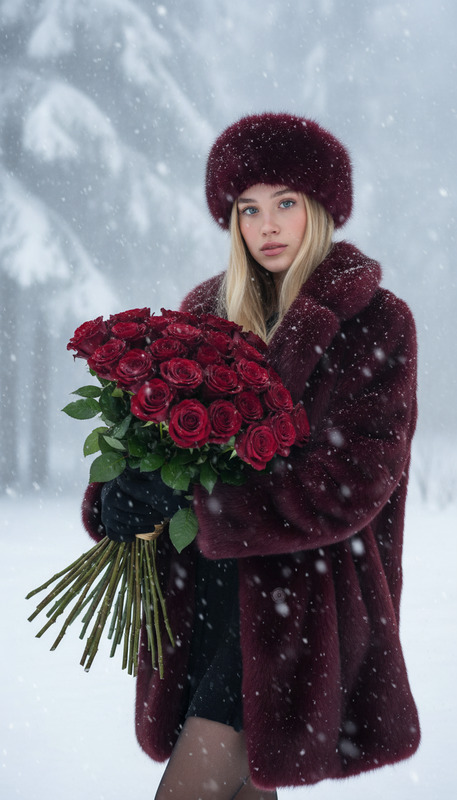
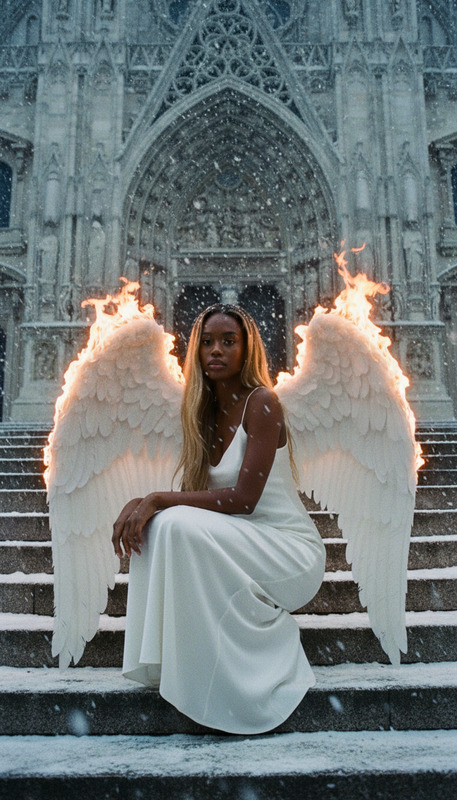
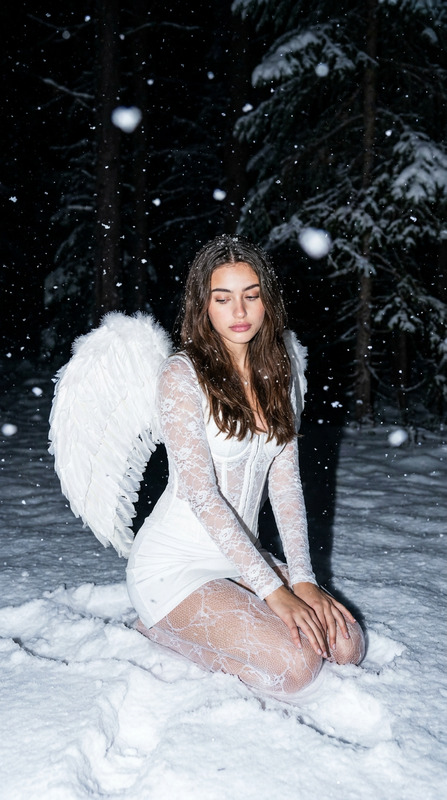
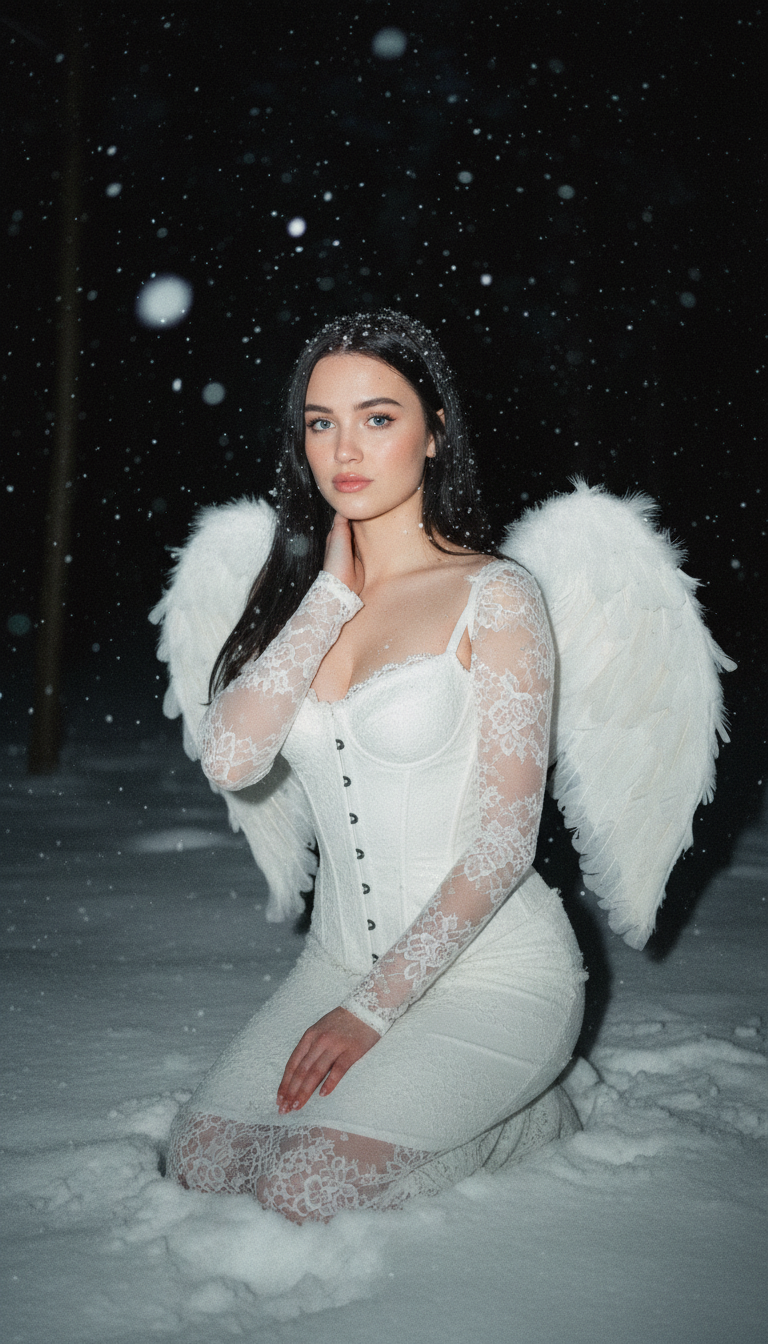
A night photo of a young woman in a snowy forest, wearing a pure white lace corset dress with sheer lace sleeves. She has large white angel wings with detailed feather texture. Her long dark hair falls naturally, with snowflakes scattered on it. She kneels gently in the snow, one hand lightly touching her neck, maintaining a serene, fragile expression. The scene is softly lit by weak direct flash, creating subtle highlights and shadows, with visible motion blur of falling snowflakes. The background fades into darkness, with grain and noise capturing the raw, unedited atmosphere.
Any aspect ratio
Overview
Create ethereal imagery with the Snow Angel template, part of our AI Image Editor suite. Designed with the nano-banana model, this template crafts magical winter scenes with exquisite detail. Perfect for showcasing serene, angelic beauty, these compositions evoke a sense of wonder and calm.
What It Does
The Snow Angel template transforms your uploaded image into a captivating winter narrative. By focusing on intricate details such as feather textures and snowflake motion blur, the template builds a serene night scene with an angelic figure at its center. The AI Image Generator uses advanced algorithms to maintain the purity of whites and the natural flow of hair, enhancing every detail to mimic a delicate, softly lit environment.
Who It's For
This template is ideal for photographers, content creators, and social media influencers who want to add a touch of magic to their portfolios. Anyone aiming to produce artistic winter scenes with mythological elements will find this tool especially useful. The balance of technical detail and atmospheric effects in this template is perfect for those focusing on storyboarding or creating visually rich mood boards.
Summary
With the Snow Angel template, your images gain a layer of mystical charm. From the fine grain and motion blur to the serene compositions, every photo becomes a window into a snow-capped fantasy world. The structure is influenced by the nano-banana technology, ensuring a seamless blend of light and shadow for a subtle, yet impactful visual impression.
How To

Customize

Generate

Use Cases
Fantasy Photography
- Elegant winter backdrops
- Mythical elements captured with detail
- Ideal for gallery displays or personal portfolios
Social Media Content
- Perfect for Instagram aesthetics
- Engaging and imaginative imagery
- Attracts viewers' attention and engagement
Mood Boards & Storyboarding
- Inspiration for creative projects
- Effective in planning thematic shoots
- Expresses abstract ideas visually
Best Practices
Focus on Details
The beauty of the Snow Angel lies in the details. Ensure your original image is high-resolution to take full advantage of the fine textures and lighting effects.Experiment with Lighting
Try adjusting the light intensity in your prompt to see how it affects shadows and highlights. This can vastly change the mood of your snow scene.Complement with Other Tools
Combine your images with other tools like the AI Image Upscaler for detailed enhancements, or the AI Photo Relighting for dynamic light adjustments.