AI Image Editor · ED7BCCB9-6BC4-4F7E-A2D1-E9E2F2
- Model
- Nano Banana 2
- Image
- 843 × 1264 px
Prompt
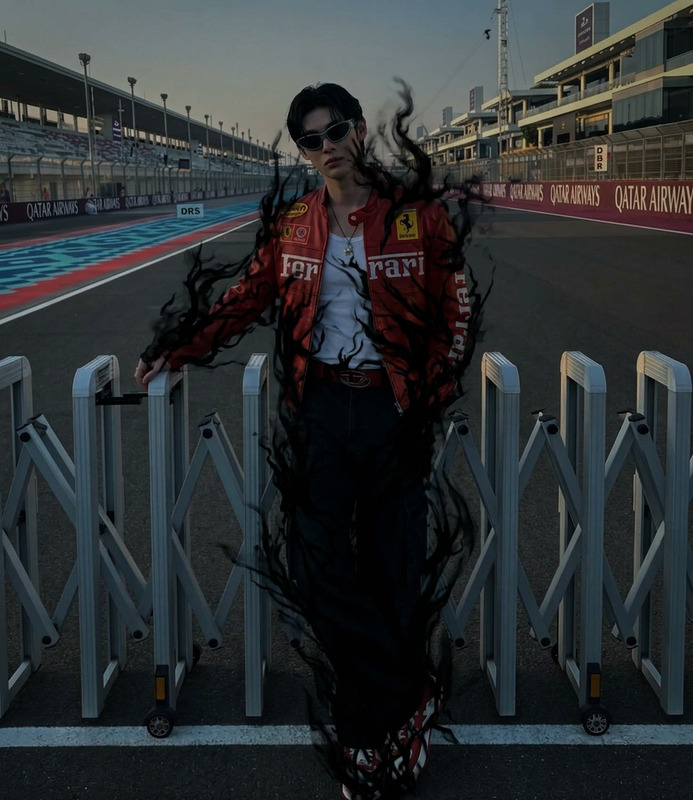
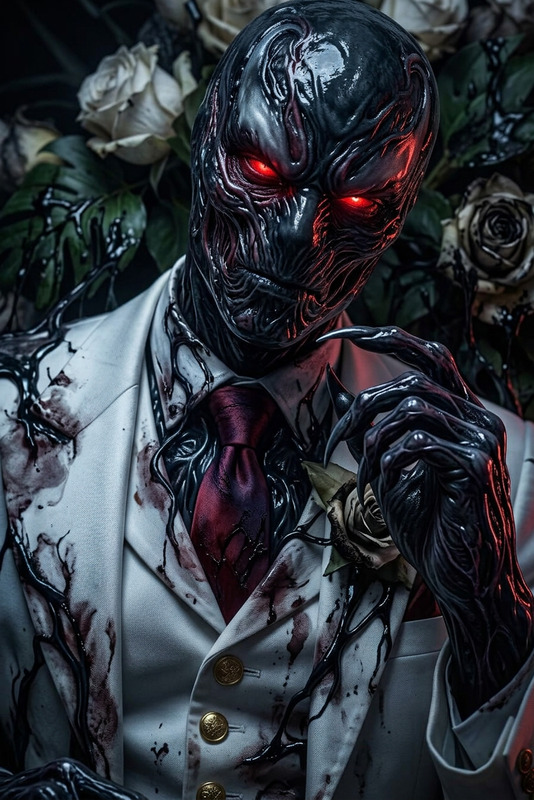
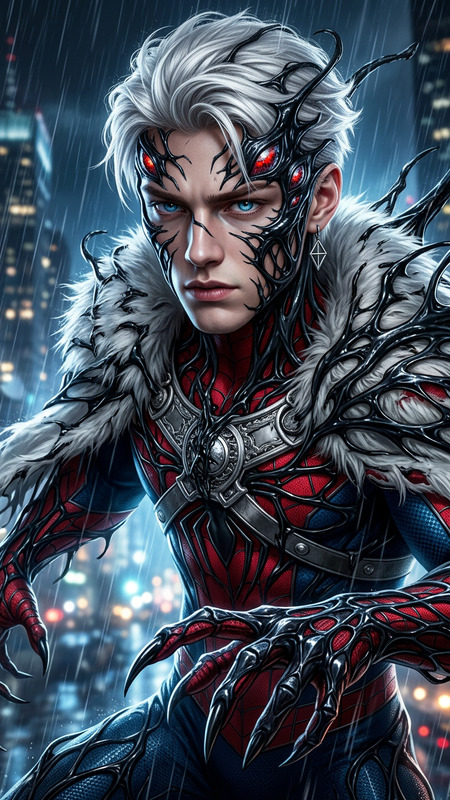
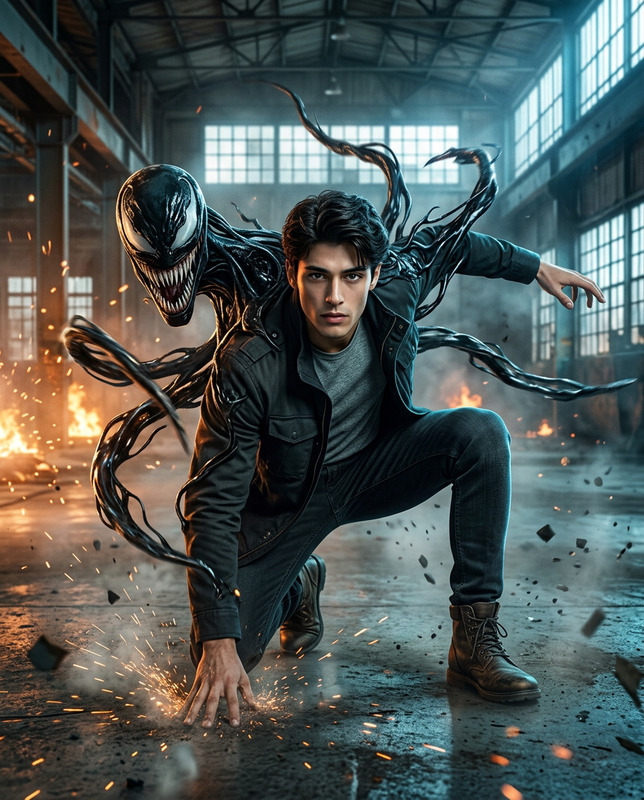
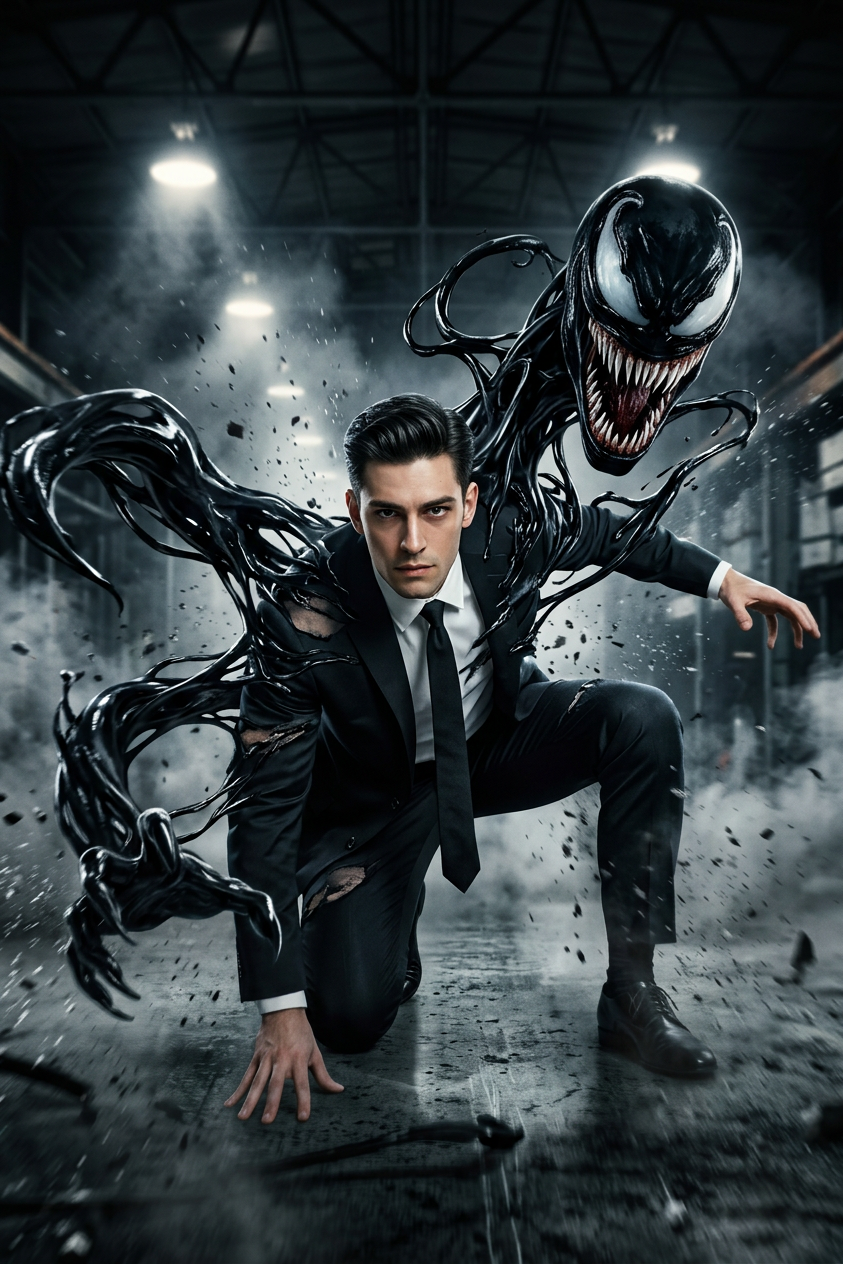
16K ultra-realistic cinematic movie scene of a subject (use the uploaded reference image for facial likeness, preserving natural proportions and identity consistency). The subject is in a dynamic action pose—slightly crouched forward as if about to leap or attack, one knee bent, one hand pressed firmly against the ground, the other reaching outward with force and tension. From the subject’s back, a Venom-like symbiote entity erupts violently—forming massive, fluid tendrils and a menacing monstrous face rising over the shoulder. The symbiote appears glossy, organic, and alive, with sharp teeth, stretching textures, and aggressive motion. Environment: dark industrial warehouse filled with mist, drifting smoke, and scattered debris. Harsh light beams cut through the fog, creating dramatic volumetric lighting. Camera: low-angle, slightly tilted for intensity and cinematic impact. Lighting & effects: warm highlights contrasting with deep shadows, motion blur on the tendrils, subtle lens flares, and fine film grain for a Hollywood action-poster aesthetic. Ultra-detailed textures, high contrast, photorealistic rendering, epic scale, blockbuster cinematic style.
Any aspect ratio
Overview
Dive into the world of cinematic action with our AI Image Editor powered by the nano-banana-2 model. This template enables creators to craft ultra-realistic scenes with complex dynamics and detailed textures. Integrate your subject into a high-intensity environment that evokes a Hollywood action film aesthetic. Capture every intricate detail with low-angle camera shots, dramatic lighting, and photorealistic rendering.
What It Does
The AI Image Editor harnesses cutting-edge technology allowing you to manipulate images with unparalleled precision. Transform any uploaded reference into a dynamic action scene. Through features like advanced texture rendering and realistic motion blur, the tool takes your images to another level. To explore more, visit our AI Image Editor page for additional capabilities.
Who It's For
This tool is perfect for digital artists, filmmakers, and content creators looking to produce cinematic imagery swiftly. Whether you're crafting a movie poster, a promo shot, or simply expanding your portfolio with action-packed scenes, this editor provides the professionalism expected in the industry. Additionally, see AI Image Generator for more image creation options that might complement your work.
Summary
Our AI Image Editor is tailored for those seeking to create and elevate cinematic visuals. Powered by the nano-banana-2 model, it delivers high detail, realistic lighting, and dynamic action visualizations. Visit AI Video Generator if you're also interested in video solutions or want to combine your images into storytelling pieces.
How To
Choose Your Template

Customize the Scene

Generate and Download

Use Cases
Action Movie Posters
- Epic action scenes
- Detailed textures
- High-contrast imagery
Game Concept Art
- Character highlights
- Symbiotic creatures
- Interactive environments
Promotional Materials
- Striking visuals
- Detailed composition
- Professional-grade aesthetic
Best Practices
Optimize Reference Images
Ensure your reference images are of high quality to maintain realism in the final output.Leverage Lighting Effects
Position your light sources strategically to enhance drama and depth in the scene.Consider Composition
Use compositional techniques like the rule of thirds to direct viewer attention effectively.