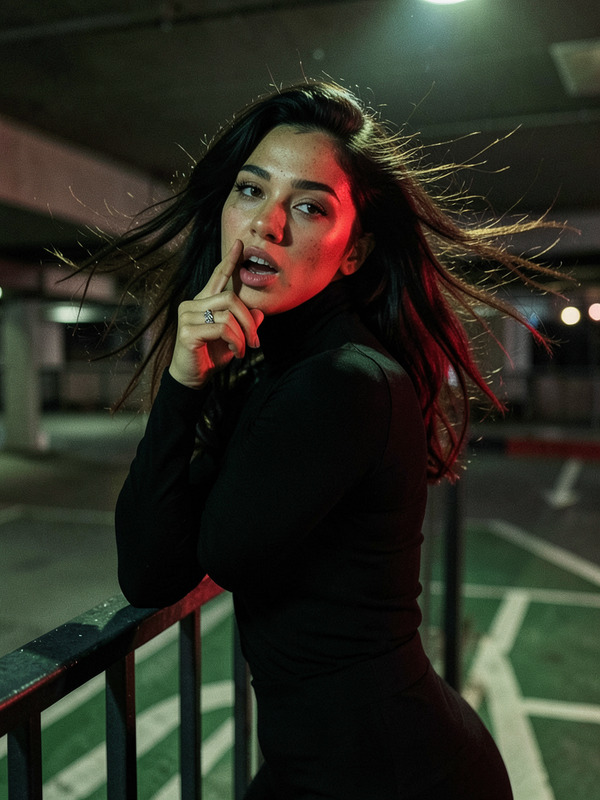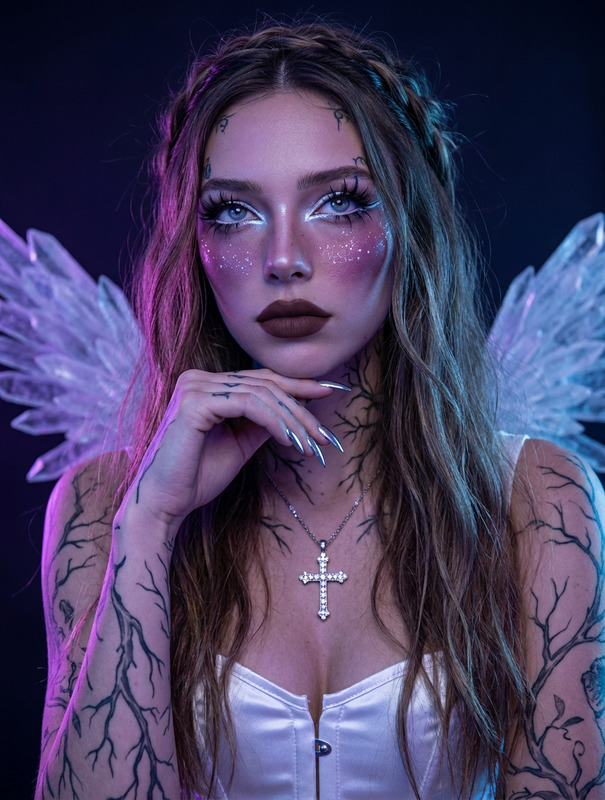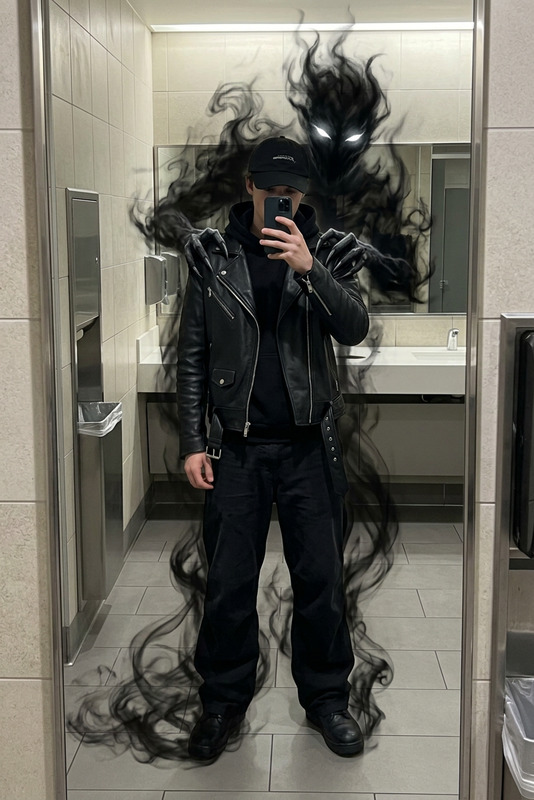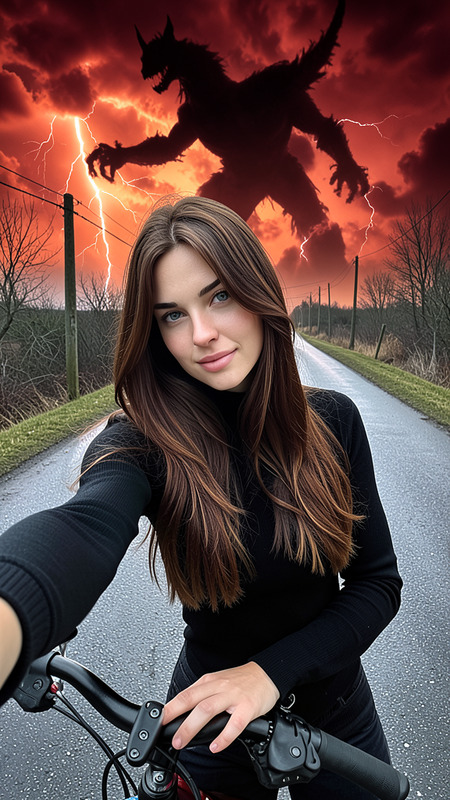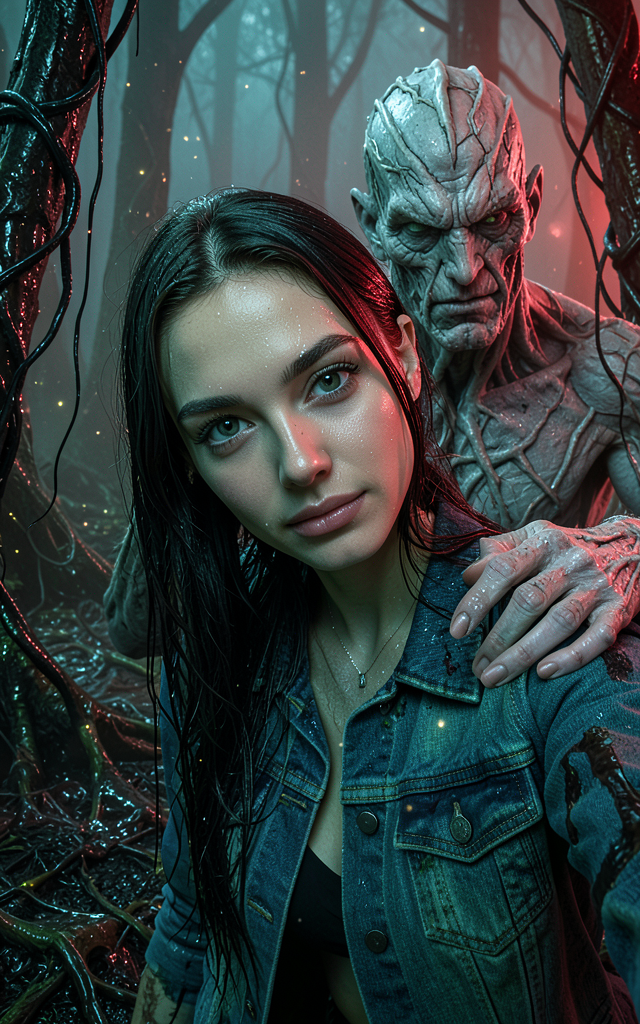
Selfie with Vecna
- Model
- Flux 2 Klein
- Image
- 640 × 1024 px
Prompt
A hyperrealistic cinematic extreme close-up selfie scene inside the Upside Down, featuring the woman from the reference photo with her expression unchanged, fully in focus, subtly leaning toward the camera. Vecna, in his canonical original design, is just behind her, his pale gray, fibrous, and cracked skin with root-like veins visible, one hand nearly touching her shoulder and the other reaching toward her forearm, fingers spread in a tense moment before the grab. The setting is a dark, warped Upside Down forest with glossy, damp bark covered in slick black vines and organic growths, and the ground is layered with dark decayed textures and membranes. The atmosphere is dense with drifting spores and ash-like glowing particles under a soft red ambient glow, with subdued cold reflections in green and blue undertones, creating a moist, foggy, and eerie environment. The woman's hair and denim jacket show a thin damp sheen reflecting subtle red highlights, maintaining photorealistic textures and lighting consistent across the scene.
Any aspect ratio
Overview
Step into the chilling world of the Upside Down with the "Selfie with Vecna" template. Designed with the flux-2-klein model, this template allows you to create a hyperrealistic image that places you at the heart of a cinematic scene. Capture the eerie atmosphere of this iconic setting, complete with photorealistic details and lighting.
What It Does
This AI Image Editor template uses advanced compositing to seamlessly integrate your reference photo into a scene with Vecna. It's a powerful tool for creating images that merge personal photos with fantasy elements, maintaining the original expression and focus of the subject while placing them in an immersive, detailed environment.
Who It's For
Ideal for fans of suspenseful storytelling, digital artists, and content creators who want to experiment with fantasy photography. It's especially suited for those familiar with AI Image Editor tools looking to expand their creative horizons by blending reality with fiction.
Summary
With the "Selfie with Vecna" template, you can produce stunning, cinematic images that captivate audiences. This tool lets you delve into fantasy worlds while retaining the photorealism and detail quality, perfect for enhancing portfolios or social media content. Explore other transformations with Face Swap or even transform videos with our Image to Video tools.
How To
Choose Template

Customize Your Input

Generate Image

Use Cases
Fantasy Photography
- Create captivating photomanipulated art
- Integrate well-known characters into personal photos
Social Media Content
- Post dynamic images to wow your audience
- Launch themed photo challenges
Storytelling Content
- Illustrate scenes from books or scripts
- Visualize character interactions in immersive settings
Best Practices
Select a Quality Reference Photo
Choose a clear, well-lit image to ensure a high-quality final product. Pay attention to facial expressions and positioning.Tweak Prompt Details
Adjust the prompt for specific lighting or environmental effects to match your creative vision and maintain consistency.Review Detailed Elements
Check the integration of elements like lighting, focus, and proximity to ensure realism in the final output.