Black Boots
- Model
- Flux 2 Klein
- Image
- 704 × 1024 px
Prompt
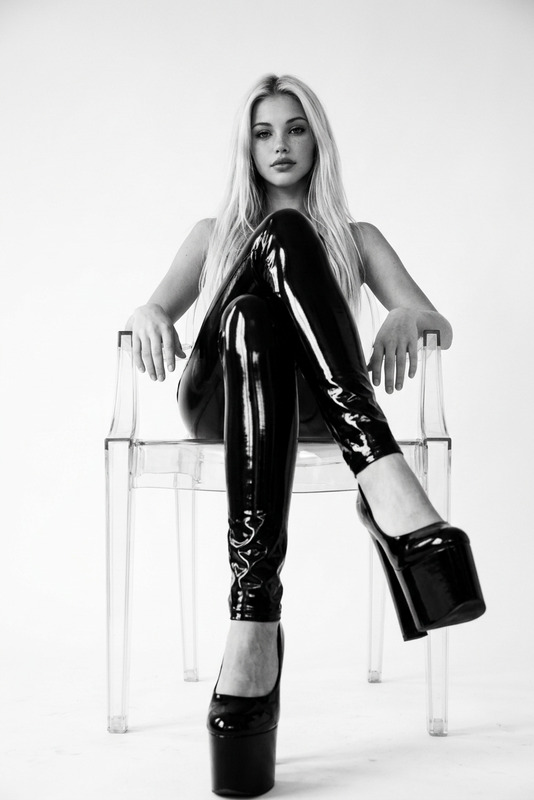
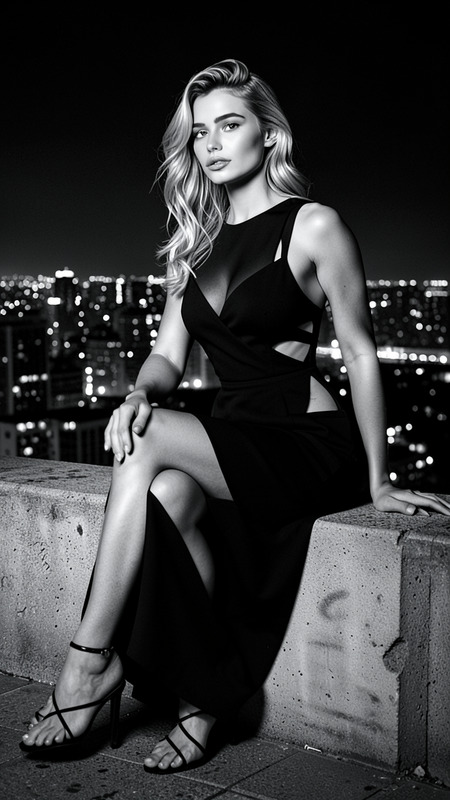
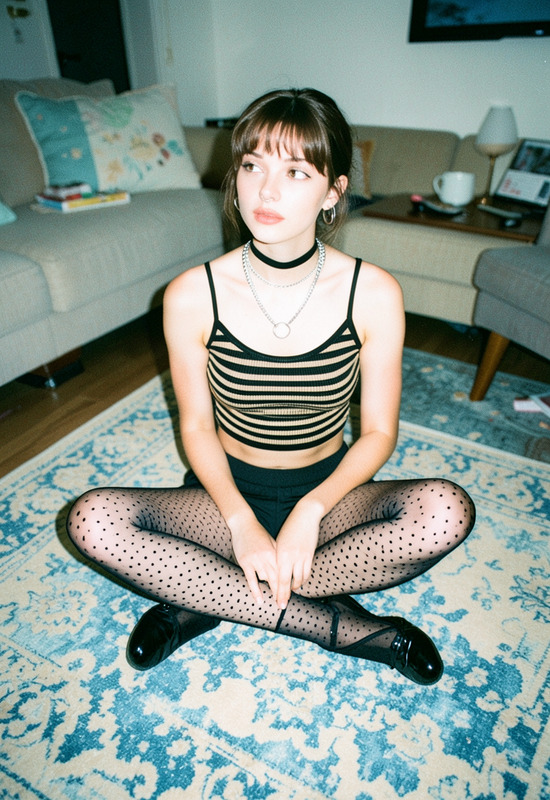
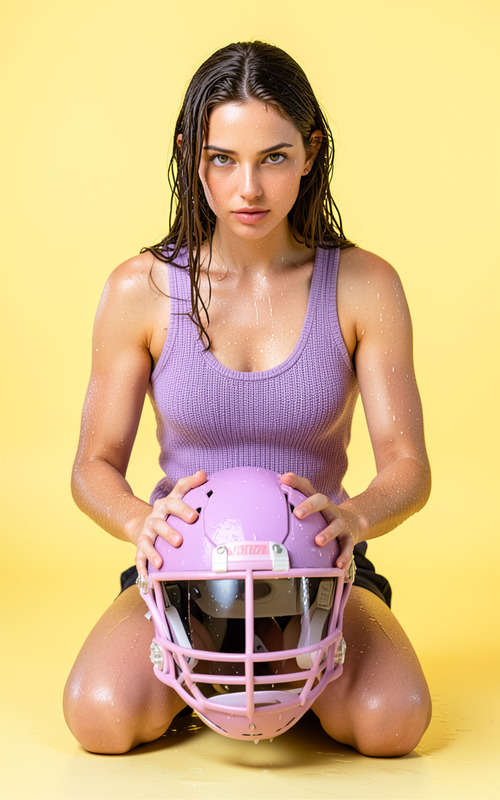
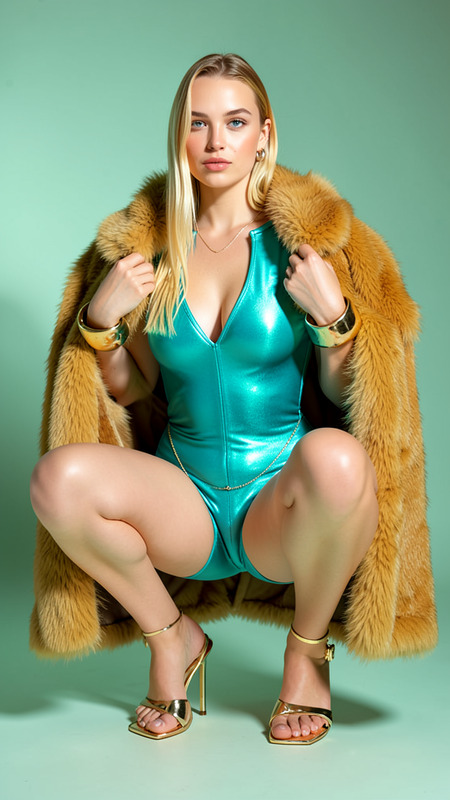
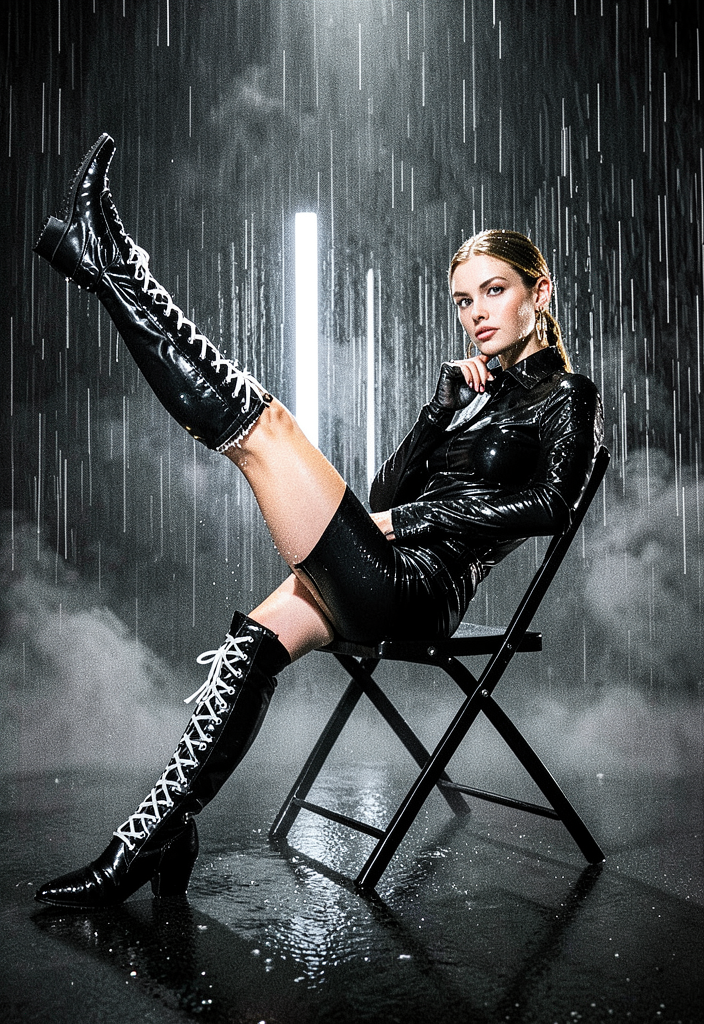
frames the character strikes bold editorial poses on a black metal folding chair — one leg raised high on a diagonal, a dramatic asymmetrical kneel with an extended pointed toe, and a reclining over-the-chair lean with a hand under the chin. They wear a glossy black leather and latex outfit with a slick wet sheen and striking white lace-up over-the-knee boots, set against dense vertical rain, swirling fog and a dark reflective floor. A Rembrandt key light and vertical white-silver backlights make every rain droplet and hair strand glow, finished with film grain and controlled cinematic blacks.
Any aspect ratio
Overview
The Black Boots template in our AI Image Editor collection is crafted for creating dramatic and editorial imagery with striking details. Designed using the flux-2-klein model, this template encapsulates bold fashion and atmospheric composition set against a cinematic backdrop.
What It Does
This template transforms an image by adding a dynamic fashion-forward pose set against a moody and reflective environment. Your subject will strike editorial poses on a black metal chair, dressed in a glossy outfit accented with distinctive white lace-up boots, all while enveloped in rain and fog effects. Perfect for adding sophistication and depth to fashion or art photography projects, this template uses Rembrandt and backlighting techniques along with film grain for a professional finish.
Who It's For
Whether you're a fashion photographer seeking to elevate your portfolio, a digital artist working in dynamic visual compositions, or a content creator in need of high-impact imagery, this template delivers. Ideal for professionals and hobbyists aiming to create compelling visuals with ease, the Black Boots template fits seamlessly into the toolkit of anyone interested in high-fashion and editorial photography setups.
Summary
Maximize the impact of your visuals by utilizing the Black Boots template, part of our AI Image Editor suite. With its rich details and dynamic lighting, it's designed to bolster your creative projects with ease. Whether using this for fashion campaigns or dramatic storytelling, the template ensures each image resonates with viewers.
How To
Choose Your Template

Customize Your Inputs

Generate Your Image

Use Cases
Fashion Lookbooks
- Enhanced imagery for fashion brands
- Dynamic, high-quality photos
Digital Art Projects
- Striking visual storytelling
- Rich, textured layers
Social Media Content
- Elevated Instagram posts
- Engaging TikTok visual themes
Best Practices
Focus on Lighting
Utilize the key and backlighting features of this template to add depth and drama to your image. This is crucial for achieving the cinematic look that sets your work apart.Experiment with Angles
Don't hesitate to adjust the angles and poses for each shot to find the perfect composition for your subject's features.Leverage Texture
Make use of the glossy and textured clothing options to create a sense of movement and interest within the frame.